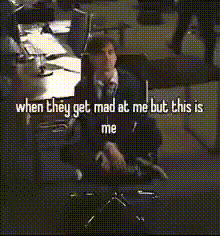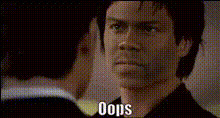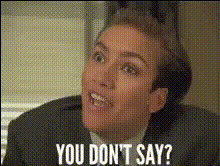
Jim Halpert Meme Template
Overview
Step into the world of office antics with the Jim Halpert Meme Template. This Video Face Swap tool lets you put your own spin on the beloved character from "The Office," injecting humor and creativity into your content.
What It Does
The template uses advanced face swap technology to replace Jim Halpert’s face in classic meme scenarios with any image you choose. Perfect for creating viral memes or personalized messages, this tool offers endless possibilities. Whether for laughs or for a unique promotional piece, this template keeps audiences engaged.
Pair it with our AI GIF Generator to create short, looping animations that amplify humor or brand messaging.
Who It's For
Ideal for social media managers, meme enthusiasts, and marketers looking to capitalize on pop culture references. If you're in the business of creating content that catches eyes and draws engagement, this template is your go-to. Also suitable for educators wanting to add a touch of humor to presentations.
Combine this with our AI Meme Generator to streamline your creative process, enhancing both speed and quality.
Summary
The Jim Halpert Meme Template provides a quick and effective way to create engaging and humorous content. Using cutting-edge video face swap technology, it offers a playful yet powerful means to transform your videos.
Enhance your projects further by exploring our Video Face Swap product, which offers more versatility in content creation.
How To
Choose the Template

Customize Your Inputs

Generate the Video

Use Cases
Viral Marketing Campaigns
- Create shareable content that spreads quickly.
- Utilize for launching new products with a humorous twist.
Social Media Engagement
- Increase likes, comments, and shares.
- Convert viewers into brand advocates through humor.
Educational Content
- Make educational sessions memorable.
- Facilitate learning through engaging visuals.
Best Practices
Select High-Quality Images
Ensure the images you upload are of high resolution to maintain clarity and quality in the final output.Stay Culturally Relevant
Build your memes around current events or popular themes to ensure they resonate with the audience.Test Different Scenarios
Experiment with various scenarios in the template to find the combinations that work best for your message.