Jim Carreys The Mask
Overview
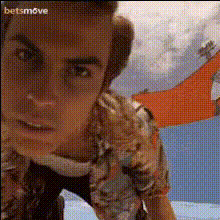
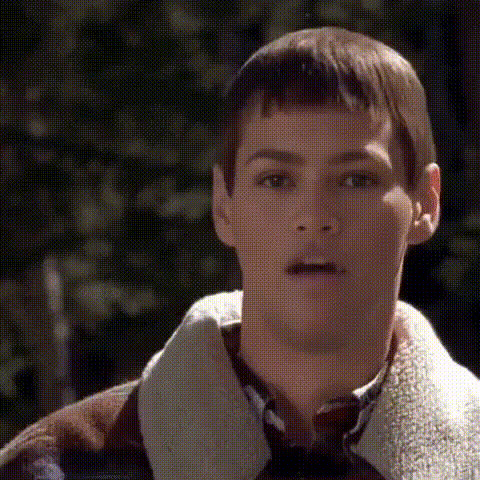
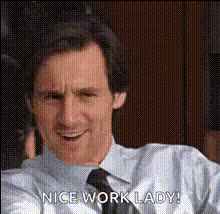
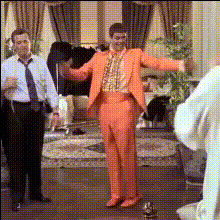
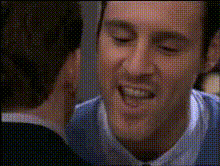
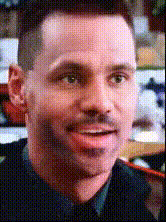
Experience a cinematic face swap transformation with the Jim Carrey's The Mask video template. Swap faces effortlessly in your videos to embody the iconic character, perfect for entertaining memes and light-hearted content.
What It Does
This template allows you to replace any face in your video with Jim Carrey's character from "The Mask," offering a unique transformation. By using advanced face swap technology, your videos will feature seamless integration, making it ideal for creating viral content.
For a broader range of transformation tools, explore our Video Face Swap and Face Swap products.
Who It's For
This template is designed for content creators, meme enthusiasts, and social media influencers who want to inject fun into their videos. It's also great for agencies looking to spice up marketing campaigns with humorous clips using the recognizable face of The Mask.
Professionals in media production can also benefit from our AI Video Generator for more dynamic video creation options.
Summary
The Jim Carrey's The Mask video face swap template turns your video projects into unique, entertaining experiences. Whether for a personal project or client content, this tool simplifies the process, making high-quality face swaps accessible to everyone.
Pair it with our AI GIF Generator for even more creative potential.
How To
Choose Template

Customize Inputs

Generate Video

Use Cases
Social Media Content
- Eye-catching memes
- User-generated content
- Brand engagement
Marketing Campaigns
- Increasing engagement
- Viral marketing
- Creative storytelling
Personal Fun
- Birthday surprises
- Party highlights
- Pranking friends
Best Practices
Select Clear Footage
Ensure that the videos used have clear and unobstructed views of the faces for optimal swapping results.Experiment with Angles
Try swapping faces from different angles to see how the template adapts to various scenarios, enhancing creativity.Combine Tools
Explore complementary tools like the AI Image Generator for static transformations or AI Talking Photo for added animation.