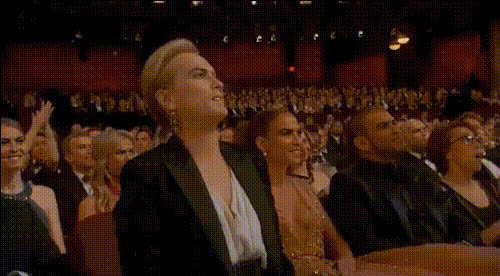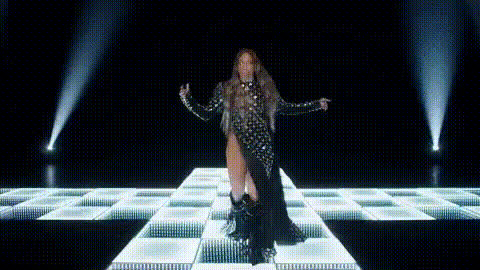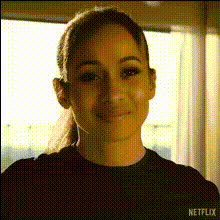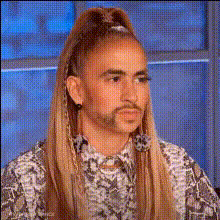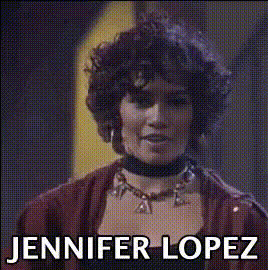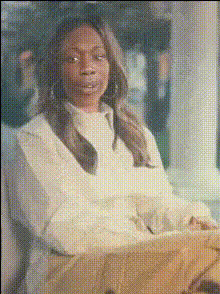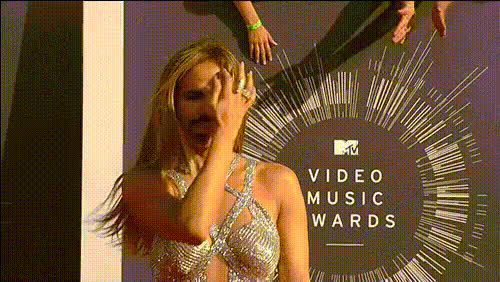
Jennifer Lopez Smiling At Mic
Overview
The "Jennifer Lopez Smiling At Mic" template offers a creative Video Face Swap opportunity, perfect for adding a humorous or entertaining twist to any video. This template features the iconic look of Jennifer Lopez smiling at a microphone, allowing users to swap her face into their own footage. It's a great way to experiment and create engaging content without needing advanced editing skills.
What It Does
This Video Face Swap template allows you to swap the face of a subject in your video scene with that of Jennifer Lopez, captured in a classic, smiling pose at the mic. It's an excellent choice for those looking to create entertainment-focused content or viral videos on social media platforms.
By incorporating advanced face recognition technology, the template ensures a realistic and seamless swap, blending facial features naturally with your existing video. Pair it with tools like the Image to Video converter to integrate still images into dynamic scenes.
Who It's For
This template is perfect for content creators, comedians, and social media influencers aiming to add a touch of celebrity glamour to their projects. Whether you're making viral clips for platforms like TikTok or creating a funny skit for your YouTube channel, this tool is ideal for enhancing entertainment value and engaging your audience.
If you're new to video editing, combining this template with the AI Video Generator can simplify your workflow.
Summary
The "Jennifer Lopez Smiling At Mic" template is an accessible entry point into the world of Video Face Swaps. Designed for ease and fun, it helps creators of all levels produce standout, shareable content. Whether your aim is humor, art, or storytelling, this template offers a unique way to add personality to your videos.
For comprehensive editing, you might also consider the capabilities of our AI Face Editor to further tailor your project.
How-To
Choose Your Template

Customize Your Input

Generate and Download

Use Cases
Social Media Clips
- Perfect for TikTok and Instagram Reels
- Enhance user-generated content
Entertainment Edits
- Use in comedy sketches
- Add celebrity flair to personal videos
Marketing and Promotions
- Stand out in video ads
- Create meme-worthy content
Best Practices
Choose High-Resolution Footage
Ensure that the source video is high resolution for a more convincing face swap result.Clear Facial Features
The clearer the subject’s face, the better the swap outcome. Select segments where the face is not obstructed for optimal effect.Match Lighting Conditions
Try to use footage with similar lighting to the original template for a seamless blend.