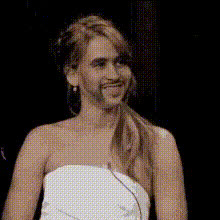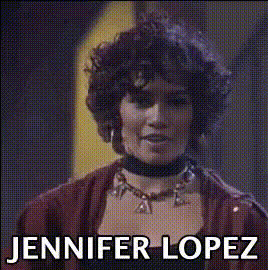
Jennifer Lopez Smiling 3
Overview
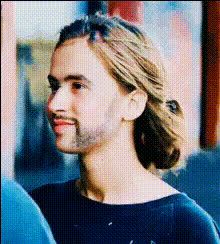
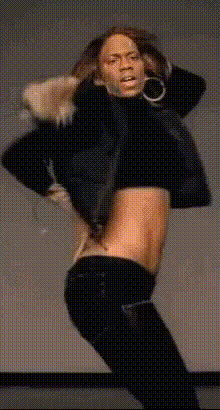
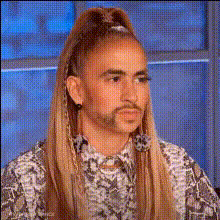
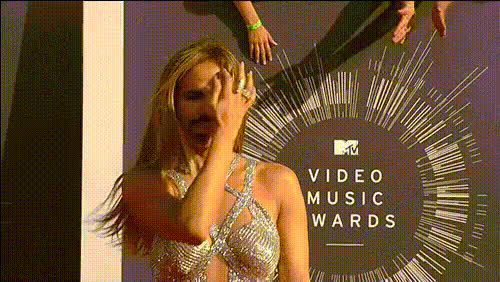
The Jennifer Lopez Smiling 3 video face swap template lets you create captivating videos by merging your visage with the world-famous singer and actress Jennifer Lopez. Leverage this template to inject a dose of Hollywood glamour into your media content.
What It Does
This template specializes in Video Face Swap transformations. It swaps your facial features onto Jennifer Lopez in video format, retaining her charismatic smile. Perfect for producing stunning and shareable media that aligns with popular culture.
Who It's For
Content creators, social media influencers, and fans of Jennifer Lopez will find this tool indispensable. Whether you're crafting a viral TikTok video or a fun personal clip for friends and family, this face swap template elevates your creativity.
Summary
With the Jennifer Lopez Smiling 3 template, create immersive and entertaining video content by integrating your face into Jennifer Lopez's persona. Share stunning results across platforms with options to further edit using our AI Video Generator or AI Image Editor.
How-To
Choose Your Template

Customize Your Input

Generate and Download

Use Cases
Social Media Engagement
- Create trending videos using celebrity face swaps.
- Engage followers with fun and interactive content.
Marketing and Promotion
- Appeal to fans of Jennifer Lopez with themed ads.
- Add character to promotional material.
Creative Movie Edits
- Integrate into short films featuring pop culture.
- Create humorous content for entertainment shows.
Best Practices
High-Quality Inputs
Ensure the video or image you upload is of high quality to achieve a more realistic swap.Lighting Matters
Good lighting on your original input can greatly enhance the final output's realism.Experiment with Angles
Try different angles for your face input to find the most flattering and realistic result.