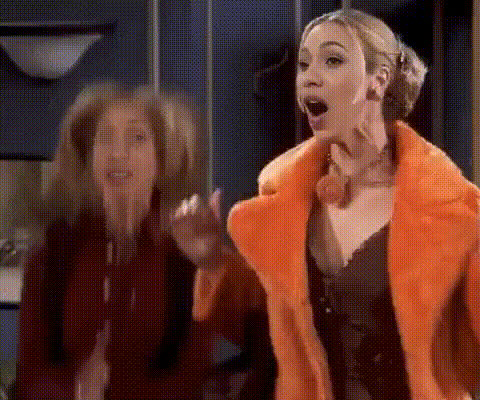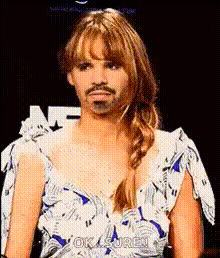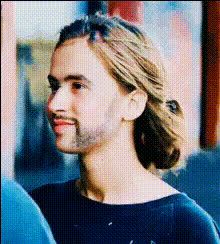
Jennifer Aniston As Rachel Green
Overview
Step into the iconic role of Rachel Green with our specialized Video Face Swap template featuring Jennifer Aniston. Ideal for fans of the show "Friends" and creators looking for a unique twist on their content, this template allows you to transform your facial features to resemble Rachel Green's character. Easy to customize and fun to use, it's a must-try for any "Friends" enthusiast.
What It Does
This Video Face Swap template enables you to replace a face in any video with that of Jennifer Aniston’s iconic character, Rachel Green. The result is a dynamically transformed video that maintains the original video's expressions and movements while showcasing a different face. Compatible with common file formats, it's perfect for personal and creative projects. Discover similar options with our Face Swap and Video Face Swap offerings.
Who It's For
This template caters to "Friends" fans, video creators, and social media content enthusiasts who wish to infuse their projects with a bit of nostalgia and humor. Whether you're creating TikTok videos or personalized video messages, this tool is tailored for you. It also appeals to content creators exploring various video transformations.
Summary
Transform your video content by swapping faces with Rachel Green from the classic TV series "Friends." This template uses advanced face swap technology, making it an excellent choice for creators looking to enrich their projects with familiar, beloved characters. Explore more transformation possibilities through our AI Image Editor and AI Video Generator products.
How To
Choose Your Template

Customize Inputs

Generate Your Video

Use Cases
Social Media Content
- Create shareable memes
- Engage followers with character skits
- Promote themed content
Nostalgic Tributes
- Enhance tribute videos
- Recreate favorite scenes
- Capture audience nostalgia
Creative Storytelling
- Develop engaging plots
- Combine fictional worlds
- Explore fan fiction
Best Practices
Start with Quality Footage
High-resolution source videos yield the best face swap results. Ensure your video is clear and well-lit for a seamless transformation.Adjust Settings Carefully
Use the customization features to align the face accurately, enhancing the believability of the swap.Experiment with Angles
Test different video segments to find the best angles for face swapping. Some angles work better than others for maintaining natural expressions.