Jennifer Love Hewitt On Talkshow
Overview
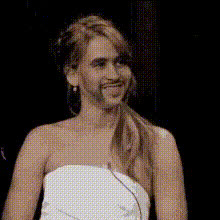
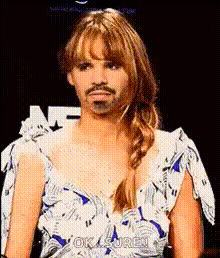
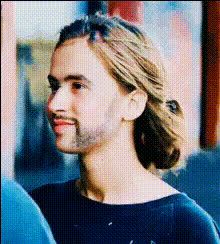
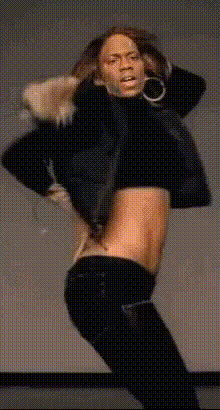
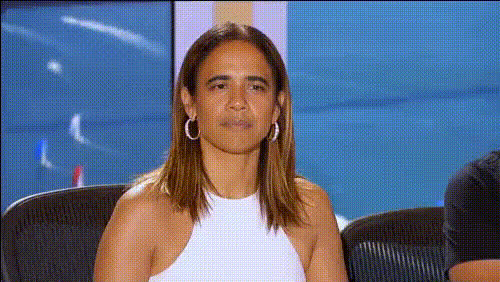
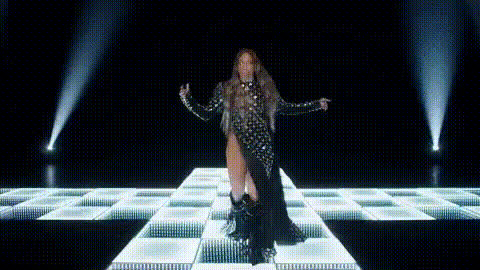
The Jennifer Love Hewitt On Talkshow template is a dynamic Video Face Swap tool that lets you transform your video footage, placing Jennifer Love Hewitt’s face onto any talk show guest. Ideal for both playful projects and professional use, this template offers a touch of Hollywood glam to create captivating and memorable videos.
What It Does
This template leverages advanced face swap technology to replace faces in your talk show clips with Jennifer Love Hewitt's, delivering high-quality, realistic results. Integrating seamlessly with other tools like the Face Swap and AI Image Editor, it's perfect for enhancing the visual appeal of your videos. Once applied, it guarantees a polished output that's ready for sharing across platforms.
Who It's For
Whether you're a video content creator, a marketing professional, or an event coordinator, this template offers exciting possibilities. It's ideal for anyone looking to produce engaging content, conduct creative experiments, or increase viewer engagement with AI-generated video content. It’s also a fun way to craft social media ads that stand out.
Summary
With the Jennifer Love Hewitt On Talkshow template, you have a potent tool for creating standout video content through face swapping. Enhance your projects with realistic transformations that capture attention and amuse audiences. It’s an effective way to add celebrity appeal, particularly leveraging the power of templates like Video Face Swap.
How-To Steps
Choose Your Template

Customize the Inputs

Generate Your Video

Use Cases
Social Media Promotions
- Instantly grab attention
- Increase shares and engagement
Creative Video Projects
- Use in comedy sketches
- Enhance storytelling in fan videos
Marketing and Advertising
- Boost brand visibility
- Create buzz with innovative content
Best Practices
Select High-Quality Footage
Use clear and well-lit video clips to ensure the best face swap results.Refine Adjustments
Carefully adjust the face positioning and settings to achieve a natural look.Combine with Other Tools
Enhance your video further using tools like the AI Image Editor for color correction and final touches.