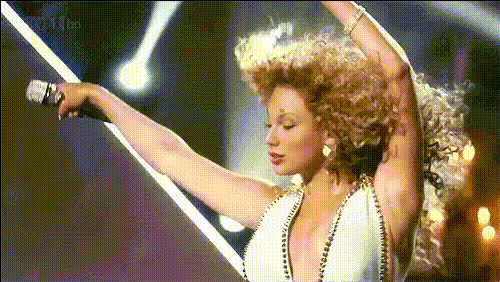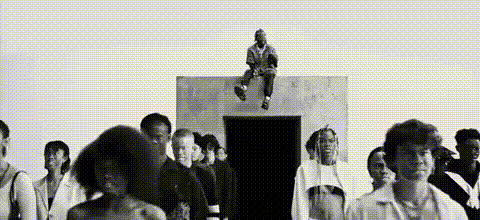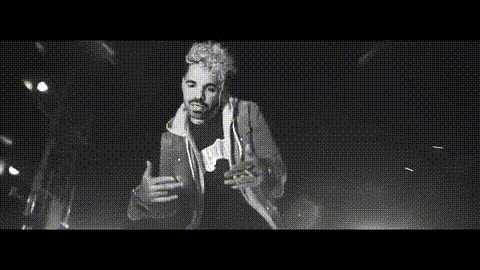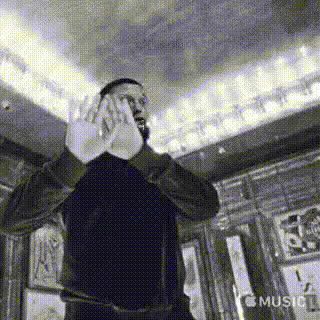
Jay Z Speaking
Overview
This "Jay Z Speaking" template is designed for those looking to create engaging and memorable content using a video face swap. Insert Jay Z's iconic visage into your videos to generate fun, shareable media perfect for entertaining and captivating your audience.
What It Does
The "Jay Z Speaking" template leverages powerful Video Face Swap technology to insert Jay Z's face into your chosen video clips. This template supports video formats that maintain high-quality outputs, ensuring that your content remains professional and eye-catching. Enhance any video project's appeal, whether you're crafting a social media post or a humorous skit.
Who It's For
This template is perfect for content creators, marketers, and social media managers aiming to increase engagement with their video content. It's also ideal for those in the entertainment industry looking to add a celebrity twist to their narratives. Whether you're producing content for social media ads or crafting engaging YouTube Shorts, this template provides a unique way to stand out.
Summary
Use the "Jay Z Speaking" template to revolutionize your video production by adding a humorous and captivating element with Jay Z's face. This versatile template is a tool for creating interactive content that sparks conversation and sharing. Explore how you can incorporate this template into various projects, from marketing campaigns to light-hearted entertainment pieces.
How to Use
Choose Your Template

Customize Your Video

Generate and Download

Use Cases
Social Media Content
- Create shareable videos for platforms like Instagram and TikTok.
- Develop unique promotional material that stands out.
Marketing Campaigns
- Use Jay Z's face to attract viewers' attention.
- Enhance brand appeal with innovative video content.
Personal Entertainment
- Make humorous videos to entertain friends and family.
- Experiment with different scenes for maximum comedic effect.
Best Practices
Select High-Quality Videos
For the best results, use high-resolution video clips to ensure that the face swap looks seamless and natural.Mind the Lighting
Ensure consistent lighting in your video to improve the face swap quality. Variations in light can affect how realistic the swap appears.Check Audio Sync
If your video includes audio, double-check that the dialog syncs with the visual changes for a cohesive output.