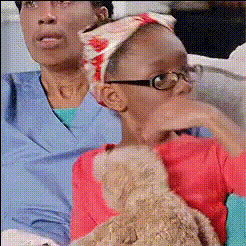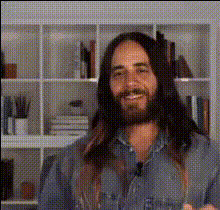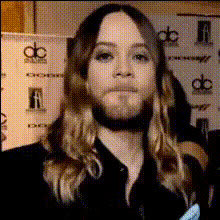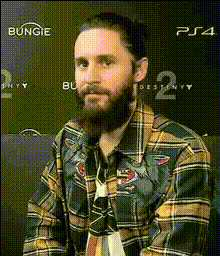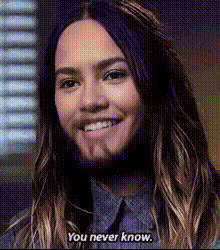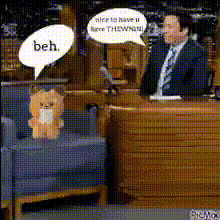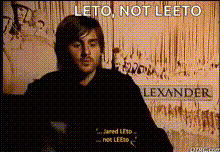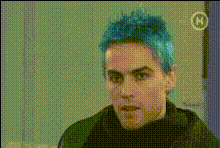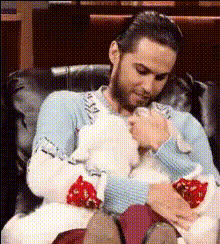
Jared Leto Holding Teddy Bear
Overview
Transform any video with the Jared Leto Holding Teddy Bear template. This unique Video Face Swap offers a humorous twist by allowing you to swap a face of your choice onto a clip where Jared Leto is holding an adorable teddy bear. Add a touch of celebrity flair and fun to your content!
What It Does
This template creatively integrates your chosen face into a pre-designed video scene featuring Jared Leto and his plush teddy bear. Utilizing advanced Face Swap technology, it seamlessly replaces the original face with yours while maintaining a high level of detail and expressiveness.
Who It's For
Whether you're a content creator, a social media influencer, or someone looking for a fun way to personalize videos, this template is perfect for you. It's designed for anyone who wants to add humor or a personalized celebrity interaction to their social media content or marketing materials.
Summary
The Jared Leto Holding Teddy Bear video template provides a playful and engaging face swap experience. Ideal for adding a humorous edge to your video projects, this feature integrates with your creative needs, making your content stand out.
How To
Choose Your Template

Customize the Video

Generate and Download

Use Cases
Social Media Content
- Instagram Reels
- TikTok Videos
- Facebook Stories
Entertainment Marketing
- Campaign Teasers
- Event Promotions
- Brand Collaborations
Personal Video Messages
- Birthday Greetings
- Anniversary Messages
- Holiday Wishes
Best Practices
Select High-Quality Images
Using high-resolution images of the face you wish to swap ensures better quality and more realistic video results.Pay Attention to Lighting
Ensure the lighting in the image you're uploading matches the video scene for a more natural integration.Use Engaging Text Overlays
Enhance the humor and engagement of your video by adding captions or text overlays that fit the narrative.