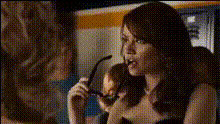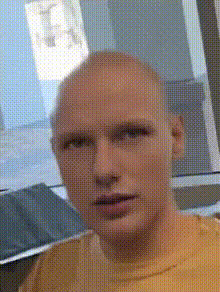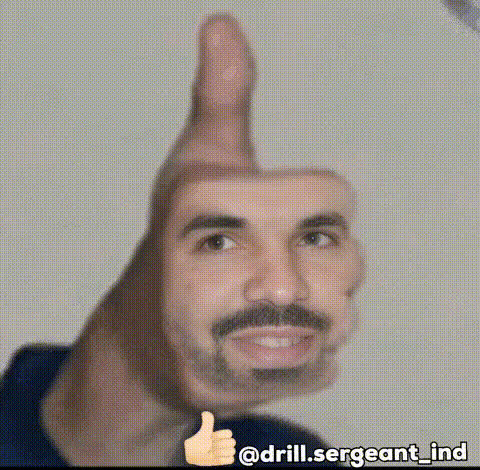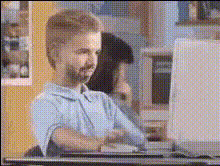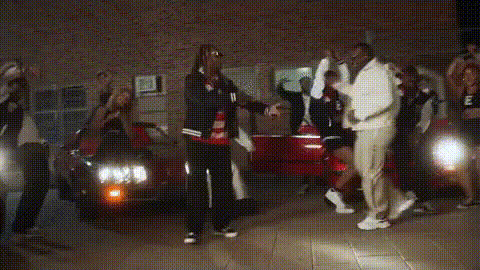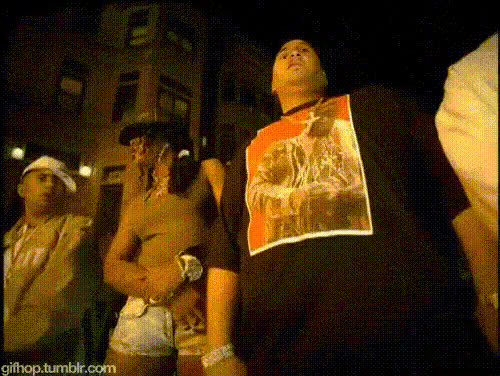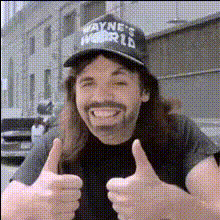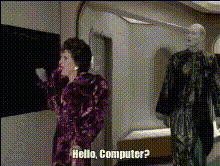
Hello Computer Iconic Scene
Overview
The "Hello Computer Iconic Scene" is a Video Face Swap template that transforms famous scenes with a new twist. By swapping faces, you can create your own version of iconic moments from movies and more. Ideal for creators looking to add humor or personalization to their content, this tool leverages advanced AI to ensure seamless transitions and truly impressive results.
What It Does
This template allows you to swap faces in well-known scenes with just a few clicks. It's part of our Face Swap suite, which utilizes cutting-edge AI technology to ensure the swaps look natural and convincing. Whether you want a comedic effect or a personalized video for special occasions, this tool makes it possible.
Who It's For
Perfect for content creators, social media enthusiasts, or anyone looking wanting to have fun with their favorite scenes. Video editors can use this tool to create humorous or artistic reinterpretations of well-loved movie moments. Educators and marketers can also benefit from adding a personalized touch to their videos.
Summary
With the "Hello Computer Iconic Scene" template, you can transform any famous video scene to include your face or a friend's. Explore different characters and settings with ease. This fun and creative process is made simple with the Image to Video and AI Video Generator features, enhancing your storytelling opportunities.
How To
Select Your Template

Customize Your Input

Generate Your Video

Use Cases
Social Media Content
- Memes
- Challenges
- Fan edits
Personalized Greetings
- Birthday messages
- Anniversary greetings
Educational and Marketing Videos
- Training videos
- Product demos
Best Practices
Select High-Quality Images
For best results, use high-quality images for the face swap to ensure the final video looks as natural as possible.Match Lighting and Angles
Choose images where the lighting and angles closely match those of the original scene for a seamless integration.Limit Movement
For a more convincing swap, select scenes where the face has limited movement to reduce noticeable discrepancies.