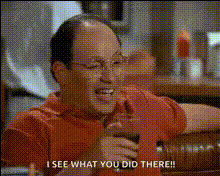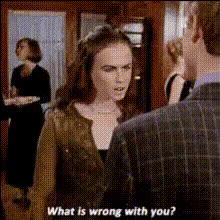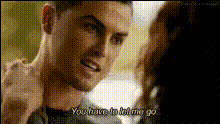
Emotional Intense Movie Scene
Overview
Explore new dimensions in cinematic storytelling with the Emotional Intense Movie Scene template. This Video Face Swap tool allows creators to overlay new faces onto existing movie scenes, bringing fresh, evocative depth to any narrative. Ideal for filmmakers, content creators, and video enthusiasts, this template transforms scenes with emotional intensity.
What It Does
The Emotional Intense Movie Scene template leverages advanced face swap technology to deliver powerful visual transformations. Replace original actor faces with new ones while maintaining the emotional context of the scene. Integrated seamlessly into the video, new facial expressions and features appear lifelike, offering flexibility for various storytelling methods.
Who It's For
This template is designed for filmmakers, video editors, marketing professionals, and storytellers wanting to explore alternative casting scenarios. Whether updating old footage or creating special video effects, this tool meets the needs of professionals and hobbyists alike. It's perfect for those working on gaming cinematics or social media ads who need engaging and immersive content.
Summary
Incorporate the Emotional Intense Movie Scene template into your next project for visually captivating results. By swapping faces while preserving the emotional integrity of the scene, it enhances the storytelling experience. Check out other Face Swap Video tools to expand your creative options further.
How to Use
Choose Your Template

Customize Your Inputs

Generate Your Scene

Use Cases
Filmmaking and Cinematics
- Try different casting scenarios
- Revitalize vintage footage
Social Media Content
- Enhance video ads
- Produce memes with a twist
Marketing Campaigns
- Adapt ads for different demographics
- Custom-tailor spokesperson appearances
Best Practices
Ensure High-Quality Source Material
Start with high-resolution video clips and face images to maintain clarity and realism in the swap.Align Emotion and Angles
Choose faces that match the emotional intensity and angle of the original scene for a smooth blend.Test with Short Clips First
Experiment with short or sample clips to refine your settings before processing full scenes.