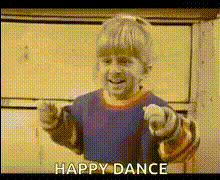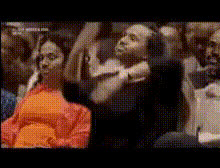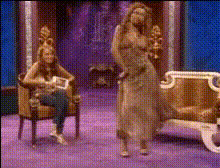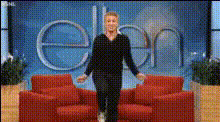
Ellen Degeneres Show Dance
Overview
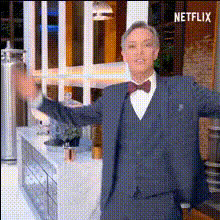
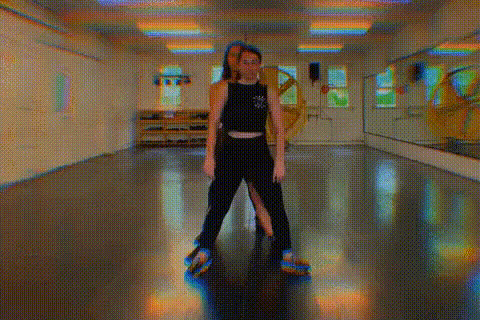
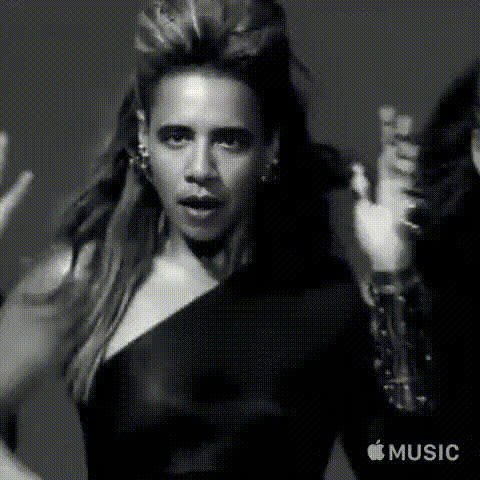
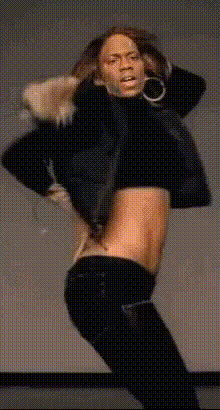
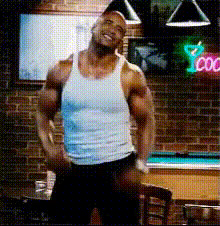
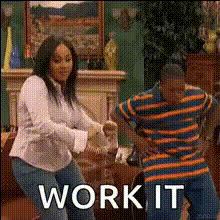
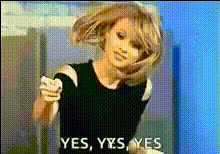
Replace your face with Ellen DeGeneres on her famous dance segments using the Video Face Swap template. Infuse humor into your content with this dynamic template, allowing creators to generate shareable and engaging videos that are perfect for social media.
What it Does
This template uses cutting-edge Face Swap technology to map your facial expressions onto Ellen's animated dance routines, preserving natural movements while ensuring a seamless illusion. Ideal for creating personalized, lively content that captures attention.
Who It's For
Designed for content creators, marketers, and social media influencers looking to boost engagement or add a humorous twist to their videos. It's also suitable for anyone interested in experimenting with video transformations using the AI Video Generator.
Summary
This Ellen DeGeneres Show Dance template is your ticket to creating memorable and humorous face-swapped dance videos. Whether it's for personal amusement or increasing your online presence, this tool offers a creative outlet with impactful results. Pair it with tools like the AI GIF Generator for versatile content creation.
How-To Structure
Choose Your Template

Customize the Input

Generate the Video

Use Cases
Social Media Content
- Create viral dance videos
- Engage with followers in a fun way
Marketing Campaigns
- Innovative ad creatives
- Content for social media campaigns
Event Invitations
- Party invites with a twist
- Unique announcements
Best Practices
High-Quality Inputs
For the best results, use high-resolution images or videos. This ensures clear facial features and a more convincing swap.Proper Lighting
Ensure that the lighting in your input video matches the lighting in the template, as it helps with a more seamless integration.Experiment with Angles
Try different angles when capturing your facial input to find the one that aligns best with the dance routine.