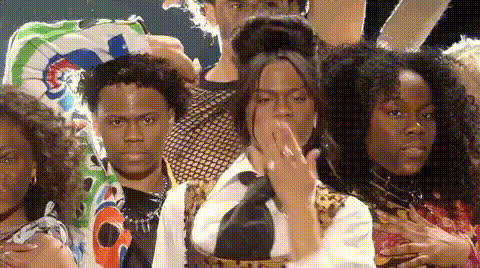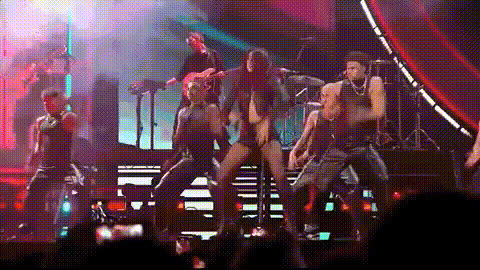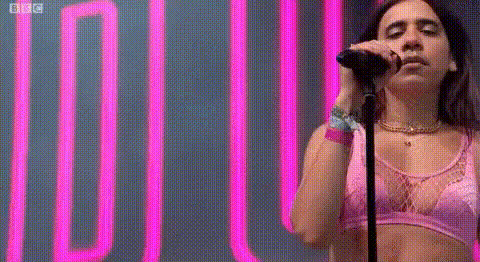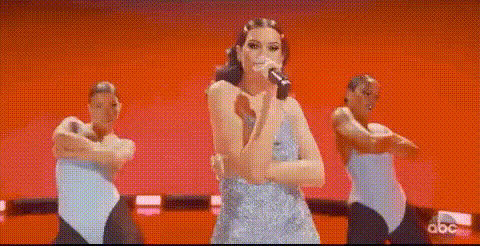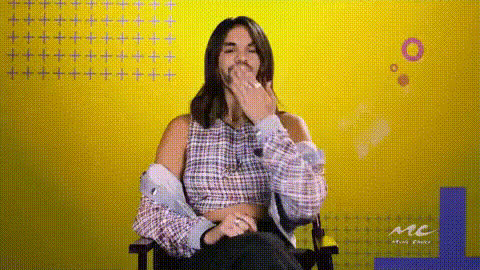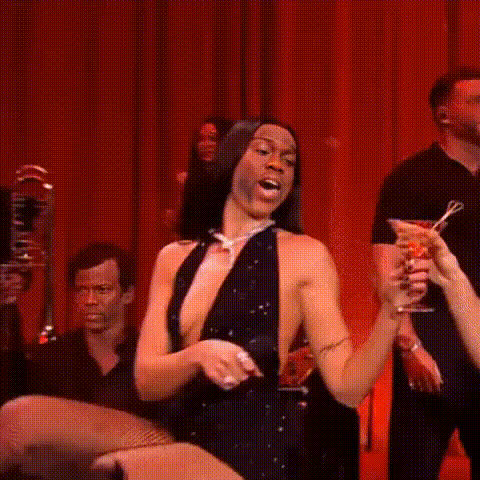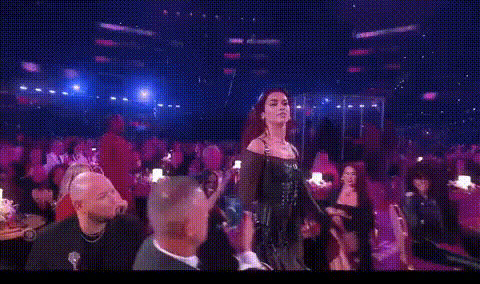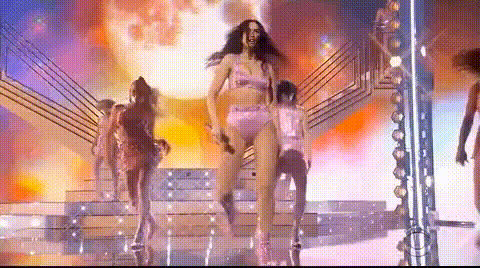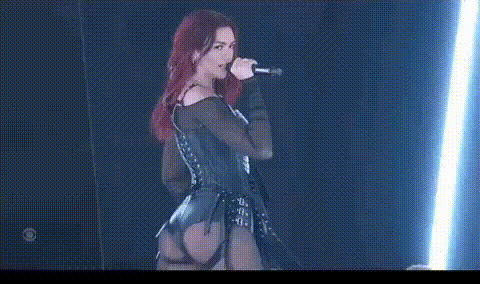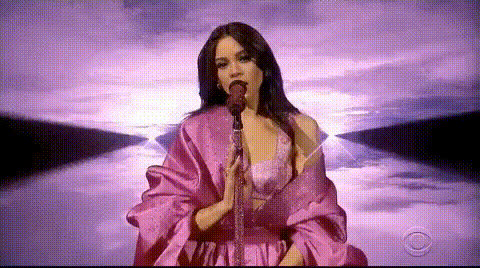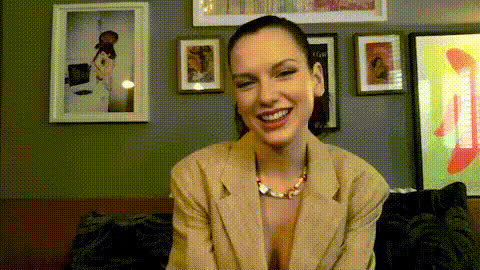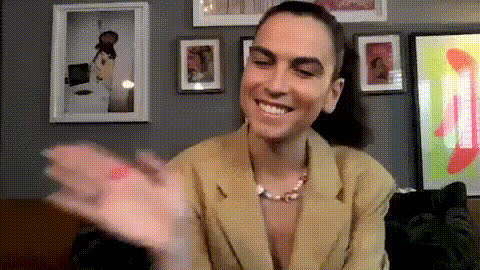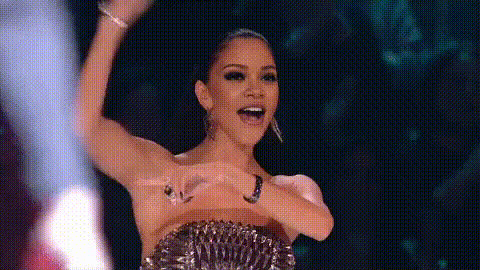
Dua Lipa Smiling On Stage
Overview
The "Dua Lipa Smiling On Stage" template offers an engaging way to create customized videos that capture the charm of Dua Lipa's memorable stage moments. By replacing faces, this Video Face Swap template allows users to experiment with transformations using their own images, all while retaining the essence of Dua Lipa's performances.
What It Does
This template facilitates the swapping of faces in video clips where Dua Lipa is performing on stage. Users upload their own images, and the tool maps their facial features onto existing video footage. The result is a comical and personalized video, perfect for sharing across social platforms.
Who It's For
Ideal for content creators, social media enthusiasts, and fans of Image to Video transformation. This template is particularly useful for those who want to add a humorous twist to videos or create attention-grabbing clips for personal or commercial projects.
Summary
Easily insert yourself or friends into iconic stage moments of Dua Lipa with this fun and dynamic Video Face Swap template. With user-friendly processes and outstanding results, this tool provides a unique way to enhance digital storytelling.
How To
Choose Your Template

Customize Your Inputs

Generate Your Video

Use Cases
Social Media Content
- Gain popularity by crafting viral videos.
- Instantly grab the audience's attention with humor.
Marketing Campaigns
- Draw in viewers with unique, relatable content.
- Showcase product features in an unexpected way.
Event Promotions
- Showcase special guests playfully.
- Create anticipation with sneak peeks and surprises.
Best Practices
Select High-Quality Images
Use images with good lighting and resolution to achieve a more realistic face swap effect.Mind the Angles
Ensure that the facial orientation of your image matches the video for better results.Check the Licenses
Use images and videos you have the right to modify to avoid copyright issues.