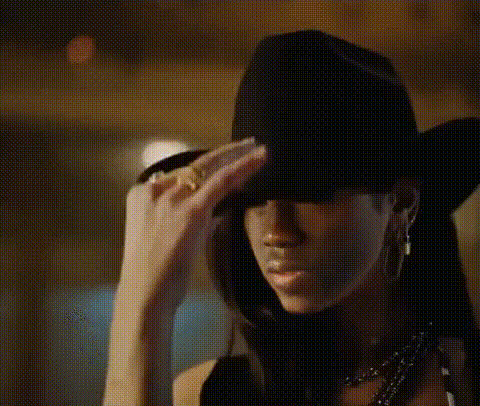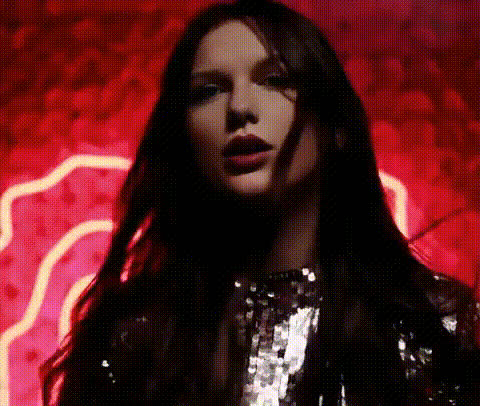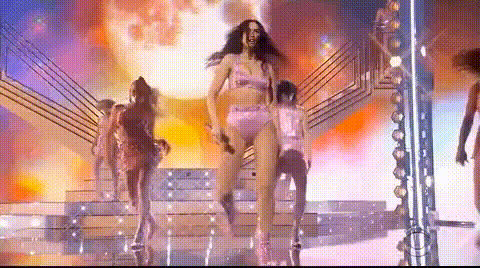
Dua Lipa Driving Car
Overview
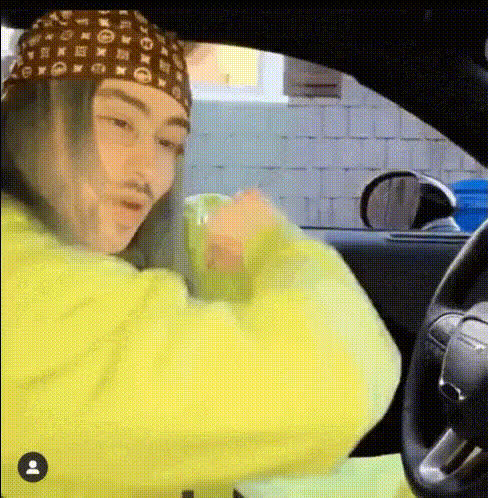
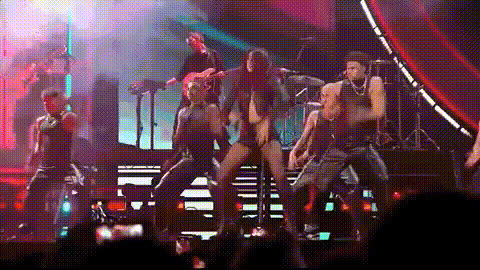
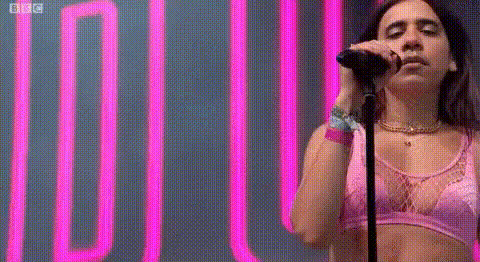
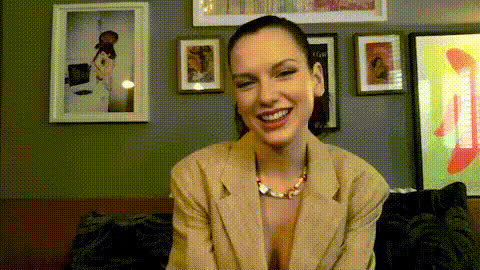
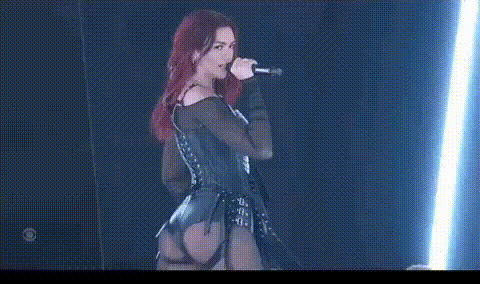
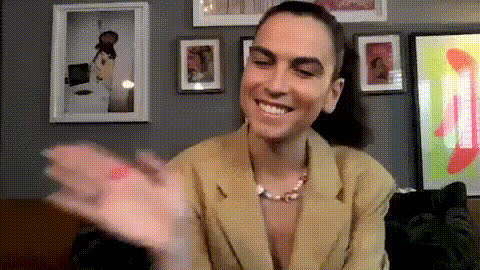
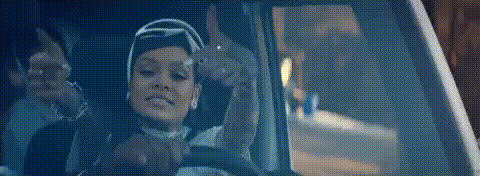
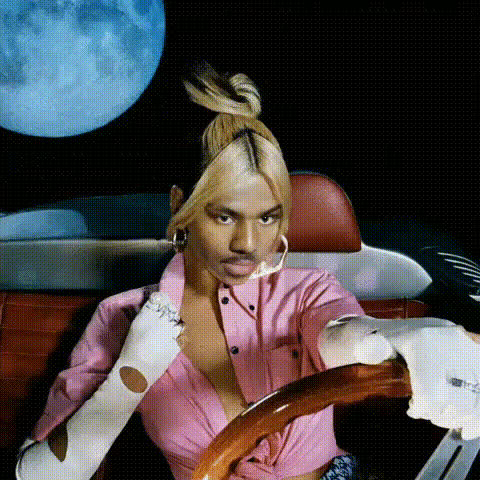
Have you ever imagined yourself as a pop star, cruising in style? The Dua Lipa Driving Car template lets you swap your face onto the famous pop icon as she takes a drive. Perfect for creating shareable moments and engaging your followers with content that stands out.
What It Does
This innovative video face swap template replaces Dua Lipa's face with yours in a dynamic driving scene. Utilizing advanced face swap technology, it seamlessly integrates your features, preserving facial expressions for a natural look. Whether you're looking to impress friends or engage customers, this template adds a touch of celebrity magic to your videos.
Who It's For
This template is ideal for social media influencers, content creators, and anyone looking to spice up their content with a celebrity twist. Marketers can also use it to create memorable ads that engage customers. Anyone interested in video editing or creating personalized content will find this tool invaluable.
Summary
The Dua Lipa Driving Car template is a fun and engaging tool that lets you take on the persona of a pop star. Leveraging advanced face swap techniques, it provides a smooth and realistic finish. Enhance your creative projects by exploring other templates like our AI GIF Generator and Text to Video.
How to Use
Choose the Template

Customize Your Video

Generate and Export

Use Cases
Social Media Content
- Share videos that highlight your sense of humor.
- Boost engagement with celebrity face swaps.
Marketing Campaigns
- Develop memorable ads that stick with viewers.
- Capitalize on pop culture to connect with audiences.
Personal Projects
- Experiment with face swaps to learn new techniques.
- Enjoy blending creativity with technology.
Best Practices
Choose High-Quality Images
For the best results, use a high-resolution photo with good lighting and a clear view of your face.Experiment with Angles
Try different angles and expressions to match the original video as closely as possible.Review and Adjust Before Finalizing
Make sure the face swap looks natural by adjusting the positioning and size before generating your final video.