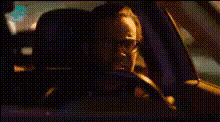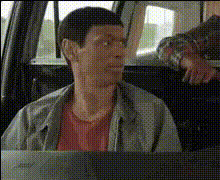
Man Driving A Car (2)
Overview
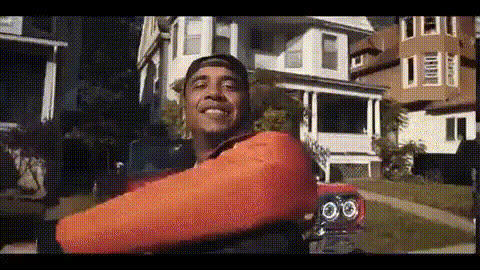
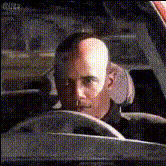
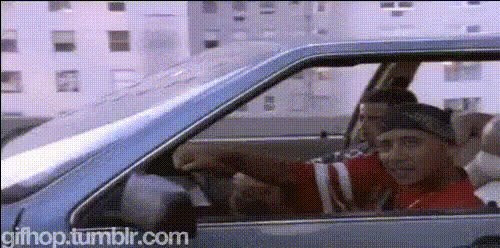
Transform your video content with the Man Driving A Car (2) template, a Video Face Swap tool that allows you to insert faces into a scene featuring a driver behind the wheel. Tailored for creatives looking to add a humorous or personalized touch to their projects, this template is an excellent choice for viral social media posts and dynamic digital storytelling.
What It Does
This Video Face Swap template lets you replace the face of the man in the car with either your own or an image of choice. The final output is a customizable video that shows the selected face flawlessly integrated into the existing scene, maintaining natural motion and expressions.
Enhance your creative toolkit by combining this with our AI Voice Changer to match audio with the swapped face for a complete transformation.
Who It's For
Ideal for social media marketers aiming to craft engaging content that stands out on platforms like Instagram and TikTok. It's also perfect for content creators who want to produce unique and shareable videos. Additionally, brands looking to personalize video ads can benefit from using this template as part of their personalized video ad strategies.
Summary
With the Man Driving A Car (2) template, you can create fun, viral-ready videos by swapping faces in a driving scenario. This enhances content creation for marketers and creative professionals alike, making it an essential tool for those seeking to innovate their digital storytelling techniques. Discover more creative possibilities with our Image to Video and AI Video Generator tools.
How-To
Choose

Customize

Generate

Use Cases
Social Media Content
- Create humorous videos for Instagram.
- Tailor TikTok content to go viral with trends.
Personalized Video Ads
- Swap campaign target's face to create familiarity.
- Increase click-through rates with engaging visual content.
Digital Storytelling
- Revitalize storytelling for vlogs.
- Add a personal touch to travel videos.
Best Practices
Select Clear Images
Ensure the image used for the face swap is clear and well-lit to achieve the best results.Double-check Face Fit
Before generating your video, check the alignment of the face to ensure realism.