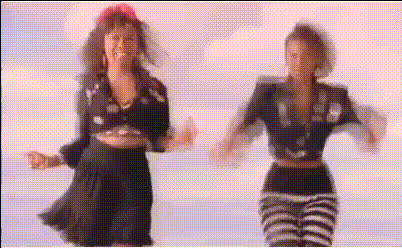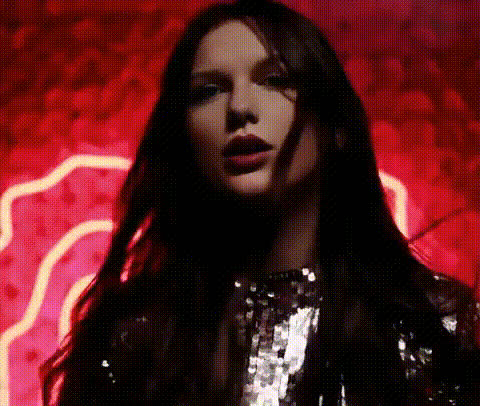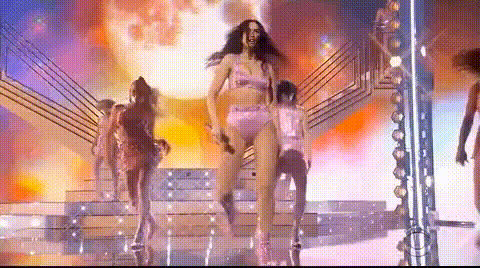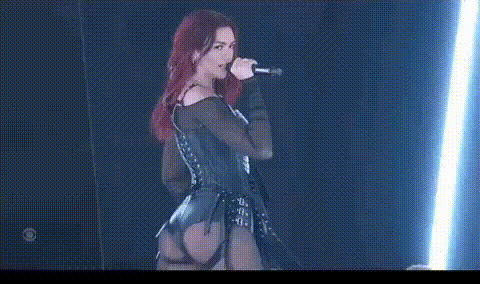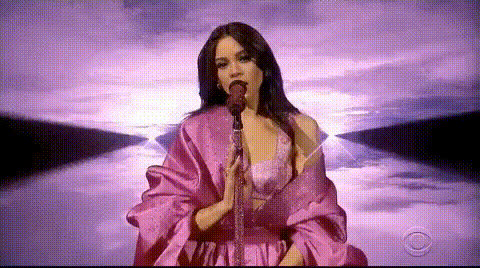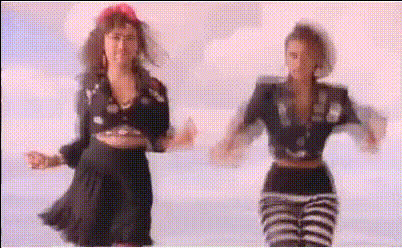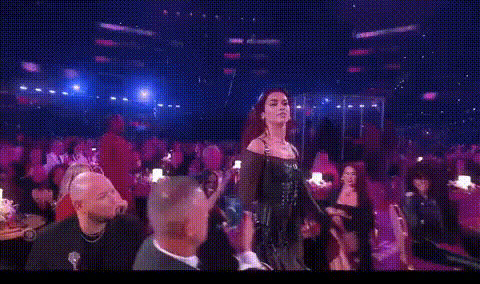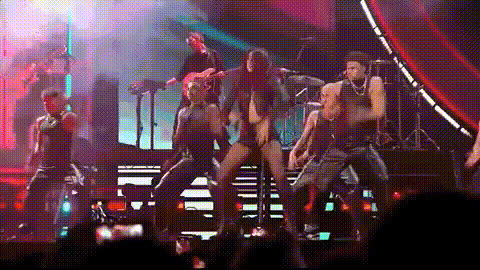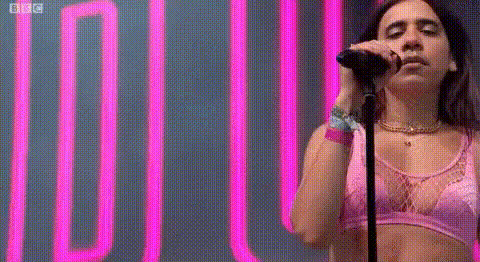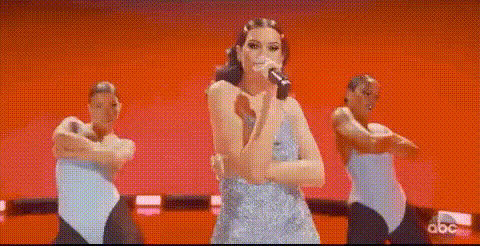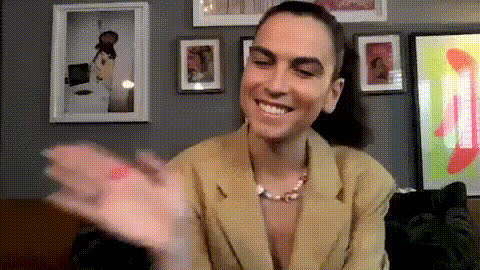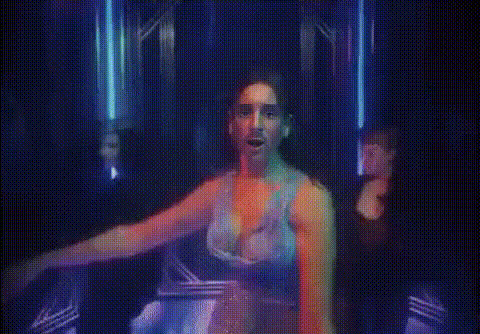
Dua Lipa Dancing With Backup Dancers
Overview
Step into the spotlight with your version of Dua Lipa Dancing With Backup Dancers using our Video Face Swap template. This tool effortlessly transforms faces, letting you or your audience join a star-studded performance. Combine entertainment with a touch of personalization to create unique, shareable content.
What It Does
The Video Face Swap template allows you to overlay your face onto Dua Lipa or her backup dancers. It integrates with Magic Hour's sophisticated video editing systems to accurately match facial expressions and movements, resulting in a realistic and engaging video. Compatible with multiple formats, it's designed to fit seamlessly with social media or personal archives.
Discover more possibilities with our Face Swap and AI GIF Generator products.
Who It's For
Whether you're an influencer, content creator, or simply someone looking for a fun way to connect with friends, this template is ideal. Perfect for social media enthusiasts aiming to boost engagement, or businesses seeking innovative advertising strategies.
Explore additional options like the AI Video Generator for more creative projects.
Summary
From viral marketing campaigns to personal entertainment, the Dua Lipa Dancing With Backup Dancers template offers a captivating way to engage and entertain. With intuitive customization options and precise face mapping, your video content can achieve a professional finish effortlessly.
How To
Choose the Template

Customize Your Input

Generate and Share

Use Cases
Social Media Engagement
- Create viral TikTok challenges
- Enhance Instagram Reels content
Event Promotion
- Energize digital ads
- Incorporate into email marketing
Personalized Content
- Create humorous birthday videos
- Craft specialized greeting cards
Best Practices
Choose High-Quality Images
For the best results, use a clear, high-resolution photo to ensure the face swap aligns perfectly with the video.Mind the Lighting
Ensure your uploaded image has lighting similar to the video for a more natural and integrated look.Experiment with Angles
Try different head angles and photos to achieve the most realistic swap in various scenes.