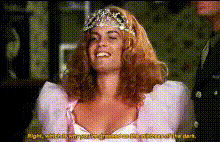
Charmed Tv Show Scene
Overview
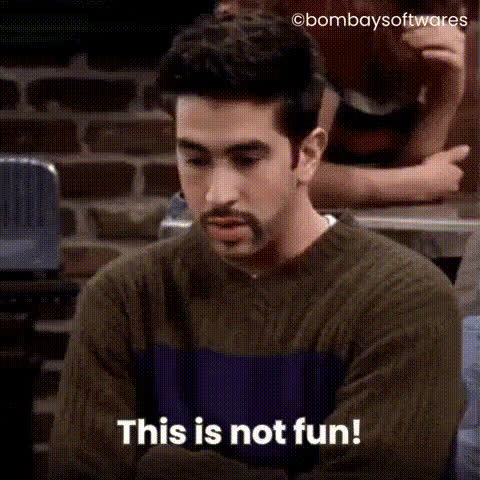
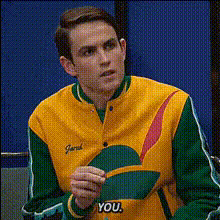
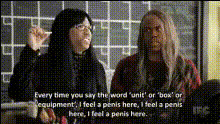
Dive into the supernatural world of Charmed with a twist! Our Charmed TV Show Scene template allows you to perform a Video Face Swap on classic scenes from the beloved series. Transform your favorite moments by placing your own face, or any face you choose, into the action. This tool is designed to make the magic of face swaps accessible and fun.
What It Does
This template captures iconic scenes from Charmed and enables you to switch out the original actors' faces with the selected ones. The result is a seamlessly integrated video that keeps the original scene intact but transforms the cast. It pairs perfectly with our AI Image Editor for fine-tuning details, ensuring a professional finish every time.
Who It's For
Whether you're a Charmed fan looking to create personalized content or a social media creator aiming to entertain your audience, this template is for you. It's ideal for anyone interested in video editing, meme creation, or simply engaging with pop culture in a new way. Educators can also use it as a creative teaching tool to explore media production concepts. Enhance your projects with the Text to Video tool for added narrative flair.
Summary
The Charmed TV Show Scene template is your gateway to blending fantasy with creativity. By integrating this Video Face Swap feature, you can produce unique and entertaining videos that put you or others right in the middle of the Charmed universe. It's all about making magic happen, literally and figuratively.
How to Use
Choose Your Template

Customize Your Scene

Generate Your Video

Use Cases
Fan Creations
- Share on social media
- Create themed content for fan pages
Social Media Content
- Viral meme creation
- Interactive audience content
Educational Tools
- Learn video editing concepts
- Explore face swap technology
Best Practices
Choose High-Quality Images
For the best results, use high-resolution images for the face swaps. This ensures clarity and realism in the final video.Match Expressions
Select source images that match the expressions and angles of the original scene for seamless integration.Experiment with Tools
Enhance your projects by combining with other Magic Hour tools like the AI Image Generator for custom backgrounds or elements.