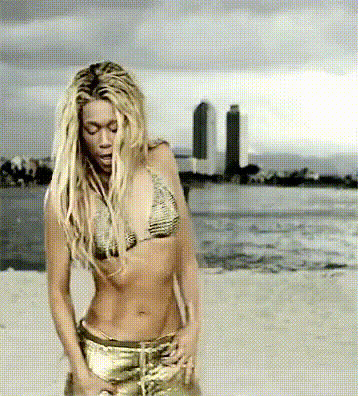
Britney Spears Dancing Beach
Overview
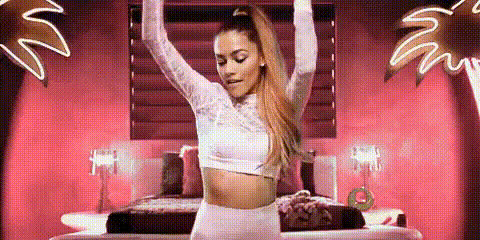
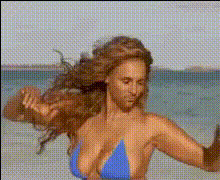
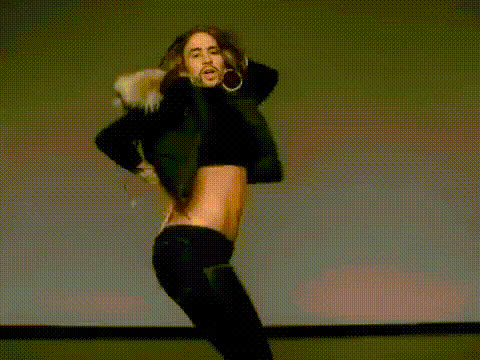
The Britney Spears Dancing Beach template lets you step into the pop star's shoes with a fun and dynamic Video Face Swap experience. Capture a playful moment by blending your face onto Britney as she dances on the beach.
What It Does
This template enables users to swap their faces onto Britney Spears in a beach dance clip, providing a customizable way to engage with Image to Video transformations. It's perfect for creating humorous or tribute videos for social media or personalized messages.
Who It's For
Designed for social media enthusiasts, content creators, and Britney Spears fans, this template offers a unique way to personalize videos. It's also great for anyone who wants to explore creative video transformations with the power of AI Video Generator technology.
Summary
Whether you're a fan wanting to make a tribute video or a creator seeking fresh content ideas, the Britney Spears Dancing Beach template provides a lively backdrop for innovative video face swaps. Utilize this tool to bring personal touches to your digital storytelling.
How To
Choose the Template

Customize Your Inputs

Generate Your Video

Use Cases
Social Media Content
Birthday Greetings
Fan Tribute Videos
Best Practices
Select High-Quality Images
Ensure the photo of your face is clear and well-lit to achieve the best swap results.Adjust Face Alignment
Use adjustment tools to align your face correctly with Britney’s on the video, focusing on eye and mouth positions.Preview Before Generating
Always preview your work to make any final tweaks to ensure the swap looks natural and convincing.