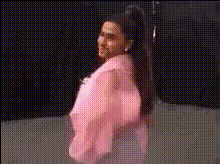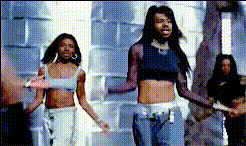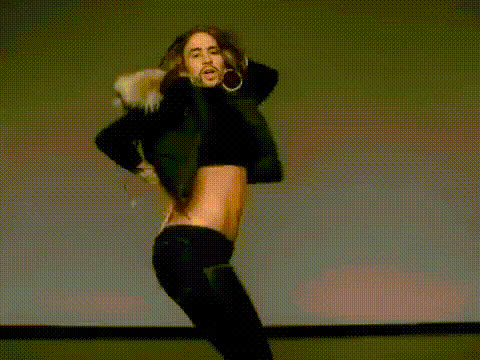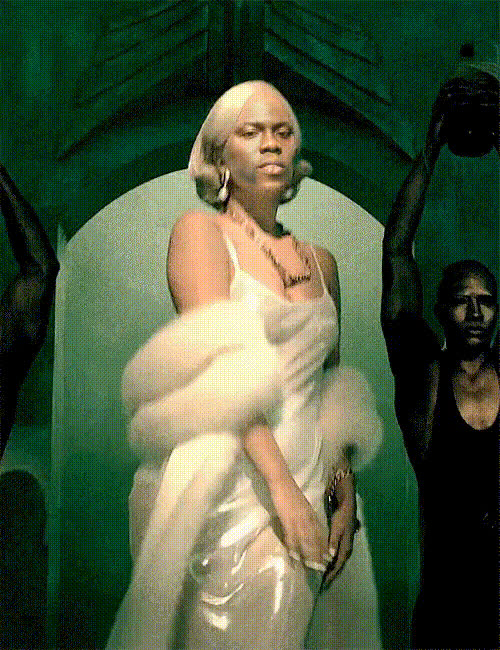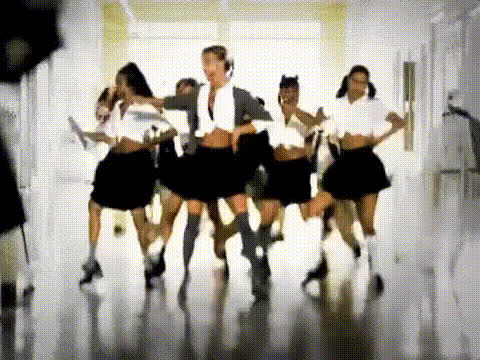
Britney Spears Dancing
Overview
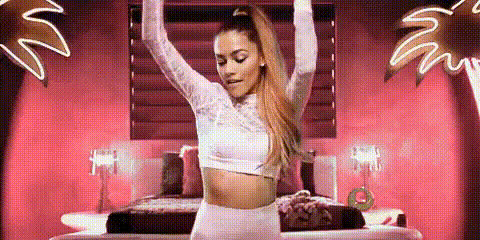
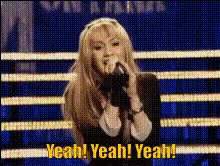
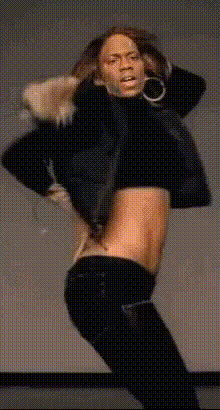
The Britney Spears Dancing template is a specialized Video Face Swap tool that brings your dance videos to life by overlaying your face onto pre-recorded dance sequences featuring pop icon Britney Spears. Whether you're looking to entertain your audience on social media or create engaging content for a project, this template offers an innovative way to transform your videos into show-stopping performances.
What It Does
This Video Face Swap template allows users to merge their facial features with dance clips of Britney Spears, creating a seamless blend of your persona with her iconic dance moves. The template utilizes advanced AI models to ensure that expressions and emotions are transferred realistically. For those who wish to further refine their edited clips, you can access our AI Image Editor to fine-tune the results.
Who It's For
This template is perfect for content creators, social media influencers, and marketers looking to surprise their audiences with unique and engaging content. It's also a great tool for fans of Britney Spears who want to add a personal touch to her legendary dance moves. Video producers and marketers will find this especially useful for campaigns that require a touch of creativity combined with personalization.
Summary
The Britney Spears Dancing video face swap template on Magic Hour is your go-to tool for creating viral content that stands out. Leverage the integration-ready nature of this template by combining it with other Magic Hour offerings like the AI Meme Generator or the AI Video Generator to expand your creative suite and maximize viewer engagement.
How To
Choose the Template

Customize Your Input

Generate Your Video

Use Cases
Social Media Content
- Dynamic TikTok videos
- Instagram stories and reels
- Fun Facebook posts
Promo Videos
- Campaign launches
- Event announcements
- Brand storytelling
Fan Engagement
- Personalized fan tributes
- Virtual meet-and-greet enhancements
- Interactive fan challenges
Best Practices
Select High-Quality Inputs
Ensure that you upload a high-resolution image of your face to get the best possible swap results. The facial angle should ideally match that of the original video frames.Mind Lighting and Expressions
Consistent lighting and facial expressions across your input can help improve the AI's ability to create convincing swaps.Experiment with Formats
Use the AI GIF Generator to convert your final videos into shareable GIFs for broader platform reach.