Blake Lively Close Up
Overview
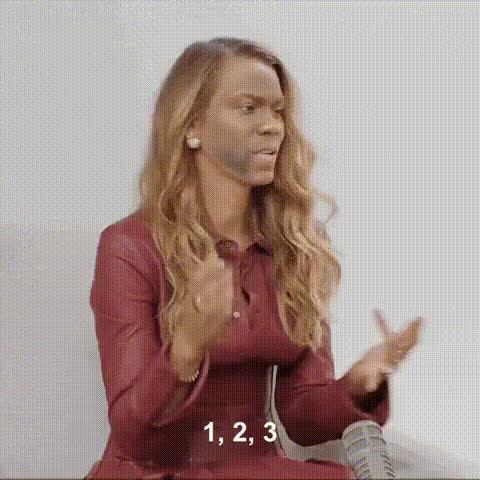
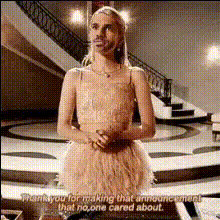
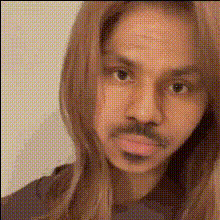
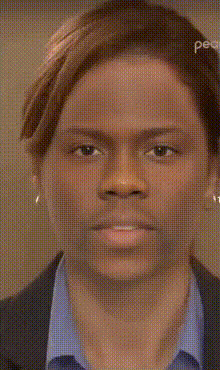
Experience the power of transformation with our Blake Lively Close Up Video Face Swap template. This tool allows you to impose a striking close-up of Blake Lively's visage onto your own videos, giving them a fresh and captivating twist.
What It Does
This template lets you replace faces in your videos with a close-up of Blake Lively. The technology behind it ensures precise alignment and natural blending, creating a seamless transformation that maintains the video's original essence while offering a unique visual appeal.
Our Video Face Swap template is compatible with various models and can work alongside tools like the AI Video Generator for expanded video creation options.
Who It's For
This template is ideal for creatives looking to add a celebrity touch to their projects. Whether you're a filmmaker, social media influencer, or a marketer, using this Face Swap option can enhance your content's engagement and personalization.
It's also perfect for educators and trainers who wish to make their e-learning materials more entertaining and relatable.
Summary
Transform your content into something more engaging with the Blake Lively Close Up Video Face Swap template. Its versatility makes it suitable for numerous applications, including personal projects and professional content creation. Combine this with tools such as the AI Voice Changer to achieve a comprehensive transformation that impacts both visual and auditory senses.
How To
Choose Your Template

Customize Your Video

Generate and Download

Use Cases
Social Media Content
- Short-form videos for TikTok or Instagram Reels
- Interactive stories with fan-favorite celebrities
Marketing Campaigns
- Personalized ads featuring recognizable faces
- Product demonstrations with celebrity endorsement feel
E-Learning Materials
- Training sessions with familiar faces
- Educational content with a fun twist
Best Practices
Ensure High-Quality Source Videos
Using high-resolution input videos will ensure a better face swap quality, enhancing details and alignment.Experiment with Additional Tools
Pair with other products like the AI Image Editor for post-production enhancements.Test Various Angles
Try different video angles to see which works best for face alignment in the swap process.