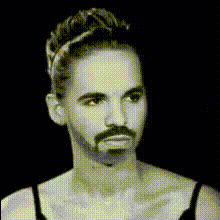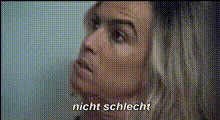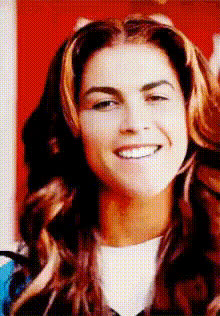
Close Up Womans Face
Overview
The "Close Up Woman's Face" template in our Video Face Swap suite provides a powerful tool for transforming facial features in your content. Ideal for creators who want to focus on women's facial expressions, this template allows for precision swapping in high-detail close-ups.
What It Does
This template offers detailed face-swapping functionality in close-up shots, focusing specifically on women's faces. Use it to replace a woman's facial features in videos with those from another image or video while maintaining high quality and seamless transitions. Compatible with various media formats, the tool ensures that every swap is visually cohesive, delivering a polished and professional result.
Who It's For
The "Close Up Woman's Face" template is perfect for filmmakers, social media marketers, and content creators who work extensively with video content involving close-ups. It's especially beneficial for projects that need a female-centric focus, such as beauty tutorials and personalized greetings, or for video editing professionals seeking quick yet superior transformations.
Summary
Highlighted by its focus on close-up facial details, this template elevates your video production by allowing precise alterations that enhance storytelling through expressions and face-focused scenes. Whether you're working on a film project or creating engaging social media content, the "Close Up Woman's Face" template is an essential tool in your editing toolkit. For those interested in transforming looks even further, explore our AI Face Editor and AI Image Editor tools.
How To
Choose Your Template

Customize Your Inputs

Generate and Download

Use Cases
Beauty Tutorials
- Swap influencer faces for brand partnerships
- Showcase before-and-after skincare routines
Film Production
- Maintain character consistency in close-ups
- Efficiently fix inconsistencies in post-production
Advertising
- Produce localized adverts with familiar faces
- Tailor marketing campaigns with audience-specific content
Social Media Content
- Fun face swaps for TikTok challenges
- Interactive stories on Instagram
Best Practices
High-Quality Source Material
Utilize high-resolution images and videos to ensure the highest-quality face swaps. This enhances detail and makes the transformation more believable.Natural Lighting
Aim for videos shot in natural sunlight to minimize shadows and ensure smooth swaps. Consistent lighting across different media ensures the best results.Proportionate Face Matching
Ensure the uploaded face fits well with the original video's face structure for a more realistic effect.