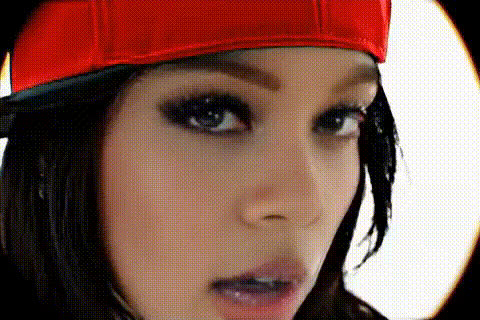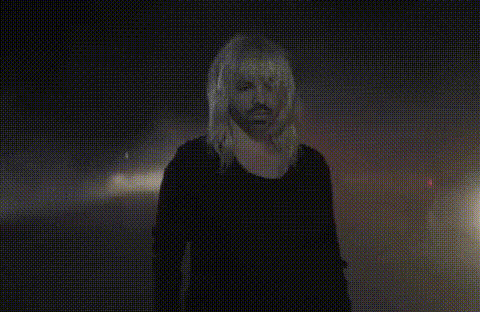
Billie Eilish Closeup Face
Overview
Transform your video projects with the Billie Eilish Closeup Face template. This Video Face Swap tool allows you to creatively and effectively swap faces in your videos, capturing the attention of fans and audiences alike. Use it for personalized fan edits or engaging music video projects.
What It Does
The Billie Eilish Closeup Face template provides a seamless face swap experience, allowing you to replace the face of any character in a video with Billie Eilish's. Ideal for creating unique content, this template supports various AI Image Upscaler formats to ensure high-quality output.
Who It's For
This template is perfect for video editors, YouTubers, and fans looking to create standout content. If you're aiming to make viral social media posts or unique music videos, this tool alongside others like the Lip Sync can drastically enhance content engagement.
Summary
The Billie Eilish Closeup Face template empowers you to make artful video transformations. By utilizing this tool, paired with features from the Text-to-Video toolset, you can create impactful fan experiences. The focus is on precision and quality, producing results that captivate your audience.
How To
Choose Your Video

Customize with Faces

Generate Your Video

Use Cases
Fan Edits
- Create birthday videos for fans
- Design custom fan appreciation content
Music Videos
- Remix existing music videos
- Innovative promotional content
Social Media Content
- Viral TikTok challenges
- Unique Instagram stories
Best Practices
Use High-Resolution Source Videos
To achieve the best results, use high-quality source videos to ensure the face swap looks natural.Fine-tune Facial Features
Adjust settings like contrast and size to make the face swap look seamless.Preview Before Finalizing
Always preview the video to make sure facial movements and expressions are coherent before downloading the final version.