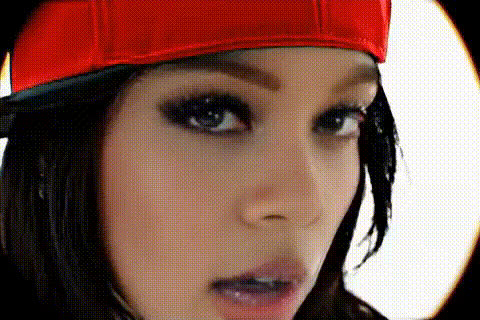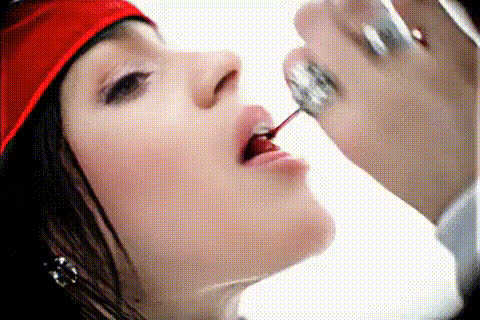
Billie Eilish Applying Lipstick
Overview
Swap faces in your video to place yourself or anyone else in Billie Eilish's shoes as she applies lipstick. This Video Face Swap template is perfect for creating captivating video content that mixes humor with creativity, all while featuring a pop culture icon.
What It Does
This template allows you to replace the face in a video scene of Billie Eilish applying lipstick with a face of your choice. It harnesses advanced technology to ensure realistic and smooth video transformations, making your edits look professionally done.
The result is a high-quality video file, compatible with a variety of video formats, ready to be shared on social media or integrated into larger video projects.
Who It's For
This template is designed for content creators who want to add a unique twist to their videos, marketers looking to engage audiences with creative content, and fans of Billie Eilish who enjoy playful video experiments. Suited for social media managers, video editors, and marketers alike, it's a tool that can enhance social media engagement and drive audience interaction.
Summary
Build standout content effortlessly with the "Billie Eilish Applying Lipstick" Video Face Swap template. Ideal for those who want to produce imaginative videos, this template uses advanced face swap technology to offer a fun and engaging way to customize your video content. Explore more capabilities with our Face Swap and Video Face Swap products, and discover other transformation tools such as the AI Clothes Changer and AI Voice Changer.
How to Use This Template
Choose the Template

Customize Your Inputs

Generate Your Video

Use Cases
Social Media Engagement
- Instagram Reels
- TikTok Challenges
Marketing Campaigns
- Brand Promotions
- Product Highlights
Personal Entertainment
- Party Videos
- Personal Vlogs
Best Practices
High-Quality Inputs
For the best results, use high-resolution images and videos.Adjust Lighting
Match the lighting conditions of the face image to the video for a natural look.Preview Before Finalizing
Before generating the final output, preview the alignment to ensure accuracy.