Bill Nye Science Guy 1
Overview
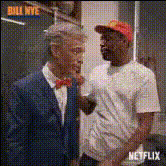
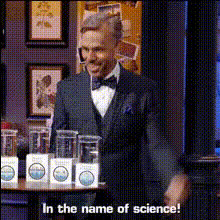
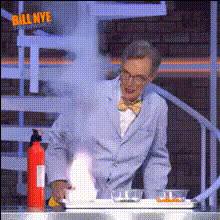
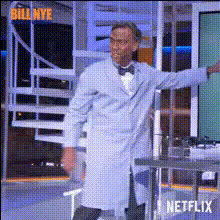
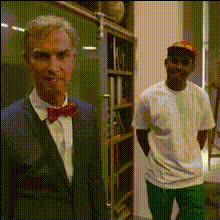
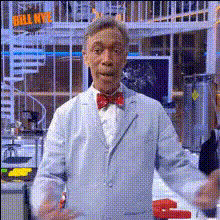
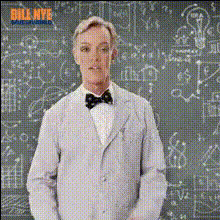
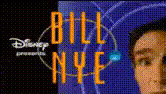
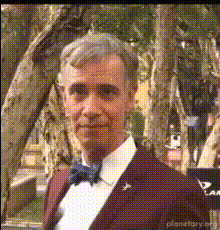
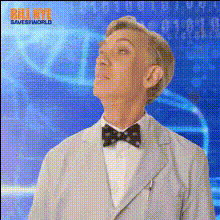
Bring your educational and entertainment projects to life with the "Bill Nye Science Guy 1" Video Face Swap template. This template allows you to incorporate your face or someone else's into iconic scenes with Bill Nye, making it an excellent tool for creating engaging science content or funny parodies.
What It Does
The "Bill Nye Science Guy 1" template enhances your video content by swapping faces in a clip featuring the famous science educator. Utilize the tool to merge educational storytelling with humor by modifying facial features while maintaining the original video settings. Perfect for educational platforms or social media, this tool preserves the essence of science learning with a twist.
For more creative options, explore our Face Swap and Video Face Swap products.
Who It's For
This template is ideal for educators, content creators, and social media influencers aiming to make learning fun and engaging. Whether you're developing science education programs or crafting amusing parody content, this tool helps captivate your audience's attention.
Summary
With the "Bill Nye Science Guy 1" template, leverage the power of face-swapping technology to transform educational content into entertaining experiences. Designed for ease-of-use and high customization, this template is a fantastic addition to any creator's toolkit. Pair it with our AI Clothes Changer for full character transformations.
How To
Choose

Customize

Generate

Use Cases
Educational Content
- Incorporate famous figures into your educational content
- Create a fun twist on traditional science lessons
Social Media Parodies
- Engage followers with relatable and humorous content
- Utilize trending topics with a comedic angle
Best Practices
Select Clear Images
Ensure the images or videos you upload are high quality to enhance face recognition for better swaps.Match Lighting and Angles
Try to use faces captured at similar angles and under similar lighting conditions to the template for the best results.Preview Parameter Adjustments
Take advantage of the preview settings to fine-tune the face parameters before generating the final video.