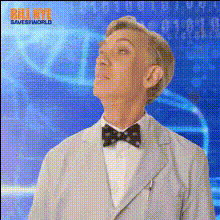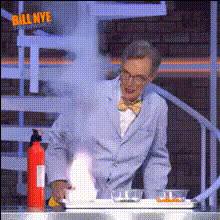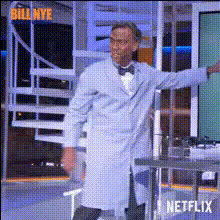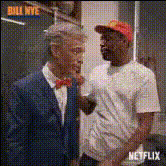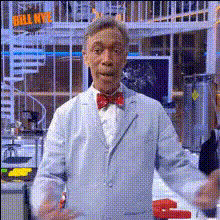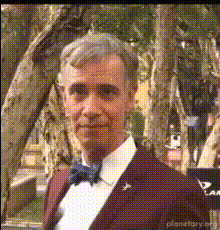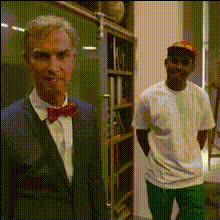
Bill Nye Face Swap
Overview
Give your videos a creative twist by swapping your face with Bill Nye using our Video Face Swap template. Ideal for crafting educational content that stands out, this tool makes it easy to add a touch of science-friendly fun to any project.
What It Does
This template is designed to enable users to perform a Video Face Swap, specifically targeting faces with Bill Nye's image. It offers seamless integration with video projects, encouraging a unique approach to merging entertainment with education for a wide range of applications.
Explore similar functionalities with our Face Swap for Video and extend your creativity by generating new scenes using the AI Video Generator.
Who It's For
This template is perfect for educators, content creators, and enthusiasts who aim to produce entertaining yet informative videos. Whether you’re an educator aiming for engaging delivery or a content creator looking for something unique, incorporate this tool into your toolkit.
For anyone interested in expanding their creative capabilities, our AI Talking Photo can complement your storytelling techniques.
Summary
The Bill Nye Face Swap template is a versatile tool for video transformation, bridging the gap between education and entertainment. Users have full control over customization, ensuring that every output aligns with their creative vision.
Discover more about using facial transformations in our Face Swap Product page, featuring the latest in AI video technology.
How To Use
Choose the Template

Customize Your Video

Generate the Video

Use Cases
Educational Videos
Entertainment Projects
Social Media Content
Best Practices
Select High-Quality Video Clips
For optimal results, use videos that are clear and well-lit to ensure the face swap algorithm performs accurately.Align Face Swap Timing
Adjust the swap duration to ensure the interchange between the target face and Bill Nye's face matches the video's context.Utilize Compatible Tools
Consider combining this template with tools like AI Image Editor for better pre-processing results.