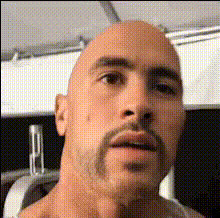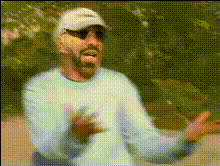
Beach Scene Face Swap
Overview
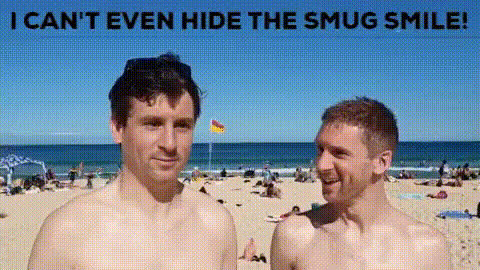
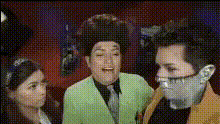
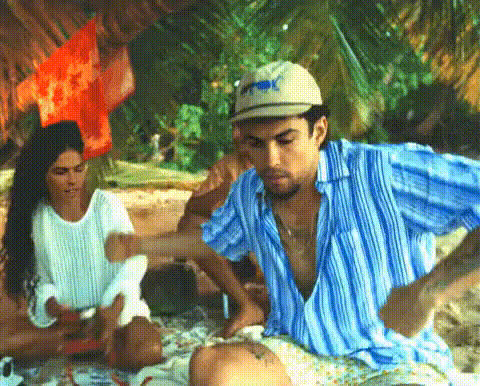
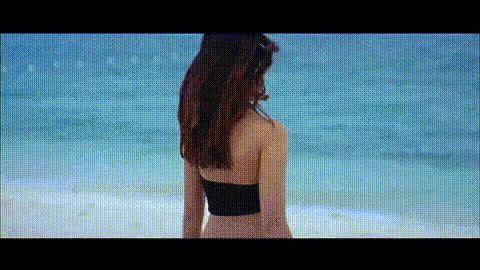
Dive into a world of creativity with our Beach Scene Face Swap template. Designed to inject a splash of fun into your photos, this Video Face Swap tool is ideal for creating lighthearted content. This template is perfect for vacation memories, prank videos, or unique social media content.
What It Does
The Beach Scene Face Swap template swaps faces in your video with precision, embedding them into a beach-themed setting. This tool leverages advanced AI to maintain facial expressions and align with the natural beach background, creating a harmonious transformation. For more similar transformation capabilities, explore our Body Swap and AI Talking Photo tools.
Who It's For
This template is perfect for content creators, social media enthusiasts, and anyone looking to add a playful twist to their videos. Whether you're a professional seeking to enhance your portfolio or a casual user wanting to entertain friends, the Beach Scene Face Swap is accessible and effective for all skill levels.
Summary
The Beach Scene Face Swap template offers a fun and engaging way to transform your videos. With straightforward customization options, it's easy to create stunning content that stands out. Discover more creative possibilities with related tools like our AI Image Editor and AI Meme Generator.
How-To
Choose Your Template

Customize Your Inputs

Generate Your Video

Use Cases
Vacation Highlights
- Great for adding humor to travel vlogs.
- Ideal for surprising family and friends.
Social Media Content
- Perfect for trend-based challenges.
- Boosts follower interaction and engagement.
Personalized Video Messages
- Personal touches add to the excitement.
- Great for creative birthday greetings.
Best Practices
Select High-Quality Videos
Ensure your source video is high resolution for the best results. This minimizes pixelation and maintains face details.Careful Face Selection
Choose faces that are well-lit and clear to enhance the accuracy of the face swap.Preview Before Finalizing
Use the preview option to check alignment and make any necessary adjustments before generating the final video.