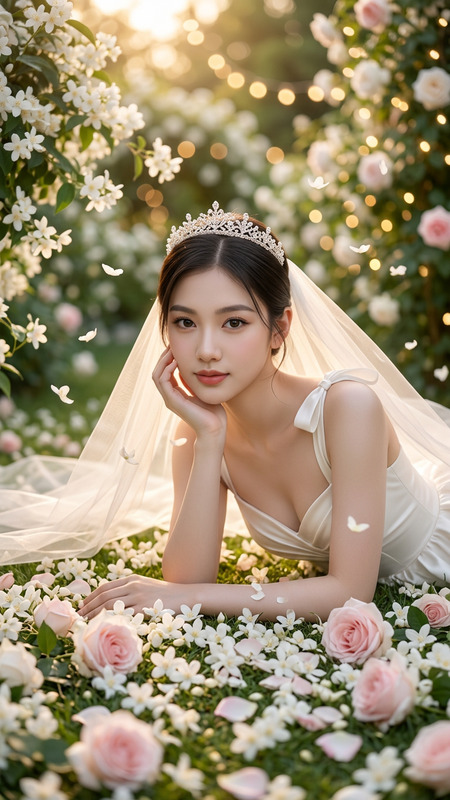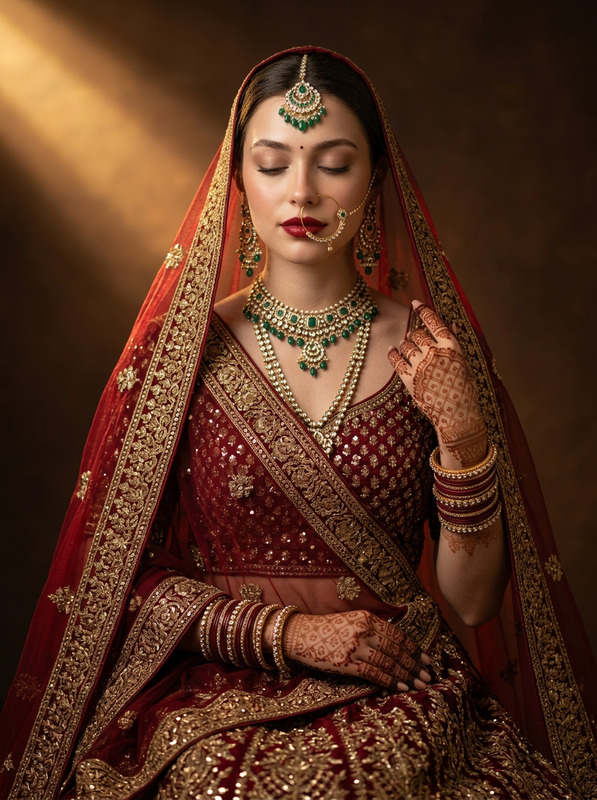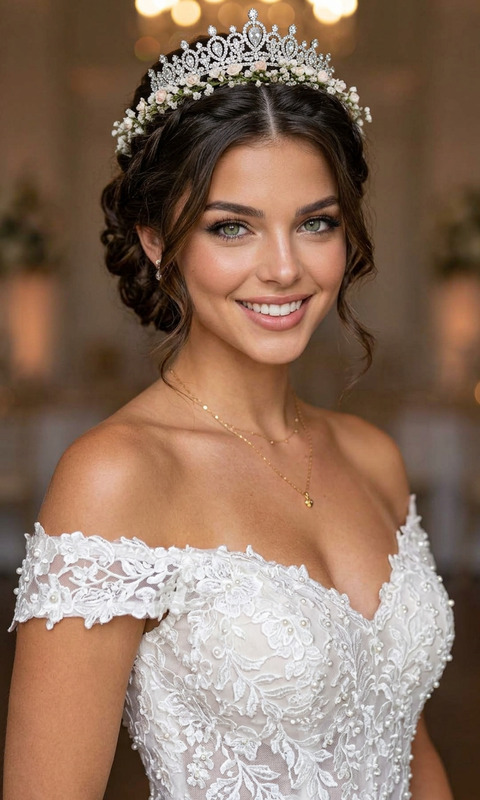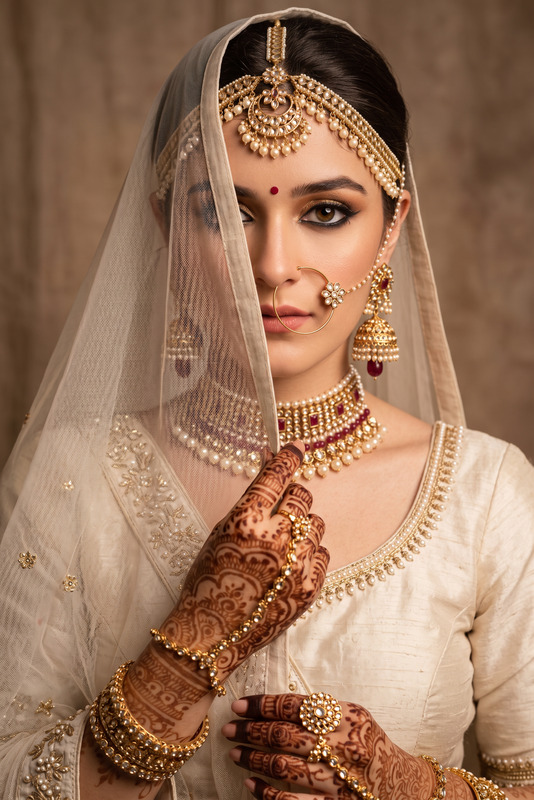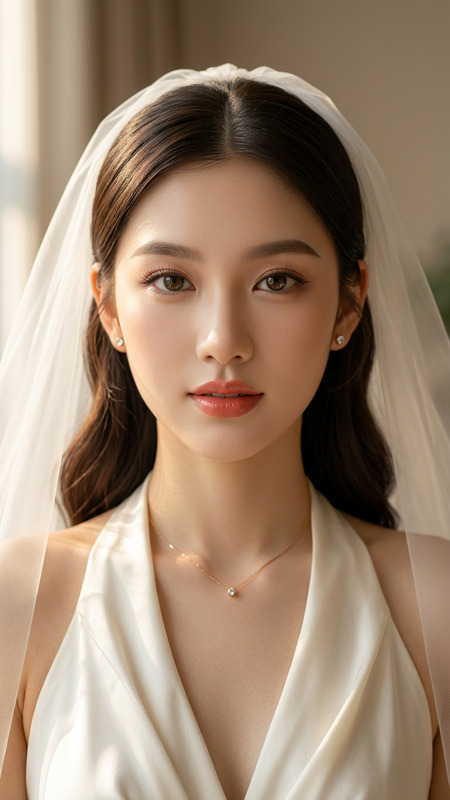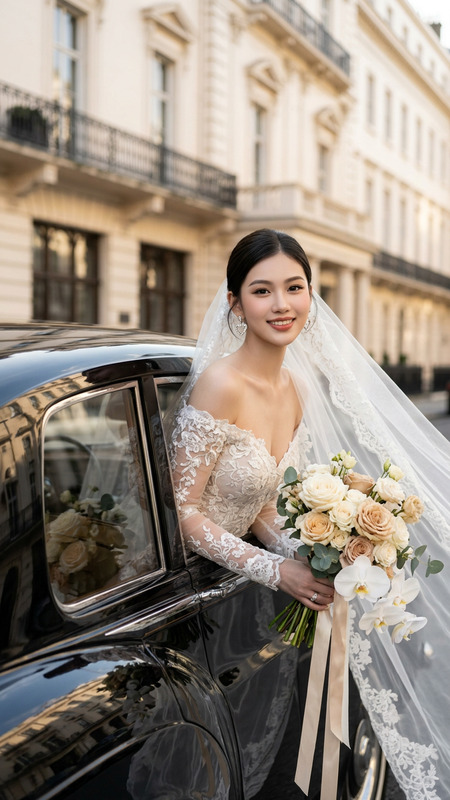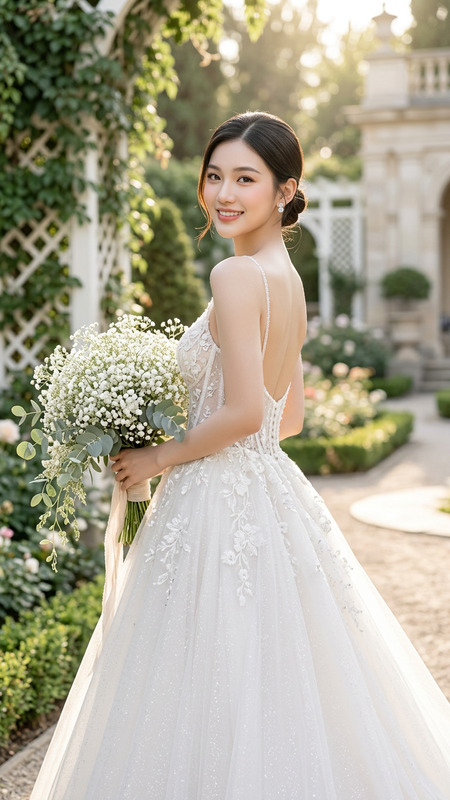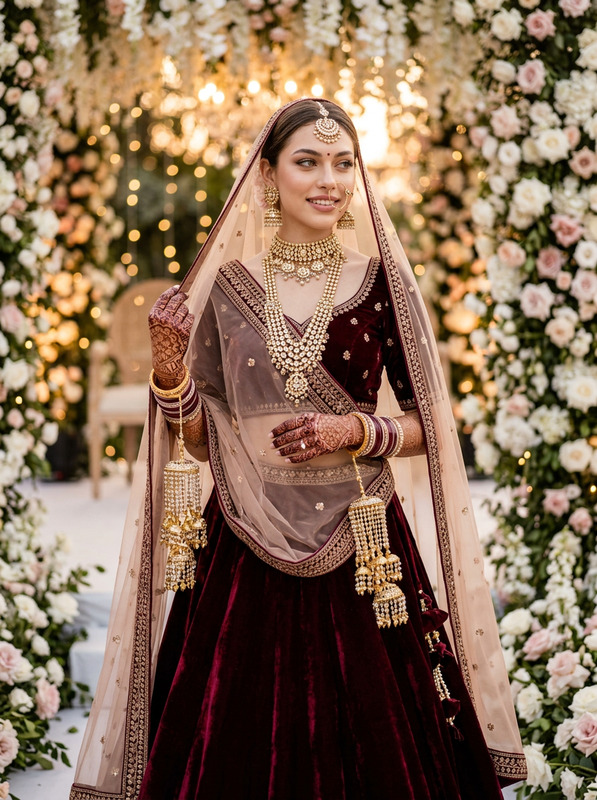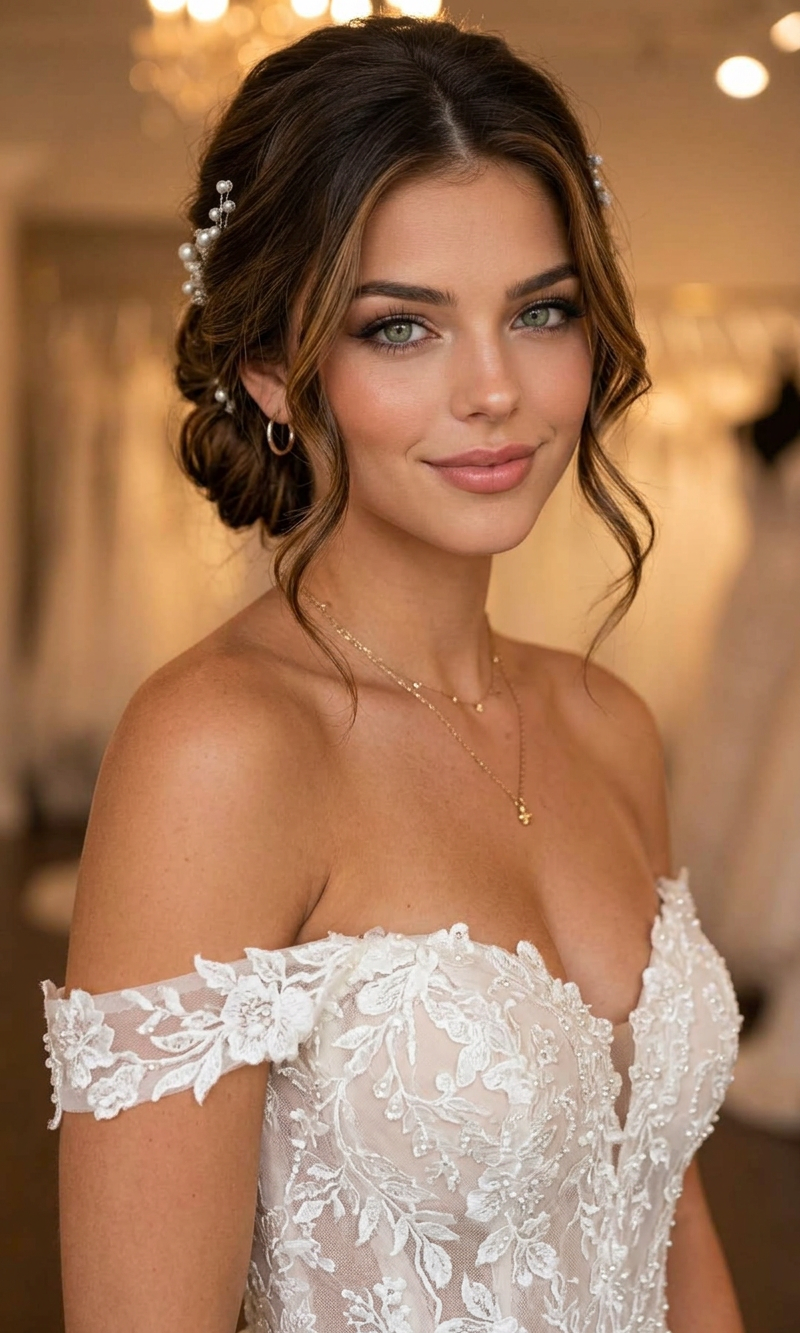
Romantic Low Bun Bridal Look

Romantic Low Bun Bridal Look

ai-image-editor

1 clip
0 uses

Any aspect ratio

Prompt

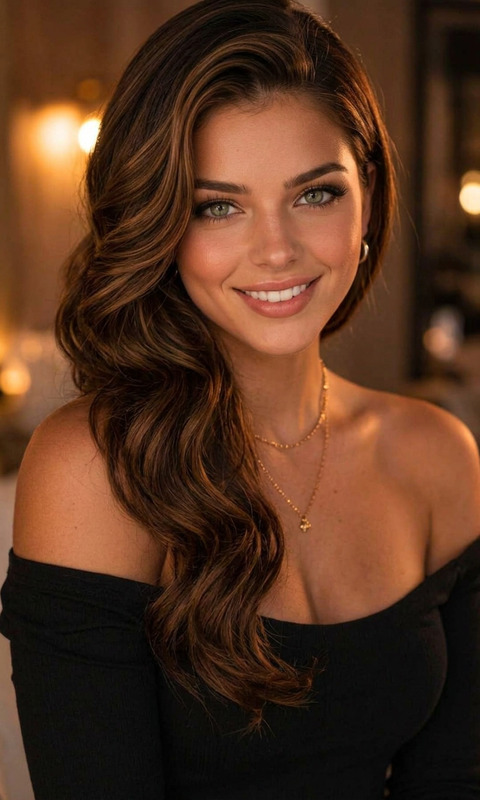
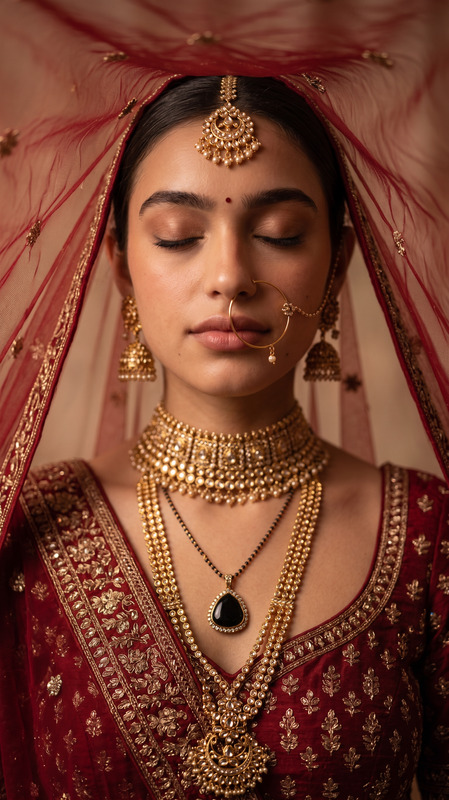
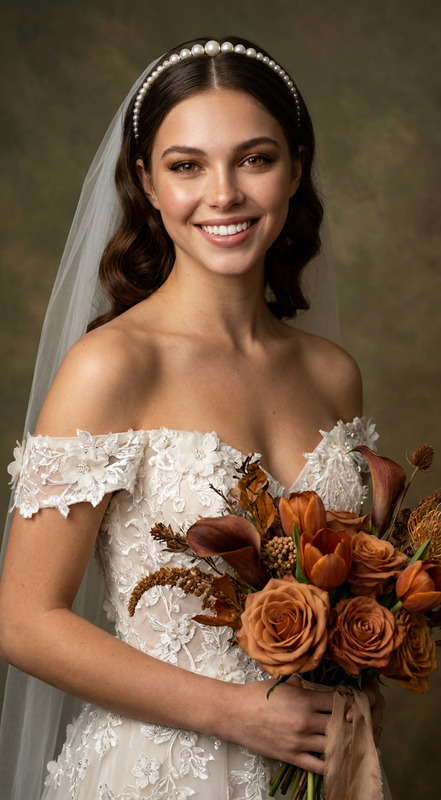
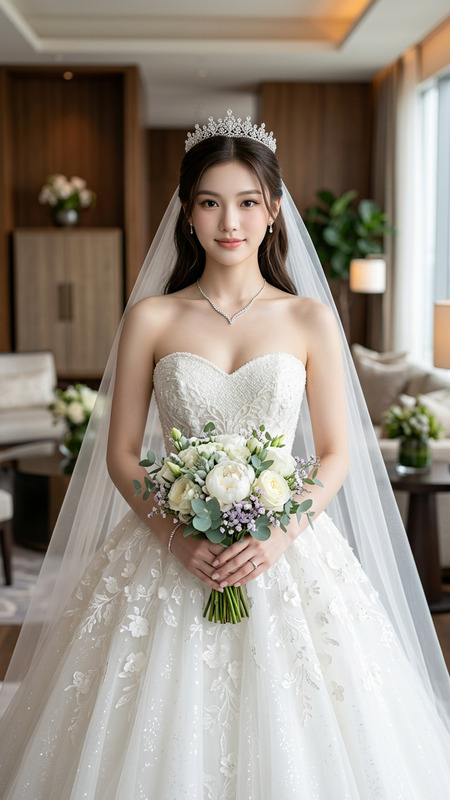
a full-body or upper-body photo of me in my wedding dress. Keep my exact face, skin tone, body shape, and natural features realistic and recognizable. Do not change my facial structure or identity. Create a luxury bridal beauty portrait featuring me with a soft romantic low bun hairstyle with curled face-framing pieces. Add elegant pearl or crystal hair accessories. Makeup should be polished bridal soft glam with flawless skin, defined eyes, soft blush, glossy lips, and timeless luxury bridal aesthetics. Keep my wedding dress exactly the same. Use realistic hair texture, cinematic bridal lighting, and a soft neutral bridal background. Make the image look like a high-end bridal salon campaign or luxury wedding magazine editorial. Professional beauty photography quality, flattering lighting, polished skin texture, elegant and romantic atmosphere. Generate a hairstyle that flatters my face shape and enhances my features.

AI Image Editor Template: Instantly Transform and Remix Your Images

Use this AI Image Editor–based template to quickly transform photos, mockups, and concept art into polished, production-ready visuals. Whether you’re testing creative directions or producing final assets, this template gives you a repeatable workflow you can remix and adapt inside Magic Hour.


What This Template Is Best For

This template is designed for:

  • Marketing & growth teams – Rapidly iterate ad creatives, landing page hero images, social graphics, and thumbnails.
  • Founders & product teams – Turn rough screenshots, wireframes, or sketches into presentable product visuals.
  • Designers & creators – Explore multiple visual directions from a single base image without starting from scratch.
  • Developers & technical teams – Generate and refine UI mockups, diagrams, or concept art for internal docs and pitch decks.

Typical use cases include:

  • Refreshing brand visuals while keeping layout and structure consistent
  • Turning raw photos into stylized artwork, illustrations, or 3D-like renders
  • Cleaning up busy or messy backgrounds to focus attention on the subject
  • Generating multiple style variants from a single source image for A/B testing

All of this is powered by Magic Hour’s AI Image Editor.


How to Remix This Template in Magic Hour

You can recreate or customize this template in a few minutes. Here’s a practical, repeatable workflow:

  1. Start from the template

    • Open the template in Magic Hour.
    • Duplicate or “remix” it so you can safely experiment without changing the original.
    • Replace the sample image with your own product shot, headshot, UI screenshot, or artwork.
  2. Define the goal of your edit

    • Clarify what you want from the AI:
      • “Make this look like a clean SaaS landing page hero”
      • “Convert this portrait into a stylized illustration”
      • “Remove distractions and simplify the background”
    • Keep one core objective per remix to get clean, consistent results.
  3. Edit the content of the image

    • Use the AI Image Editor to:
      • Change backgrounds (e.g., office → studio, messy room → clean gradient)
      • Refine faces and details (pair well with AI Face Editor and AI Headshot Generator if you need multiple on-brand portraits)
      • Add or remove objects (consider AI Remover or Remove Object from Photo for precise cleanup)
      • Stylize the whole frame (illustrated look, anime, realism, comic, etc.)
  4. Experiment with alternative versions

  5. Polish for production

    • Once you have a candidate you like, finalize it with:
    • Export and plug directly into your ads, landing pages, slide decks, or app.

Suggested Workflows by Use Case

1. Marketing Creatives & Social Content

If you’re generating high-performing marketing visuals, combine this template with other Magic Hour tools:

This creates a fast, iterative loop for A/B testing creatives across channels.


2. Product Mockups, UI, and SaaS Landing Pages

For product teams and founders:

  • Use this template to cleanly present your core interface: screenshot your app, drop it into the AI Image Editor, and stylize the background to match your brand.
  • For slide decks and investor updates, generate consistent visual language using:
  • Turn static UI images into short loops with:

3. Character, Avatar, and Brand Mascot Creation

If your template centers on a person, mascot, or character:

You can then animate these characters using:


4. Brand & Visual Identity Experiments

If you’re exploring or refreshing a brand:

Once you’ve found a direction, you can systematize your process by saving remixed versions of this template for different content types (ads, hero images, social posts, slide templates).


Extending This Template into Video and Voice

If your workflow also includes video, you can treat this image template as the visual foundation:

This lets you start from a single edited image and graduate to full video assets with consistent style and branding.


Useful Related Tools for This Template

Depending on your use case, this template pairs well with:


Tips for Getting Reliable Results

  • Start from decent input: The better your starting image (clear subject, good lighting, reasonable resolution), the more control you’ll have over the final output.
  • Change one variable at a time: When remixing, duplicate your current best version and adjust a single aspect (style, background, or subject) to keep quality consistent.
  • Create a mini-design system: Once you find a style you like, keep a small set of “reference images” in your project. Use this template to bring new images into the same visual language.
  • Chain tools deliberately: A common, robust pipeline:
    1. Base edit in the AI Image Editor template
    2. Cleanup (removal, restoration, color)
    3. Style or character work (art, manga, anime, illustration)
    4. Upscale and sharpen
    5. Optional: transform into GIF or video

How to Adapt This Template to Your Own Use Case

To create your own version of this template inside Magic Hour:

  1. Open the template and duplicate it.
  2. Replace the base image with one representative of your real use case (your product, team, or brand assets).
  3. Define a single, clear outcome for this remix (e.g., “hero image for landing page” or “stylized founder portrait”).
  4. Run a small set of variant experiments and keep only the strongest 1–2 versions.
  5. Save your remix as your “team version” of the template and reuse it for future content.

Over time, this becomes a lightweight internal “design system in a template” that keeps your visual output consistent while staying fast and flexible.

More Like This

Insufficient credits