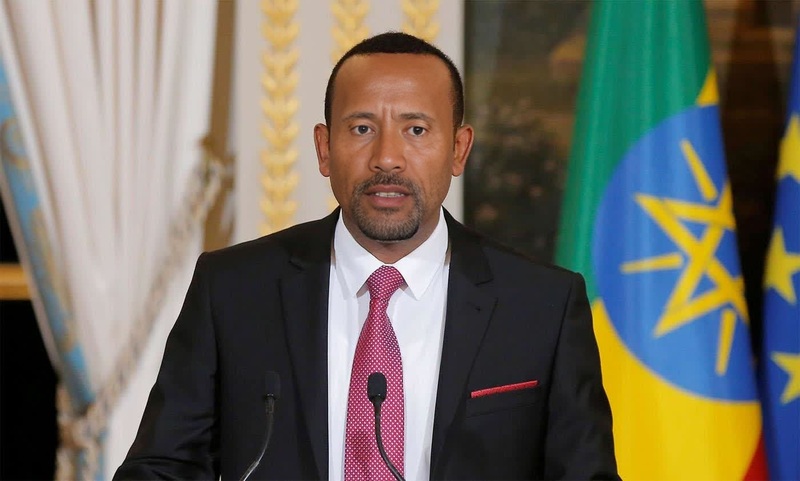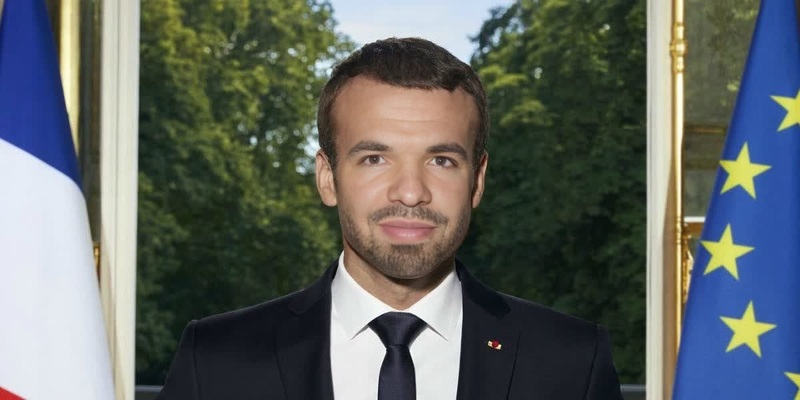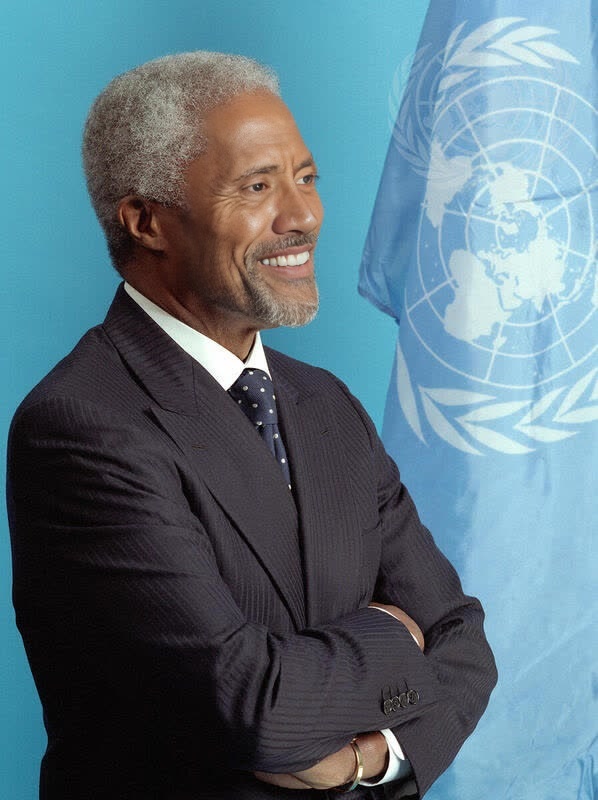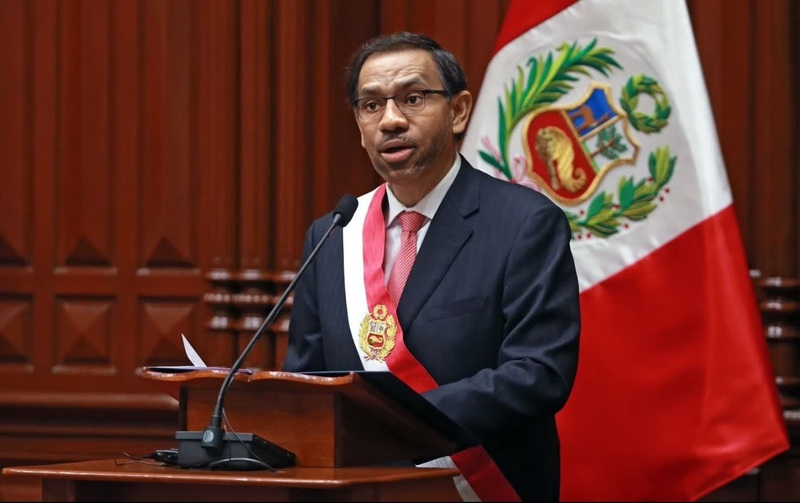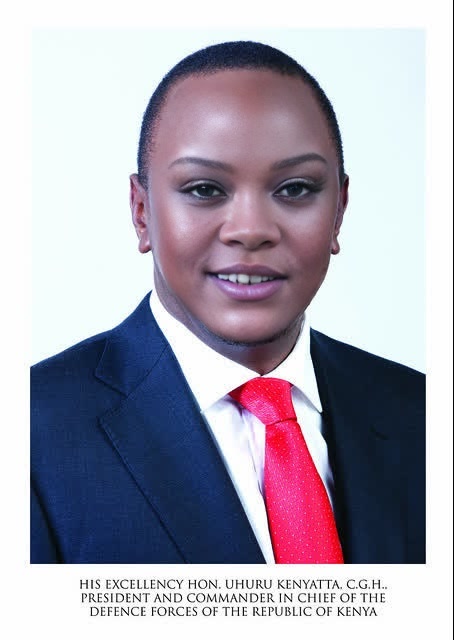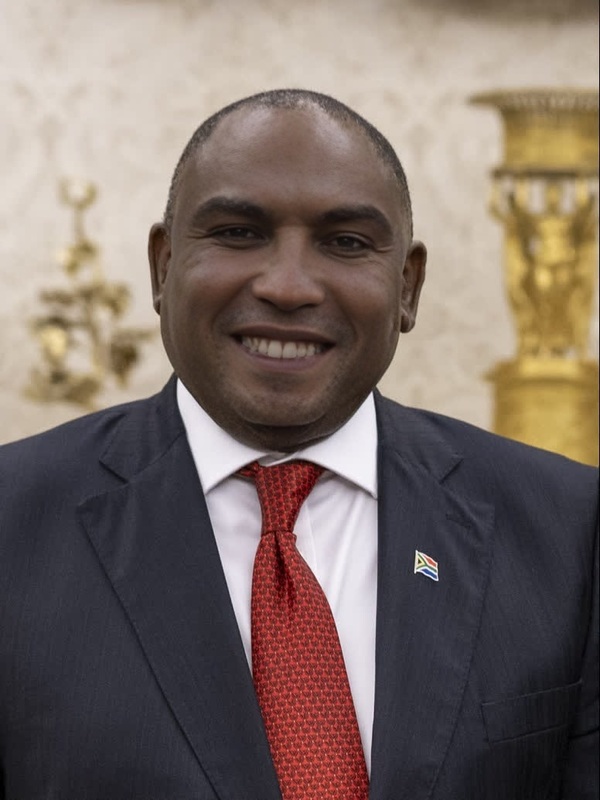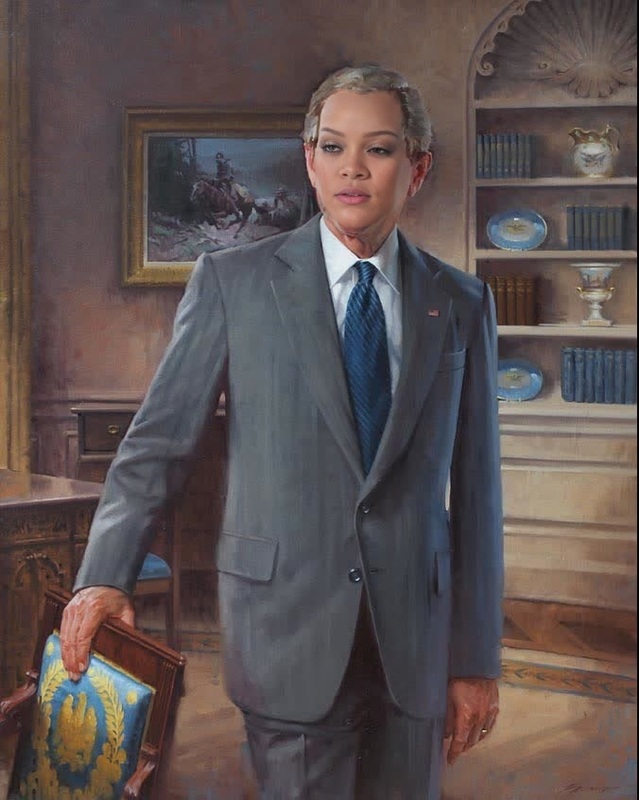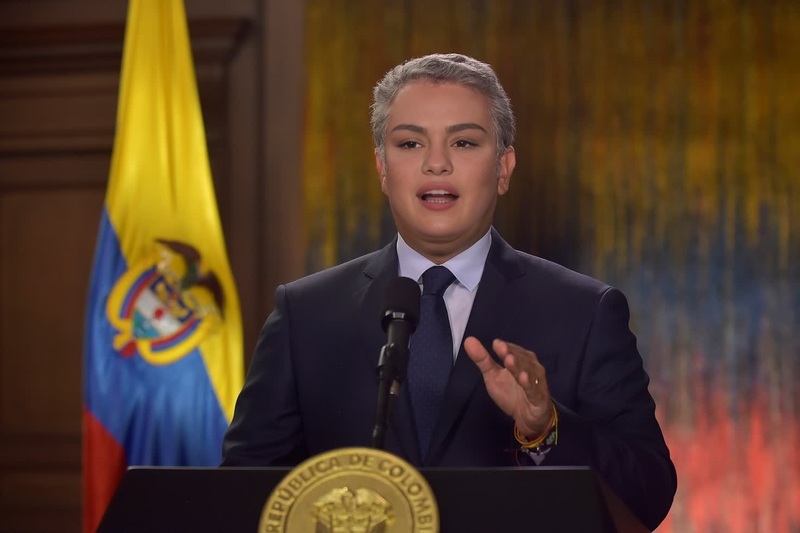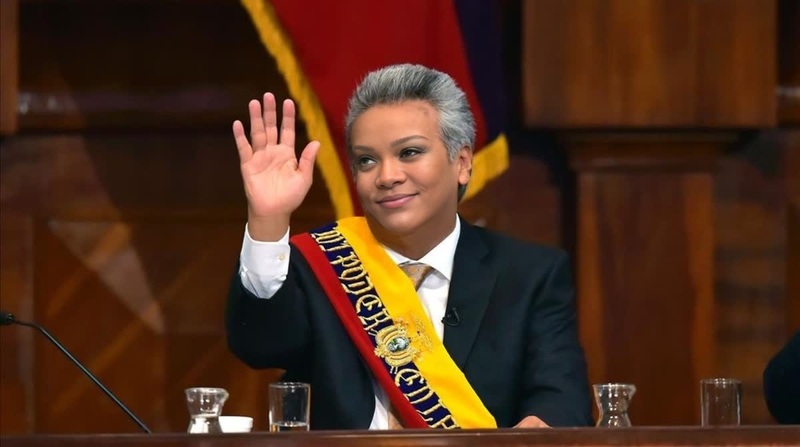
Paul Kagame Rwanda President Press Portrait
- Image
- 600 × 800 px
Any aspect ratio
Overview
The Paul Kagame Rwanda President Press Portrait template offers a creative way to transform your videos by swapping faces with Paul Kagame, the President of Rwanda. Ideal for entertainment, satire, or political commentary, this template makes it simple to create distinct and engaging content for any digital platform.
What It Does
This Video Face Swap template allows users to replace the face in any portrait with that of Paul Kagame, maintaining natural expressions and details. The tool is powered by our advanced AI technologies, ensuring accurate and impactful transformations that can be utilized in various formats including MP4 and GIF.
Who It's For
This template is perfect for social media influencers, content creators, and political enthusiasts looking to create engaging and humorous content. It's also useful for educators and marketers who want to add a creative twist to their videos or presentations. With applications across social media ads and meme videos, the possibilities are vast.
Summary
Engage your audience with the ability to swap faces using the Paul Kagame template. Whether you're crafting content for YouTube, creating viral Image-to-Video clips, or producing AI GIFs, this template offers a straightforward and effective solution. Elevate your content creation by exploring new formats and styles.
How To
Follow these steps to create a unique video using the Paul Kagame face swap template.
Choose the Template

Customize Your Input

Generate and Download

Use Cases
Social Media Campaigns
- Instagram stories
- TikTok posts
- YouTube shorts
Political Satire
- Create parodies
- Develop caricature content
Educational Content
- History documentaries
- Cultural presentations
Best Practices
Choose High-Quality Images
For the best results, use high-resolution images with clear facial features. This enhances the template's ability to align and swap faces accurately.Maintain Context
Ensure that the swapped face suits the original character's role. This maintains the humor and relevance of the content.Experiment with Formats
Try different video lengths and formats to find the most engaging version. Leverage tools like the AI Video Generator for versatile outputs.
Frequently asked questions
More Like This