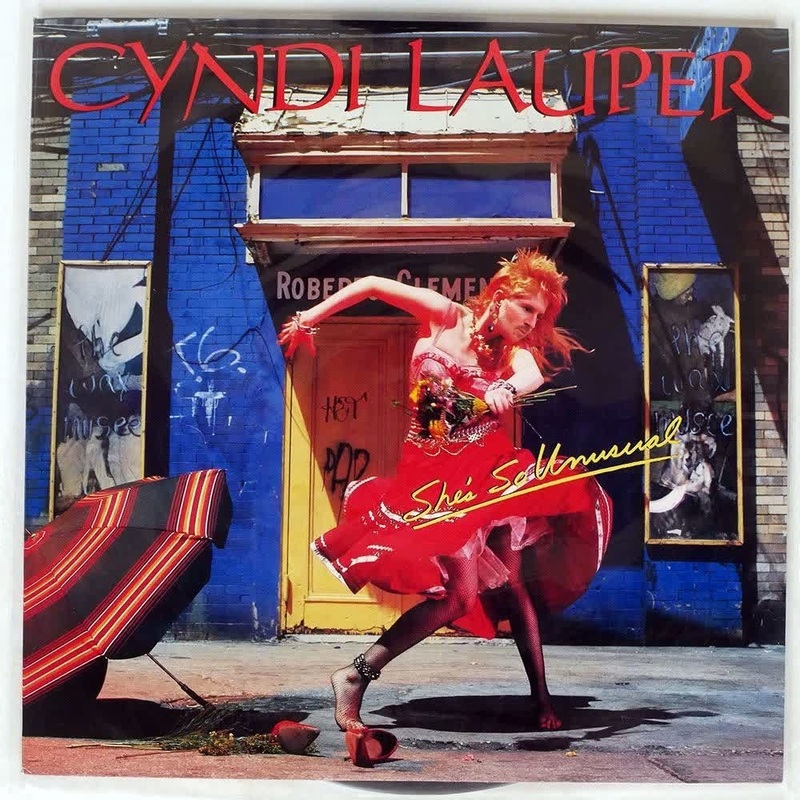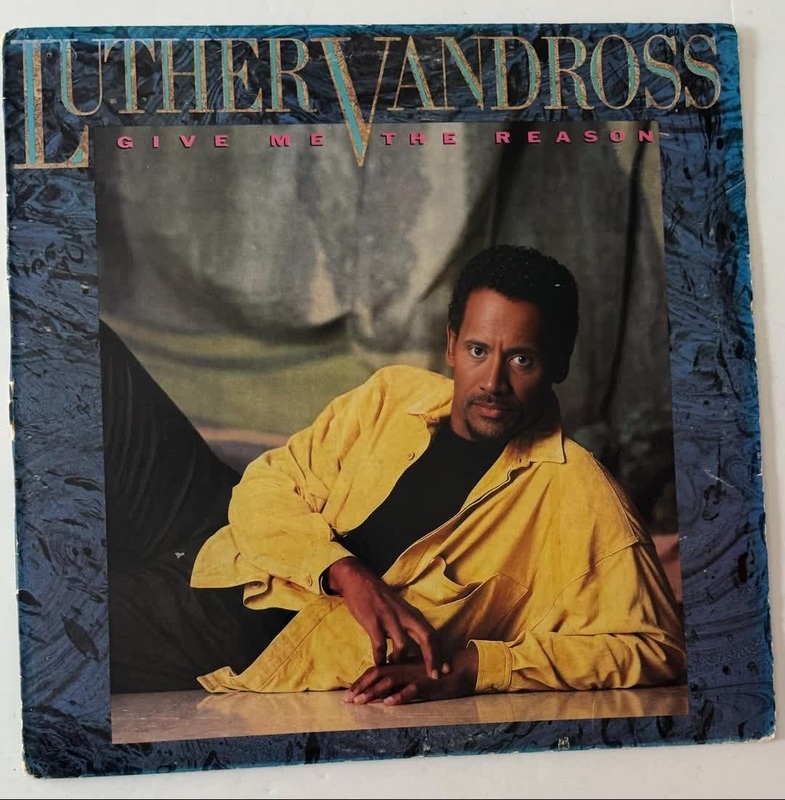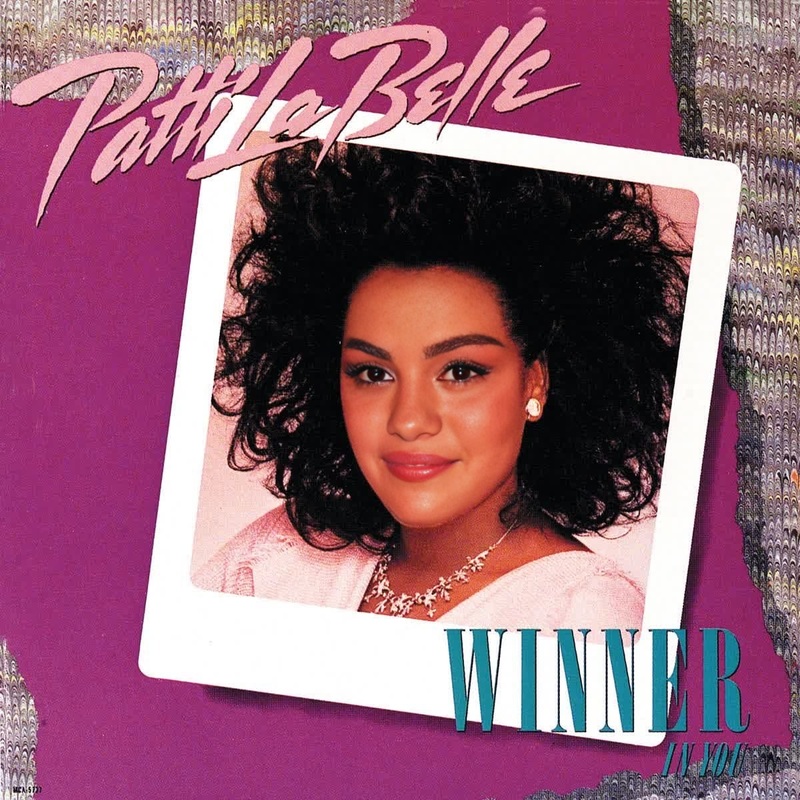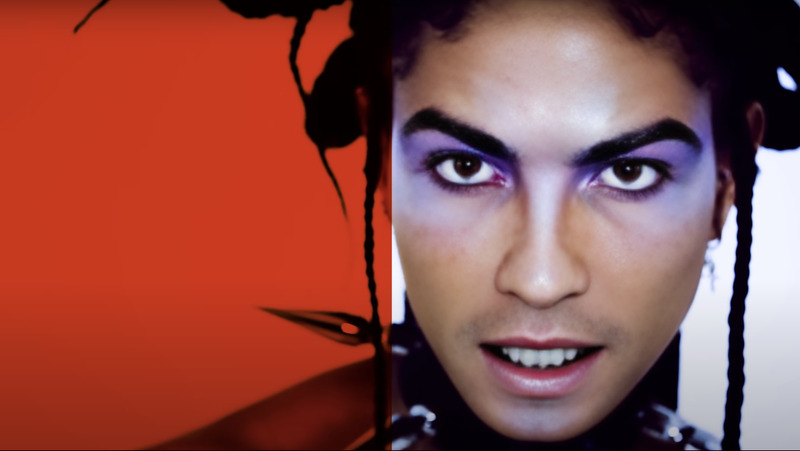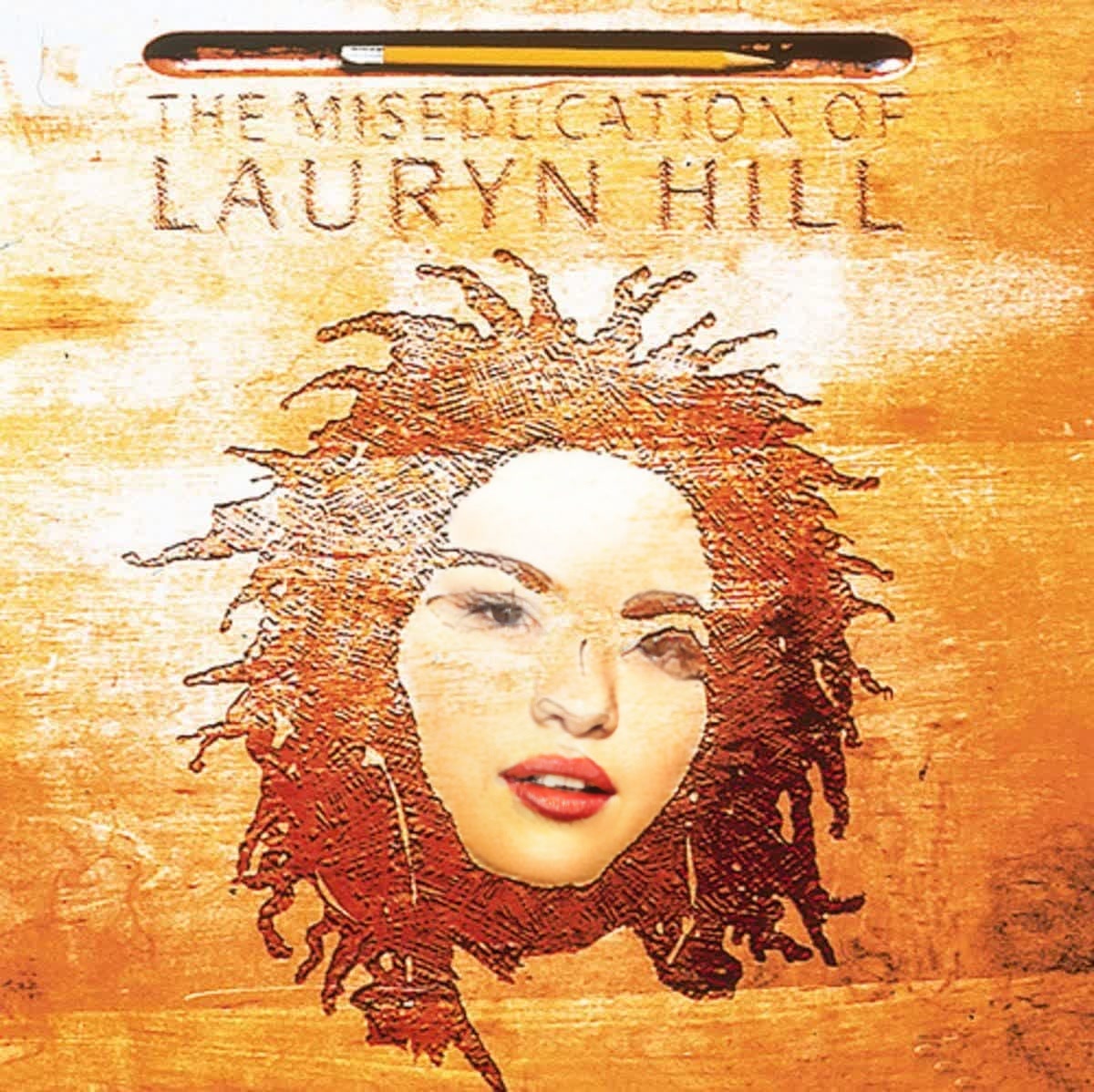
Lauryn Hill The Miseducation Press Portrait
- Image
- 1200 × 1198 px
Any aspect ratio
Overview
Experience a transformative approach to video creation with our Lauryn Hill The Miseducation Press Portrait template. This Video Face Swap tool allows you to project any face onto a classic image of Lauryn Hill from her iconic The Miseducation era. Ideal for creating compelling visual content that captures attention and tells a story.
What It Does
This template leverages advanced face swapping technology, allowing you to create a personalized video where your chosen face appears on a well-known image of Lauryn Hill. The output maintains the original video's high-quality while ensuring a seamless integration of new elements. It's part of our robust family of AI-powered solutions, including tools like the AI Image Editor for further customization.
Who It's For
This template is perfect for content creators, social media managers, and marketing professionals looking to inject personality into their projects. Whether you're in media production or creative advertising, this tool empowers you to deliver impactful visuals. Explore our other transformation solutions, such as the AI Meme Generator, to further enhance your creative toolkit.
Summary
The Lauryn Hill The Miseducation Press Portrait template offers a unique way to customize videos through face swapping. Suitable for a variety of projects, it provides the tools needed for engaging and personalized content creation. Dive deeper into our offerings with the AI Talking Photo tool for additional video enhancements.
How to Use
Choose the Template

Customize Your Content

Generate and Download

Use Cases
Creative Social Media Posts
- Boost engagement with personalized visuals
- Create buzz with recognizable imagery
Marketing Campaigns
- Highlight product features with a creative twist
- Leverage nostalgia for increased brand recognition
Entertainment Media
- Generate interest with custom promotional content
- Use in music videos for a unique narrative
Best Practices
Choose High-Quality Photos
Use high-resolution images for the best face swap results, ensuring clarity and detail are preserved.Align Facial Features Accurately
Use the alignment tools to precisely position the face, enhancing realism.Use Supporting Tools
Employ the AI Image Upscaler to improve image quality and detail.
FAQs
More Like This