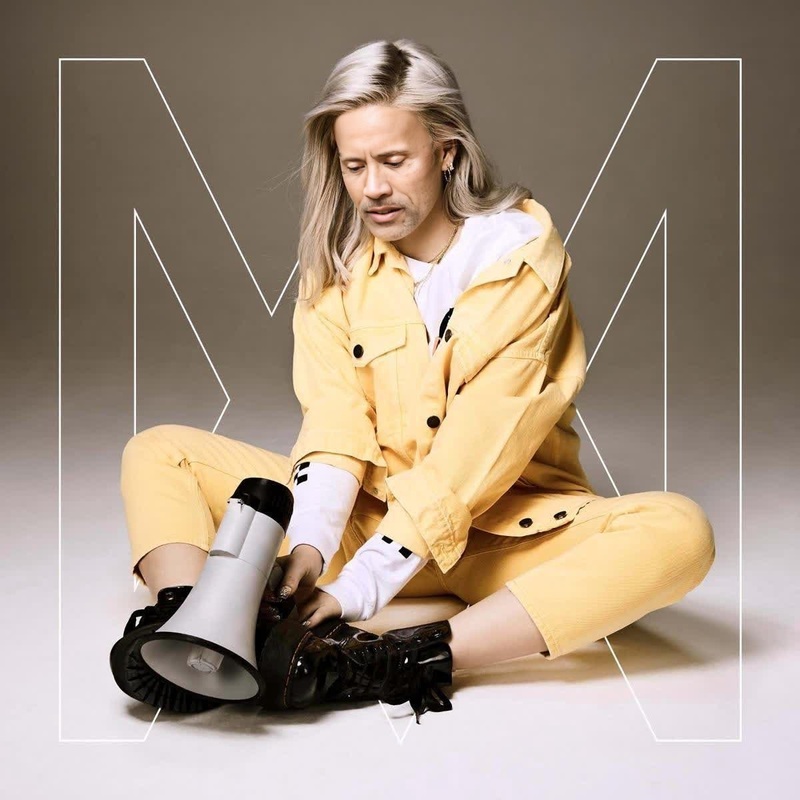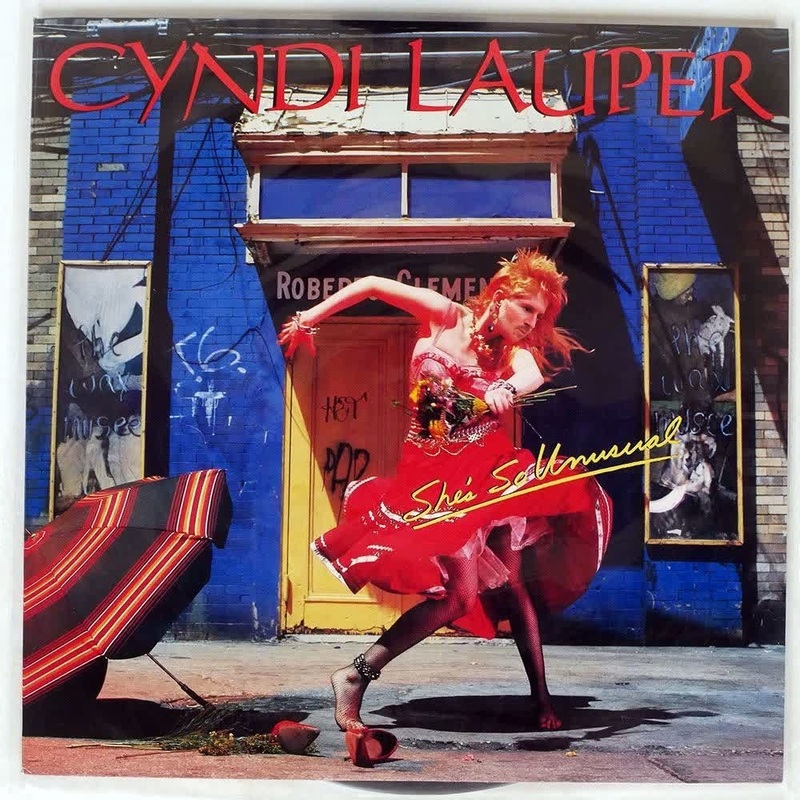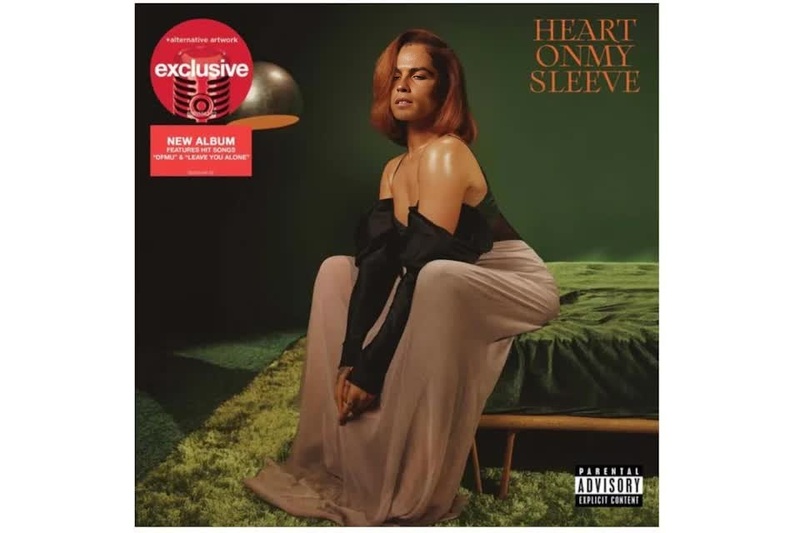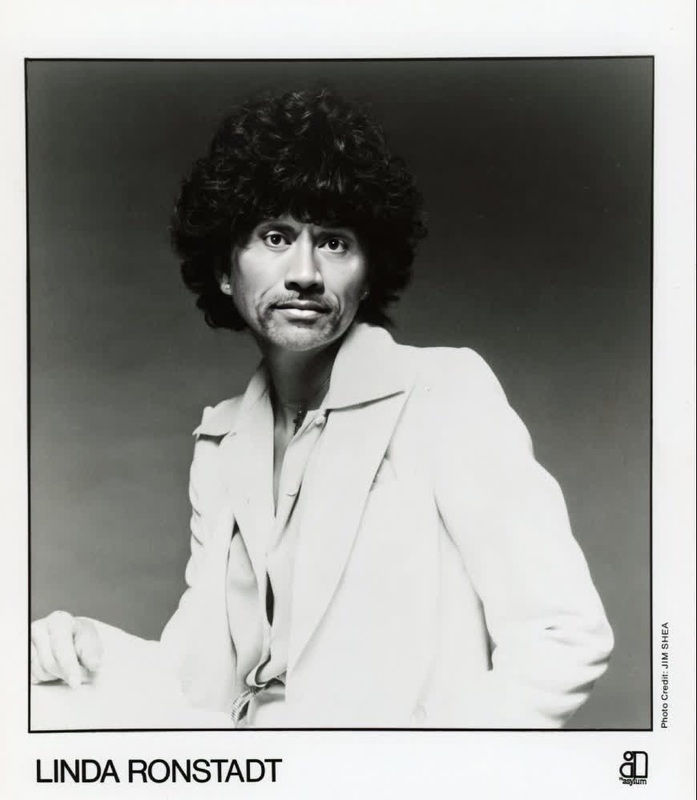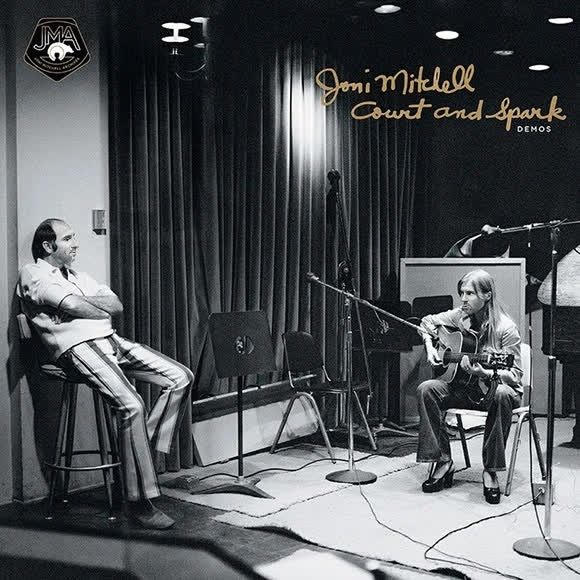
Joni Mitchell Court And Spark Press Portrait
- Image
- 580 × 580 px
Any aspect ratio
Overview
Reimagine your visuals by swapping your face onto Joni Mitchell's timeless 'Court and Spark' press portrait. This Video Face Swap template lets you transform any photo with the essence of classic rock inspiration. Whether you're a musician, creator, or just a fan, indulge in this creative transformation to produce standout visuals.
What It Does
The Video Face Swap template empowers users to overlay their face onto the iconic 'Court and Spark' era portrait of Joni Mitchell, blending seamlessly with her legendary image. By leveraging our advanced toolset, it captures the spirit of the 70s while placing your unique identity at the forefront.
With this tool, you can create engaging video content that resonates with the timeless energy of Joni Mitchell, offering a personalized touch to your digital projects.
Who It's For
This template is perfect for musicians looking to enhance their album art, content creators wishing to add a touch of nostalgia to their videos, and fans of Joni Mitchell eager to pay homage in a creative way. It's designed for users who appreciate classic rock artistry and want to incorporate it into their content effortlessly.
Summary
Create a unique fusion of classic and contemporary art with the Joni Mitchell Court and Spark Video Face Swap template. Ideal for anyone aiming to make a strong impression in their visual media, this template builds a connection with the golden age of rock music while showcasing your individuality.
Explore more transformative possibilities with our AI Image Editor or dive into other swap options with our Head Swap and Body Swap tools.
How-To
Choose Template

Customize Inputs

Generate Video

Use Cases
Musician Album Promo
- Engage fanbase with classic rock imagery
- Create visually striking album art
Content Creator Videos
- Add retro flair to video content
- Create engaging history-themed videos
Fan Tribute Creations
- Craft personalized tribute videos
- Share nostalgic content with other fans
Best Practices
Choose High-Quality Images
Ensure the photo you upload is clear and well-lit to achieve the best results.Align Features Correctly
Use available tools to adjust the facial alignment for a natural-looking swap.Experiment with Styles
Try different poses and expressions to see how they change the look of your output.