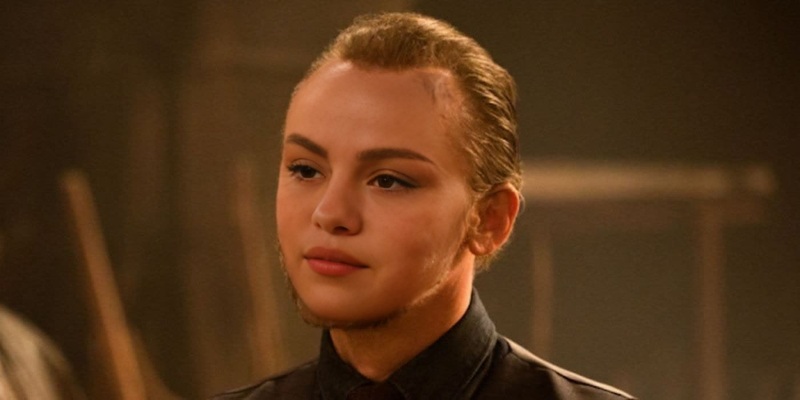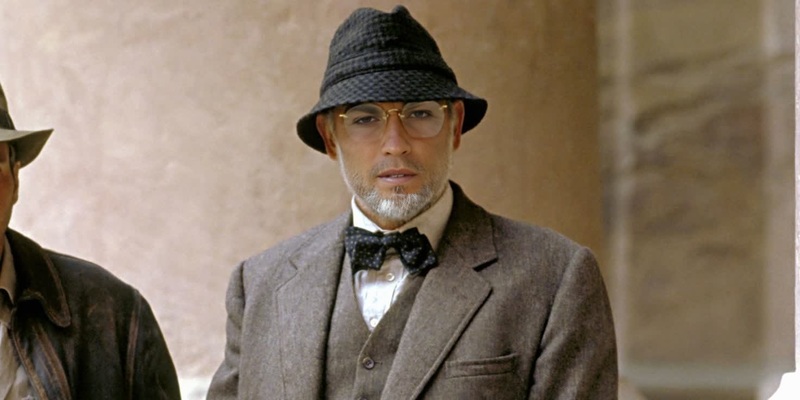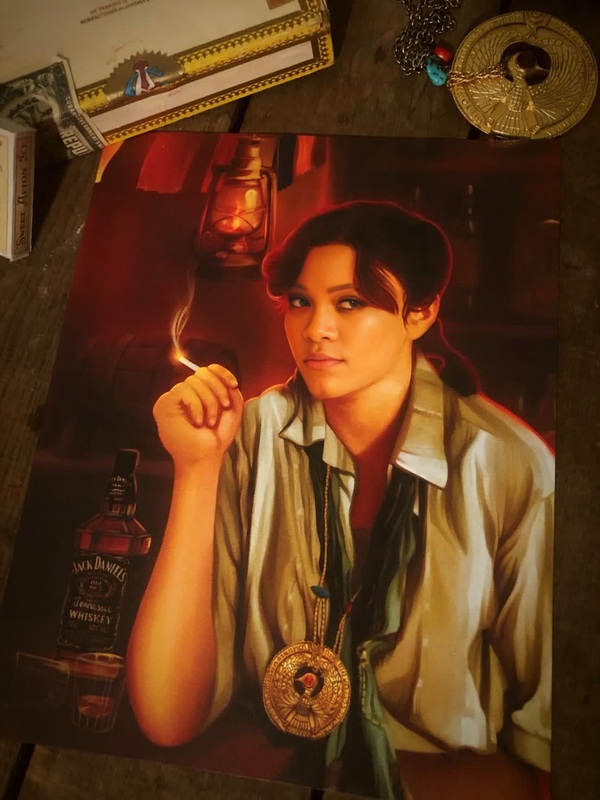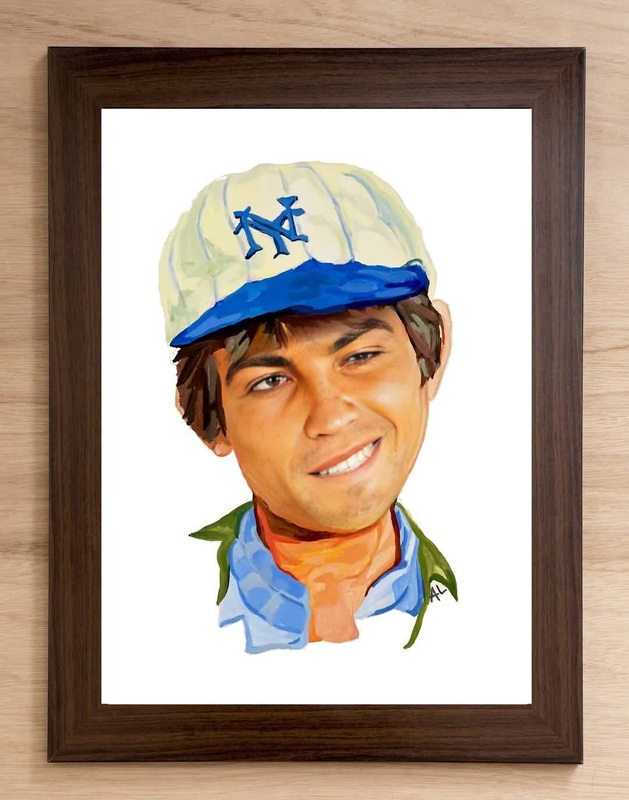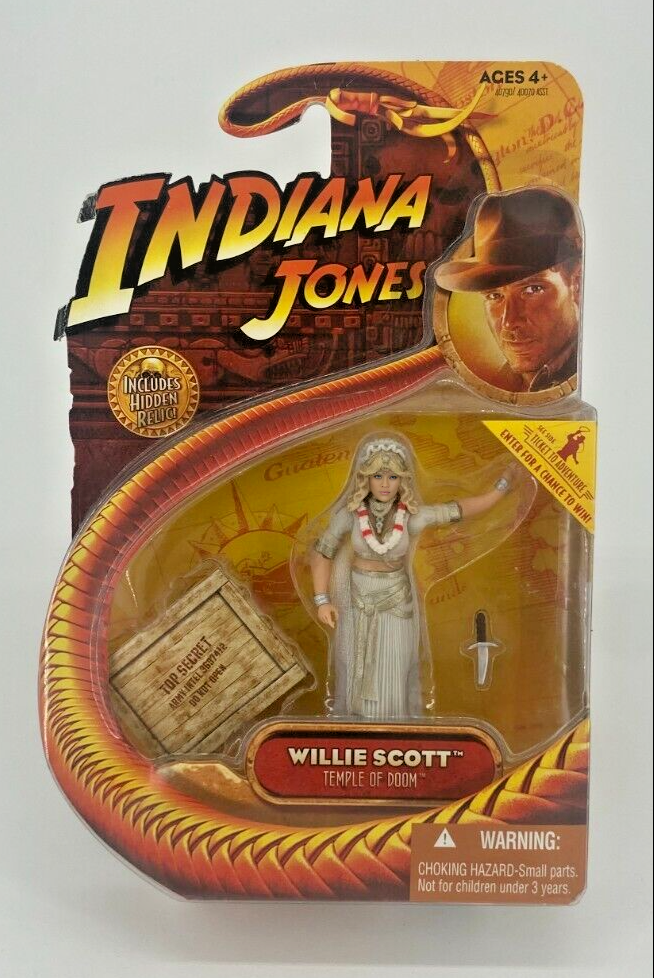
Willie Scott Indiana Jones Temple Of Doom
- Image
- 654 × 978 px
Any aspect ratio
Overview
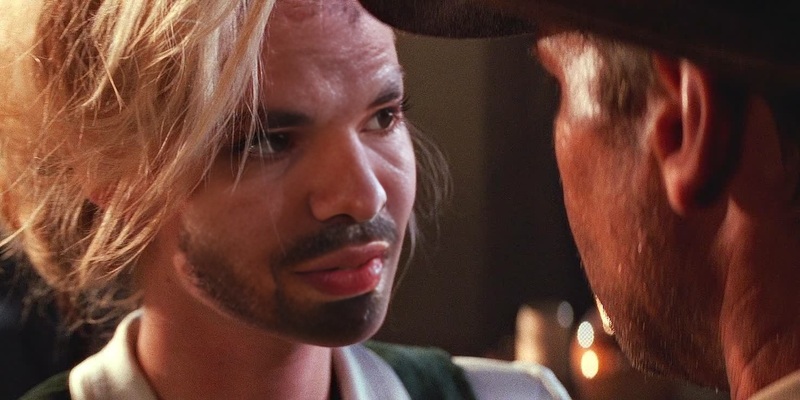
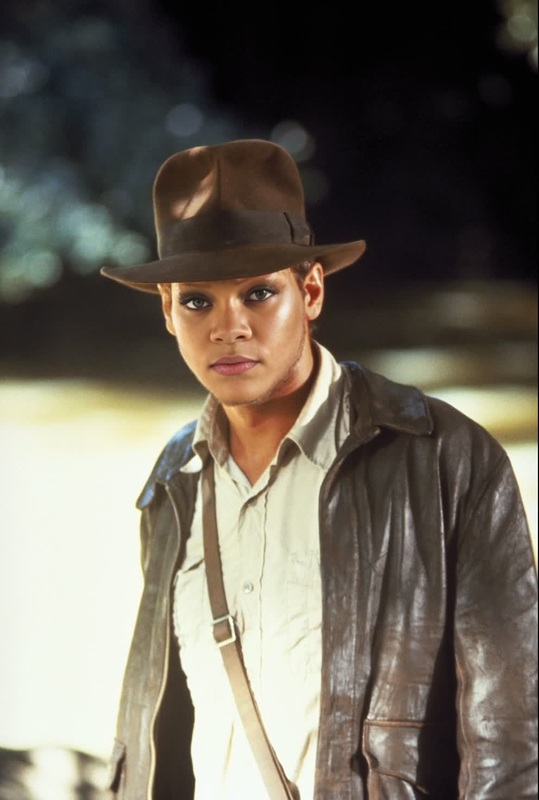
Step into the thrilling world of Indiana Jones by swapping faces with the iconic Willie Scott from the Temple of Doom movie. This Video Face Swap template lets you create captivating content by utilizing AI technology to blend your face seamlessly into classic film scenes.
What It Does
This template empowers users to swap their faces with Willie Scott using advanced face mapping algorithms. It retains the original expressions, lighting, and movements of the original footage, ensuring natural-looking results. By using the Face Swap technology, you can transform any video from the scene, making it your own.
Who It's For
Ideal for filmmakers, content creators, and fans of the Indiana Jones series, this template allows you to recreate memorable movie moments with a personal twist. It's also a powerful tool for social media influencers who want to engage their audience with creative and nostalgic content. Consider pairing this with the AI Video Generator to innovate your video projects further.
Summary
Whether you're creating a parody, fan tribute, or experimenting with face swap technology, this template offers a fun and immersive experience. Explore the transformation capabilities of machine learning while enjoying iconic movie scenes. Discover more possibilities with Image to Video conversions to make the most of your creative journey.
How To
Select the Template

Customize Features

Generate the Video

Use Cases
Creating Parodies
- Add humor to popular film clips.
- Engage audiences with creative content.
Nostalgia Projects
- Experience a deeper connection with film history.
- Share personalized memories with friends.
Content for Social Media
- Boost engagement on platforms like TikTok and Instagram.
- Differentiate from typical video posts.
Fan Tributes
- Express fan devotion in a novel way.
- Reach fellow fans with relatable content.
Video Marketing
- Create eye-catching ads.
- Engage with audiences creatively.
Best Practices
High-Quality Photos
Use clear and well-lit photos for more realistic swaps to ensure alignment and lighting match characteristics of the original footage.Review Results Thoroughly
After swapping, scrutinize the video to ensure facial expressions and lighting blend naturally. Go back to make necessary adjustments as needed.Use Complementary Tools
Combine with other tools like the AI Video Extender to create longer sequences or the AI Voice Changer for voice matching.
Frequently asked questions
More Like This