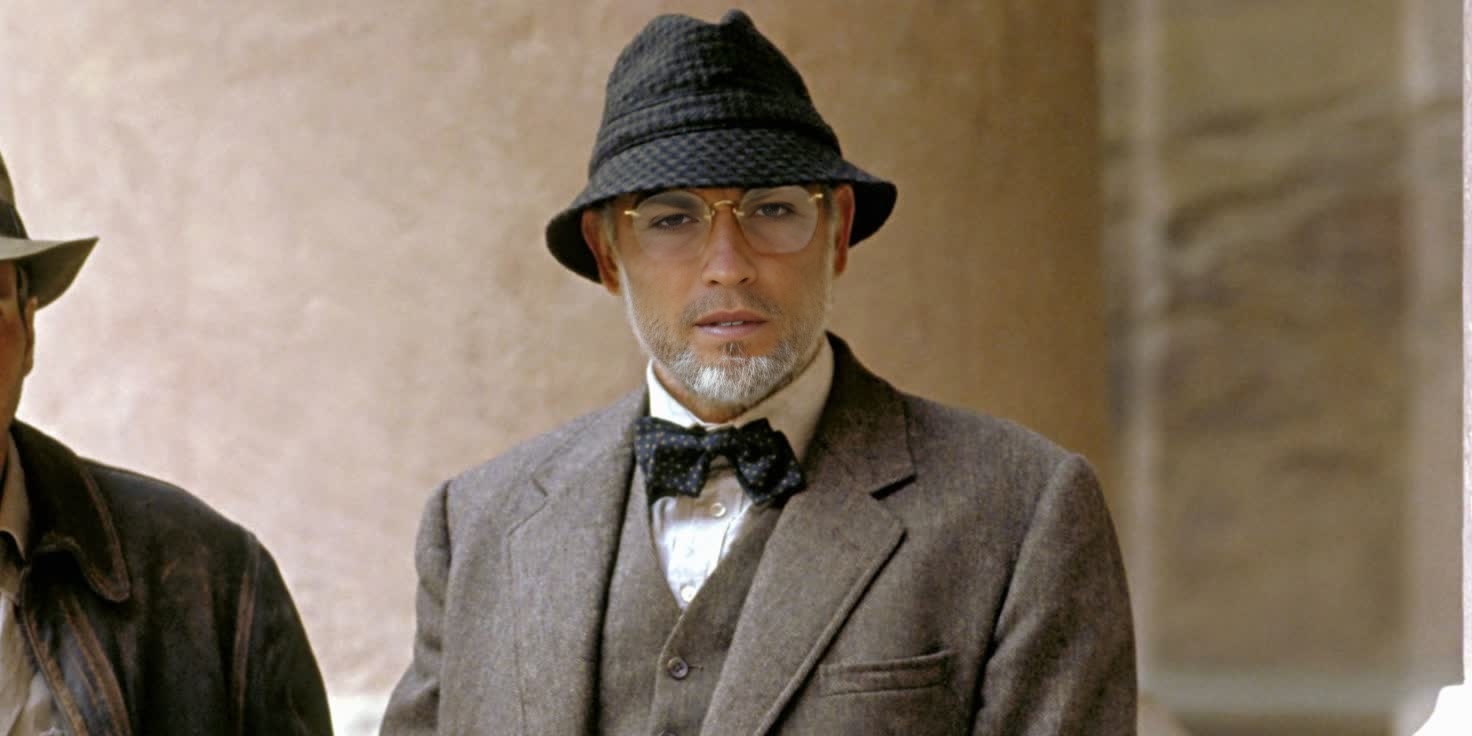
Henry Jones Sr Indiana Jones
- Image
- 1472 × 736 px
Any aspect ratio
Overview
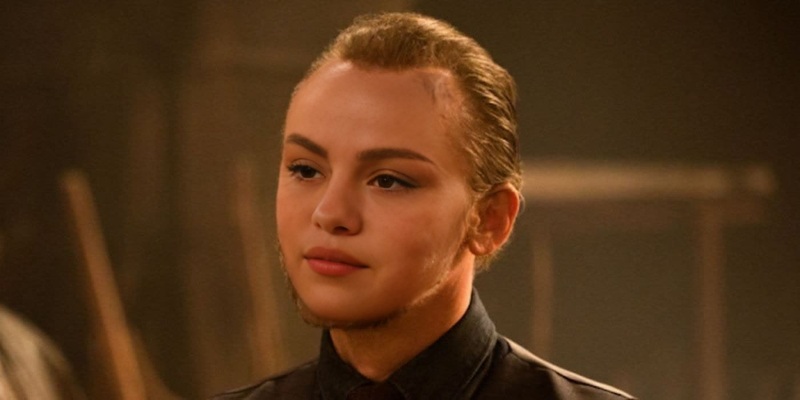
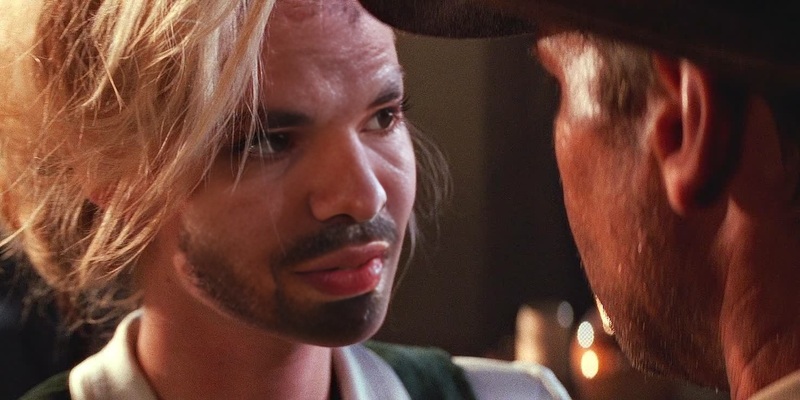
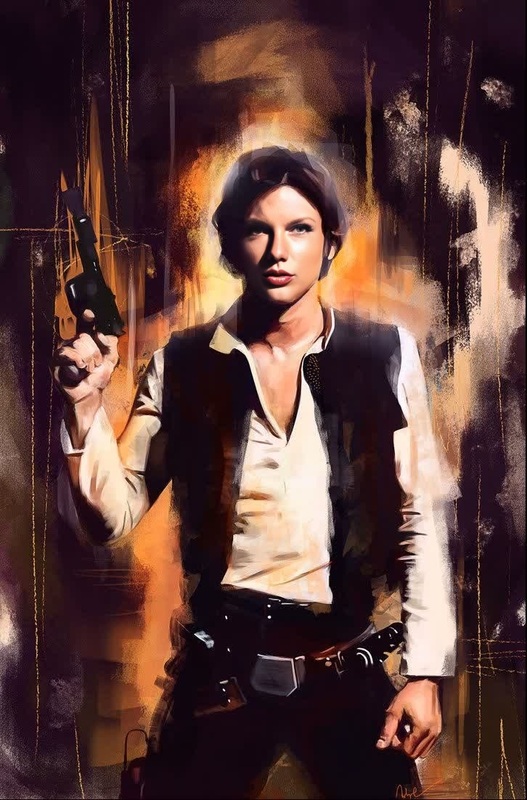
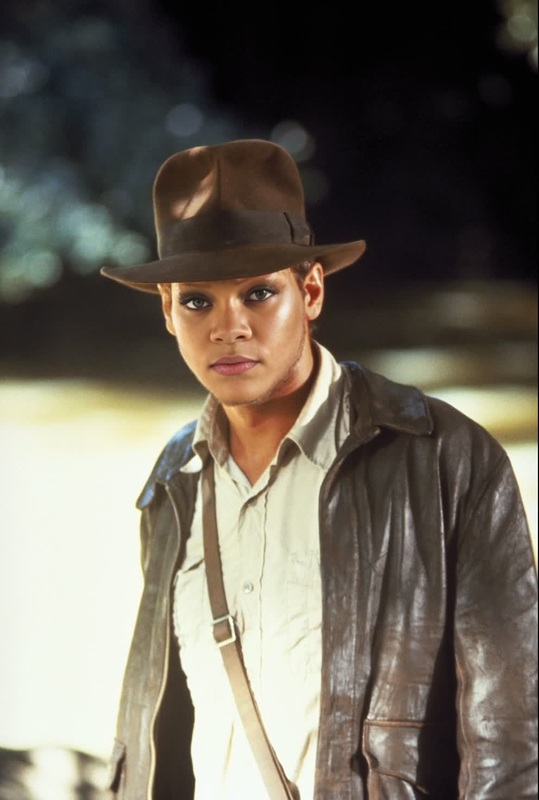
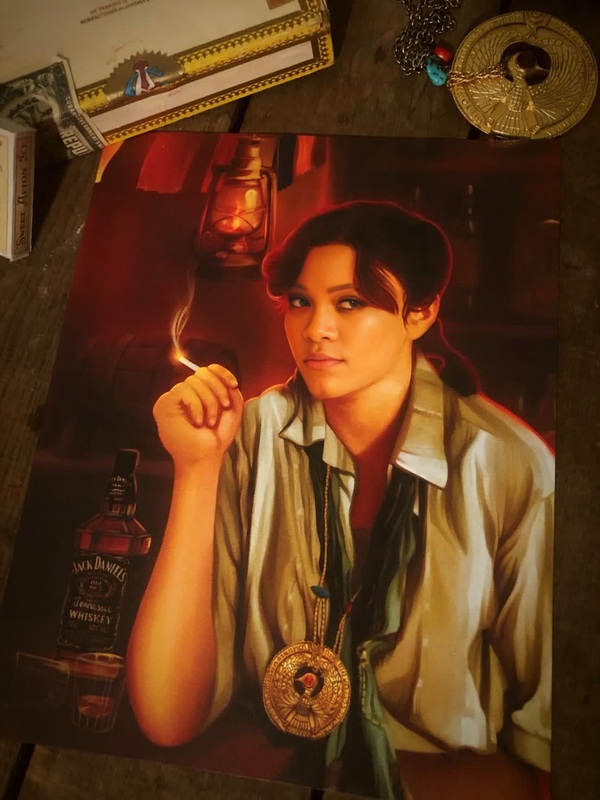
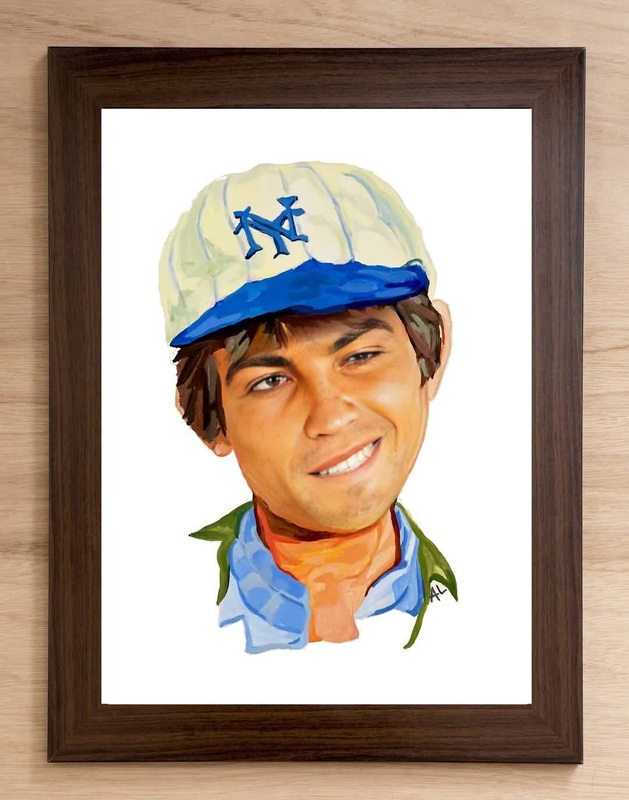
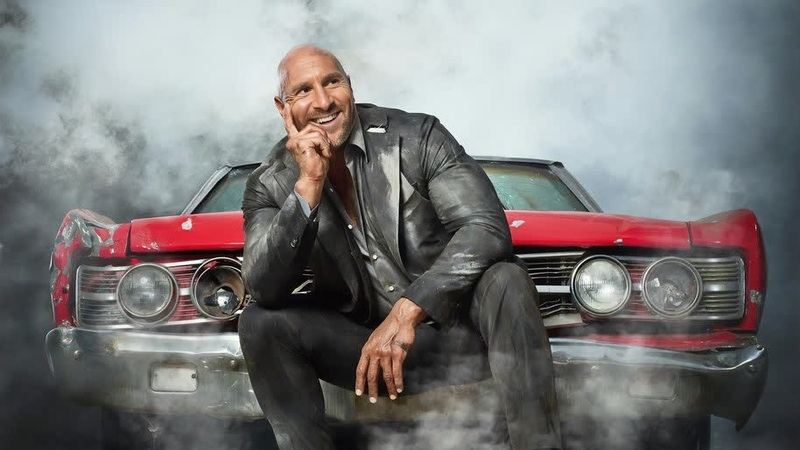
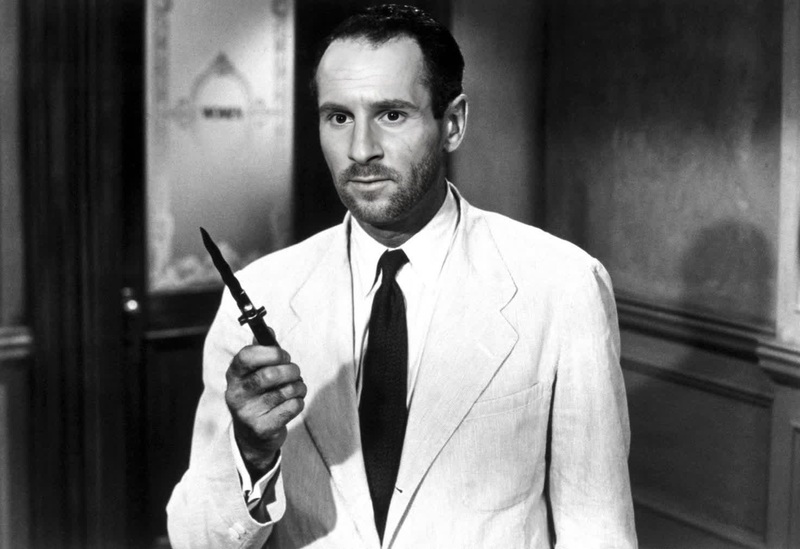
Step into the world of Indiana Jones with the Henry Jones Sr Video Face Swap. This template allows you to transform your videos by swapping in the face of Indiana Jones' iconic father, played by Sean Connery, for a classic and adventurous twist. Integrate this tool to create unique content for your projects or social media with just a few clicks.
What It Does
The Henry Jones Sr Video Face Swap lets you seamlessly replace faces in your video content with Henry Jones Sr’s likeness. This template is perfect for adding a touch of nostalgia and epic adventure to your videos. Using advanced face swapping technology, the tool analyzes your video and integrates the new face while maintaining character expressions and movement.
Who It's For
This template is ideal for content creators, video editors, and social media enthusiasts looking to add a vintage adventure feel to their projects. Whether you're creating parody content, promotional material, or just having fun, this tool caters to both professional videographers and hobbyists alike. Plus, if you're already using the Face Swap or Video to Video products, this template integrates smoothly with your existing workflow.
Summary
Transform your video projects with the Henry Jones Sr Video Face Swap template. Capture the adventurous spirit of Indiana Jones using innovative face-swapping technology. It's a simple, entertaining way to enhance your video content.
Explore other creative possibilities with our AI Video Generator to expand your creative toolkit.
How To
Choose the Template

Customize Your Video

Generate and Download

Use Cases
Enhancing Video Content
- Create parody videos with a classic twist.
- Enrich educational material with historical context blending.
Social Media Engagement
- Craft engaging TikTok videos with a nostalgic hero.
- Generate storytelling reels for Instagram.
Marketing and Promotions
- Produce entertaining ads for adventure-themed products.
- Use in video teasers for events or product launches.
Best Practices
High-Quality Videos
Use clear and stable videos for better face swap results. High resolution ensures that the face swap appears more authentic and natural.Lighting Consistency
Ensure lighting in the video matches the face's original environment to maintain realism.Face Orientation
Select video clips with faces oriented similarly to the template to achieve optimal matching.
Frequently asked questions
More Like This