Xialing Shang-Chi Marvel Cinematic Universe
- Image
- 1200 × 1200 px
Any aspect ratio
Overview
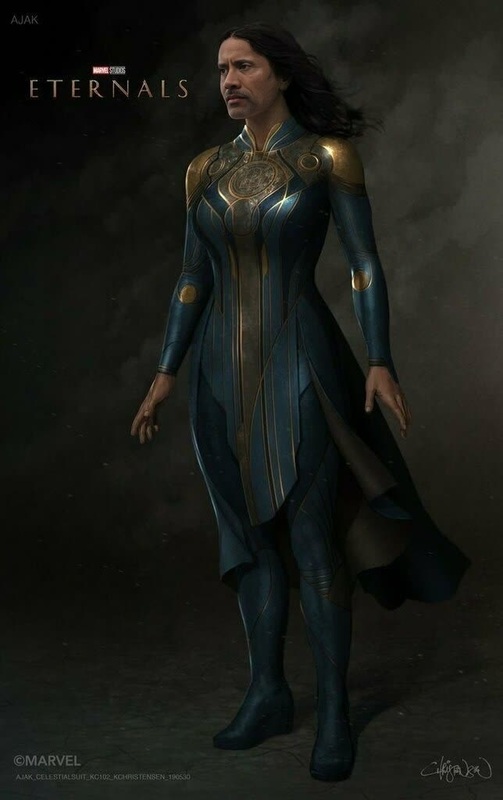
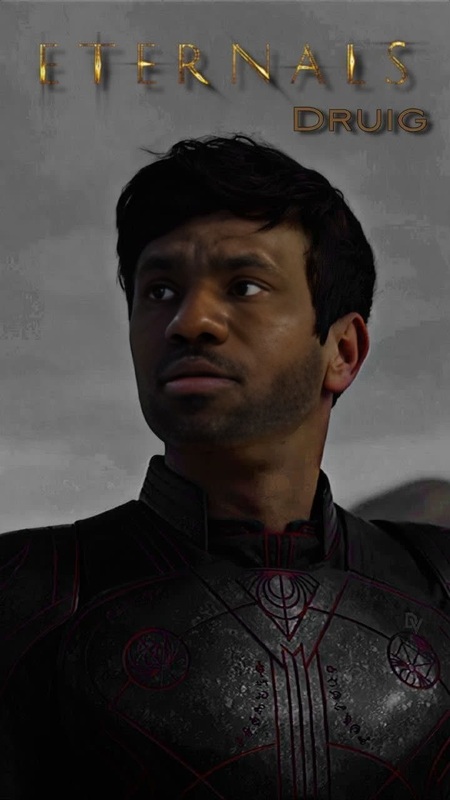
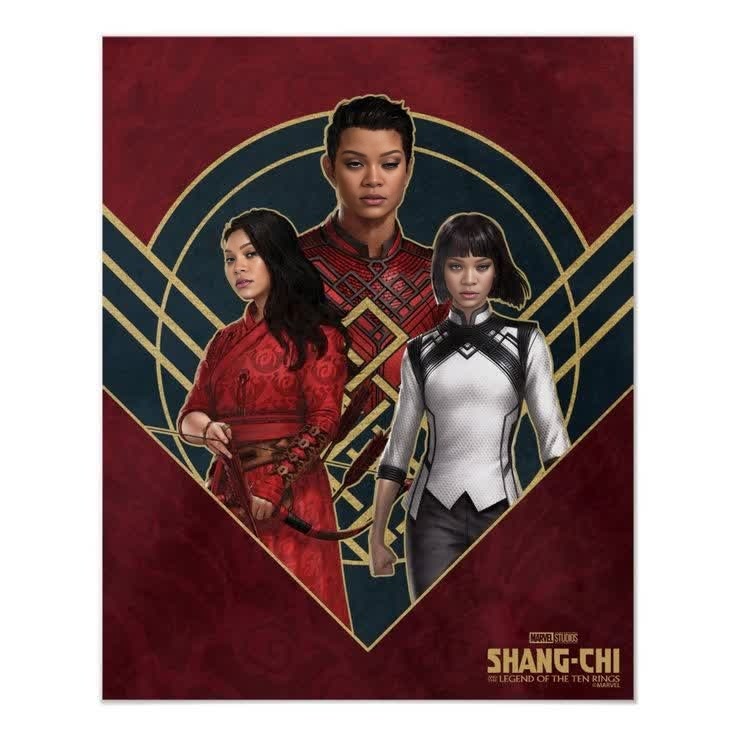
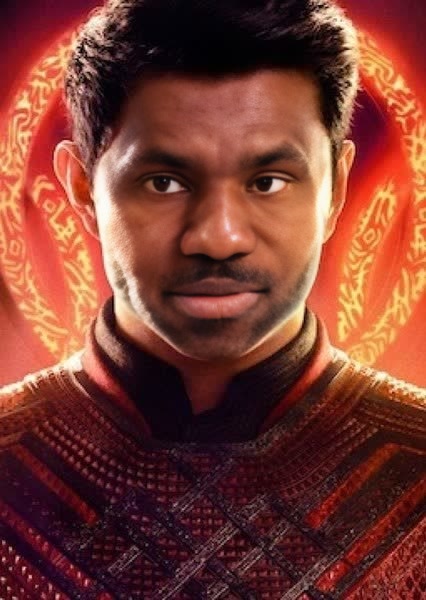
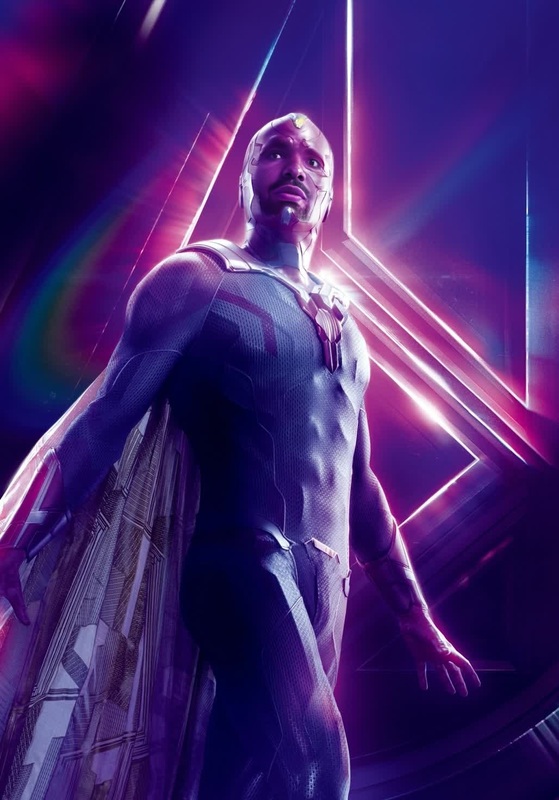
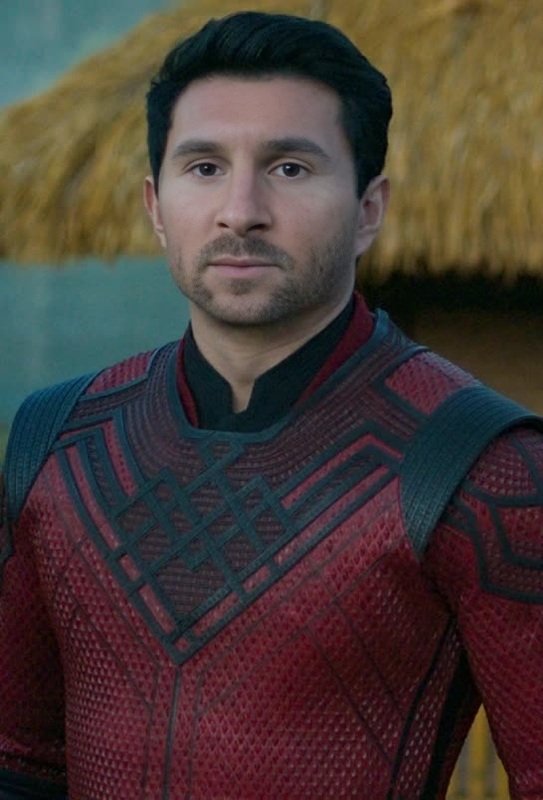
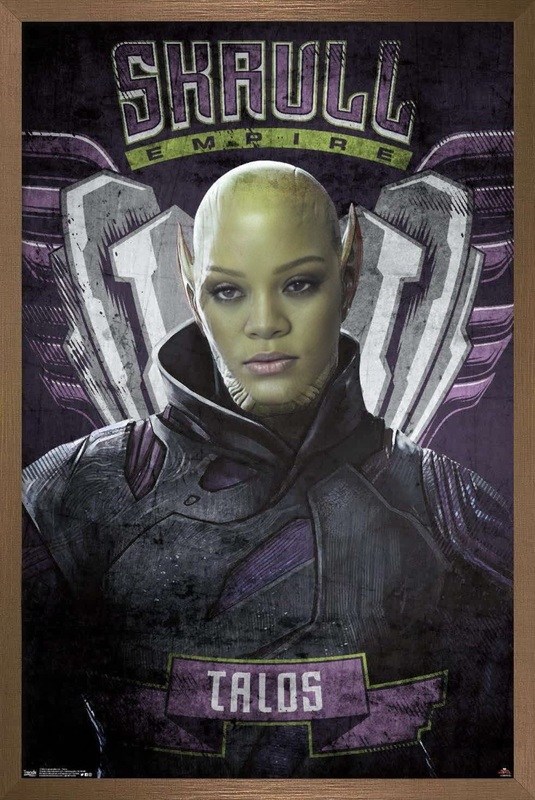
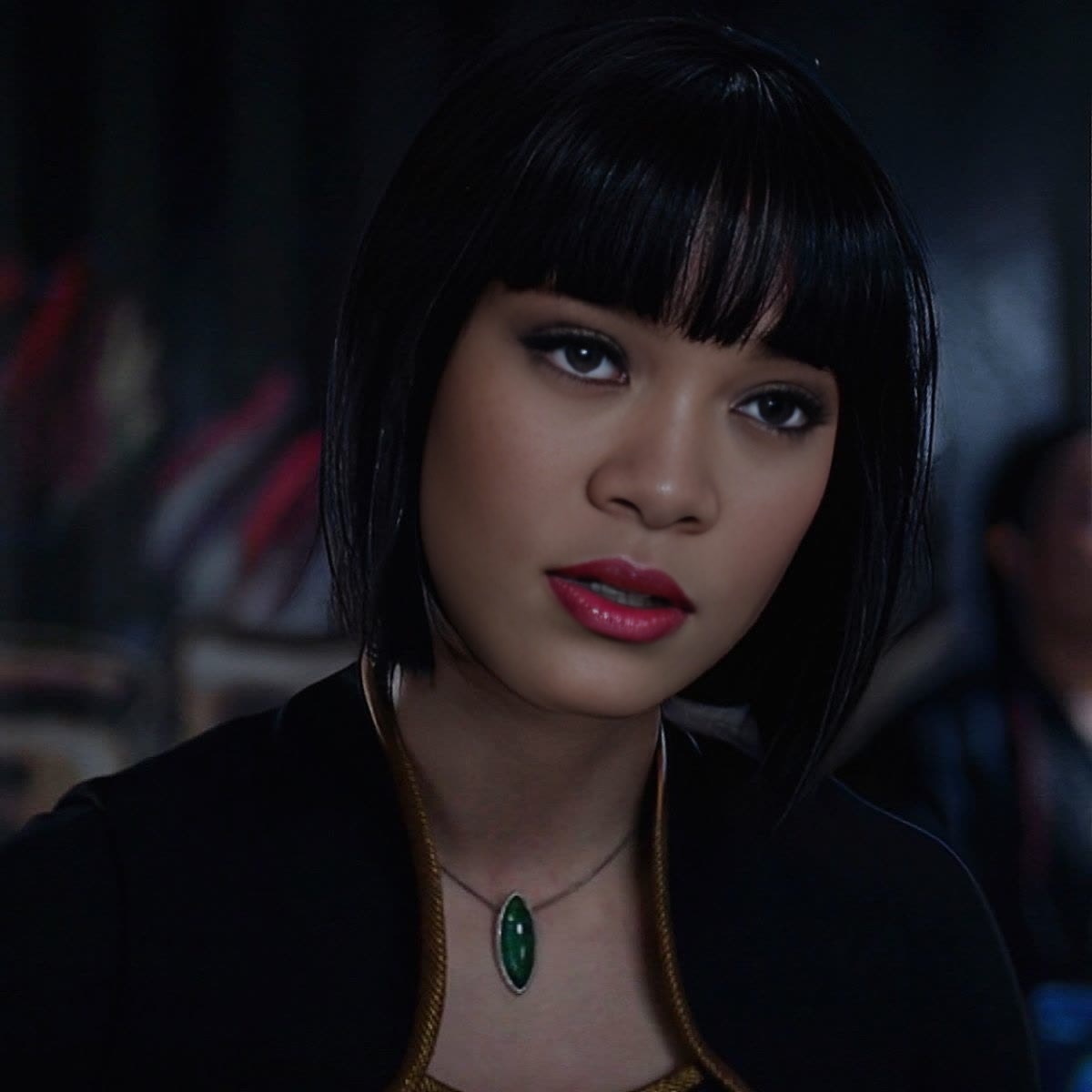
This Xialing Shang-Chi Marvel Cinematic Universe template offers a unique opportunity to insert yourself or others into the iconic world of the MCU. Specially created for video face swaps, this template uses sophisticated technology to replace original faces in scenes with your chosen images or videos. The transformation is both stunning and seamless, capturing the action-packed essence of Marvel's "Shang-Chi" universe.
What It Does
This template enables you to perform detailed and realistic Video Face Swaps on scenes featuring Xialing from "Shang-Chi". The process ensures accurate alignment and lighting to maintain the cinematic quality of the original footage. Supported file formats include popular video types, allowing you to effortlessly upload your clips for transformation.
Who It's For
Designed for Marvel enthusiasts, content creators, and aspiring filmmakers, this template is perfect for those looking to creatively engage with the MCU. It's also well-suited for social media influencers aiming to produce eye-catching content or anyone interested in exploring Image to Video transformations within this exciting context.
Summary
The Xialing Shang-Chi face swap template allows users to personalize Marvel scenes by replacing existing characters with their chosen face inputs. Easily accessible and designed for effective use, this tool transforms regular videos into blockbuster-style creations, ready to share on platforms thanks to the optimized AI GIF Generator capabilities.
How-To
Choose the Template

Customize Your Inputs

Generate Your Video

Use Cases
Social Media Engagement
- Create Marvel-themed videos for trends.
- Interact with fans through unique video content.
Fan Recreation Videos
- Insert yourself into action sequences.
- Make fan tribute videos with ease.
Content Creation
- Collaborate on creative projects.
- Produce alter-egos or character transformations.
Best Practices
Select High-Quality Inputs
Ensure the original video and face images are of high resolution for the best results.Adjust Lighting Accordingly
Fine-tune the lighting settings in your customization phase to match the original video’s ambiance.Use Consistent Angles
Try to use face images captured at angles similar to the original footage for a more realistic swap.
Frequently asked questions
More Like This