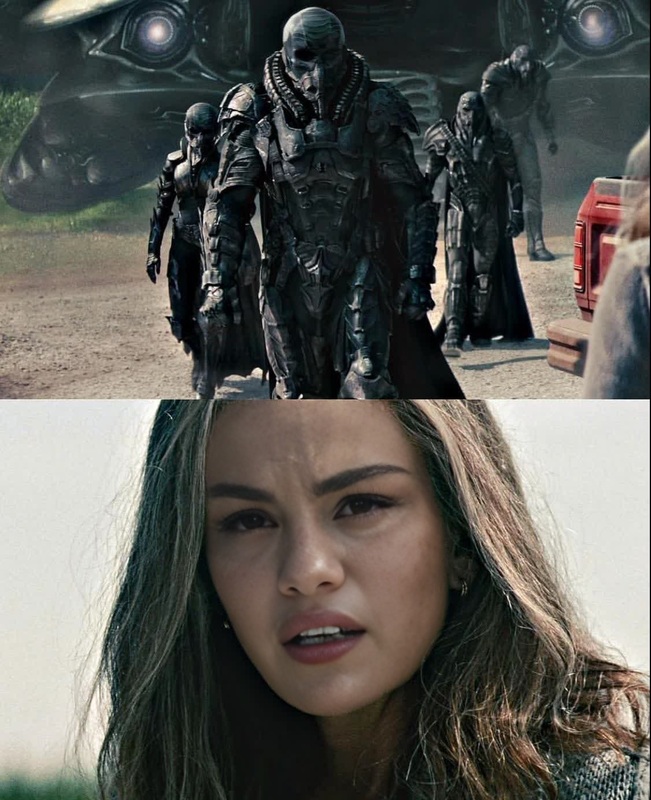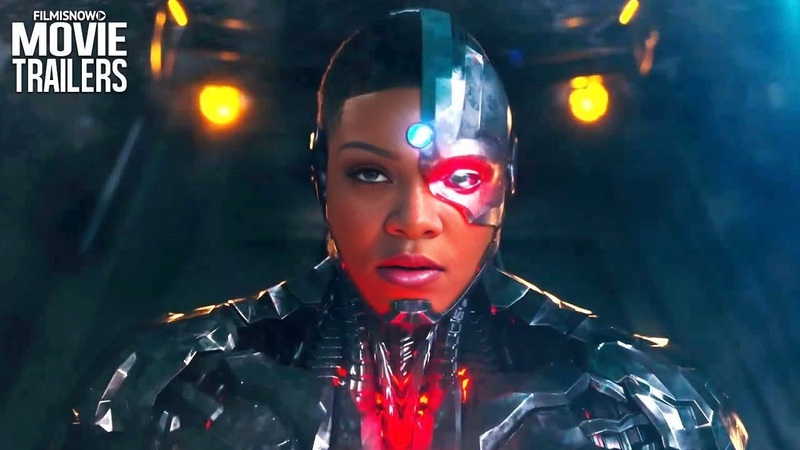
Steve Trevor Wonder Woman Dc Live Action
- Image
- 828 × 1472 px
Any aspect ratio
Overview
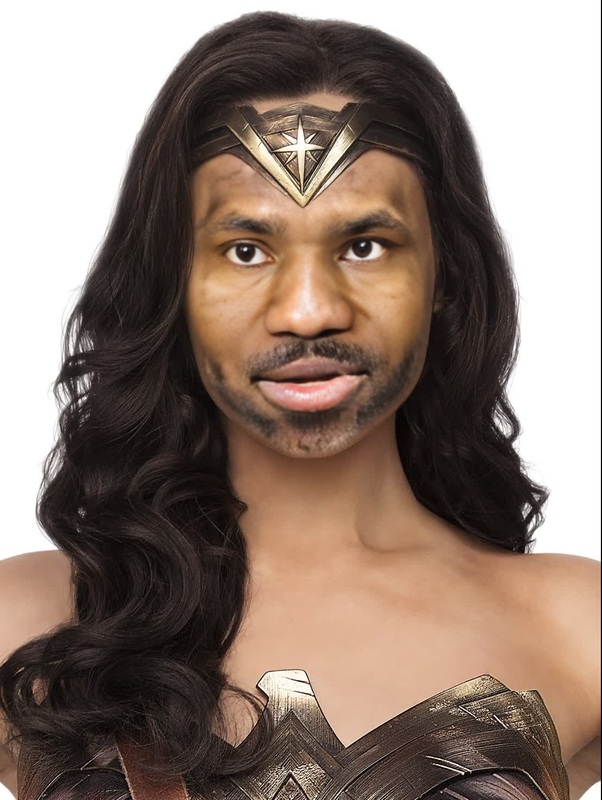
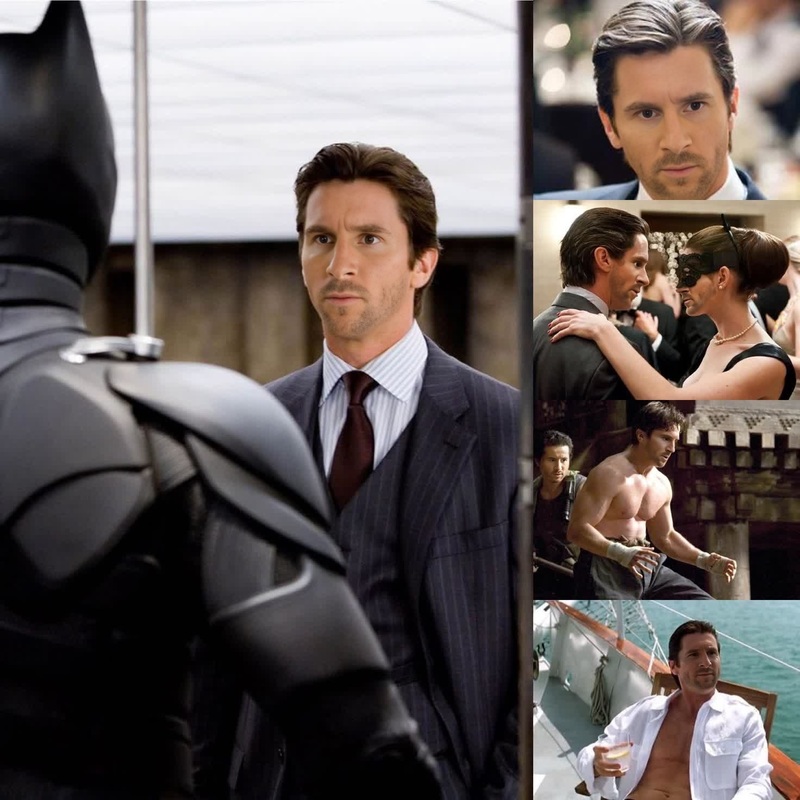
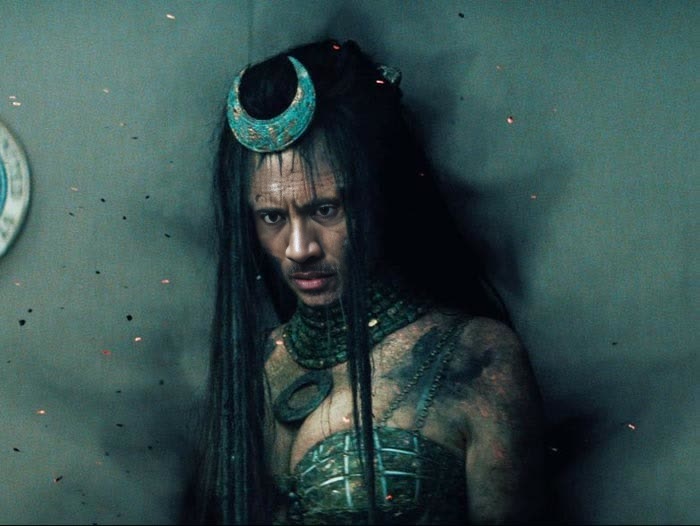
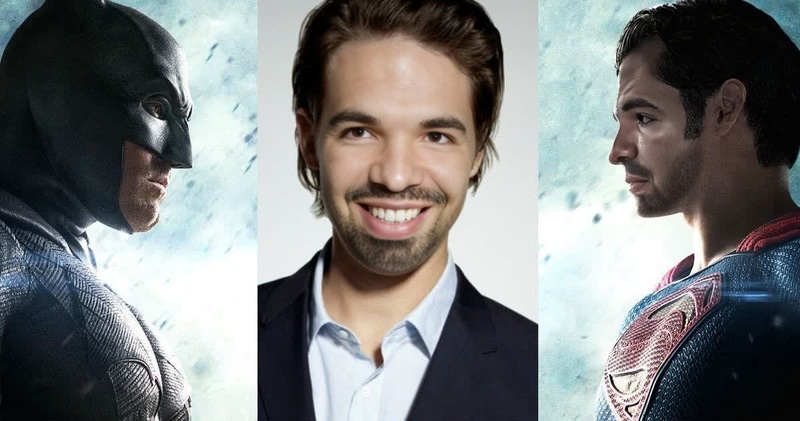
Immerse yourself in the DC universe with the Steve Trevor Wonder Woman Video Face Swap template. This tool allows you to integrate the faces of iconic characters into your own videos, creating a seamless and engaging transformation that stands out. Whether you're looking to create fan content or simply explore creative possibilities, this template provides a dynamic and customizable experience.
What It Does
The Steve Trevor Wonder Woman Face Swap template enables you to replace faces in videos with those of Steve Trevor and Wonder Woman. This template leverages advanced face swap technology found in our Video Face Swap product to ensure realistic and convincing transformations. By analyzing facial features and expressions, it maintains consistency and accuracy across different video scenes.
Who It's For
This template is ideal for video creators, DC Comics fans, and content marketers seeking to craft unique, themed video content. It's particularly useful for social media influencers, fan community managers, and hobbyists interested in creating engaging fan art or promotional videos. The accessibility of this tool makes it suitable for a wide range of users, from amateurs to seasoned video editors.
Summary
With the Steve Trevor Wonder Woman Video Face Swap template, your videos can reach new creative heights. It's a straightforward and powerful way to experiment with video content, bringing beloved movie characters into your personal or professional projects. Leverage this tool alongside the Image to Video and AI Video Generator tools for even more elaborate productions.
How to Use
Choose the Template

Customize Your Inputs

Generate Your Video

Use Cases
Fan Content Creation
- Enhance fan art with video elements
- Create tributes or fan trailers
Social Media Engagement
- Share on Instagram Reels or TikTok
- Engage fan communities
Video Marketing
- Attract DC fans to your brand
- Create memorable video ads
Best Practices
Use High-Quality Videos
For best results, ensure your original video is of high quality. Clear video footage helps enhance the face swap effect.Pay Attention to Lighting
Good lighting conditions in your video improve facial detail accuracy, making the swap appear more realistic.Pre-Plan Your Scenes
Consider the scenes you want to transform and plan accordingly to ensure a smooth workflow.
Frequently asked questions
More Like This