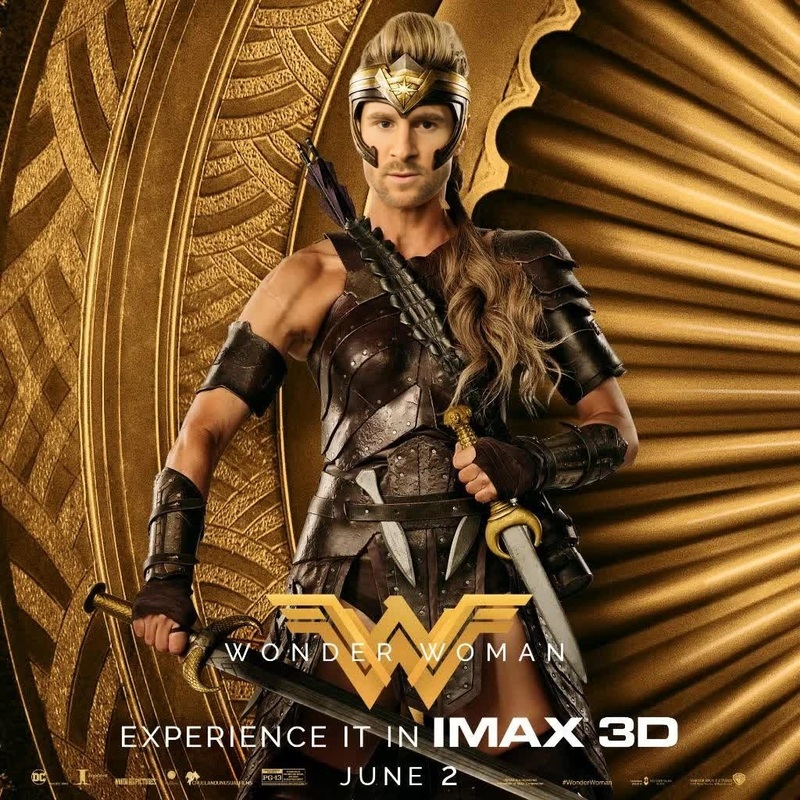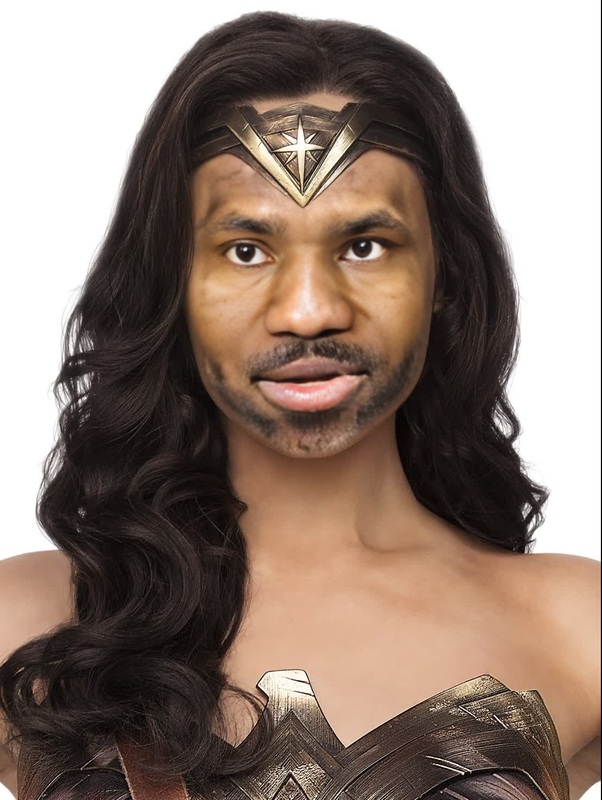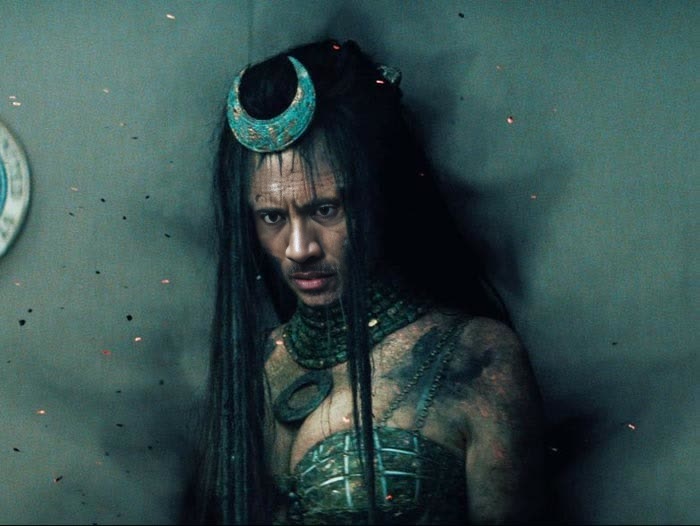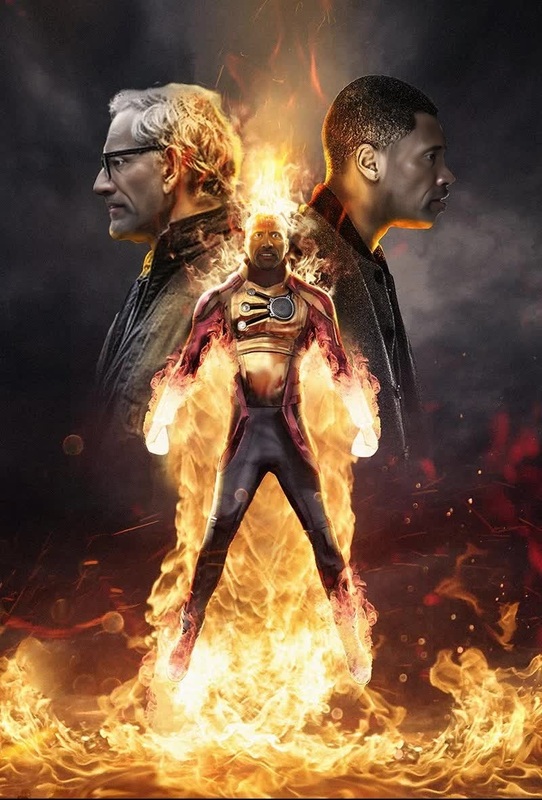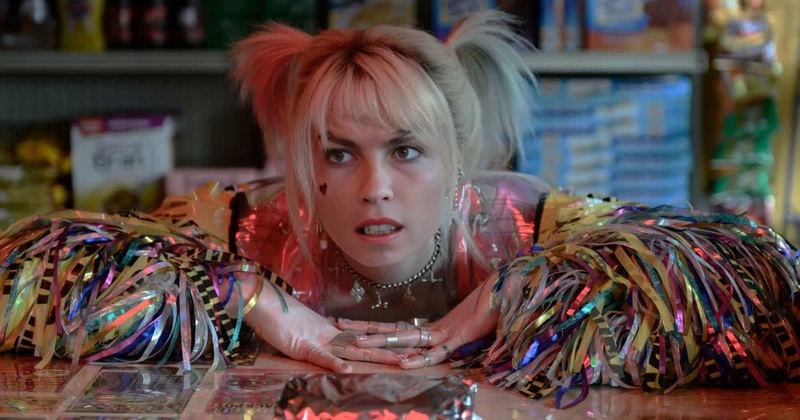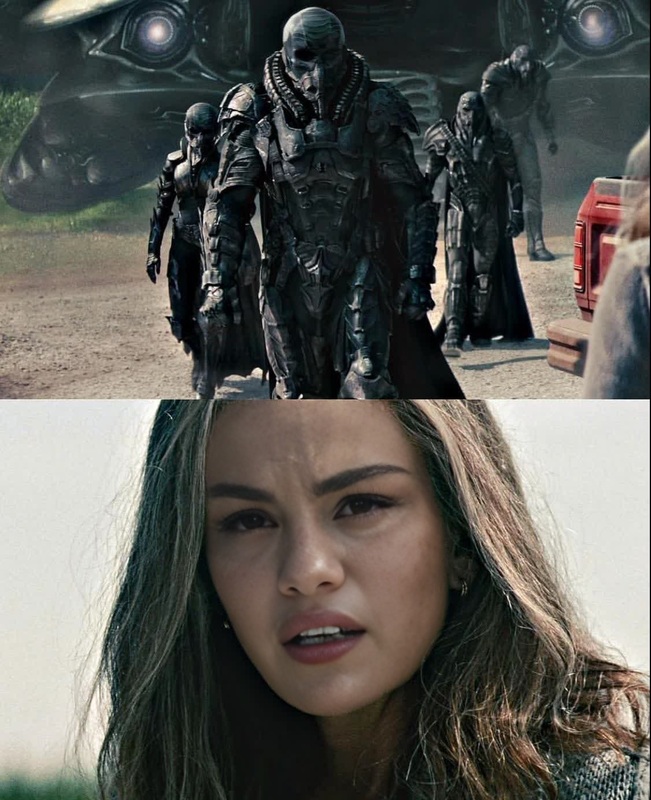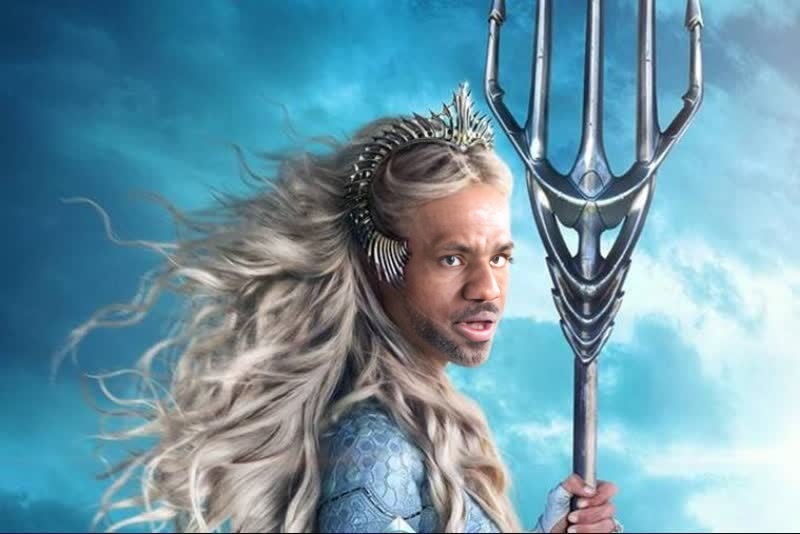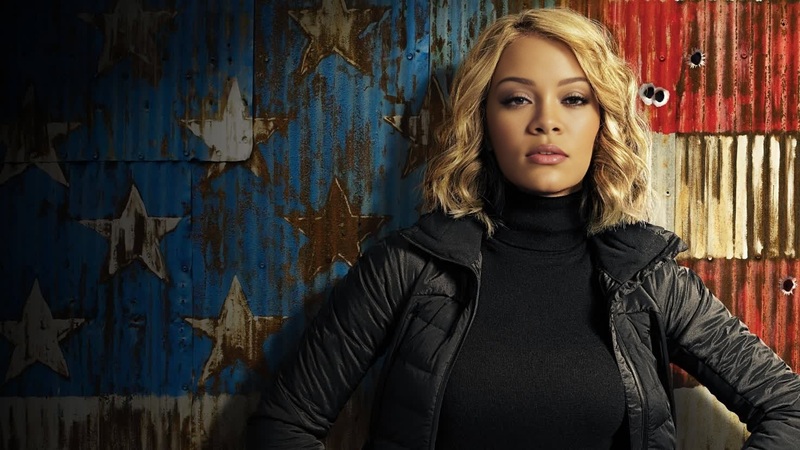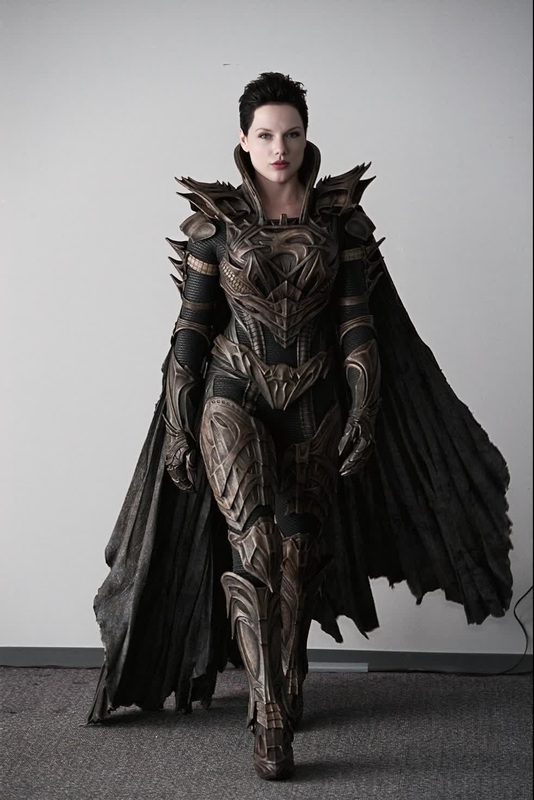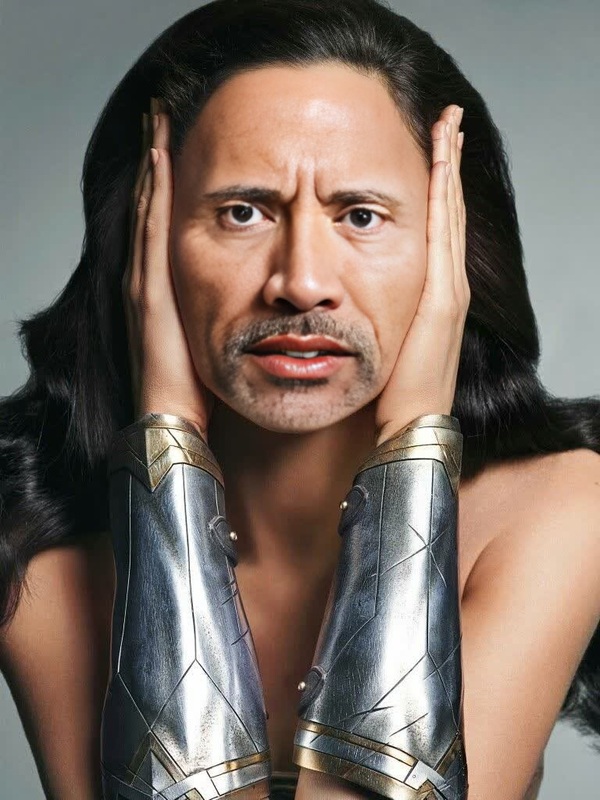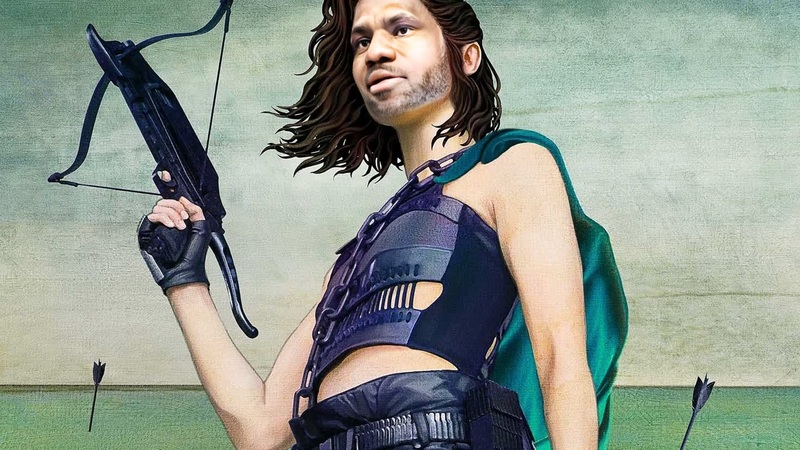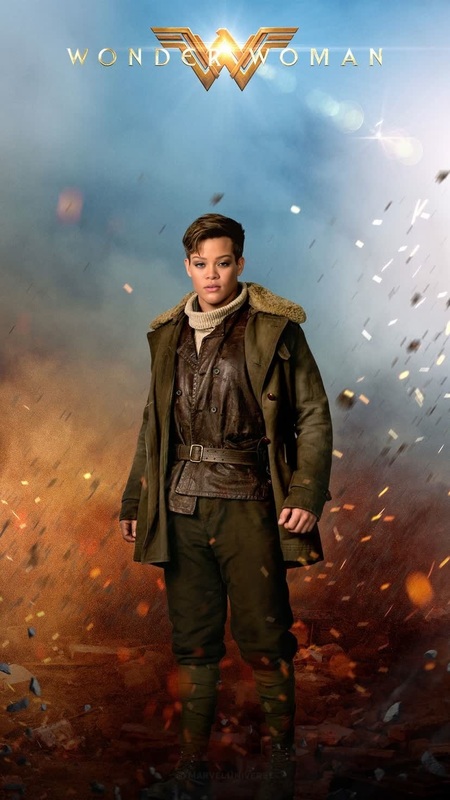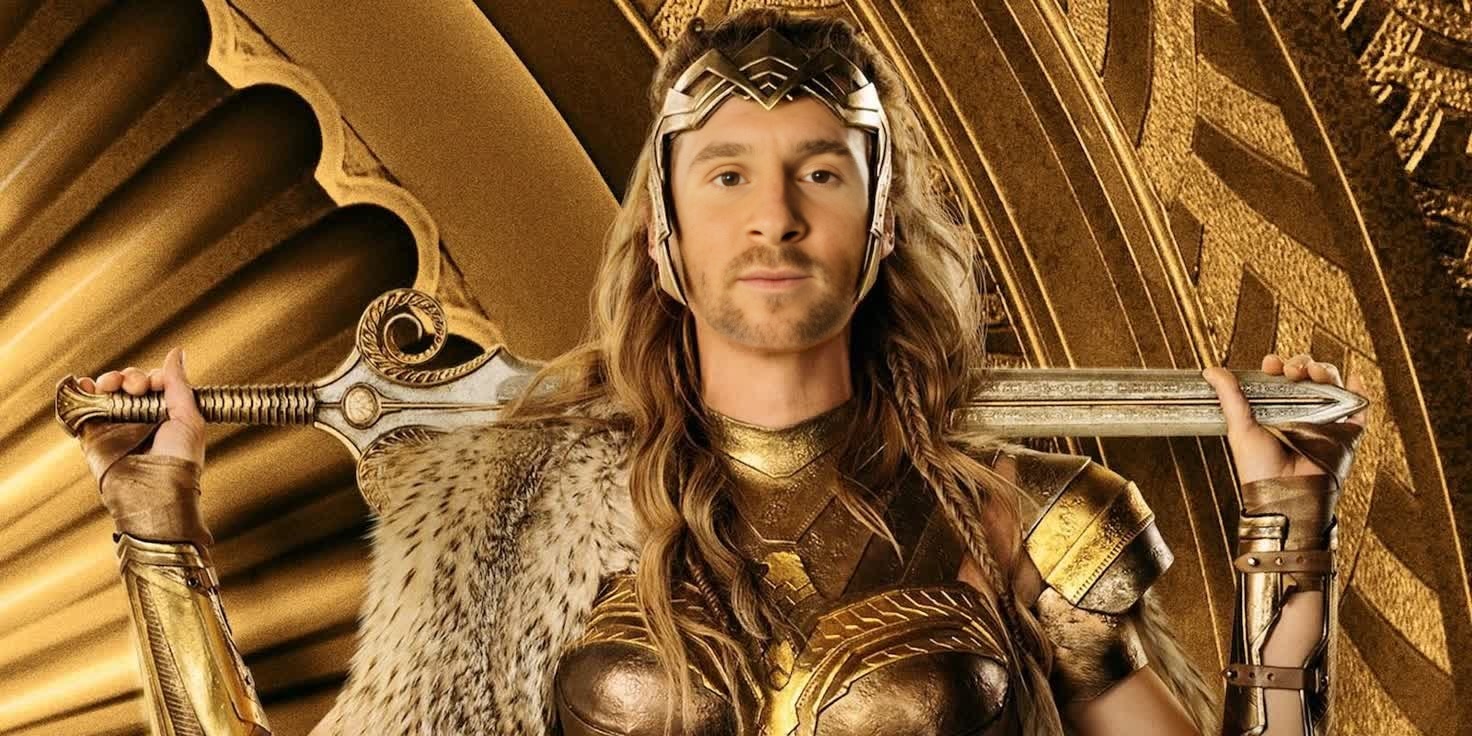
Hippolyta Wonder Woman Dc Live Action
- Image
- 1472 × 736 px
Any aspect ratio
Overview
The Hippolyta Wonder Woman DC Live Action template enables video enthusiasts to perform a Face Swap with the iconic character Hippolyta from Wonder Woman. This Video Face Swap template is ideal for those looking to create engaging and authentic fan content without the constraints of complex editing software.
What It Does
This template swaps your face onto real-time footage of Hippolyta, using advanced AI Video Generator technology. Outputs are crafted to match the original footage, so the swap is both visually seamless and high quality. Ideal for DC Universe-themed content, cosplay videos, or creative storytelling projects.
Who It's For
Perfect for DC Comics fans, content creators, and filmmakers who want to include themselves in the world of Wonder Woman. It is also suitable for creative professionals in entertainment and social media spaces who aim to produce unique and captivating content. This template caters to both novice users and advanced editors, thanks to its user-friendly interface and professional-grade results.
Summary
Transform yourself into Hippolyta with this Video Face Swap tool, offering both personalization and creativity in one cohesive package. It's designed to help you create memorable content easily and effectively. For further enhancement of your videos, consider integrating this with our AI Image Editor and AI GIF Generator tools.
How To

Customize Your Inputs

Generate Your Face Swap

Use Cases
Fan Creations
- Create personalized scenes in the Wonder Woman universe
- Make cosplaying videos more interactive
Social Media Content
- Create TikTok or Instagram reels that stand out
- Use for themed challenges and hashtags
Film and Video Production
- Incorporate into short films as a storytelling feature
- Experiment with creative expression in video projects
Best Practices
Use High-Quality Footage
For optimal results, ensure your input video is of high resolution.Align Faces Precisely
Use the alignment tools to match your face carefully with the target to ensure a smooth swap.Pre-Edit in <a href="/products/ai-image-editor">AI Image Editor</a>
Enhance your source video or photo in the AI Image Editor before applying the face swap for the best results.
Frequently asked questions
More Like This