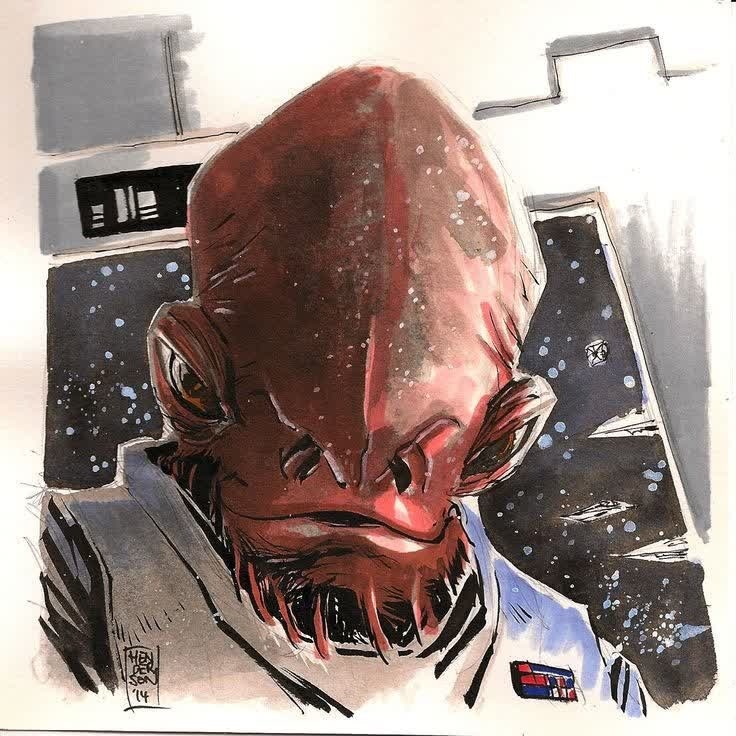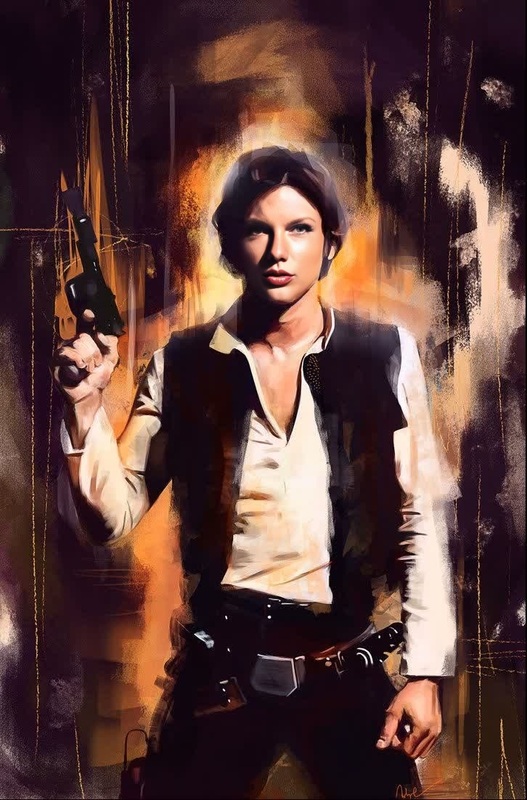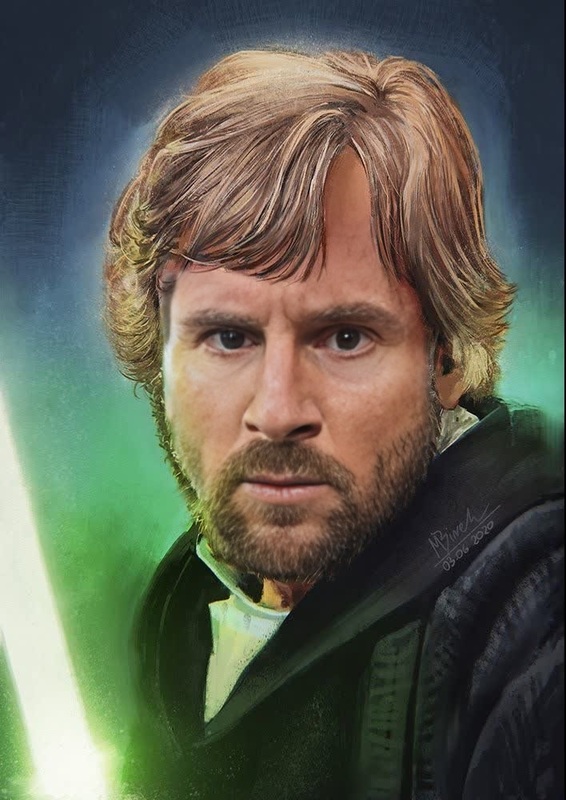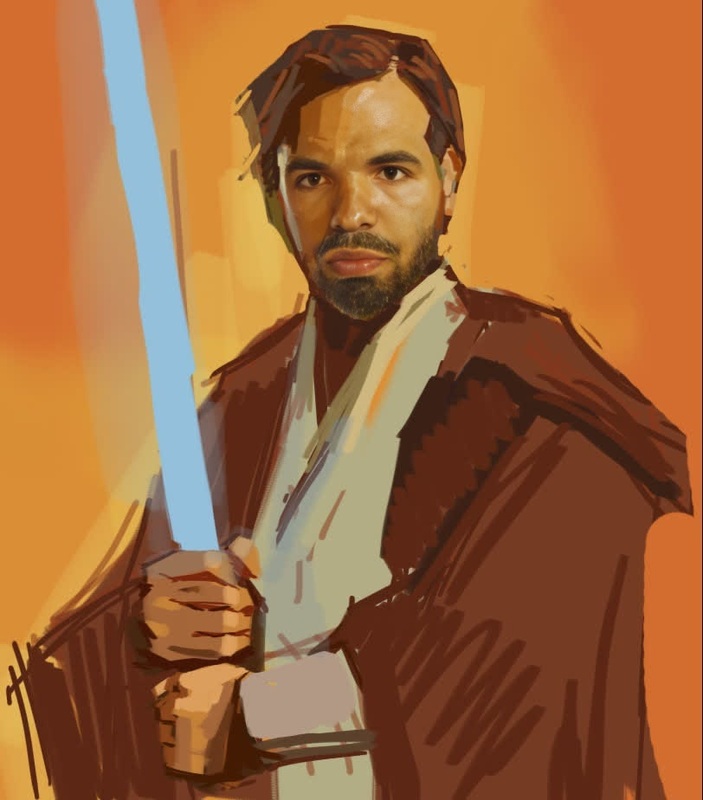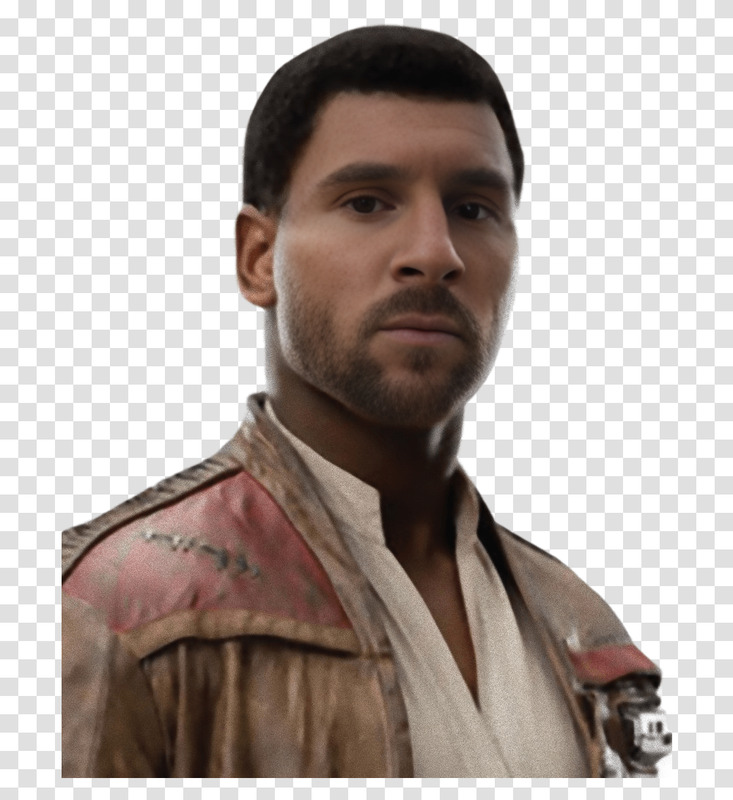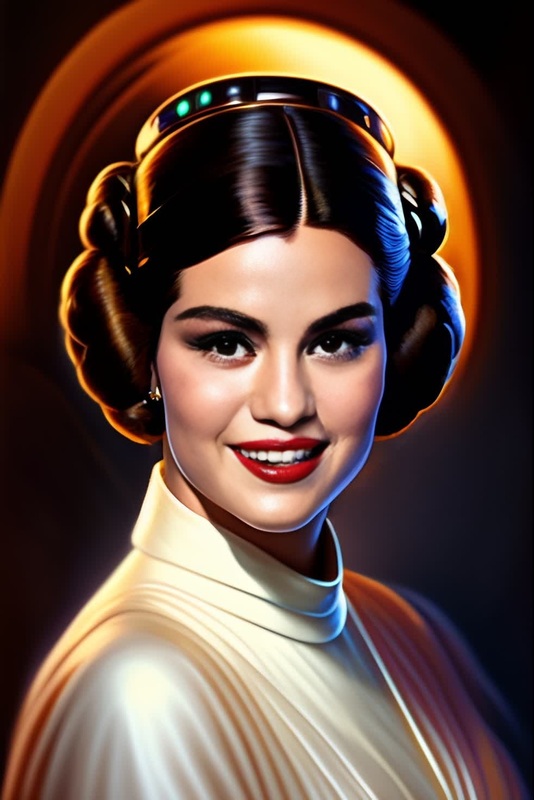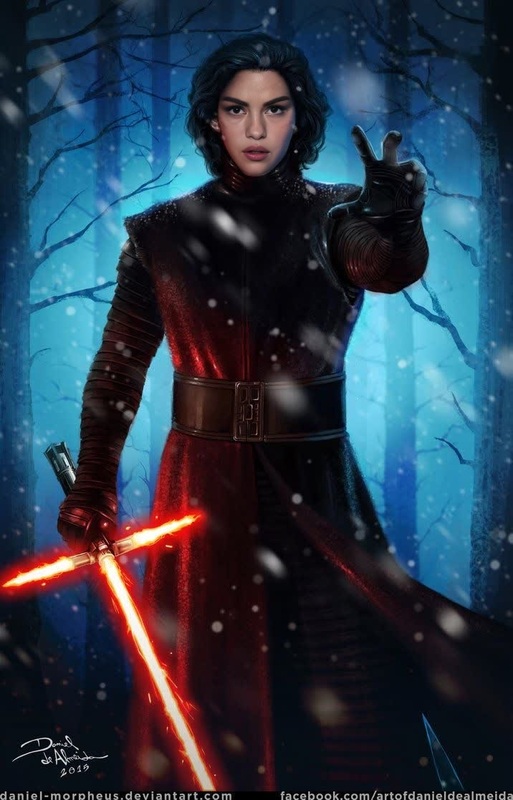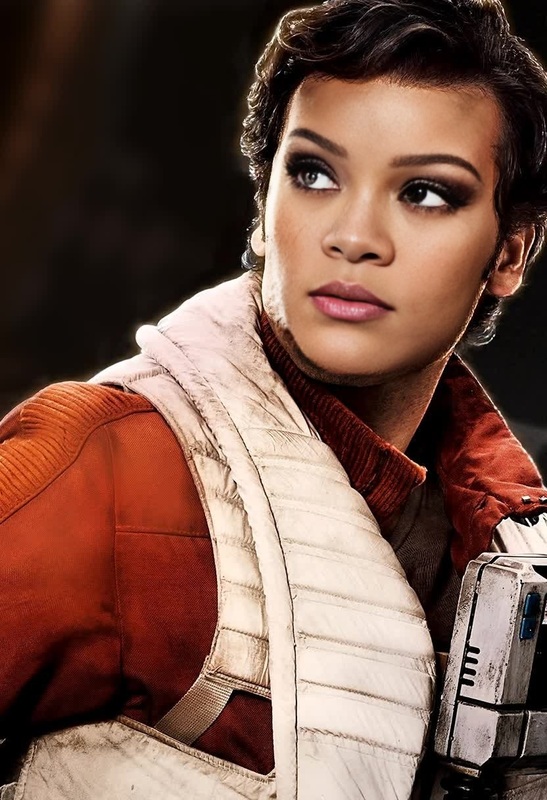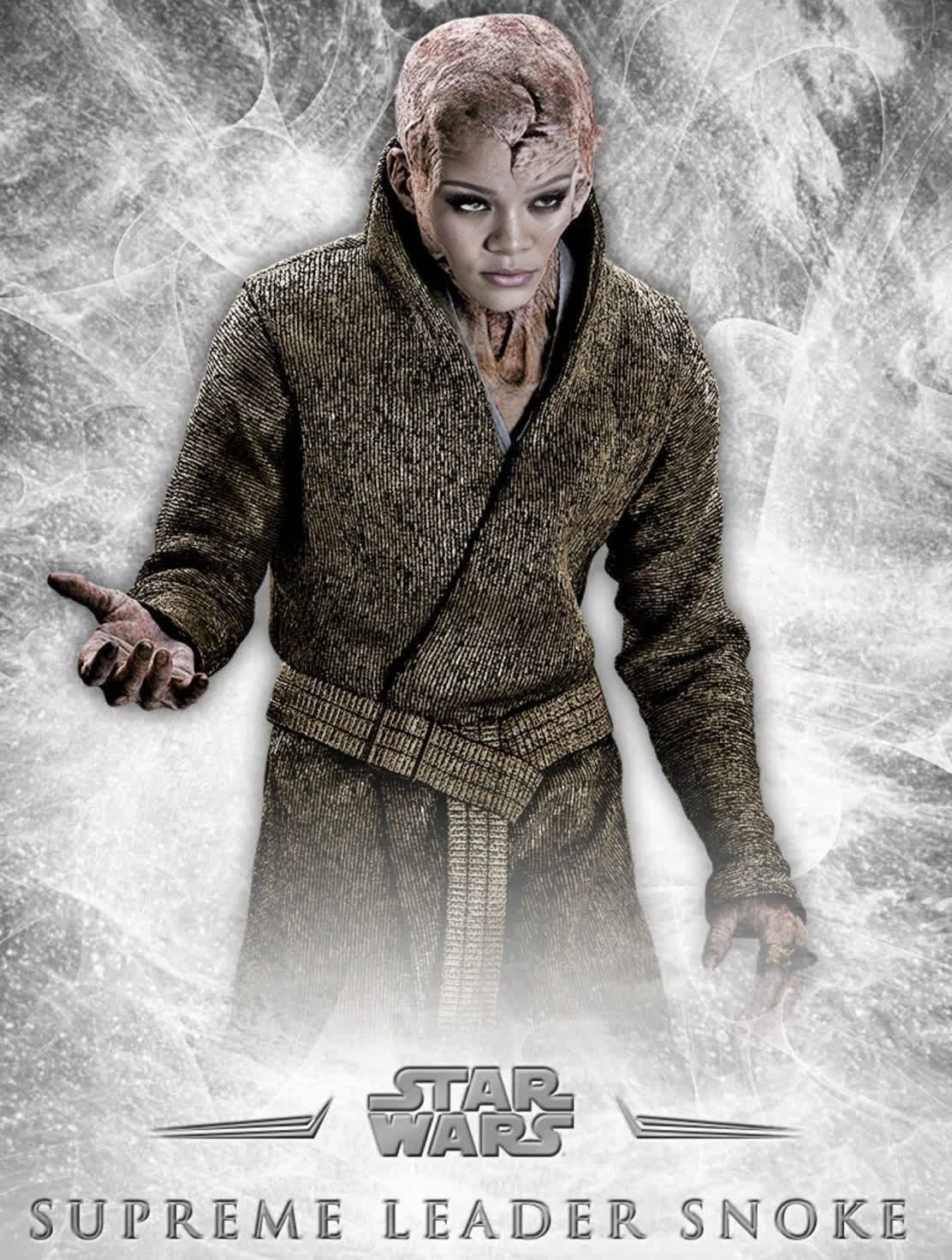
Snoke Supreme Leader Star Wars
- Image
- 1112 × 1472 px
Any aspect ratio
Overview
Dive into the Star Wars universe with the Snoke Supreme Leader Video Face Swap template. This tool allows you to take your place among the galaxy's most iconic villains by replacing faces in videos with that of Snoke. Enthusiasts of the franchise and creators alike can bring a new dimension to their sci-fi projects.
What It Does
This Video Face Swap template takes your input video and replaces the selected face with Snoke, the Supreme Leader from Star Wars. Utilizing the latest AI technology, this video face swap tool ensures a high-quality and seamless integration, offering realistic transformations perfect for fan films, parodies, or creative projects.
Who It's For
This template is ideal for Star Wars fans looking to immerse themselves in the storytelling universe as characters like Snoke. It's also a powerful tool for content creators wanting to add a sci-fi flair to their projects, be it for social media, personal use, or fan engagement activities.
Summary
Transform your video content by bringing in one of Star Wars' most enigmatic characters using this Snoke Supreme Leader Video Face Swap template. Discover other exciting templates and tools like the Character Replace for more creative transformations and the AI Video Generator for generating original content from scratch.
How To
Choose the Snoke Video Face Swap Template

Customize Your Video

Generate Your Edited Video

Use Cases
Fan Films and Parodies
- Create engaging content for YouTube and fan conventions.
- Add a humorous or dramatic twist to home videos.
Social Media Content
- Generate attention-grabbing posts for Instagram or TikTok.
- Engage with your audience through creative storytelling.
Creative Projects
- Produce innovative art pieces with a sci-fi theme.
- Employ in educational settings to discuss film and digital effects.
Best Practices
Select High-Quality Source Footage
For best results, use high-resolution videos as input to ensure the face swap integration is seamless and realistic.Adjust Lighting
Pay attention to the lighting conditions in your source video to match the inserted face for a more natural look.Preview Edits
Before generating the final video, utilize preview options to tweak and perfect the transformations, ensuring satisfaction with the end result.