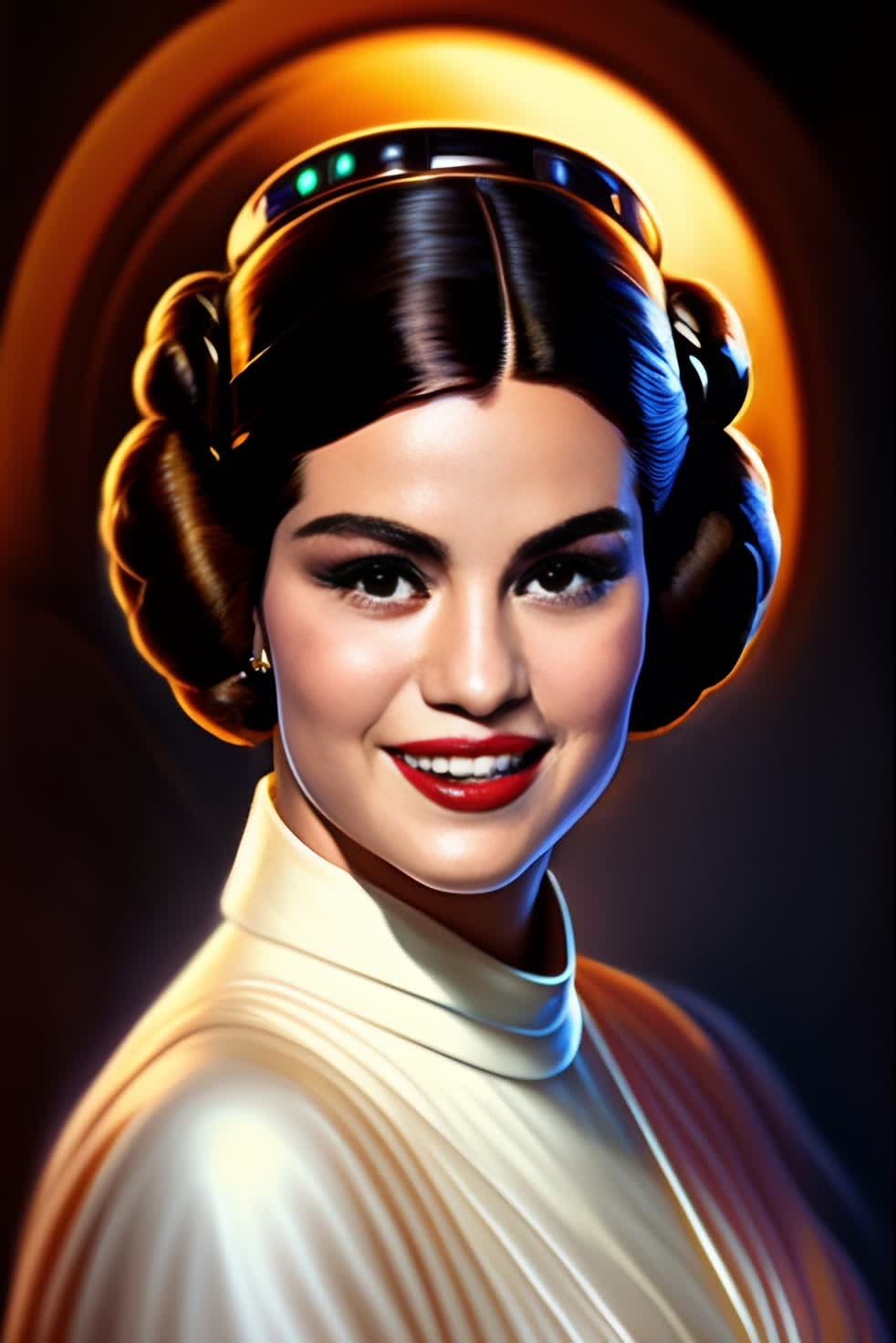
General Leia Star Wars
- Image
- 982 × 1472 px
Any aspect ratio
Overview
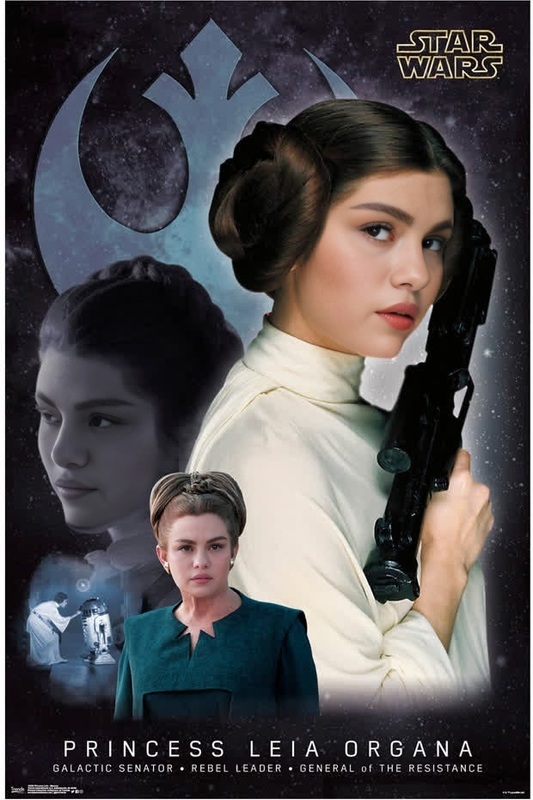
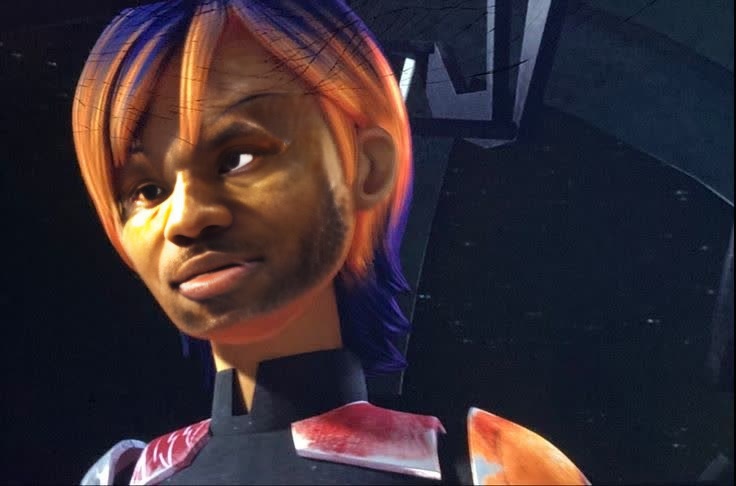
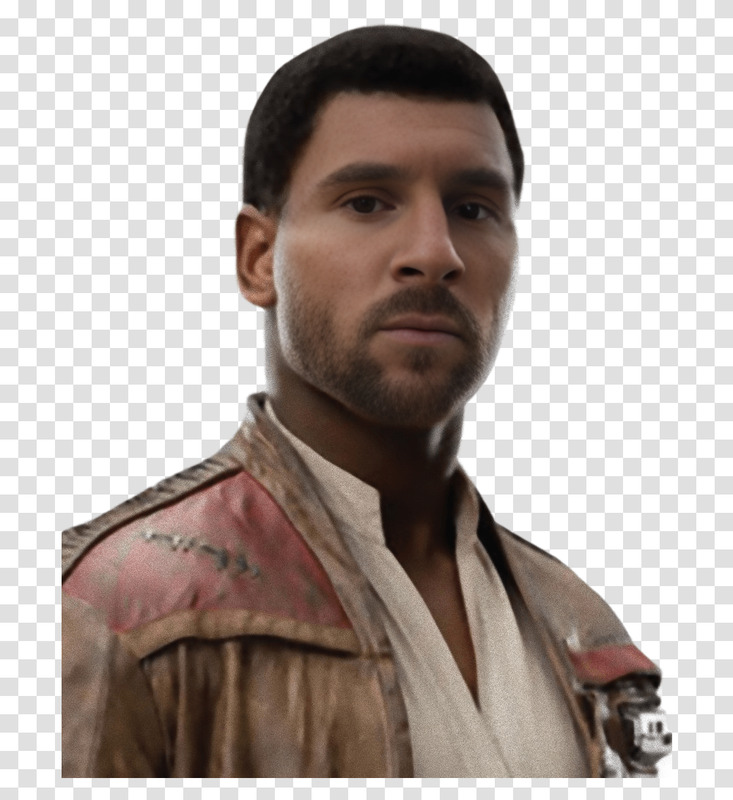
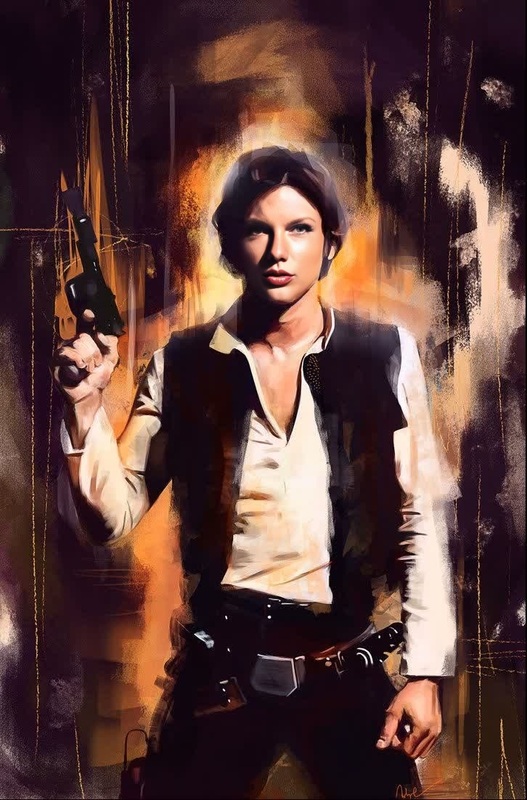
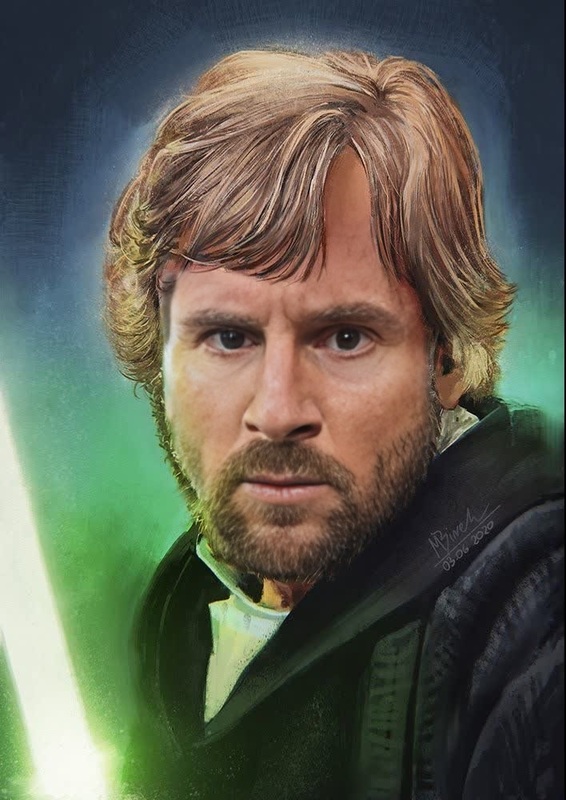
Enter the Star Wars universe by transforming into the iconic General Leia with our Video Face Swap template. This tool allows you to integrate your face seamlessly into a well-loved character, enhancing your videos with a sci-fi edge. No prior editing skills are needed to achieve a professional look.
What It Does
This template allows users to replace a face in a video with their own, perfectly aligned to mimic General Leia's expressions and movements. It's powered by the same technology found in our Face Swap and Video to Video products, ensuring high-quality results every time.
Who It's For
Perfect for Star Wars enthusiasts, content creators, and anyone looking to add a fun twist to their videos. Whether you're creating fan content or spicing up your social media, this template provides a unique opportunity to engage your audience.
Summary
The General Leia Star Wars Video Face Swap Template is your gateway to becoming a part of the legendary sci-fi saga. Explore the transformative power of video editing with ease, leveraging the capabilities of products like the Video Face Swap and other tools from our suite.
How-To
Choose Your Template

Customize Your Inputs

Generate Your Video

Use Cases
Fan Videos
- Engage with Star Wars communities.
- Participate in fan events.
Social Media Content
- Enhance stories and reels.
- Increase follower engagement.
Creative Projects
- Use in short films.
- Develop themed presentations.
Best Practices
Achieve Optimal Results
Ensure your uploaded video is well-lit and the subject's face is clearly visible for the best swap accuracy.Experiment with Angles
Try different camera angles for varied perspectives to match the dynamic shots of General Leia.Use Complementary Tools
Leverage other tools like the AI Video Generator to enhance the surrounding visuals, adding more flair to your creation.