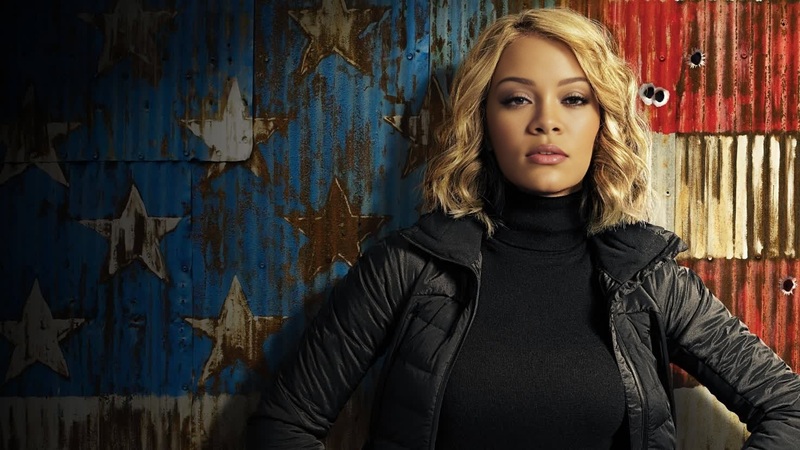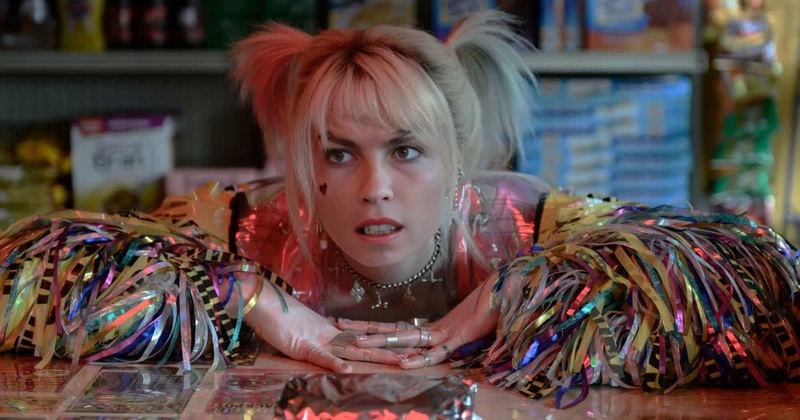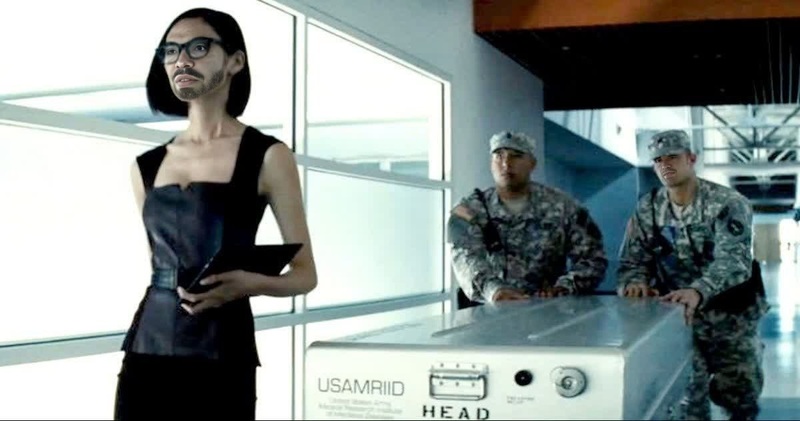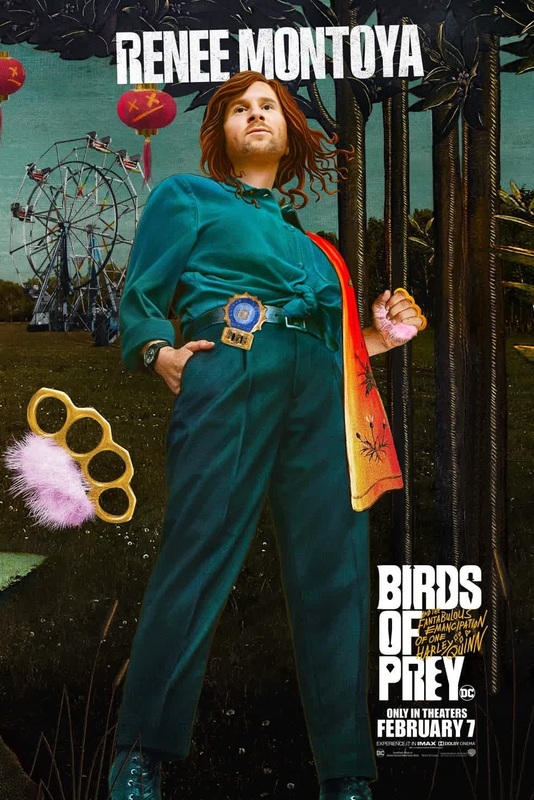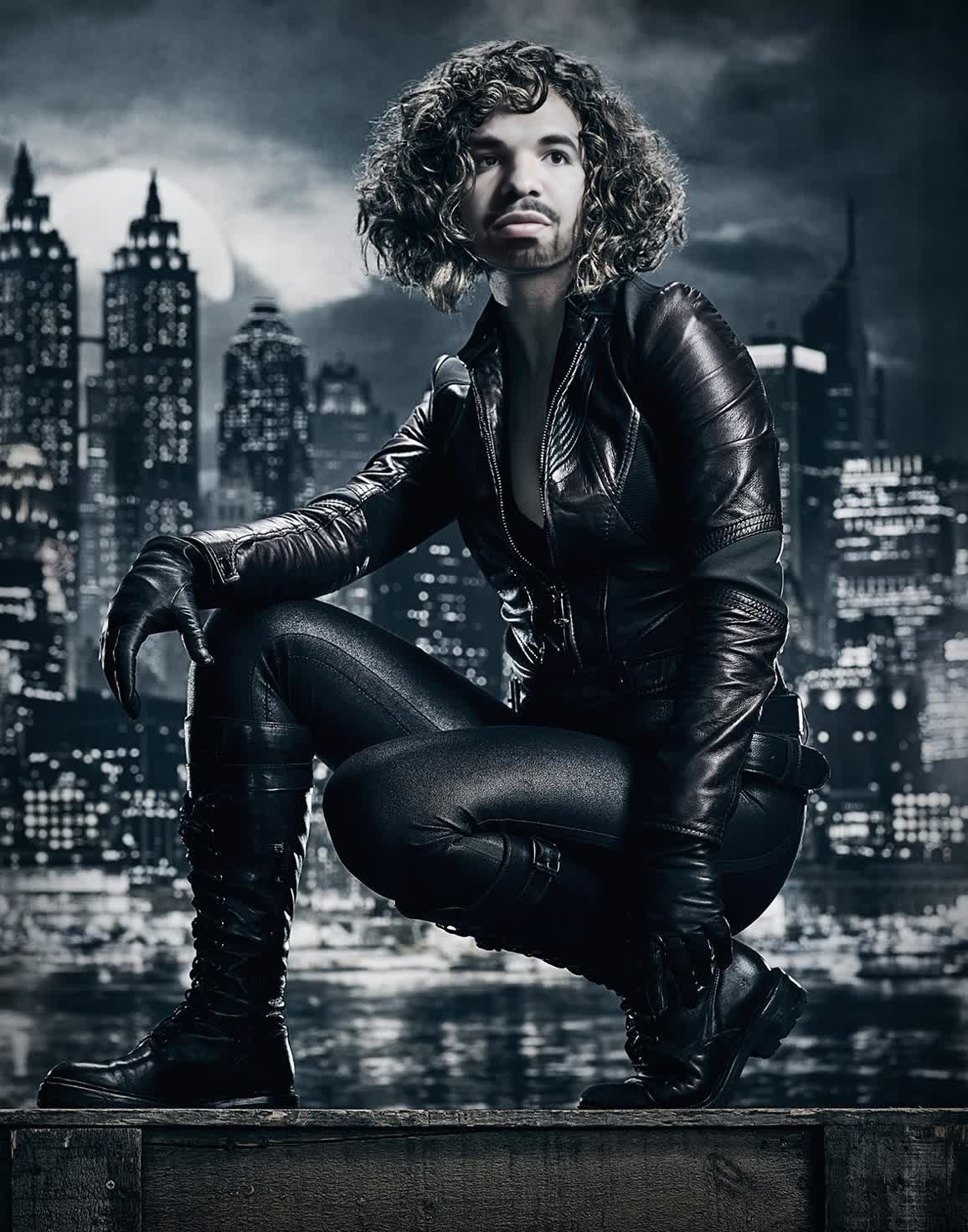
Selina Kyle Catwoman Dc Live Action
- Image
- 1156 × 1472 px
Any aspect ratio
Overview
Step into the thrilling world of DC with the Selina Kyle Catwoman Video Face Swap template. This tool allows you to reimagine yourself as the iconic Selina Kyle, merging your face with her character in dynamic live-action settings. Perfect for creating engaging and shareable content.
What It Does
This template specializes in Video Face Swap transformations, enabling you to insert your face or another image into live-action videos featuring Catwoman. Utilizing cutting-edge AI technology, it delivers seamless transitions and realistic interactions that enrich any storytelling project.
For more transformative experiences, explore our Face Swap and Body Swap products to enhance your creative toolkit.
Who It's For
This template is designed for content creators, social media influencers, and brand marketers who want to captivate their audience with unique content. It's also ideal for DC fans looking to personalize their favorite scenes from the universe.
Discover additional capabilities with the AI Image Editor for fine-tuning images before swapping faces.
Summary
Dive into video creation with our Selina Kyle Catwoman template, offering a compelling way to transform ordinary footage into DC-themed spectacles. Whether you're planning to boost engagement on social media or simply entertain friends, this tool provides an effortless entry point.
How to Use the Template
Choose the Template

Customize Your Inputs

Generate and Download

Use Cases
Social Media Entertainment
- Engage followers with DC-inspired face swaps
- Participate in trending challenges and meme culture
Promotional Campaigns
- Boost engagement with themed campaigns
- Create unique brand tie-ins with popular culture
Fan Projects and Collaborations
- Create fan tributes and collaborative videos
- Explore alternative storylines by swapping faces in famous scenes
Best Practices
High-Quality Source Material
Use high-resolution images for both the source video and the face to achieve the best swap results. This is crucial for maintaining detail and realism.Match Lighting Conditions
Ensure similar lighting conditions between the face and the background video. This helps in creating a seamless and realistic effect.Experiment with Blending Levels
Adjust the blending and integration levels in the customization step to achieve a natural look that fits with the original video dynamics.
Frequently asked questions
More Like This