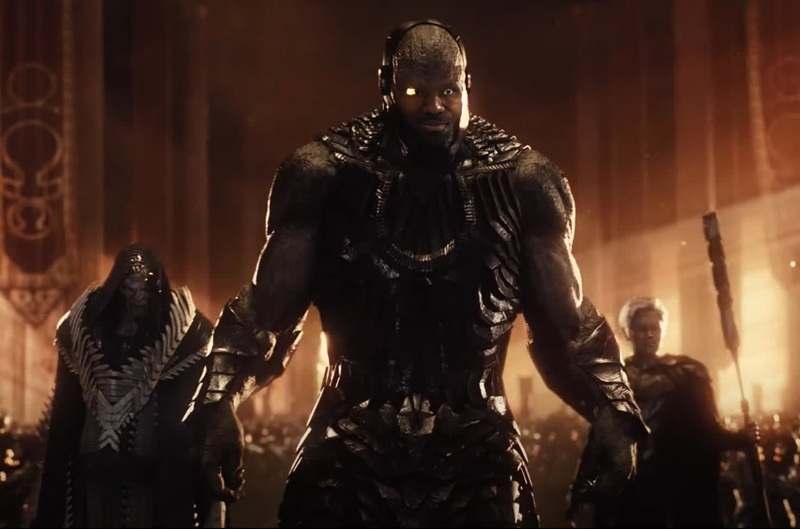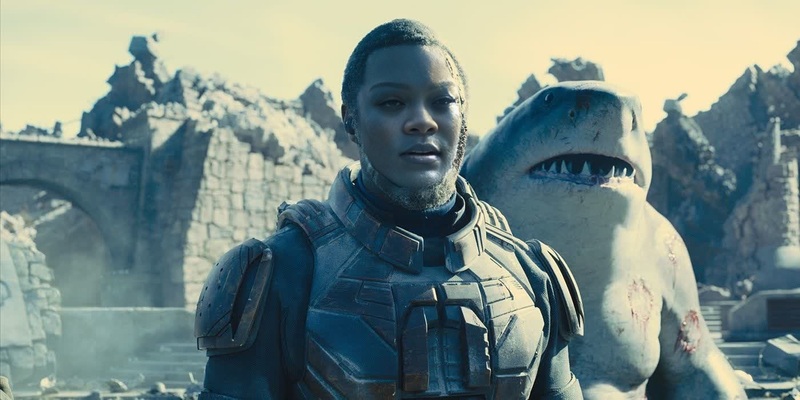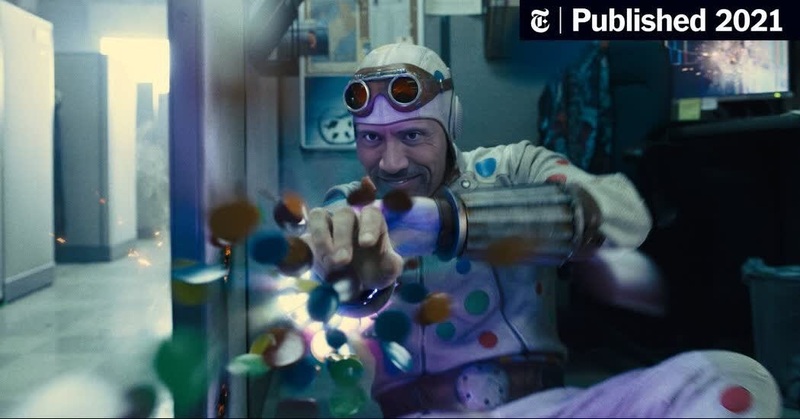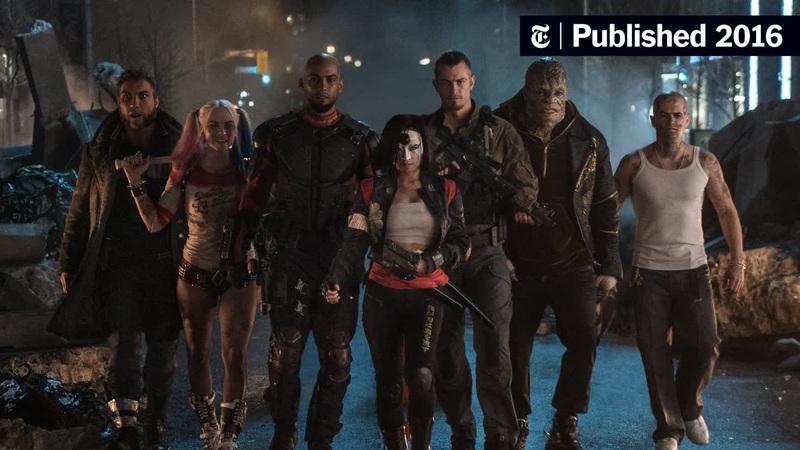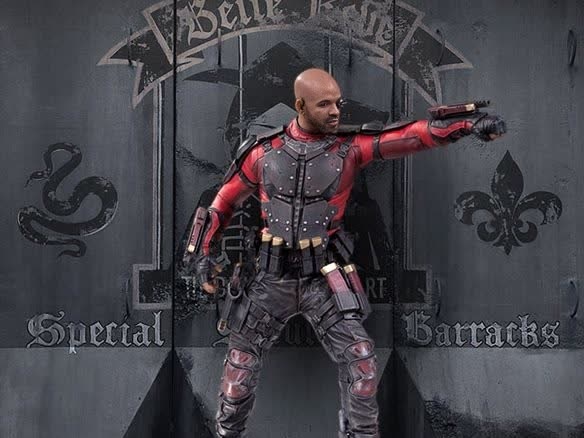
Deadshot Suicide Squad Dc Live Action
- Image
- 584 × 438 px
Any aspect ratio
Overview
Step into the DC universe with our Video Face Swap template featuring Deadshot from Suicide Squad. Transform your videos by swapping faces with this iconic character, bringing a cinematic edge to your content. Whether for fun or enhancing your creative projects, this template allows you to bring a piece of Hollywood magic to your own productions.
What It Does
The Deadshot Suicide Squad template provides a face swap capability using advanced AI. By integrating with your existing footage, it overlays Deadshot's likeness onto the face in your video. This produces a realistic transformation that maintains the original expressions and nuances of the performance, perfect for various entertainment purposes.
To get started with creating realistic face swaps using this template, you can explore related tools like Face Swap and Video Face Swap for more advanced functionalities.
Who It's For
Ideal for filmmakers, content creators, and DC fans, this template caters to those who want to integrate character-driven content into their projects. Whether you're creating fan films, promotional material, or just looking to amuse friends with high-quality, customized videos, this face swap tool offers professional results with minimal effort.
Summary
Transform any video by importing your clips and blending them with the distinctive guise of Deadshot. This template allows for a seamless switch that retains both emotional and visual fidelity. For more varied transformations, discover tools like the Head Swap or the AI Image Editor to further enhance your storytelling capabilities.
How To Use
Choose Your Template

Customize Your Input

Generate and Export

Use Cases
Fan Films and Short Productions
- Use Deadshot face swap for dramatic character entries.
- Perfect for parody and themed events.
Social Media Content
- Stand out by featuring Deadshot in your skits.
- Boost viewer interaction with creative storytelling.
Promotional Videos
- Create buzz by adding a superhero twist to your ads.
- Appeal to DC Comics fans with creative collaterals.
Best Practices
Optimal Lighting Conditions
Ensure your videos have good lighting for the best face swap accuracy. Shadows and low-light can affect AI performance.Clear Facial Visibility
Maintain clear visibility of faces in the footage. Avoid obscuring accessories or hairstyles that could disrupt the swap process.File Format Considerations
Upload video files in MP4 or MOV formats for optimal compatibility with the face swap engine.
Frequently asked questions
More Like This