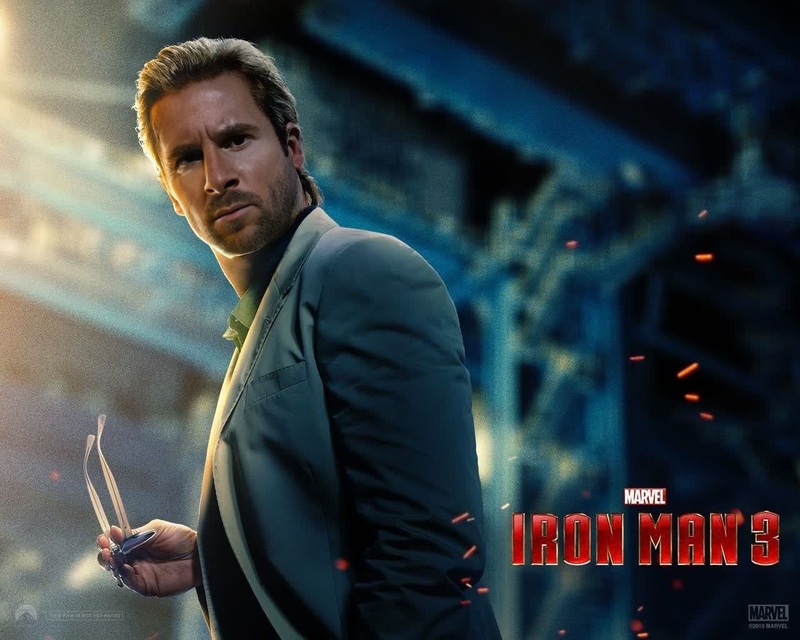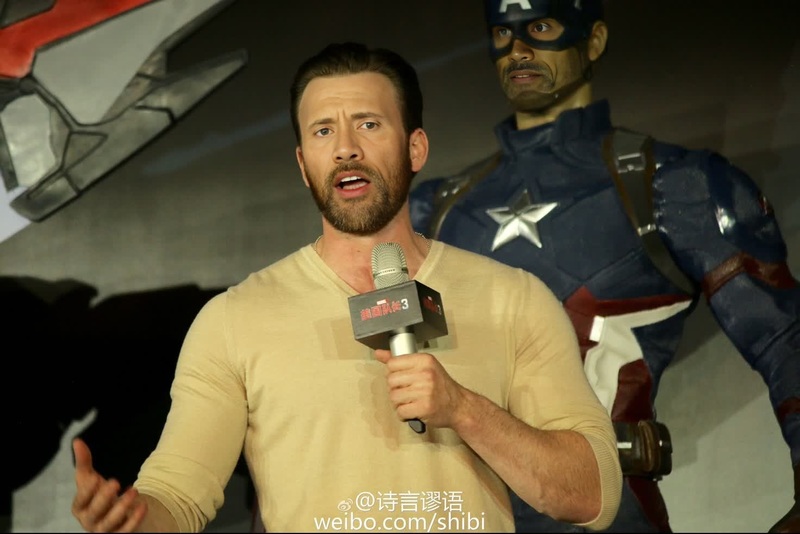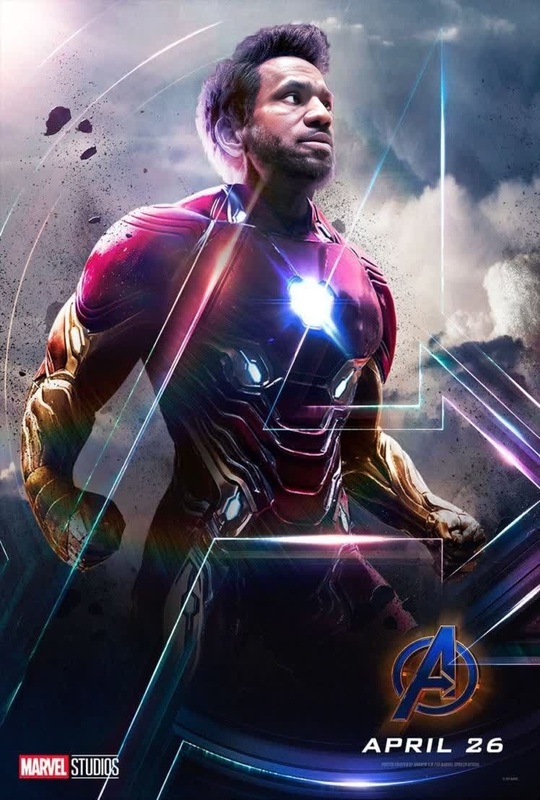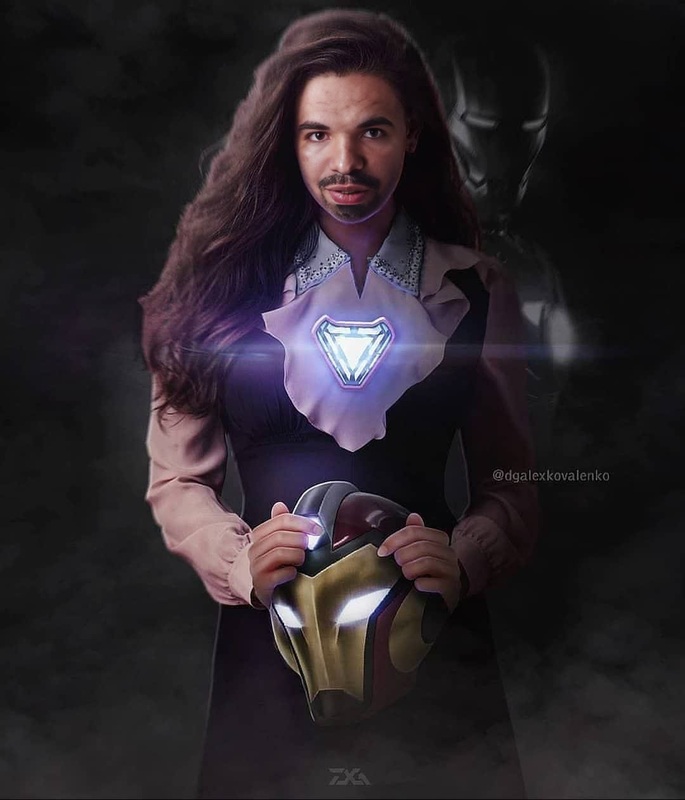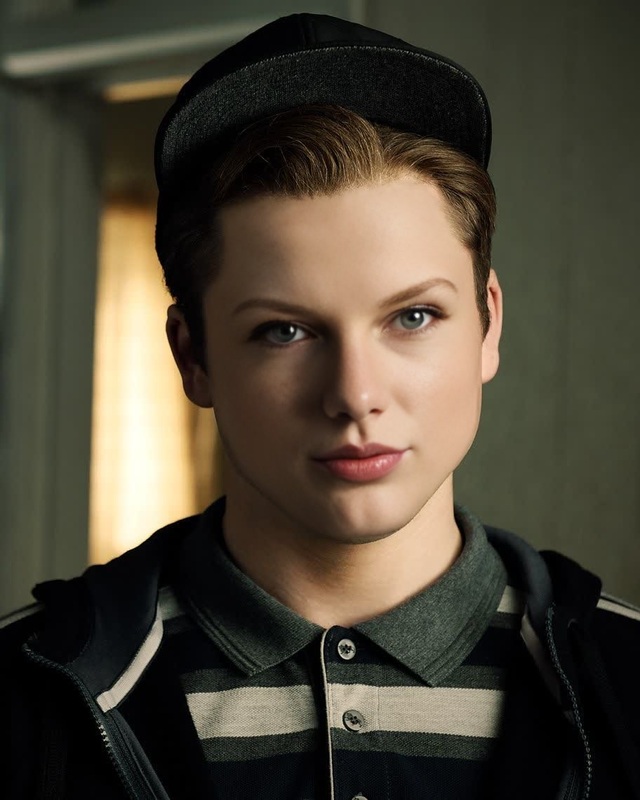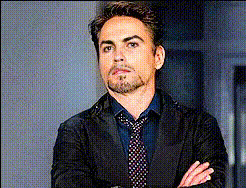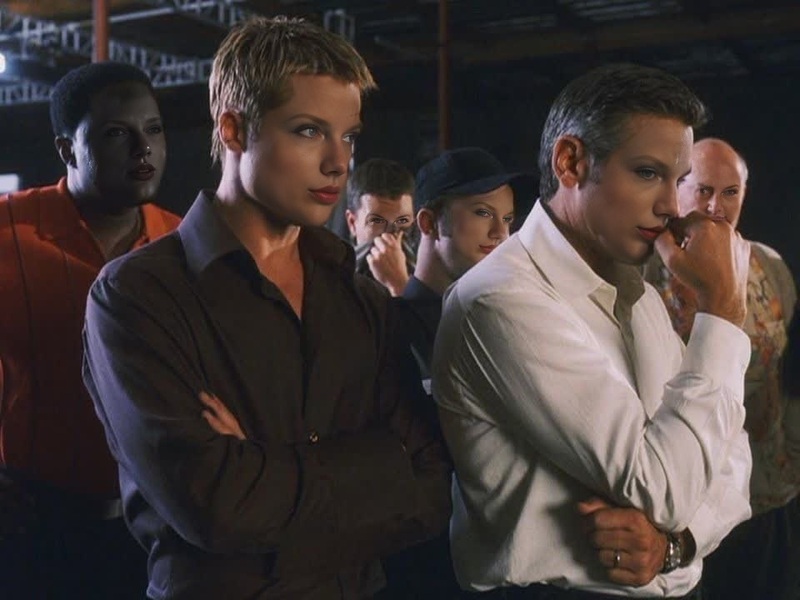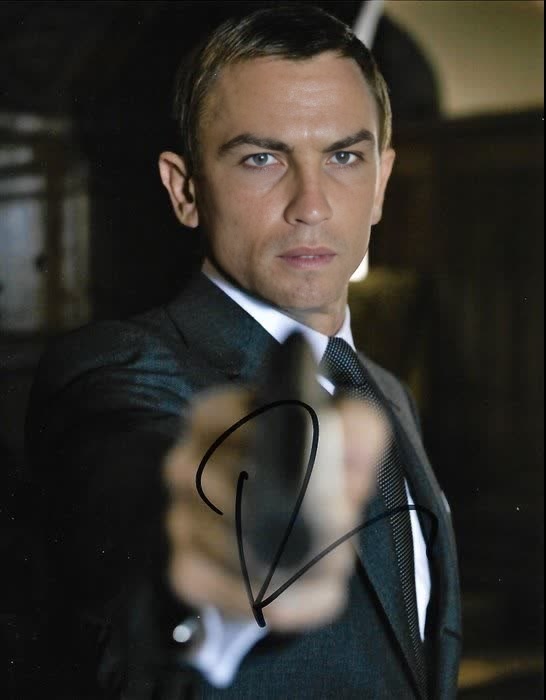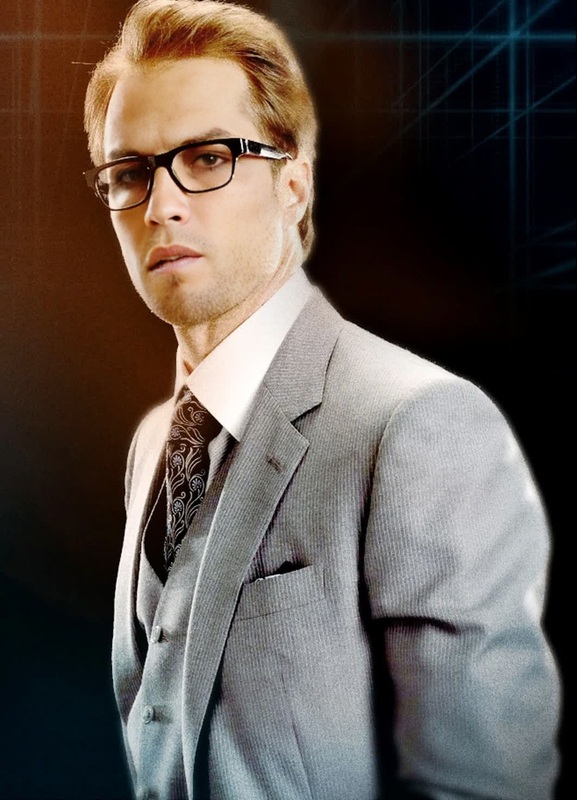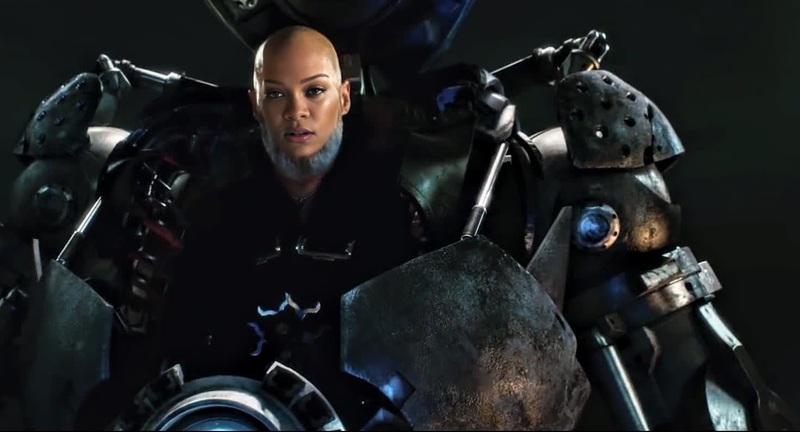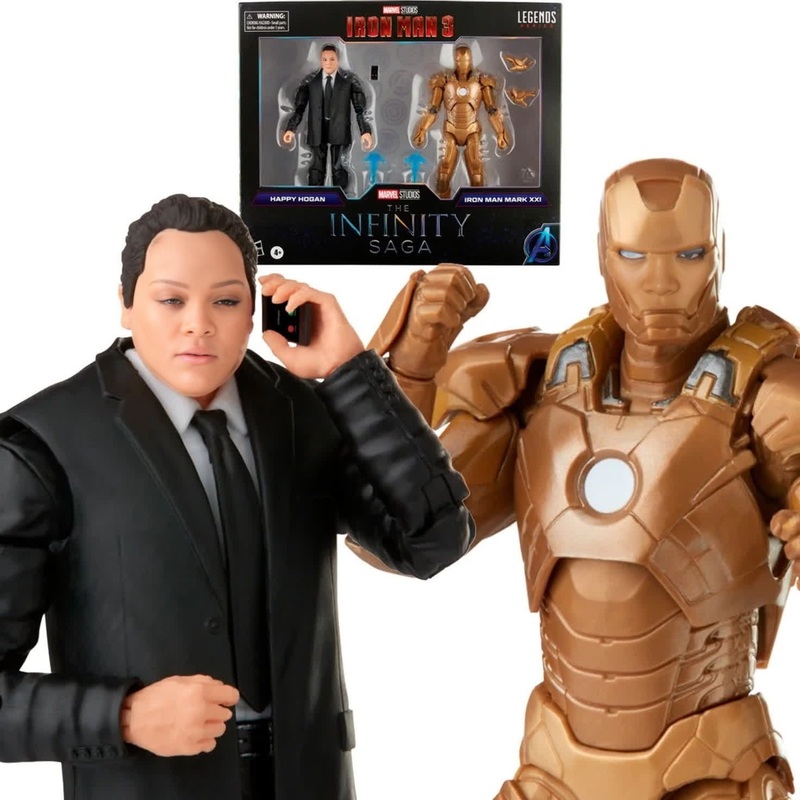
Robert Downey Jr Iron Man 3 Press Portrait
face-swap
Any aspect ratio
Tags
transformationsTransform any clip into a cinematic “double life” reveal with AI face swap. This Magic Hour template lets you drop a target face into an existing video in a few clicks—perfect for short-form content, social campaigns, UGC ads, and character-driven storytelling.
Use it to:
- Put yourself or your character into a movie-style scene
- Create founder or spokesperson content without reshooting
- Test multiple “faces” for the same creative concept
- Generate hooks and alternate cuts for TikTok, Reels, YouTube Shorts, and ads
What this template does
This template is built on Magic Hour’s AI Face Swap technology and the Face Swap Video workflow.
It:
- Detects the face in your source video
- Replaces it with your chosen face image (portrait, selfie, or character render)
- Preserves lighting, expressions, camera movement, and scene composition
- Outputs a ready-to-share video in the same aspect ratio and duration as your original clip
You’re not locked into a single look. Remixing the template lets you:
- Swap in different faces for A/B testing creatives
- Localize the same concept with different actors or influencers
- Build recurring “characters” that appear across multiple videos
How to remix this template in Magic Hour
You can recreate or customize this template in minutes using Face Swap Video:
Open the Face Swap Video tool
Go to Face Swap Video. This is the base workflow used by this template.Upload your base clip
- Use a short video with a clear, mostly front-facing subject for best quality
- Performance videos, reaction shots, talking-head clips, or cinematic b‑roll work especially well
Add your target face
- Upload a high-quality face image: sharp, well lit, minimal obstructions
- You can use:
- Your own selfie or headshot
- A character generated via AI Photo Generator or AI Character Generator
- Productized personas (e.g., a brand mascot, fictional spokesperson)
Generate and review
- Let Magic Hour process the clip with the new face
- Download the result or make new variations with different faces or videos
Iterate and systematize
Once you have a structure that works—intro, reveal, punchline—you can:- Reuse the same base video with multiple faces (for localization, influencers, or audience segments)
- Plug the results into pipelines that also use:
- Lip Sync for voiceover-driven content
- Video to Video to stylize the final look
- Animation to turn the same sequence into animated or illustrated versions
Best practices for high-quality face swaps
To get results suitable for campaigns, launches, and client work, focus on input quality:
1. Source video quality
- Use clean, high-resolution footage with minimal motion blur
- Avoid extreme occlusions: heavy sunglasses, hands covering the face, strong backlighting
- Stable lighting and consistent framing lead to better facial alignment and realism
2. Face image quality
- Use a sharp, front-facing photo with neutral or natural expression
- Avoid low-res screenshots, strong filters, or overly stylized images if you want a realistic result
- For stylized faces (anime, comic, fantasy), generate them with:
3. Consistency across a series
- Use the same face image across multiple templates to build a recognizable “virtual talent”
- Optionally pair with:
- AI Headshot Generator for a consistent identity
- AI Selfie Generator for casual variants of the same persona
Use cases for creators, marketers, and startups
1. Content creators & influencers
- Turn any existing b‑roll into a personal cameo without reshooting
- Build recurring characters for skits (e.g., “future me,” alter-ego, brand persona)
- Remix viral formats: reaction videos, POV clips, meme remakes using AI Meme Generator plus Face Swap
2. Performance marketers & UGC ad buyers
- Test multiple “faces” for the same script: different actors, demographics, or styles
- Localize creative for different regions with localized actors and voice tracks
- Combine with:
- AI Voice Generator or AI Voice Cloner for tailored scripts and accents
- Auto Subtitle Generator for platform-native captions
3. Founders and B2B teams
- Create founder-led content without scheduling shoots
- Build a consistent “virtual spokesperson” for product explainers, onboarding, or support videos using AI Talking Photo plus Face Swap
- Generate quick variations for outbound campaigns or landing page hero videos
4. Product, game, and IP teams
- Visualize how different characters or avatars look in the same scene
- Prototype character reveals and story beats before committing to production
- Use AI QR Code Generator to tie physical campaigns to dynamic face-swapped reveal videos
Advanced workflows and combinable tools
You can evolve this single template into a flexible content system by chaining other Magic Hour tools:
From image → hero video
- Generate a persona with AI Image Generator or Avatar Generator
- Turn it into motion with Image to Video or Text to Video
- Swap faces in with Face Swap Video
From static campaign → animated variants
- Start from a photoshoot, clean it with AI Image Editor, AI Remover, or Remove Object from Photo
- Add motion using Image to Video
- Create multiple “talent” options with Face Swap
Quality and format upgrades
- Enhance details with AI Image Upscaler or Unblur Image before using them as face sources
- Improve final video quality with Video Upscaler
- Export short loops and turn them into shareable assets via AI GIF Generator
Tips for reliable, production-ready results
- Keep faces reasonably similar in pose and angle between source video and face image
- Use brighter, evenly lit face sources if your base footage is dark—AI can better adapt down than up
- For talking clips, pair this template with:
- Lip Sync or AI Talking Photo
- AI Voice Cloner or AI Voice Changer for natural speech
For branding-heavy work (ads, campaigns, client projects), consider:
- Generating consistent outfits and aesthetics with AI Outfit Generator or AI Fashion Generator
- Matching environments to your brand using AI Background Generator or AI Interior Design Generator
Remix ideas using this template
When you open this template in Magic Hour, you can:
Swap the face with:
- Different influencers or team members
- Customer personas you generate with AI Face Generator
- Stylized characters (anime, comic, fantasy)
Replace the base footage with:
- Product demos, app walkthroughs, or screen recordings
- Lifestyle b‑roll that matches your target audience
- User-generated content you already licensed or own
Turn a single idea into a campaign:
- One script, many faces (demographic testing)
- One face, many scenes (narrative series, onboarding flows)
- Realistic + stylized versions using Video to Video or Animation
Related templates & tools to explore
If you like this template, you may also want to try:
- Face Swap Video – the core workflow behind this template
- Lip Sync – match mouth movement to any audio track
- Video to Video – restyle your scene (cinematic, anime, illustration, etc.)
- Animation – turn characters or scenes into animated videos
For still images and brand systems that complement your videos:
- AI Headshot Generator for profile and team images
- AI Logo Generator and Thumbnail Maker for channels and campaigns
- Album Cover Generator, Book Cover Generator, and Comic Book Generator for IP-heavy or narrative projects
Use this template as a starting point, then iterate: new faces, new footage, new styles. In a few cycles, you can turn a single AI face swap into a reusable content system for your channel, product, or brand.