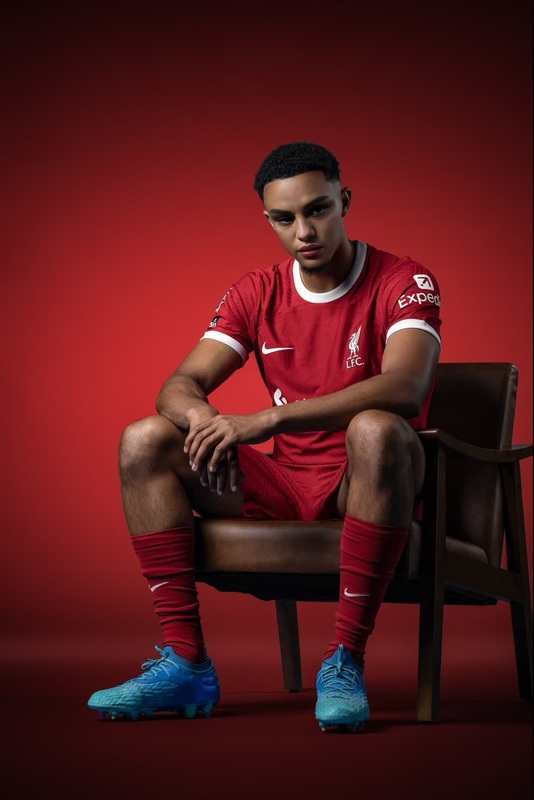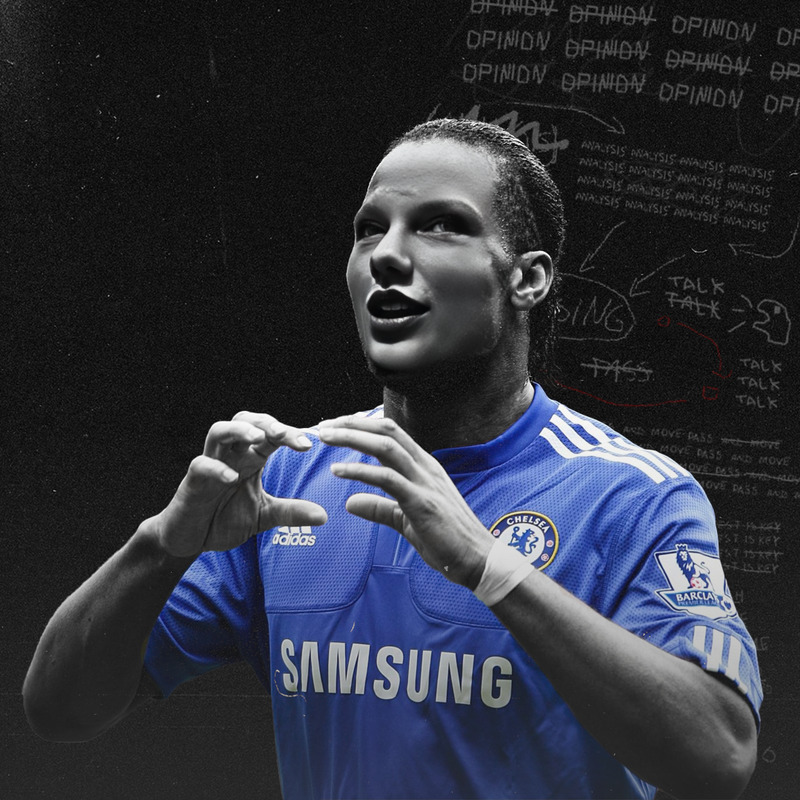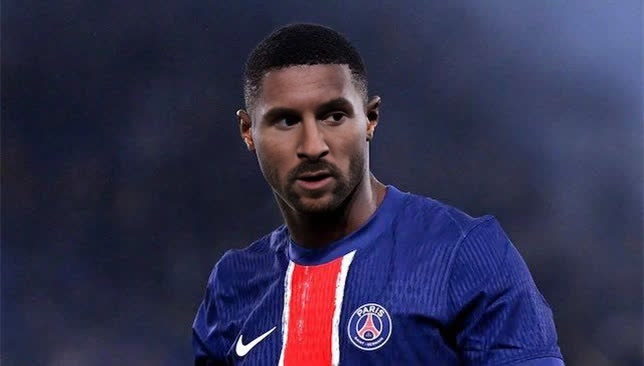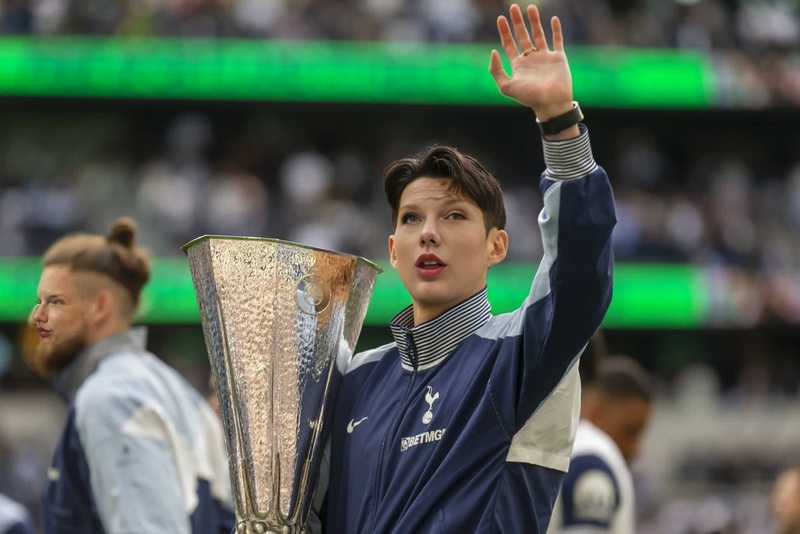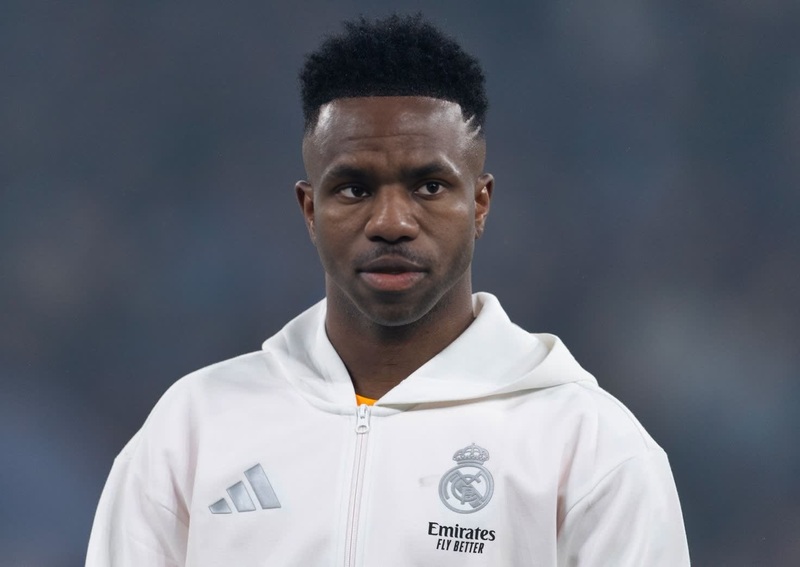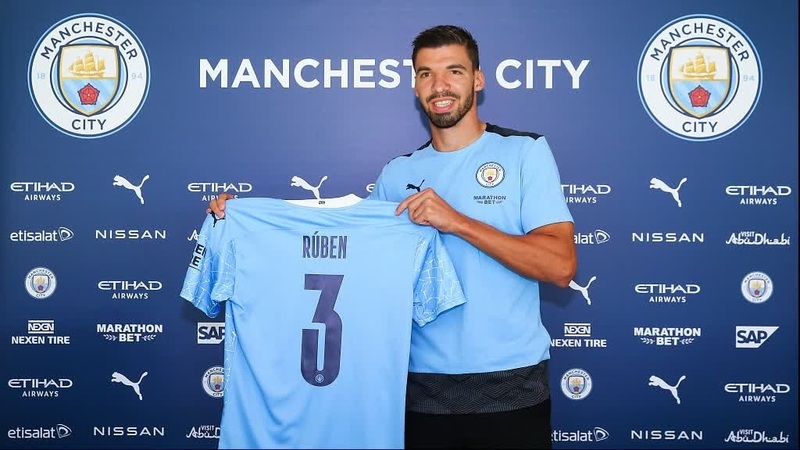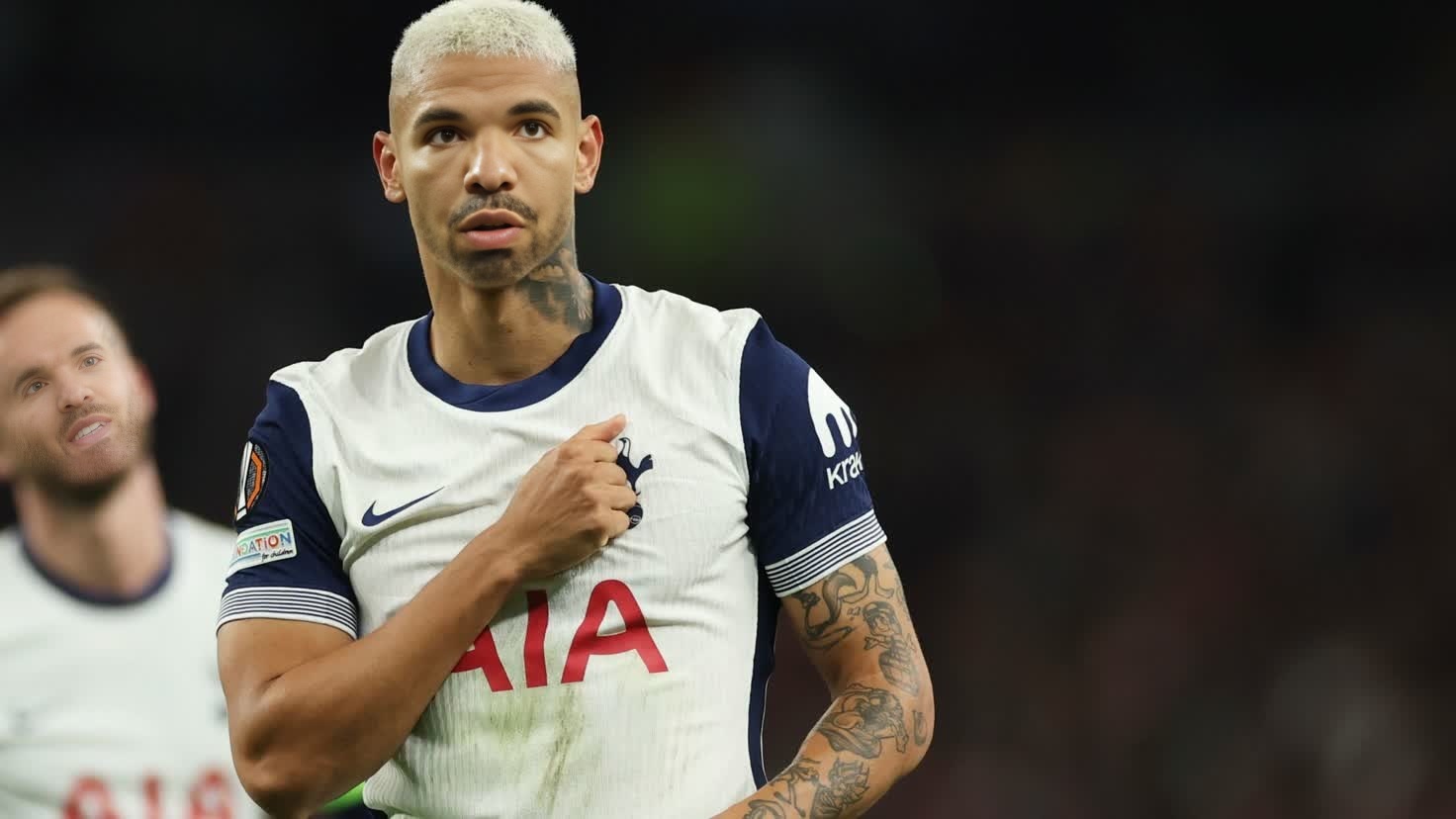
Richarlison Tottenham Press Portrait
- Image
- 1472 × 828 px
Any aspect ratio
Overview
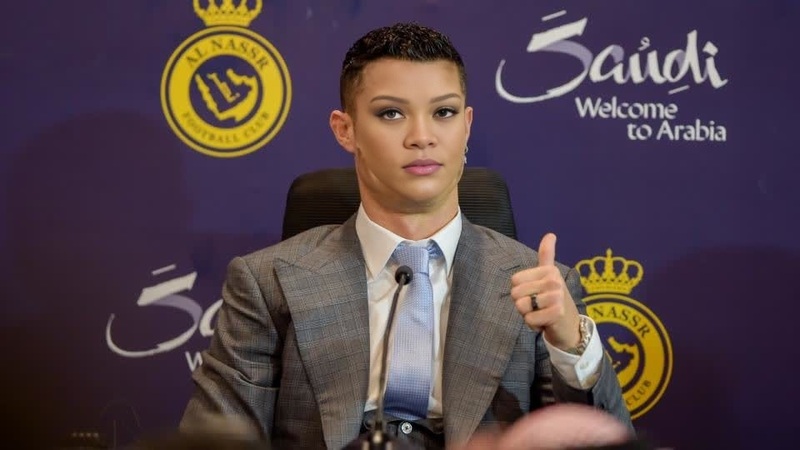
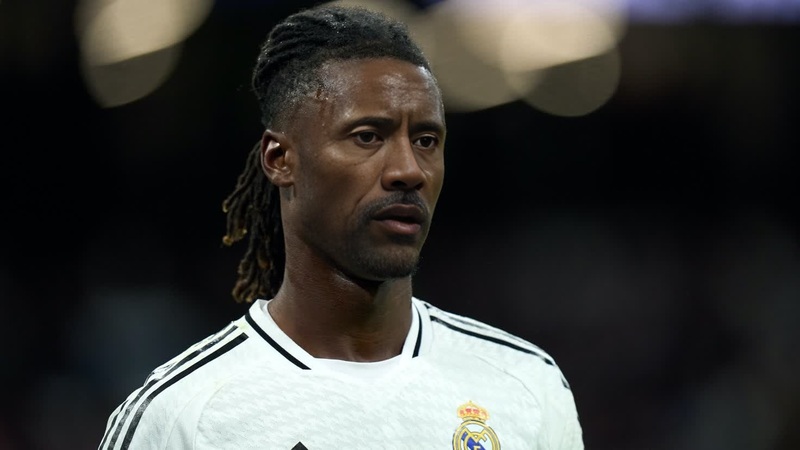
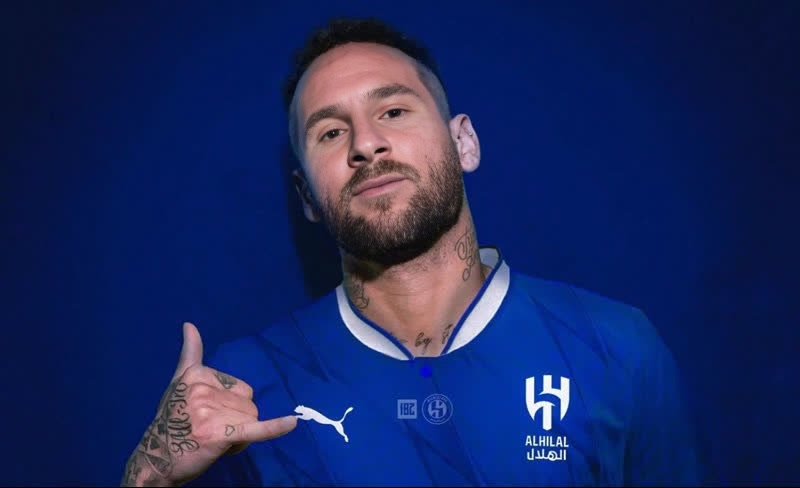
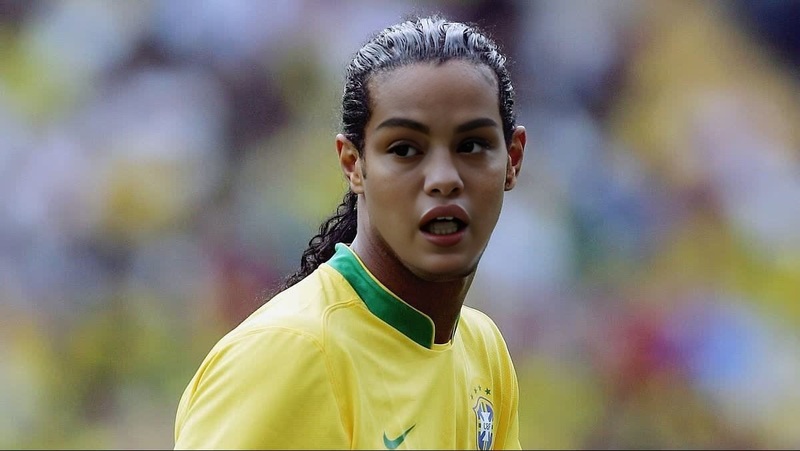
Transform into Tottenham Hotspur star Richarlison by swapping your face into his press portrait video. This vibrant and engaging Video Face Swap template makes it easy to create humorous and attention-grabbing clips that are perfect for sharing on social media.
What It Does
The Richarlison Tottenham Press Portrait template allows you to seamlessly replace Richarlison's face with your own, creating a personalized video that retains the original's professional quality. Whether you're a fan looking to support your team in a unique way or just aiming to have some fun, this tool offers a compelling solution.
For more advanced editing, consider using the AI Video Generator to combine your face-swapped videos with other creative elements.
Who It's For
This template is ideal for football fans, content creators, and social media enthusiasts eager to grab the limelight with creative videos. It's a valuable asset for anyone who enjoys experimenting with digital transformations or wants to make their content stand out with clothes changing capabilities in conjunction with face swapping.
Summary
The Richarlison Tottenham Press Portrait template offers an engaging way to incorporate yourself into the world of professional sports media. By leveraging this Face Swap tool, you'll create unique visual content that can easily go viral, increase engagement, and offer laughs to your audience. Enhance your projects further with the AI Image Editor for added effects and precision.
How to Use
Choose the Video Face Swap Template

Customize by Adding Your Face

Generate and Share Your Video

Use Cases
Sports Engagement Clips
- Connect with fellow fans in a unique way
- Drive interaction on social media platforms
Social Media Viral Challenges
- Create content that resonates with current trends
- Encourage participation and sharing
Humorous Content Creation
- Engage viewers with funny and unexpected transformations
- Ideal for meme creation
Best Practices
Select High-Quality Source Images
Ensure that the photo you upload for face swapping is high quality, with good lighting and a clear view of your face, for optimal results.Refine Alignments Carefully
Spend time adjusting your face's alignment and size on Richarlison's body to ensure a natural and realistic appearance.Experiment with Additional Edits
Use other tools, like the AI Image Editor, to tweak your video's appearance, enhancing color or adding special effects to set your content apart.
Frequently asked questions
More Like This