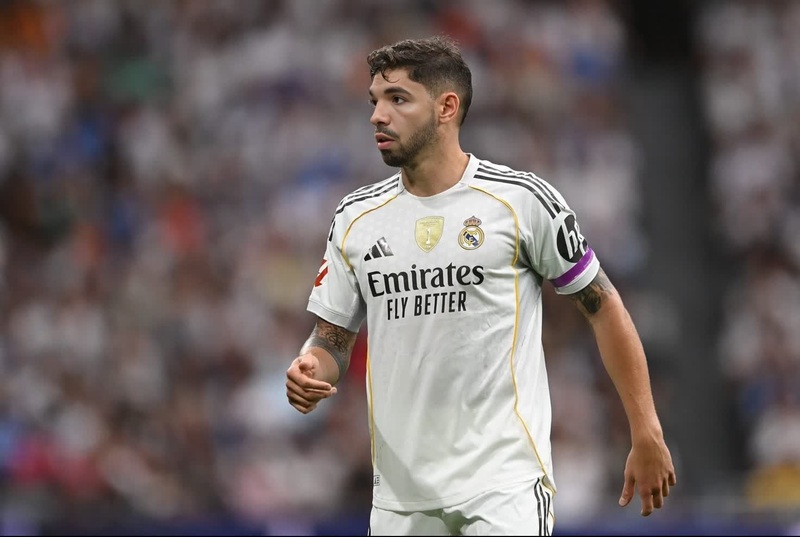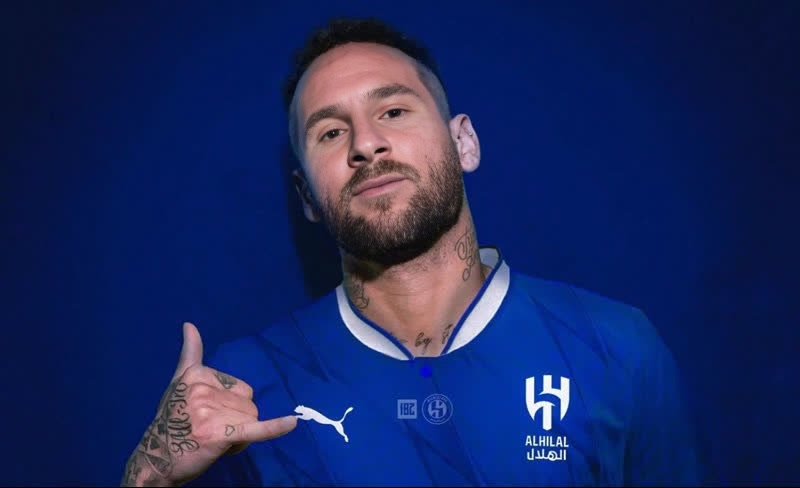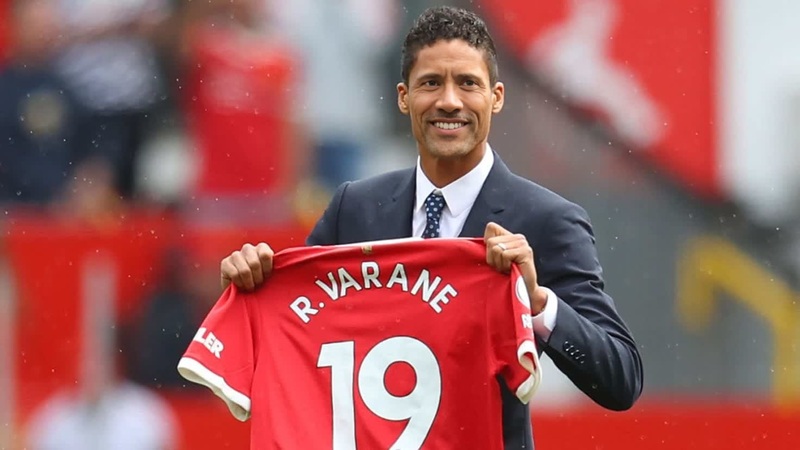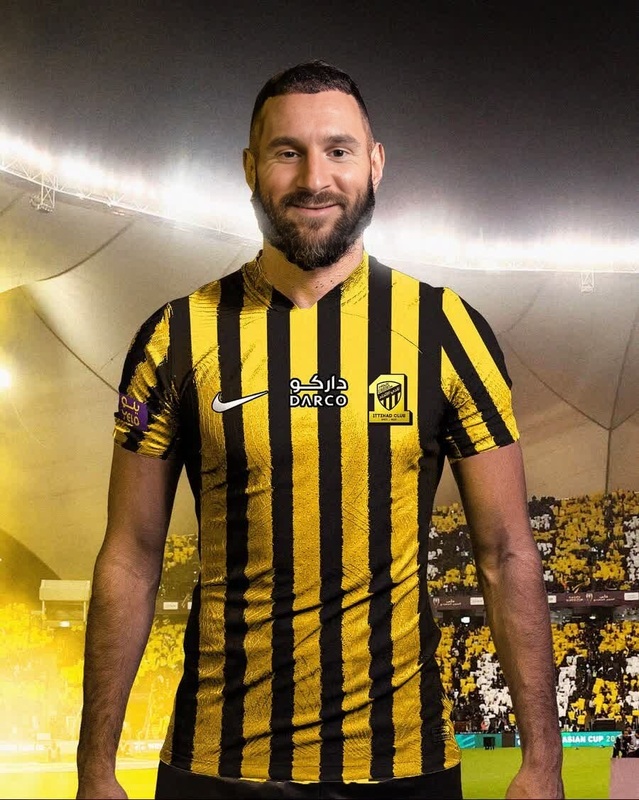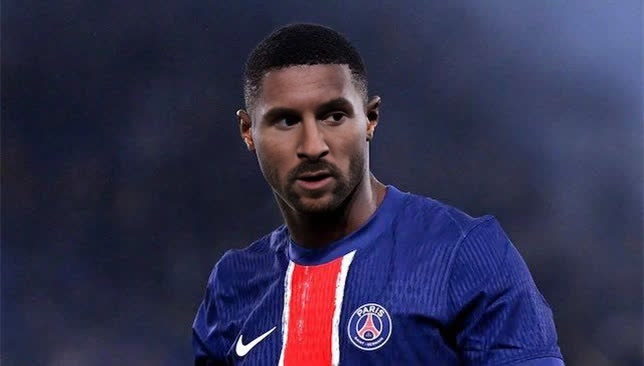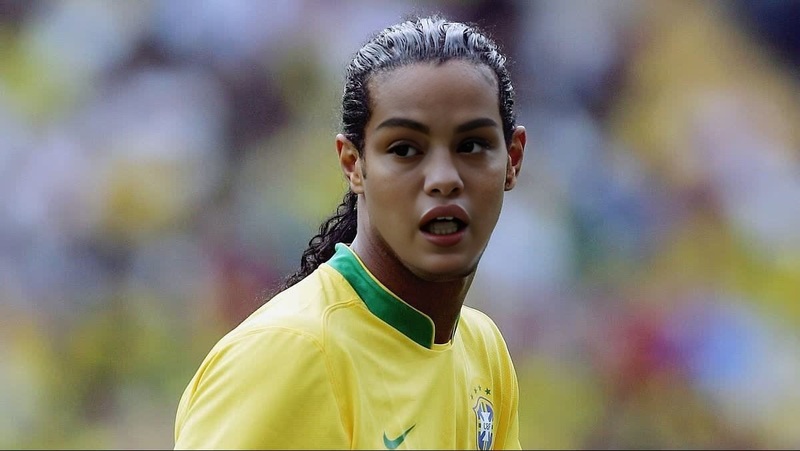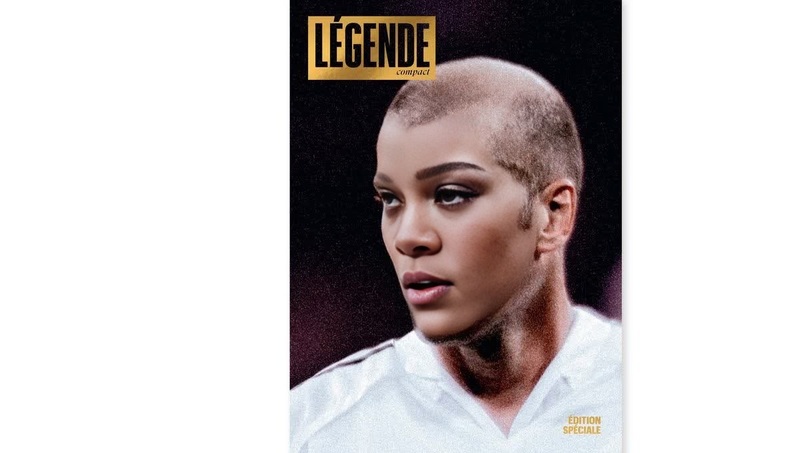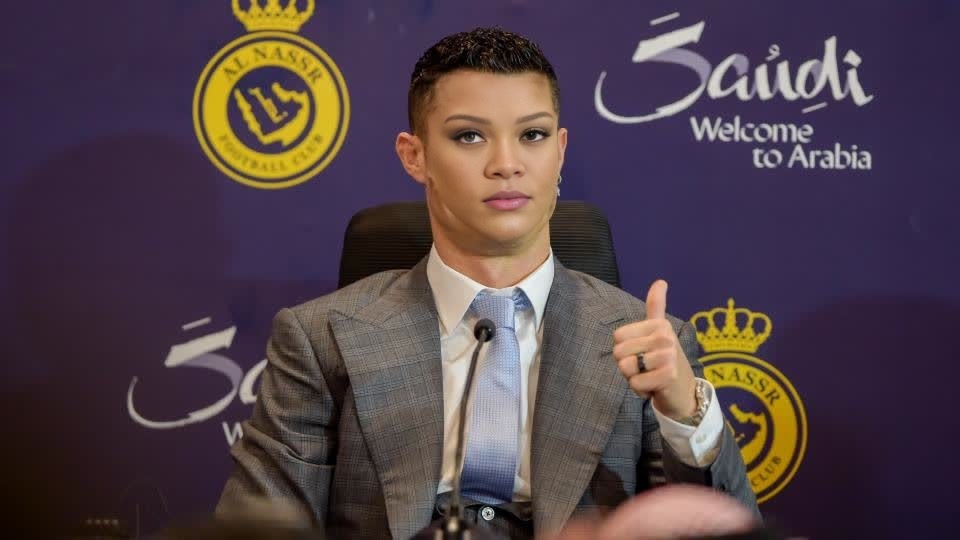
Cristiano Ronaldo Al Nassr Press Portrait

Cristiano Ronaldo Al Nassr Press Portrait

face-swap

1 clip
0 uses

Any aspect ratio

Tags

transformations

Create Hyper‑Realistic Face Swap Videos in Minutes

This template showcases what you can build with Magic Hour’s AI-powered Face Swap Video workflow. Use it as a starting point to create studio‑quality, character‑driven videos for ads, UGC, social campaigns, product walkthroughs, or internal demos—without a production team.


What This Template Does

This template demonstrates a complete face swap video:

  • A source face (your own, a model you’ve licensed, or a fictional character)
  • Mapped onto a target video (stock footage, product demo, talking head, etc.)
  • With expressions, lighting, and perspective preserved for a realistic result

You can remix this template to:

  • Localize the same video for different markets by swapping talent
  • Produce creator-style ads using your team’s faces instead of hired actors
  • Generate variations for A/B testing (different personas, demographics, or styles)
  • Protect privacy by anonymizing faces while keeping real footage and gestures
  • Prototype creative ideas quickly before investing in a full shoot

Under the hood, this template relies on Magic Hour’s Face Swap stack, which combines facial landmark tracking, identity embedding, and frame‑by‑frame rendering to keep the swapped face consistent across motion.


How to Remix This Template in Magic Hour

You can reproduce and customize this template in a few minutes:

  1. Open Face Swap Video
    Go to Face Swap Video. This is the main tool for turning any existing video into a face-swapped version.

  2. Choose Your Target Video
    Use:

    • Existing brand footage (product demos, explainer videos, interviews)
    • Stock clips or UGC-style videos you have the rights to
    • Content you created with other Magic Hour tools like:
  3. Add Your Source Face

    • Upload a clear, front‑facing photo or short video of the person whose face you want to use
    • For consistent results, use good lighting and minimal obstructions (no heavy shadows, sunglasses, etc.)
  4. Generate & Review

    • Let Magic Hour process the video and apply the face swap
    • Review the result and iterate by trying different source faces, target clips, or styles
  5. Optional Enhancements
    After you’re happy with the core face swap, you can layer on other Magic Hour capabilities to build richer templates:


Powerful Combinations for Advanced Templates

For creators and teams who want more than a simple swap, this template is a building block. You can combine it with other Magic Hour tools to create more sophisticated pipelines:

1. Talking Avatars and Explainers

Result: reusable “virtual presenters” who can appear in different environments and formats.

2. Performance & Voice Personalization for Marketing

For growth teams and performance marketers:

  • Use this template to create multiple versions of the same ad with different faces (demographics, age ranges, or brand characters)
  • Combine with:
  • Localize with region-specific talent while reusing the exact same base footage, creative, and messaging

This lets you test more creative variants without additional shoots, equipment, or agencies.

3. Creator & UGC-Style Content

UGC‑style ads and social content often rely on “real people” talking directly to camera. You can:

  • Record one strong base performance
  • Use Face Swap Video to generate multiple personas reacting the same way
  • If you want animated or stylized versions, feed that video into:

Best Practices for High-Quality Face Swaps

To get results on par with this template:

  • Use high‑quality faces: Clear, well‑lit source images yield more stable identity and fewer artifacts
  • Match angles & expressions: If your target video has strong side angles or big expressions, pick a source that’s similarly expressive for better realism
  • Maintain rights & consent: Only use faces and footage you have permission to use—this is critical for commercial deployments and brand safety
  • Iterate like a developer: Treat creative as a system. Generate small variations, review, measure performance (CTR, watch time, conversion), then expand on winners

For further refinement, tools like AI Face Editor, Gender Swap, and AI Clothes Changer can help you evolve character design before or after the swap.


Who This Template Is For

This template is designed for:

  • Performance marketers: spin up high‑performing creatives across many personas and locales
  • Creators & agencies: deliver “always on” production without renting studios or managing casting
  • Product & growth teams: build internal explainers, onboarding flows, and training content at scale
  • Developers & startup founders: prototype AI‑driven products, virtual agents, and interactive experiences using realistic faces

If you’re building products that rely on identity, avatars, or character‑driven video—this template gives you a repeatable pattern you can drop into your workflows.


Related Tools Worth Exploring

To extend this template or build your own system around it, explore:

Combining these with Face Swap Video lets you move from a single template to a full, programmatic creative engine.


Start From This Template, Then Make It Yours

This face swap template is here to be remixed:

  • Swap in your own footage, faces, or brand characters
  • Chain it with lip sync, animation, or voice tools
  • Use it as a pattern for automated, large‑scale creative generation

Open Face Swap Video, plug in your assets, and iterate. In a few minutes, you’ll have your own version of this template—tailored to your brand, your product, and your audience.

More Like This

Insufficient credits