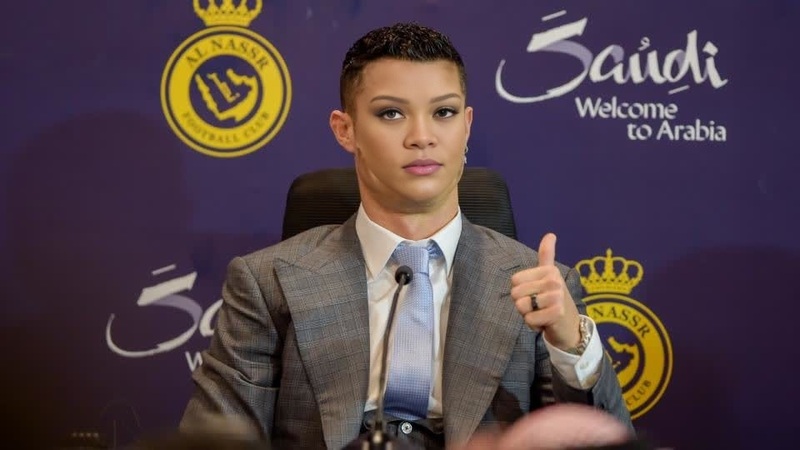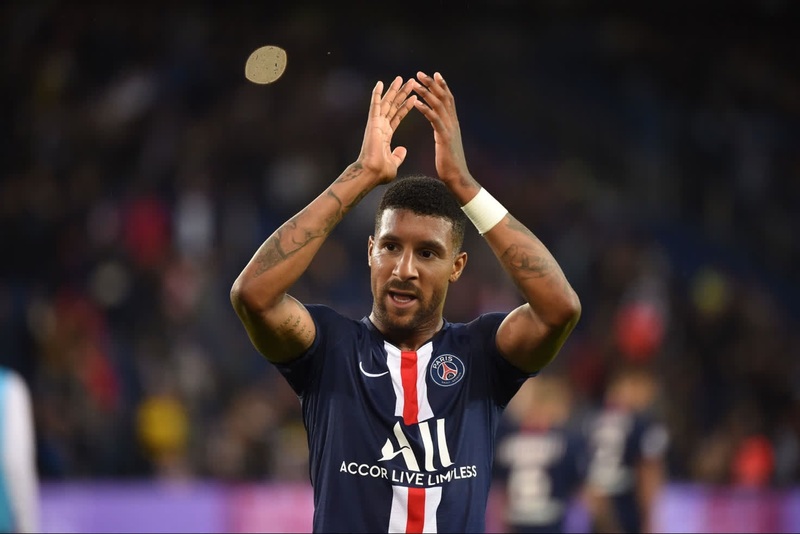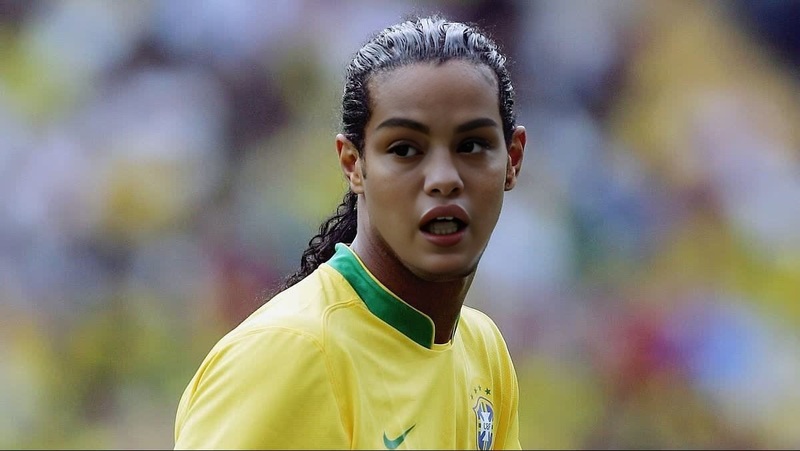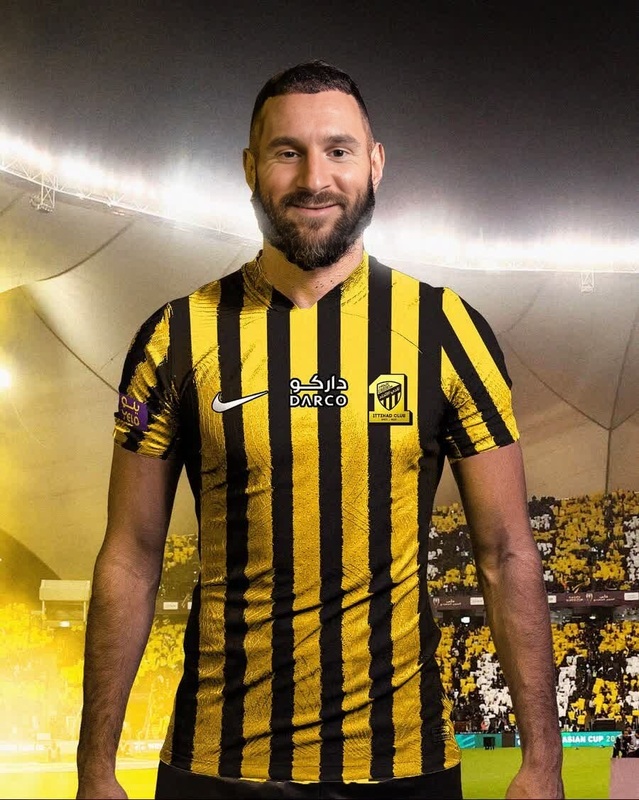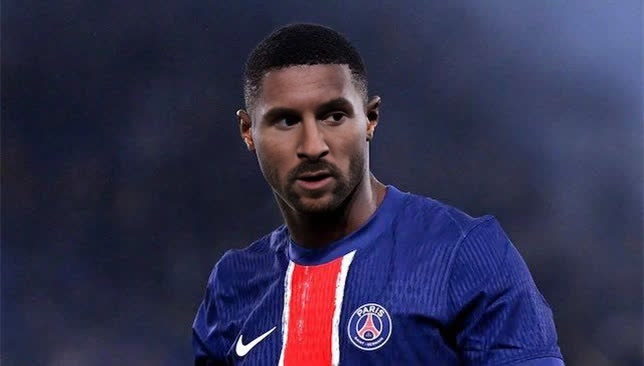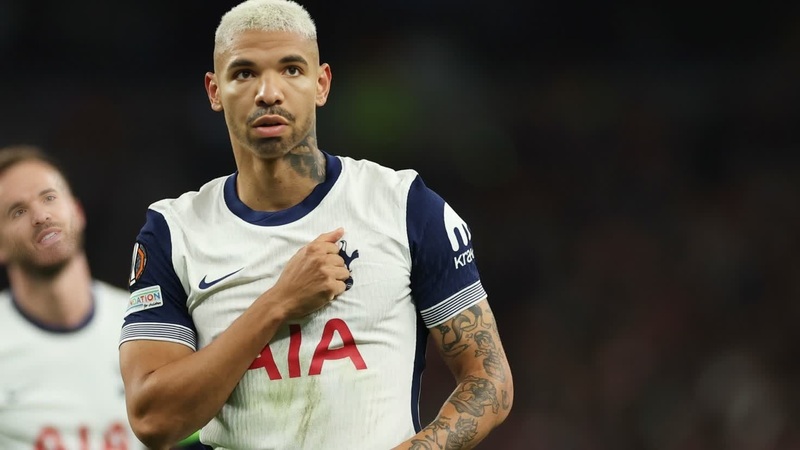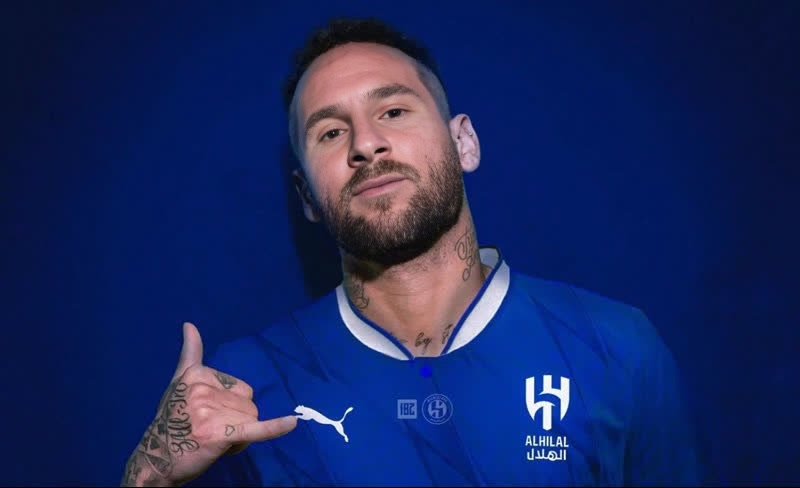
Neymar Jr Al Hilal Press Portrait

Neymar Jr Al Hilal Press Portrait

face-swap

1 clip
0 uses

Any aspect ratio

Tags

transformations

Transform Yourself into Any Character with AI Face Swap Video

This template lets you instantly swap your face (or any face) into an existing video using Magic Hour’s AI Face Swap Video tool. It’s ideal for creators, teams, and brands who want to prototype concepts, test content formats, or produce attention‑grabbing social clips without a full production shoot.

Use it for:

  • Social media content and short‑form video
  • Concept tests and mood pieces for clients or stakeholders
  • Character demos, meme content, or campaign mockups
  • Previsualization for ads, explainers, or product videos

What This Template Does

This template is built on AI Face Swap and Face Swap Video. It:

  • Replaces the original subject’s face in a video with a source face you upload
  • Preserves the target video’s motion, lighting, and expressions
  • Produces a realistic, frame‑consistent result suitable for publishing or pitching

Because it’s fully AI‑driven, you can iterate rapidly: test multiple faces, different roles, or alternative casting ideas in minutes instead of re‑shooting footage.


How to Remix This Template in Magic Hour

You can create your own version of this template by remixing in Magic Hour:

  1. Open Face Swap Video
    Go to Face Swap Video.

  2. Upload a Source Face

    • Use a clear, front‑facing image with good lighting.
    • Avoid heavy filters, sunglasses, or extreme angles for best results.
    • For brand work, use a consistent headshot of your on‑camera talent; tools like the AI Headshot Generator can help you standardize looks.
  3. Add or Select the Target Video

    • Use your own footage or any licensed clip you’re allowed to modify.
    • Short clips (e.g., 5–30 seconds) are ideal for social testing, ads, and memes.
    • Consider upscaling rough footage first with the Video Upscaler for cleaner outputs.
  4. Generate the Face Swap

    • Run the swap; the system automatically tracks the face, expression, and movement.
    • Preview, then re‑run with a different source face if you want variations.
  5. Export and Reuse

    • Download the finished video for TikTok, Reels, Shorts, email campaigns, or internal decks.
    • Reuse the same source face across multiple clips to build a recurring character or spokesperson.

You can duplicate this flow to build entire series: the same person in different scenes, styles, or outfits.


Advanced Remix Ideas for Creators & Teams

You can combine this template with other Magic Hour tools to build richer workflows:

  • Talk, Lip Sync, and Face Swap Together

  • Turn Images into Motion, Then Swap Faces

  • Create Branded Characters or Avatars

  • Prototype Campaigns and Storyboards

    • Use Text to Video or Animation to generate quick story beats.
    • Swap in your actual presenter, influencer, or CEO via Face Swap Video to test how the concept feels with real talent before green‑lighting a shoot.
  • Experiment with Style, Clothing, and Identity

    • Test wardrobe options on your talent with the AI Clothes Changer or AI Fashion Generator in stills.
    • Once you like the look, build short scenes via Image to Video + Face Swap Video to preview how those choices play in motion.
    • For gender or style explorations, the Gender Swap and AI Face Editor can help you generate alternative identities in still images first.

Best Practices for High‑Quality Face Swap Results

To get consistent, production‑ready outputs:

  • Use High‑Resolution, Clear Faces

    • Start with sharp, well‑lit source photos. Upscale low‑res inputs with the AI Image Upscaler or fix blur with Unblur Image.
    • Avoid motion‑blurred, heavily compressed, or backlit faces when possible.
  • Match Angles and Lighting

    • If the target video is mostly side‑profile, pick source photos that show similar angles.
    • Consistent lighting (direction and color temperature) between source image and target clip typically yields more realistic blends.
  • Mind Expressions and Occlusions

    • Extreme expressions, hands over the face, or large objects blocking the face can reduce quality.
    • For complex shots, consider shorter clips and more controlled compositions.
  • Respect Rights and Ethics

    • Only swap faces where you have permission to use someone’s likeness.
    • Do not use this for deception, harassment, or impersonation — especially of public figures, clients, or colleagues.
    • Many jurisdictions are actively defining rules around synthetic media; review local regulations and platform policies for commercial and advertising use.

For more technical perspectives on face swapping and deepfakes, see for example:

  • Mirsky & Lee, “The Creation and Detection of Deepfakes: A Survey,” ACM Computing Surveys (2021).
  • Tolosana et al., “DeepFakes and Beyond: A Survey of Face Manipulation and Fake Detection,” Information Fusion (2020).

How Teams and Businesses Use This Template

Creators, marketers, and startups commonly use this style of template to:

  • Localize content at scale

  • Prototype founders‑as‑creators content

    • Quickly preview what a founder or executive would look like delivering different scripts, tones, or visual concepts, using Face Swap Video plus Lip Sync.
  • Run low‑cost creative experiments

    • Validate hooks, intros, and visual narratives for TikTok, YouTube Shorts, and Reels without full crew or studio time.
    • Turn static creative from tools like the AI Art Generator, Thumbnail Maker, or Album Cover Generator into short motion tests via Image to Video + Face Swap Video.
  • Produce memes and cultural content responsibly


Extending This Template into a Full Workflow

If you want to go beyond simple face swaps, consider integrating:


Remix This Template for Your Own Use Case

To adapt this template for your own project:

This template is a starting point: a reusable pattern for realistic face‑swapped videos. Remix it, swap in your own assets, plug it into your existing content pipeline, and use Magic Hour as your rapid‑iteration layer for video experiments, campaigns, and creative prototypes.

More Like This

Insufficient credits