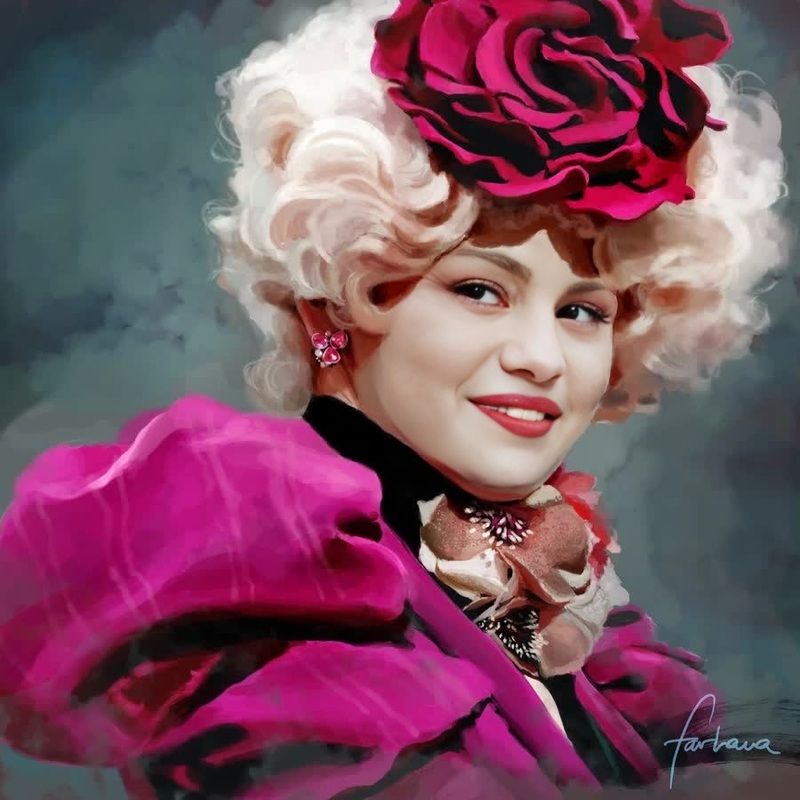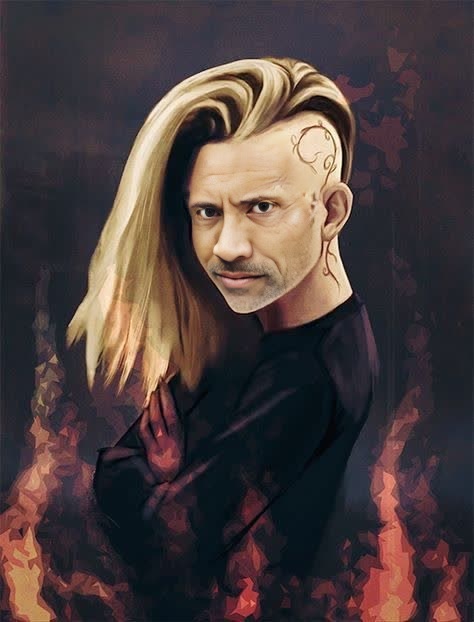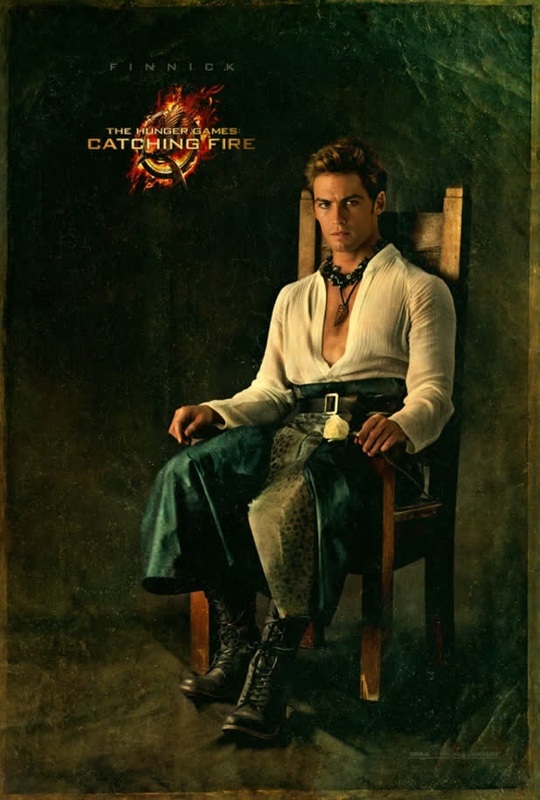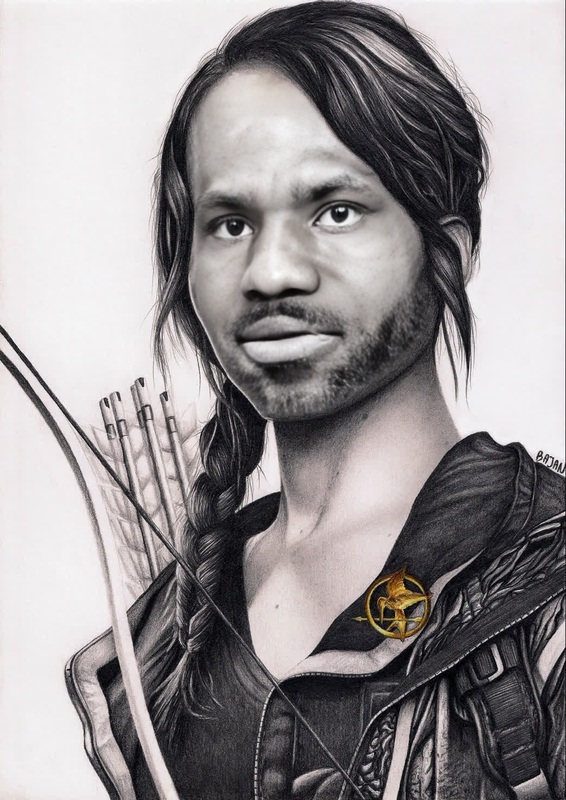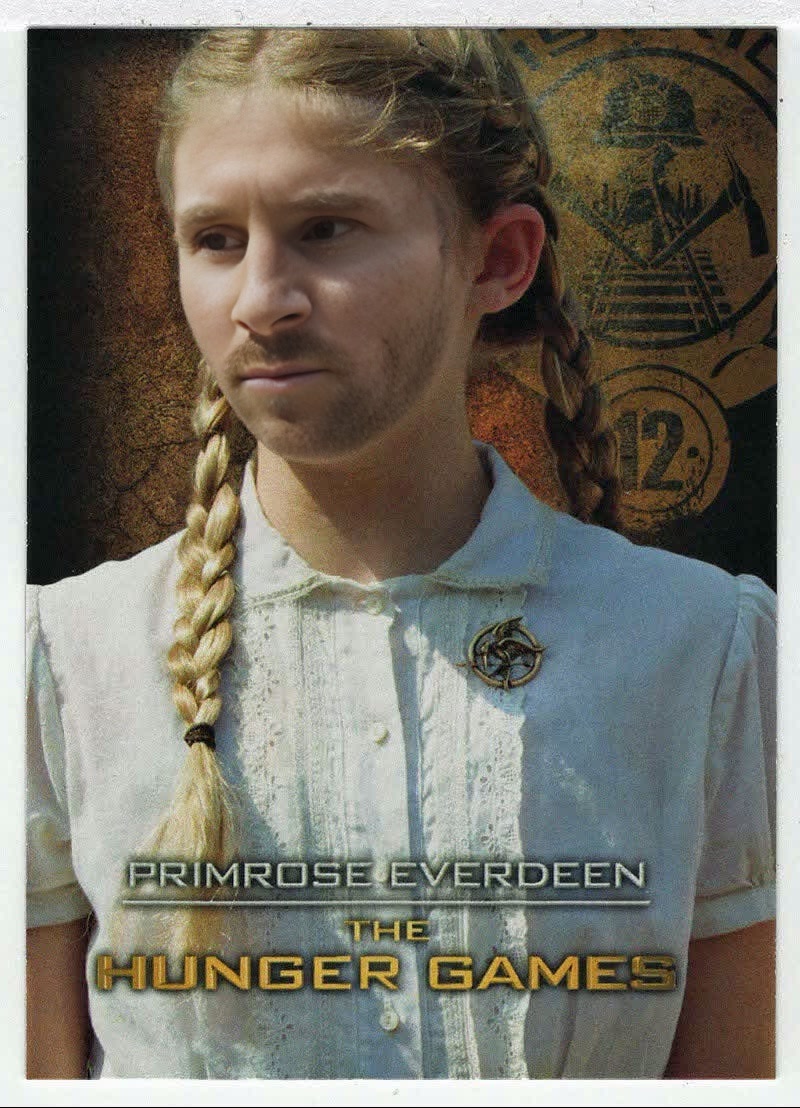
Primrose Everdeen The Hunger Games
- Image
- 800 × 1108 px
Any aspect ratio
Overview
The Primrose Everdeen Face Swap template allows you to create engaging video content by swapping faces with Primrose Everdeen from The Hunger Games. This tool enables creators to craft unique and attention-grabbing media by leveraging the power of AI-driven video face swapping technology. Perfect for adding a fresh twist to your visual content.
What It Does
Utilizing the Video Face Swap technology, this template effortlessly integrates a specific character's face—Primrose Everdeen—into your selected video footage. This transformation keeps the original video's movements and expressions intact while featuring a new look. Enhance your creative projects and social media content with this ultimate face transformation tool.
For those looking for more expansive editing capabilities, consider exploring our AI Video Generator and AI Face Editor products for added functionality.
Who It's For
This template is designed for a diverse range of users. Content creators, social media influencers, and filmmakers will find the Primrose Everdeen Face Swap particularly useful for injecting creativity into their projects. Additionally, marketing professionals seeking to craft unique video advertisements can leverage this tool for standout promotions.
Summary
The Primrose Everdeen Face Swap template offers a straightforward method for integrating a well-loved character into any video. It's perfect for users aiming to boost engagement through innovative video content. Check out our versatile Video Face Swap options for more transformations.
How To Use
Choose the Template

Customize Your Video

Generate and Download

Use Cases
Social Media Content
- Create viral TikToks with a celebrity twist
- Engage followers with new looks on Instagram
Marketing Campaigns
- Alter video ads by including famous faces
- Drive higher engagement rates with novel content
Entertainment Projects
- Create parodies or fan-made scenes that garner attention
- Use face swapping for comedy segments
Best Practices
Select High-Quality Footage
For the best results, ensure your source video is clear and well-lit. This enhances the face swapping effect and makes the final output more convincing.Align Faces Carefully
During customization, take time to align Primrose's face correctly with the original subject to maintain natural expressions.Utilize Additional Tools
Consider using the AI Image Editor to adjust the video’s lighting or colors post-processing for a polished finish.