Gale Hawthorne The Hunger Games
- Image
- 500 × 500 px
Any aspect ratio
Overview
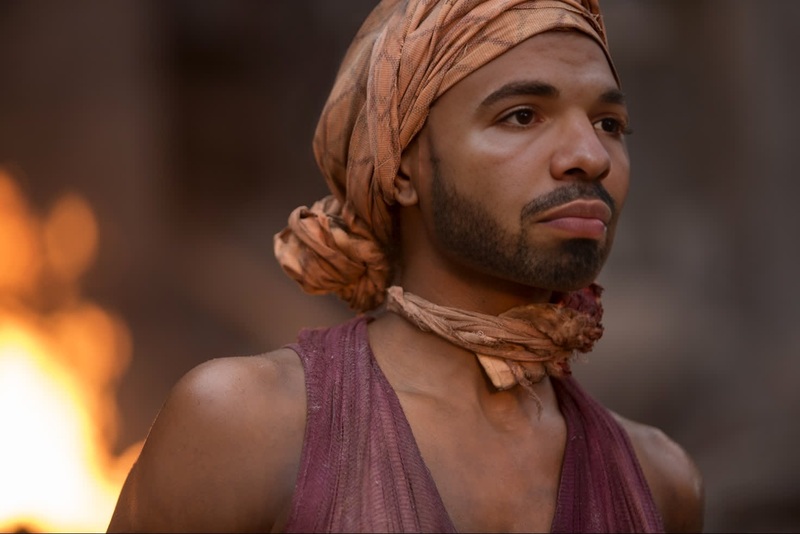
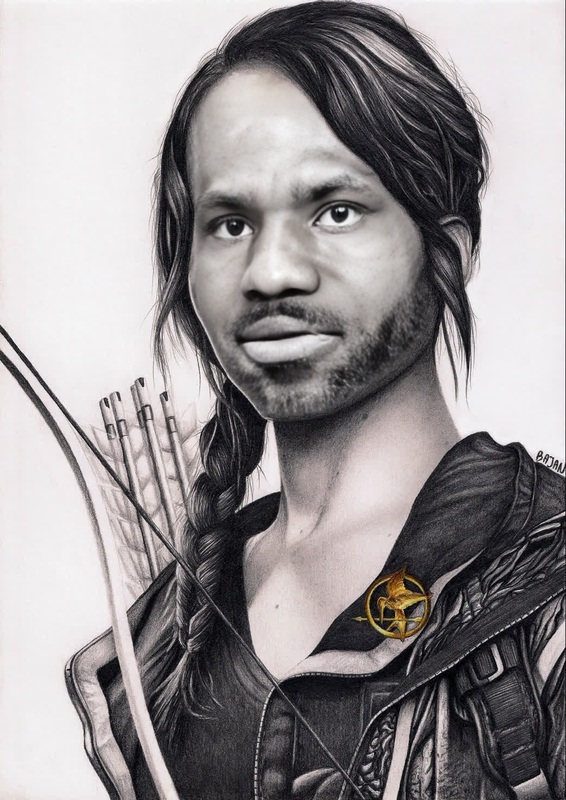
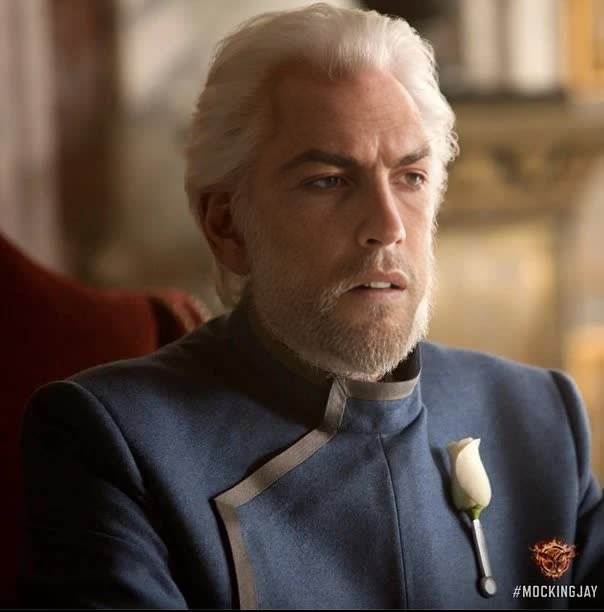
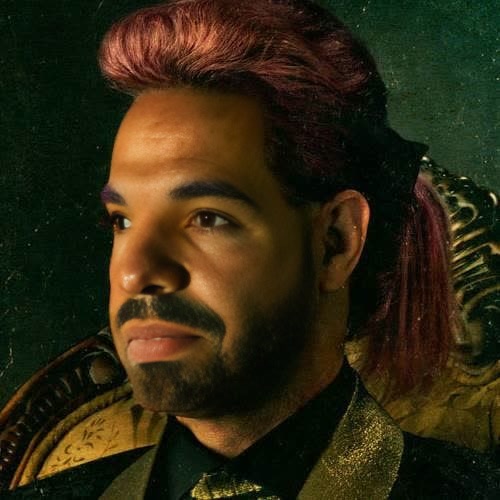
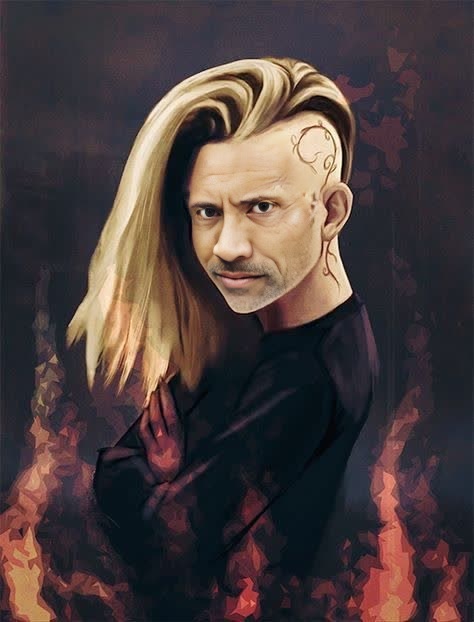
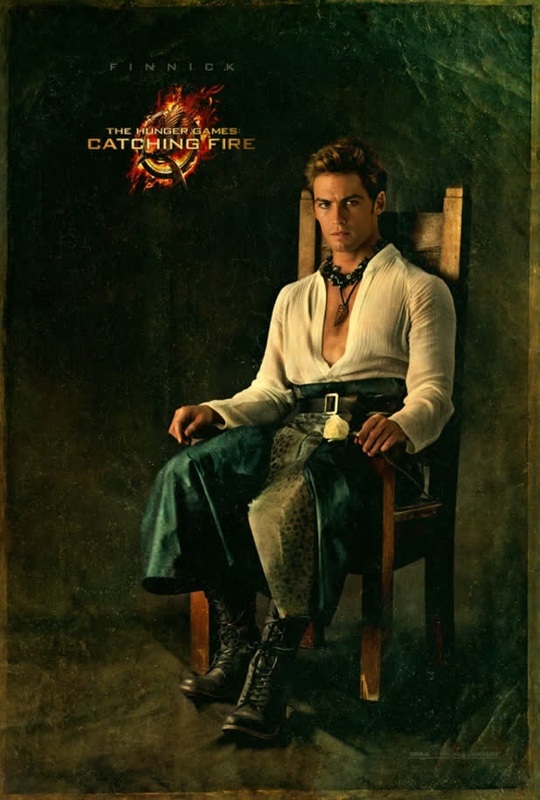
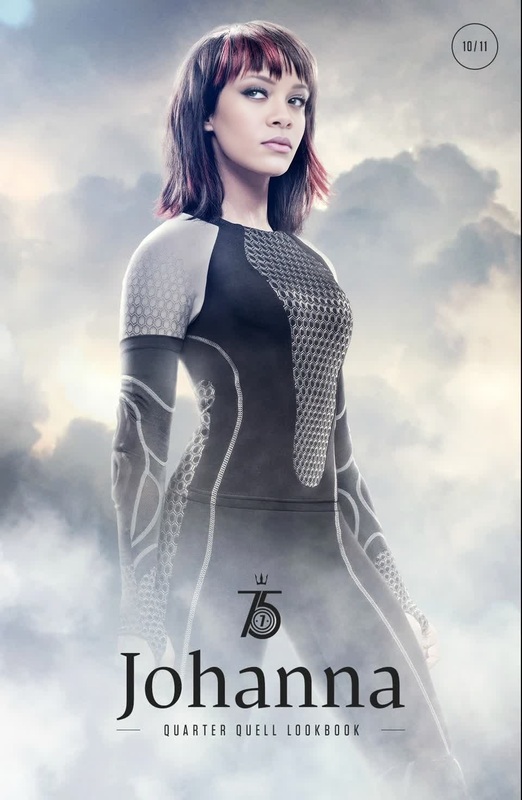
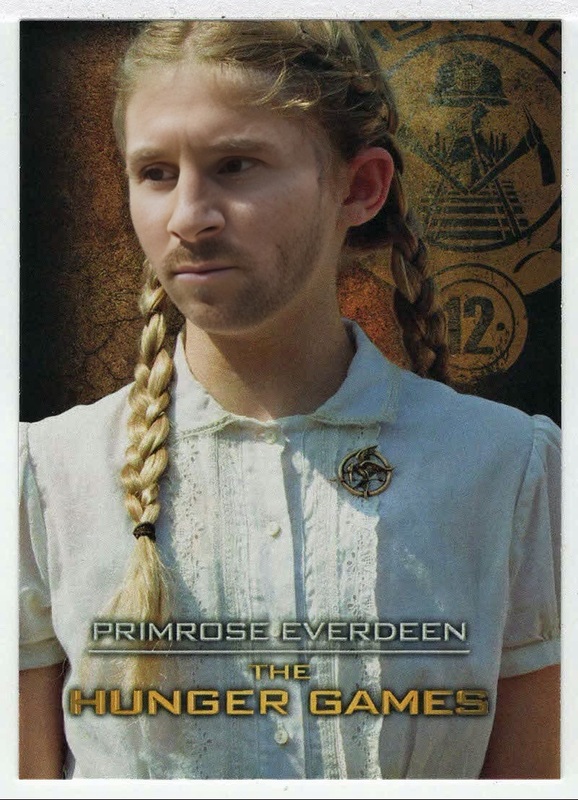
Immerse your projects in the world of Panem with the Gale Hawthorne The Hunger Games video face swap template. Perfect for creators looking to add a unique twist to their content, this template allows you to swap faces in your videos, bringing the intense spirit of Gale into your productions.
What It Does
This template enables you to apply a face swap transformation on any video using Gale Hawthorne's likeness from The Hunger Games. By using this template, you can effortlessly replace any character's face with that of Gale's, adding authenticity and intrigue to your video projects.
This tool supports various file formats prevalent in video editing, and pairs well with either our Image to Video or AI Video Generator for dynamic content creation.
Who It's For
Ideal for video editors, social media content creators, and filmmakers, this template suits anyone looking to introduce pop culture elements into their projects. Whether you're a die-hard Hunger Games fan making tribute videos or a marketing professional crafting compelling branded content, this video face swap tool enhances your creative possibilities.
Summary
By leveraging this template, you can create engaging content that resonates with audiences familiar with The Hunger Games. Use the Video Face Swap to craft unique stories and produce memorable video clips that stand out on any platform.
How To
Choose Gale Template

Customize With Your Video

Generate Your Video

Use Cases
Fan-Made Tribute Videos
- Create personalized scenes with Gale Hawthorne's face.
- Celebrate The Hunger Games fandom in a creative way.
Marketing Campaigns
- Boost engagement with familiar faces.
- Design memorable ads for social media campaigns.
Best Practices
Ensure Quality Source Material
Start with high-resolution video clips to ensure the face swap looks natural and seamless.Blend with Supporting Tools
Utilize the AI Image Upscaler to enhance video quality post-production for sharper visuals.Test with Different Scenes
Experiment with various parts of the video to find the most impactful use of Gale's face.