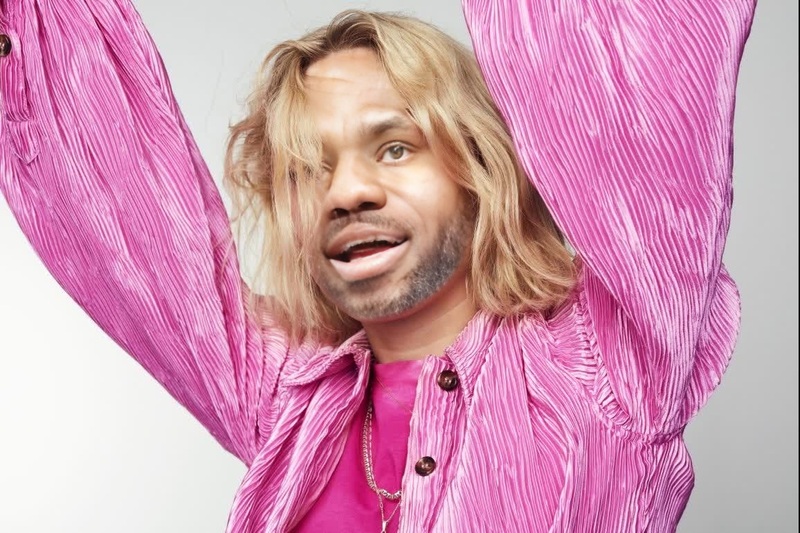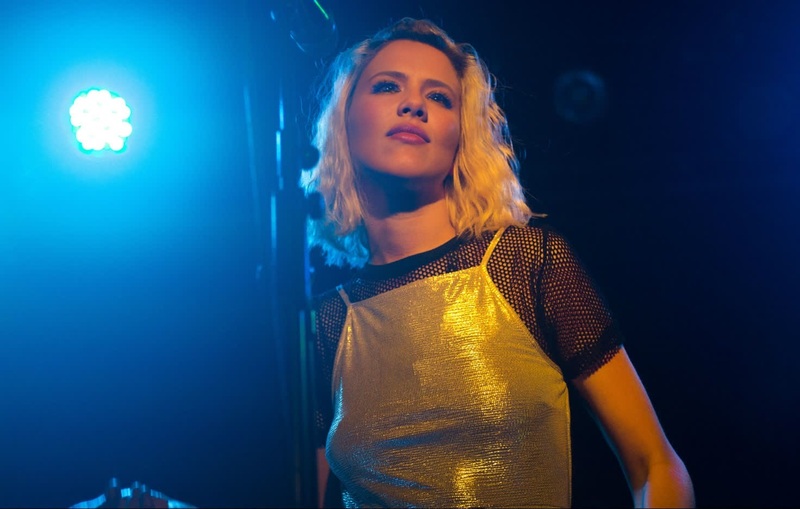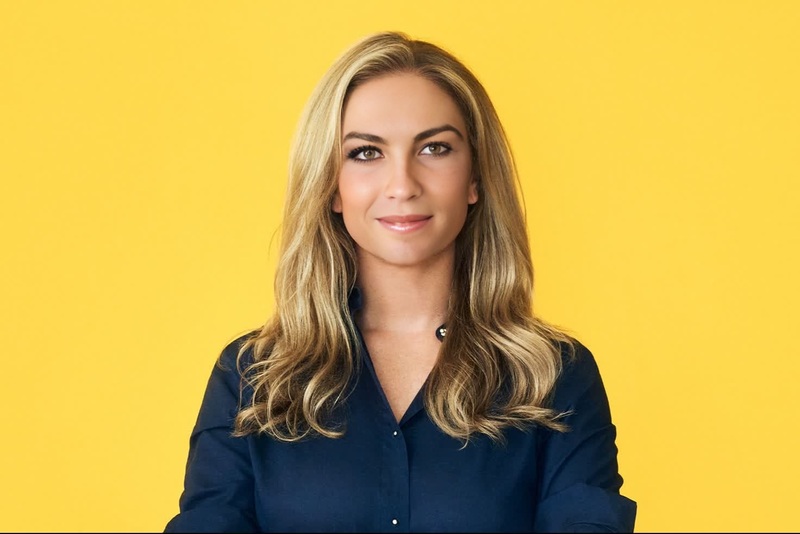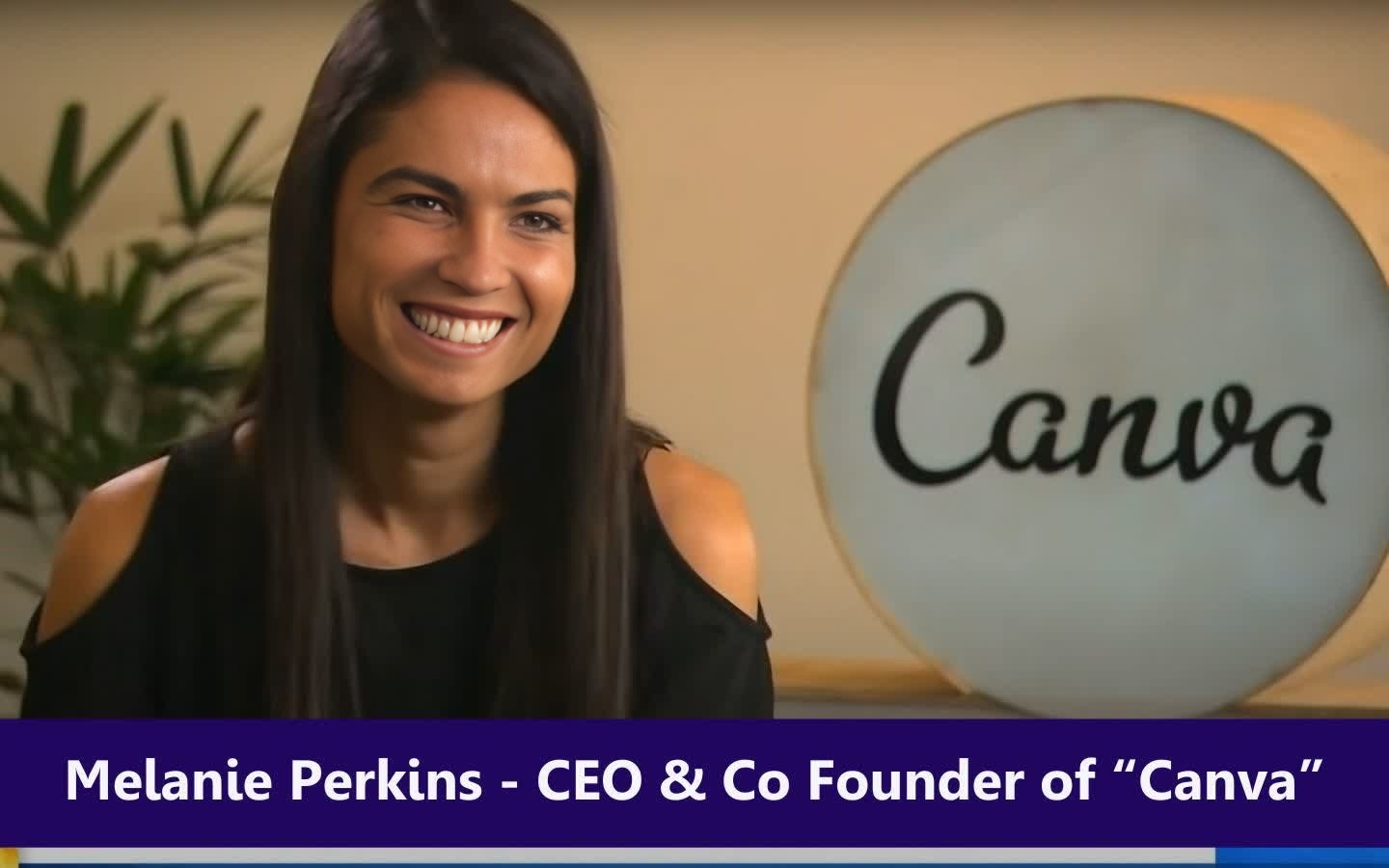
Melanie Perkins Canva Ceo Press Portrait
- Image
- 1440 × 900 px
Any aspect ratio
Overview
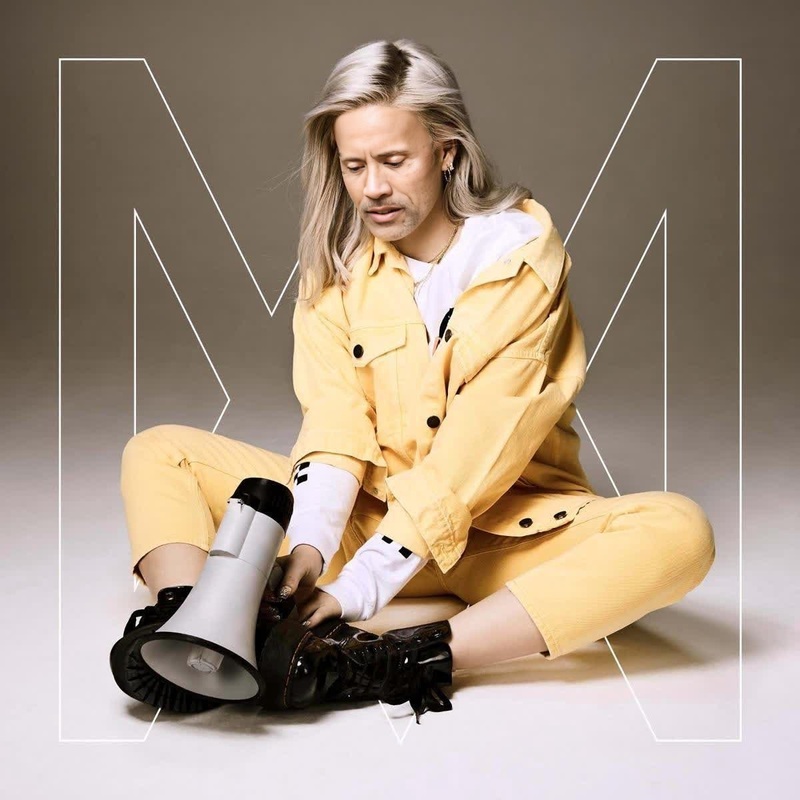
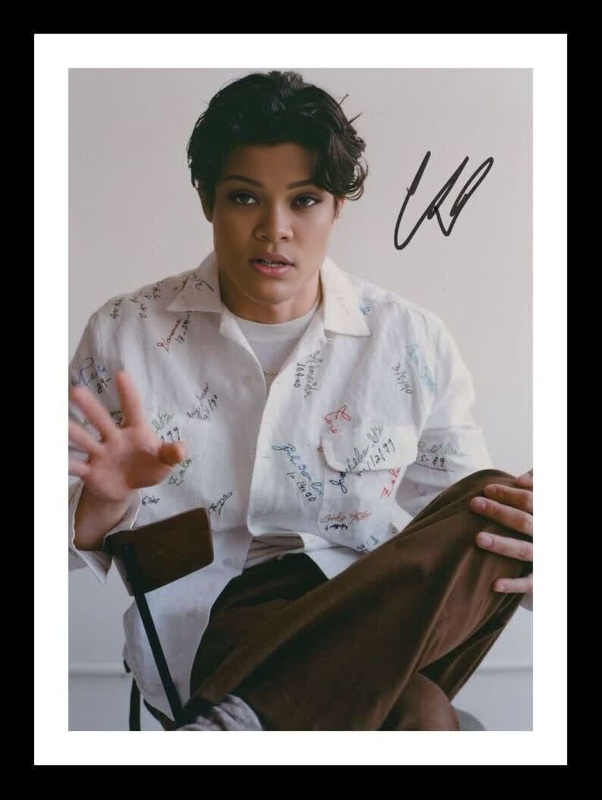
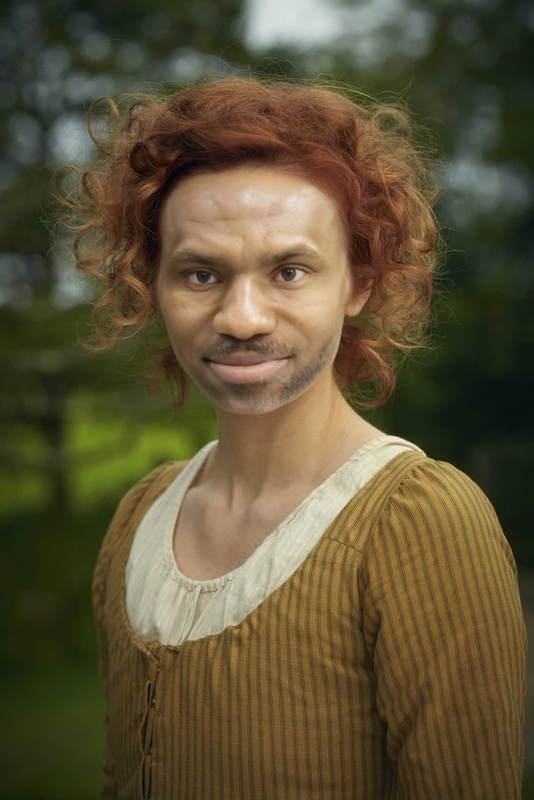
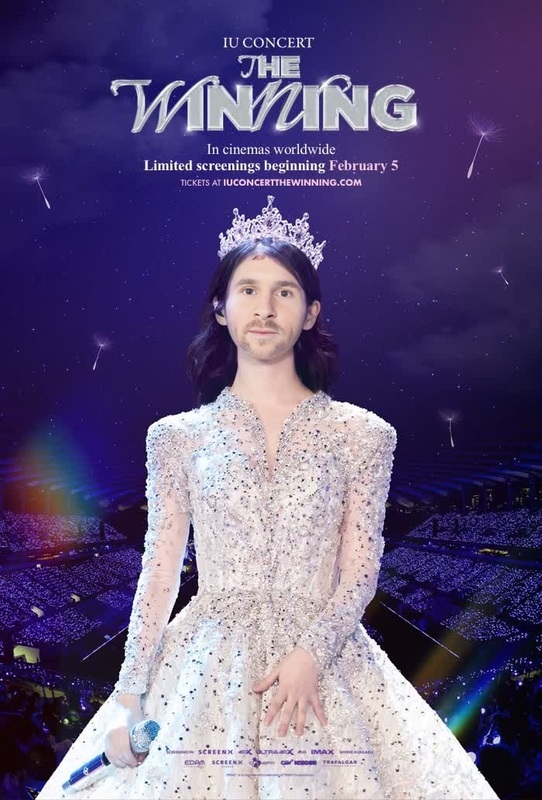
The Melanie Perkins Canva CEO Press Portrait template allows you to create impactful videos by swapping faces with this lifelike representation of the renowned CEO. It's designed for a variety of applications, from corporate videos to creative projects.
What It Does
This template seamlessly integrates your face onto a press portrait of Melanie Perkins, delivering a professional-grade video output. It's perfect for creating engaging content that stands out in business environments.
By using this Video Face Swap tool, you can tailor your video footage by exchanging faces with precision and clarity, maintaining the original portrait’s quality.
Who It's For
Whether you're a marketer looking to create engaging video ads or a content creator aiming to spice up your work, this template is ideal for anyone in need of professional and creative transformations.
Businesses hosting webinars, training sessions, or product launches will find this template particularly valuable for crafting personalized video messages.
Summary
The Melanie Perkins Canva CEO Press Portrait template is your go-to resource for professional face swapping in videos. Crafted for dynamism and precision, it's a powerful tool for anyone aiming to leave a memorable visual impression.
This template is part of a comprehensive suite of tools designed to enhance video creation, including the AI Video Generator and AI Profile Picture Generator.
How To
Choose the Template

Customize Your Inputs

Generate Your Video

Use Cases
Corporate Training Videos
Product Launch Promos
Influencer Collaboration Videos
Best Practices
Ensure High-Quality Images
Use high-resolution images for both the original and the image to be swapped to ensure the best visual results.Select Appropriate Lighting
Make sure the lighting conditions in the selected photo match those of the template for a seamless blend.Experiment with Angles
Try different angles for the input photo to see which one results in the most natural integration with the portrait.