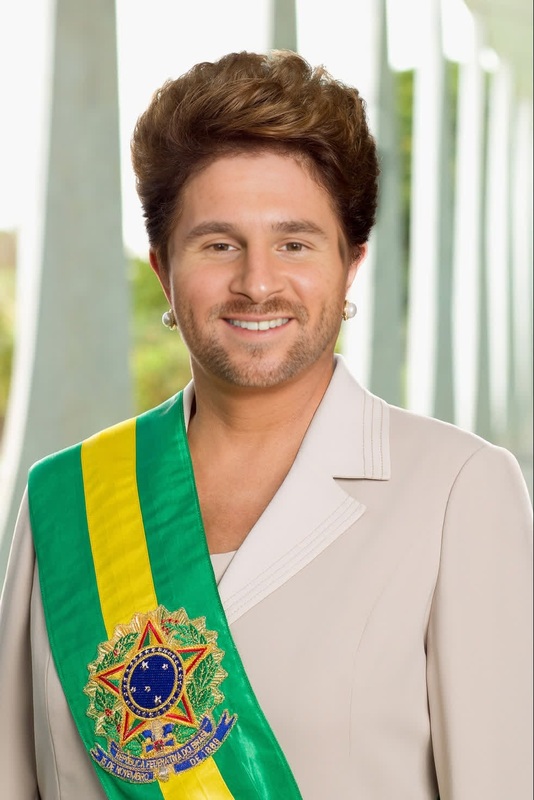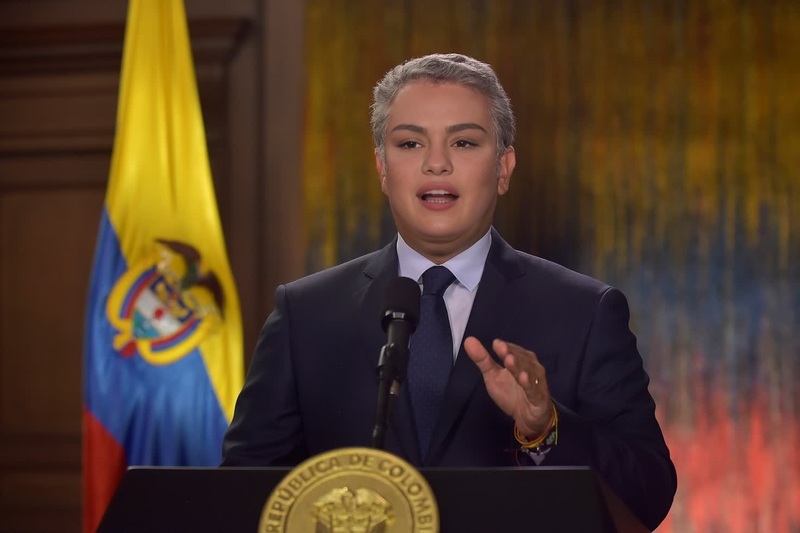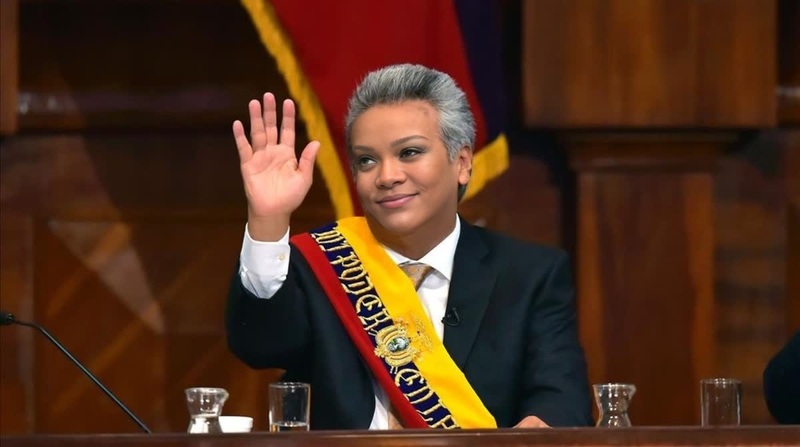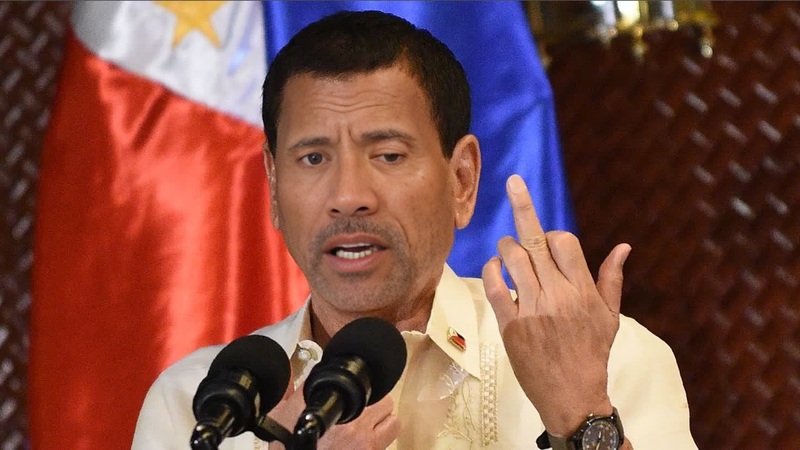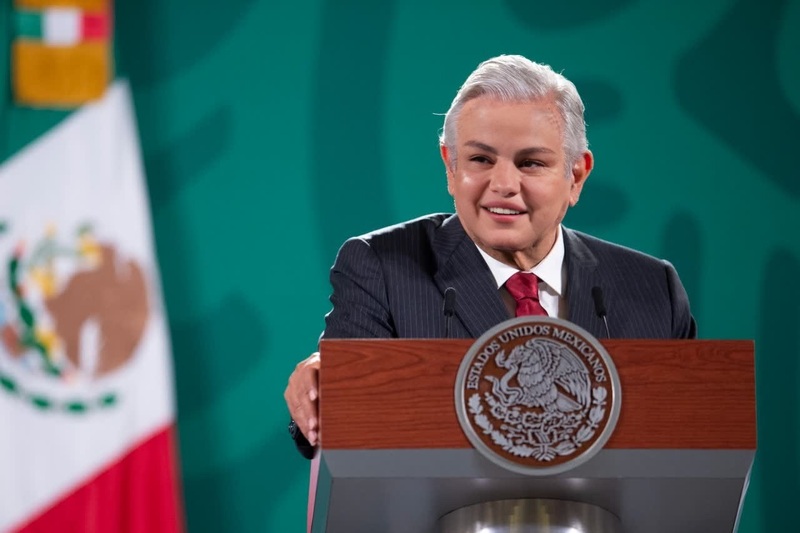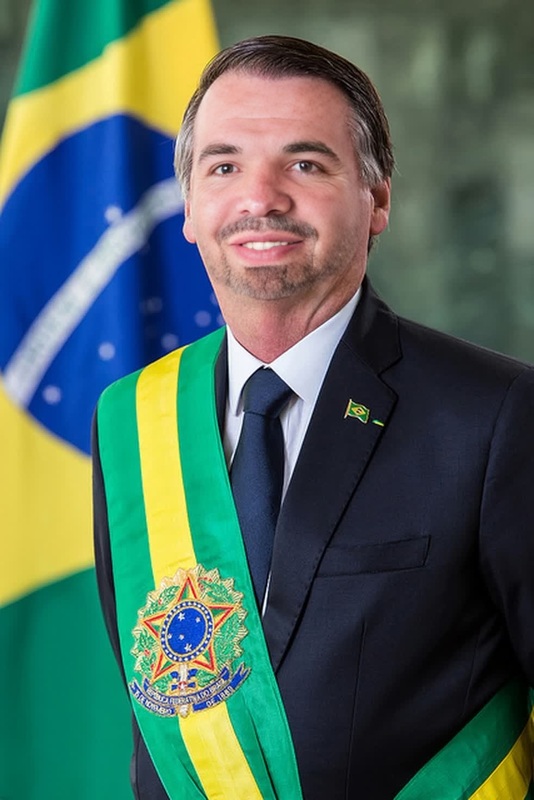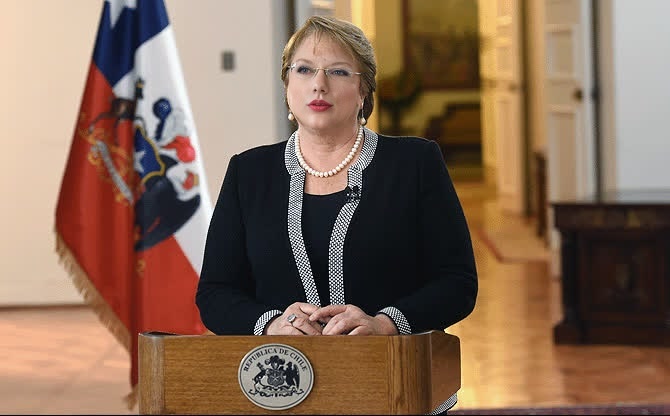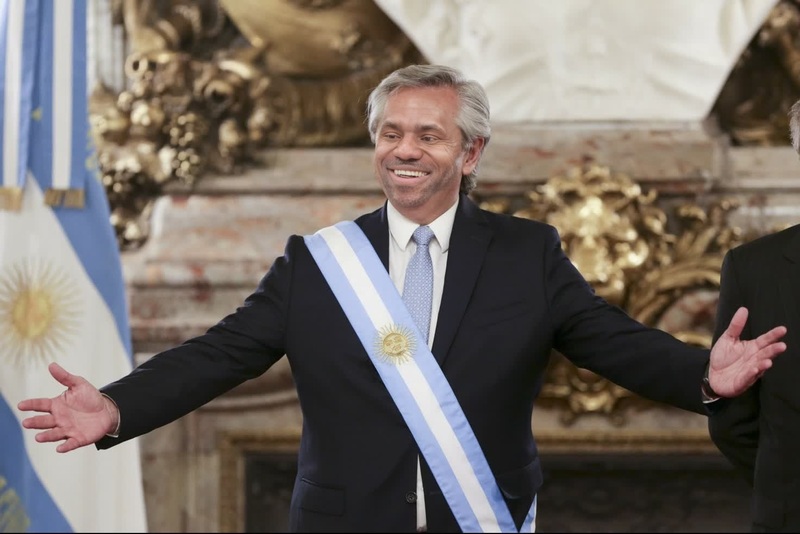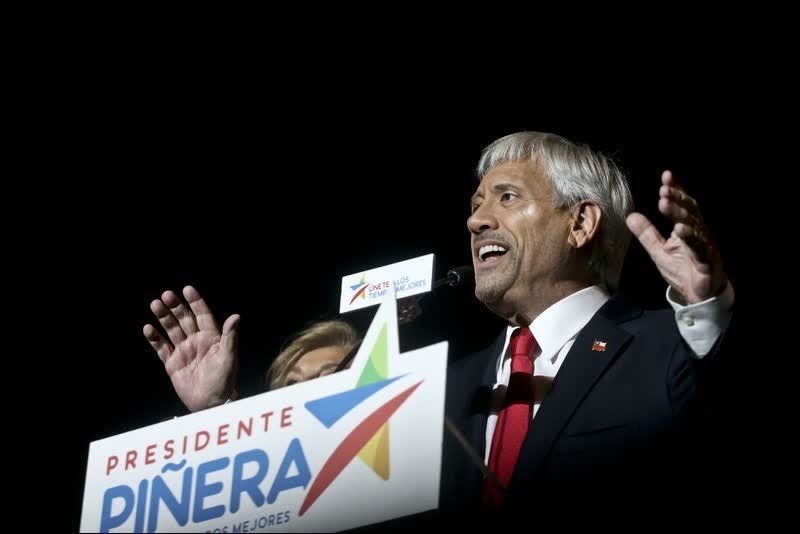
Luiz Inacio Lula Da Silva Brazil President Press Portrait

Luiz Inacio Lula Da Silva Brazil President Press Portrait

face-swap

1 clip
8 uses

Any aspect ratio

Tags

transformations

Effortless Face Swap Video Template for Fast, High-Quality Experiments

Use this template to create studio-quality face swap videos in minutes. Whether you are testing a creative idea, prototyping a campaign, or building AI-powered products, this Magic Hour template gives you a reliable, repeatable starting point you can remix for your own use cases.

This template is powered by Magic Hour’s AI Face Swap engine and is designed for:

  • Creators and editors who need realistic, frame-consistent swaps fast
  • Marketers and agencies testing concepts with talent, influencers, or customers
  • Developers and startups prototyping AI video tools and workflows
  • Product teams exploring personalization, UGC, and dynamic creative

What This Template Does

This template takes:

  1. A source face (photo or frame with the face you want to insert)
  2. A target video (the clip where the face will appear)

…and outputs a cleaned-up, consistent face swap video that preserves:

  • Original motion and expressions
  • Lighting and perspective of the target video
  • Identity and key facial features of the source face

It’s designed to be:

  • Reusable – plug in different faces or videos without rethinking your pipeline
  • Composable – chain with other Magic Hour tools like Lip Sync, Video to Video, and Text to Video
  • Production-friendly – suitable for drafts, concept tests, and in many cases final assets (subject to your brand quality bar)

How to Remix This Template in Magic Hour

You can recreate or adapt this template in a few minutes:

  1. Start from Face Swap Video

    • Go to the Face Swap Video tool.
    • Upload your target video (the body/performance you want to keep).
  2. Add Your Source Face

    • Upload a clear photo or video frame of the face you want to insert.
    • For best results, use:
      • Frontal or near-frontal face
      • Good lighting, sharp focus
      • Neutral or relevant expression
  3. Run the Swap

    • Generate the first version to validate alignment, realism, and identity match.
    • Iterate by:
      • Trying alternative source photos
      • Testing a different target video (shorter clips are faster to validate)
  4. Refine or Extend the Output

  5. Export and Integrate

    • Download your video and plug it into your editing stack (Premiere, Resolve, FCP, or your own pipeline).
    • Use alongside Magic Hour utilities like:

Example Use Cases for This Template

This face swap template is built to support practical, real-world workflows:

1. Marketing & Growth Experiments

  • Test concepts quickly with stand-in talent, then reshoot or re-swap with final talent.
  • Localize creatives by swapping in regional reps while keeping the same master edit.
  • Personalize ads or onboarding flows by integrating with your own systems and using Face Swap as the engine.

Related tools to combine:

2. Creator & Influencer Workflows

Related tools:

3. Product & Prototyping (Developers, Startups)

  • Prototype personalization features that adapt a hero video to each user’s face.
  • Build AI-powered creative tools using Magic Hour as a building block in your pipeline.
  • Quickly validate whether face swap belongs in your product before committing to custom infrastructure.

Useful complementary tools:


Tips for High-Quality, Realistic Face Swaps

These practical guidelines help you get consistent, production-ready results:

  1. Source Face Quality Matters

    • Use a high-resolution image with the face clearly visible.
    • Avoid heavy filters, extreme motion blur, or strong color casts.
    • Aim for similar lighting direction and approximate angle to the target video.
  2. Match Expression and Pose When Possible

  3. Start with Short Clips

    • Validate on 3–10 second clips before scaling to full-length videos.
    • This makes iteration faster and helps you dial in visual expectations.
  4. Enhance After the Swap

  5. Combine with Voice & Lip Sync for Talking Heads


Advanced Remix Ideas

For more ambitious workflows, you can chain this template with other Magic Hour tools:


Ethical & Legal Considerations

Face swapping is powerful and should be used responsibly. Industry guidance and research consistently recommend:

  • Obtain consent from the people whose faces you use.
  • Respect platform policies (TikTok, Instagram, YouTube, etc. have rules on deepfakes and impersonation).
  • Avoid misleading or harmful content, including political manipulation, harassment, or non-consensual imagery.
  • Disclose synthetic media when appropriate, particularly in commercial or public-facing contexts.

For background and frameworks, see:

  • Partnership on AI’s “Responsible Practices for Synthetic Media”
  • EU and US emerging guidelines around AI-generated and manipulated media

This template is intended for ethical, consent-based use in creative, educational, and product contexts.


Related Magic Hour Tools Worth Exploring

If you’re building a broader AI media workflow around this template, these tools integrate well:

By starting with this Face Swap template and layering in these tools, you can build a robust, modular AI video pipeline tailored to your specific product, campaign, or creative workflow—all within Magic Hour.

More Like This

Insufficient credits