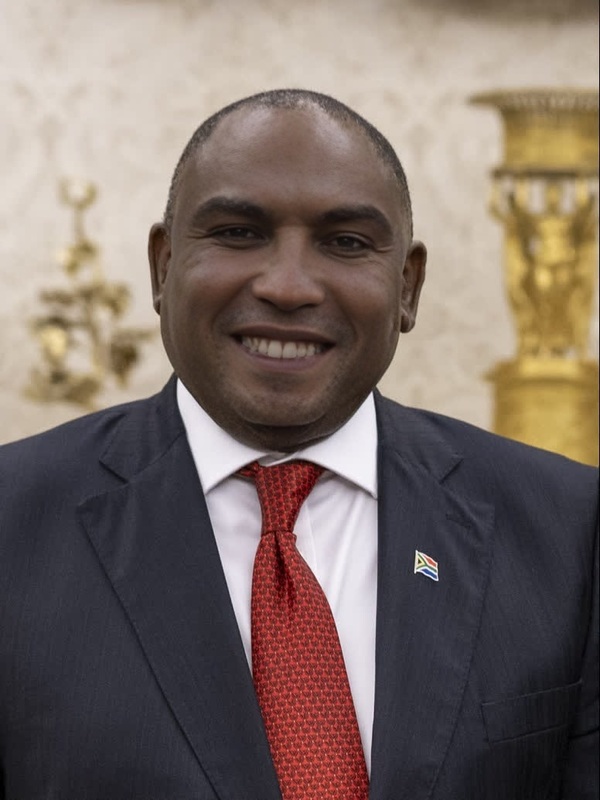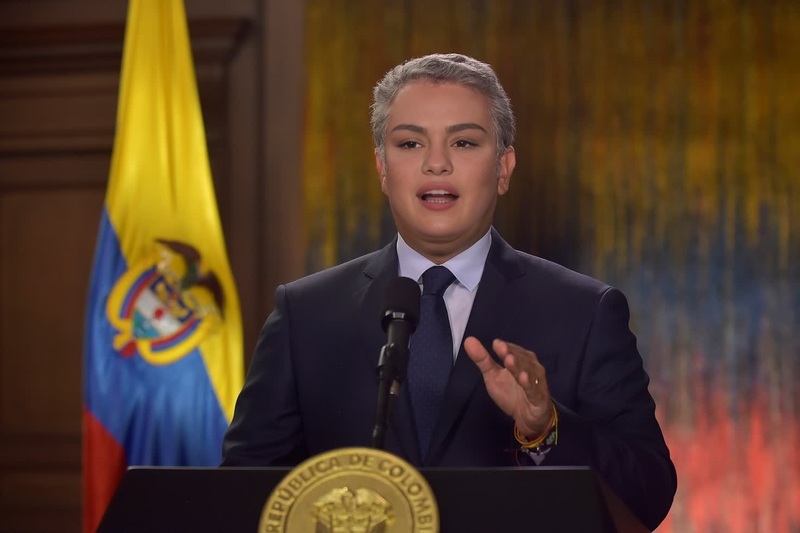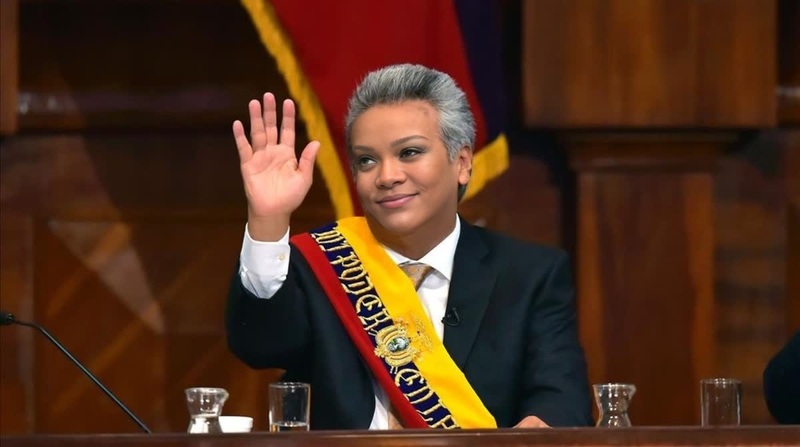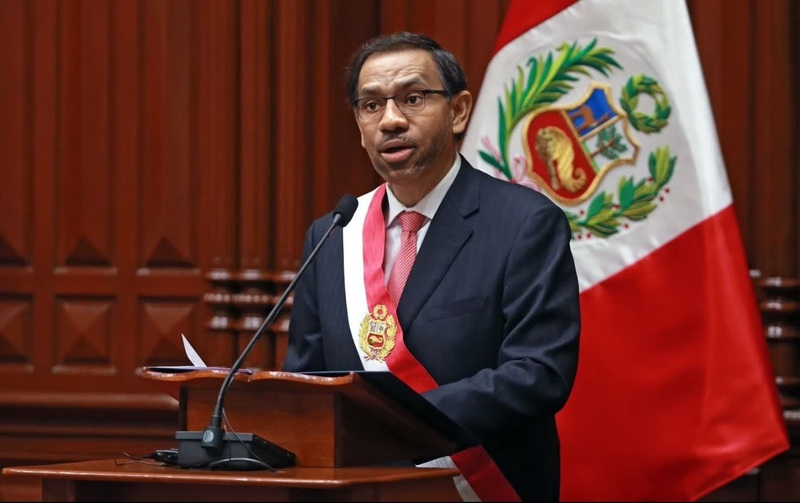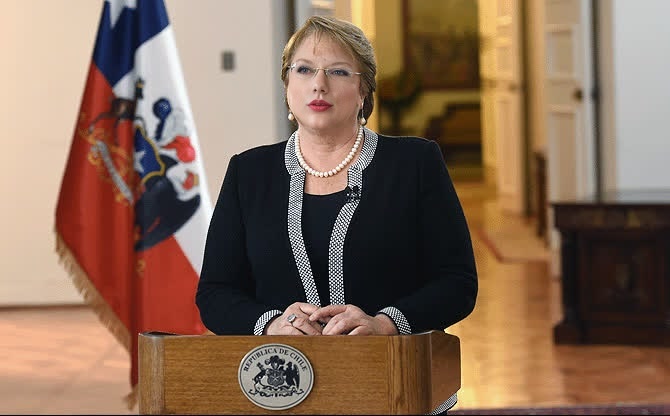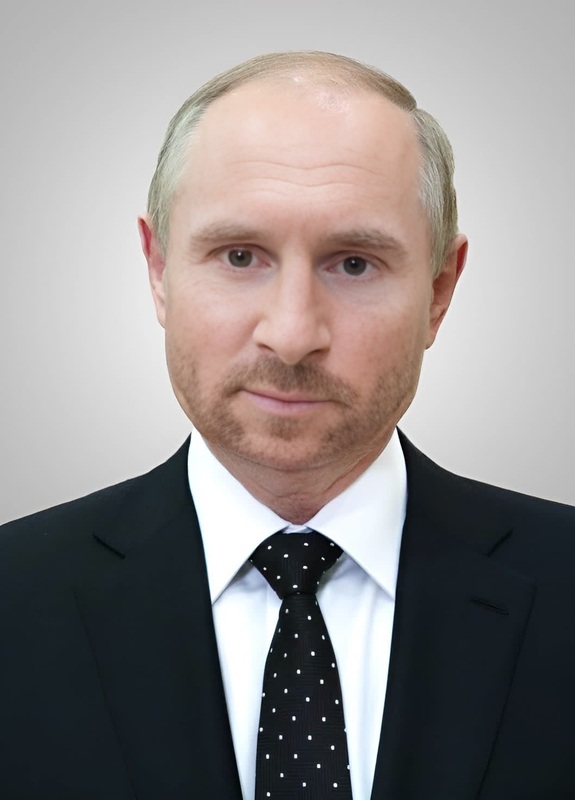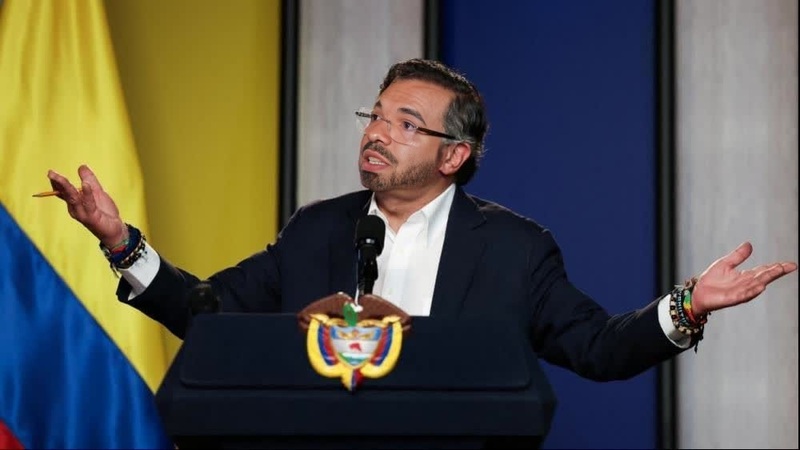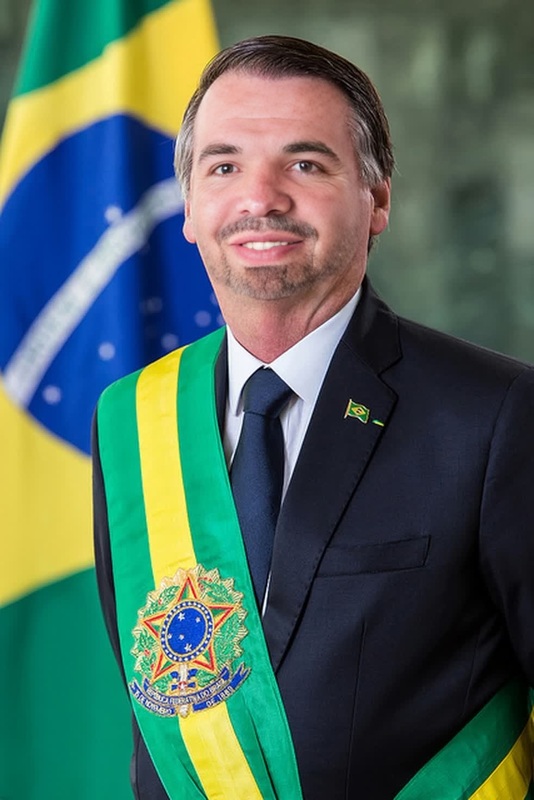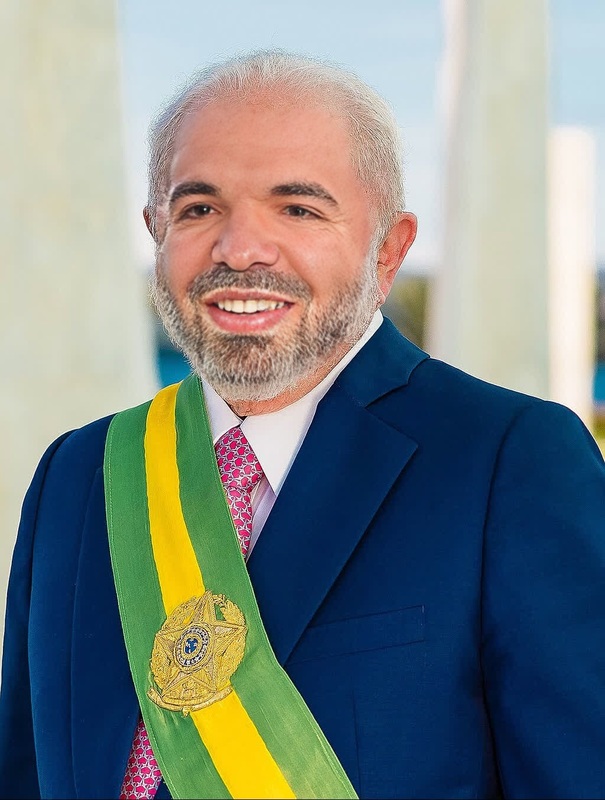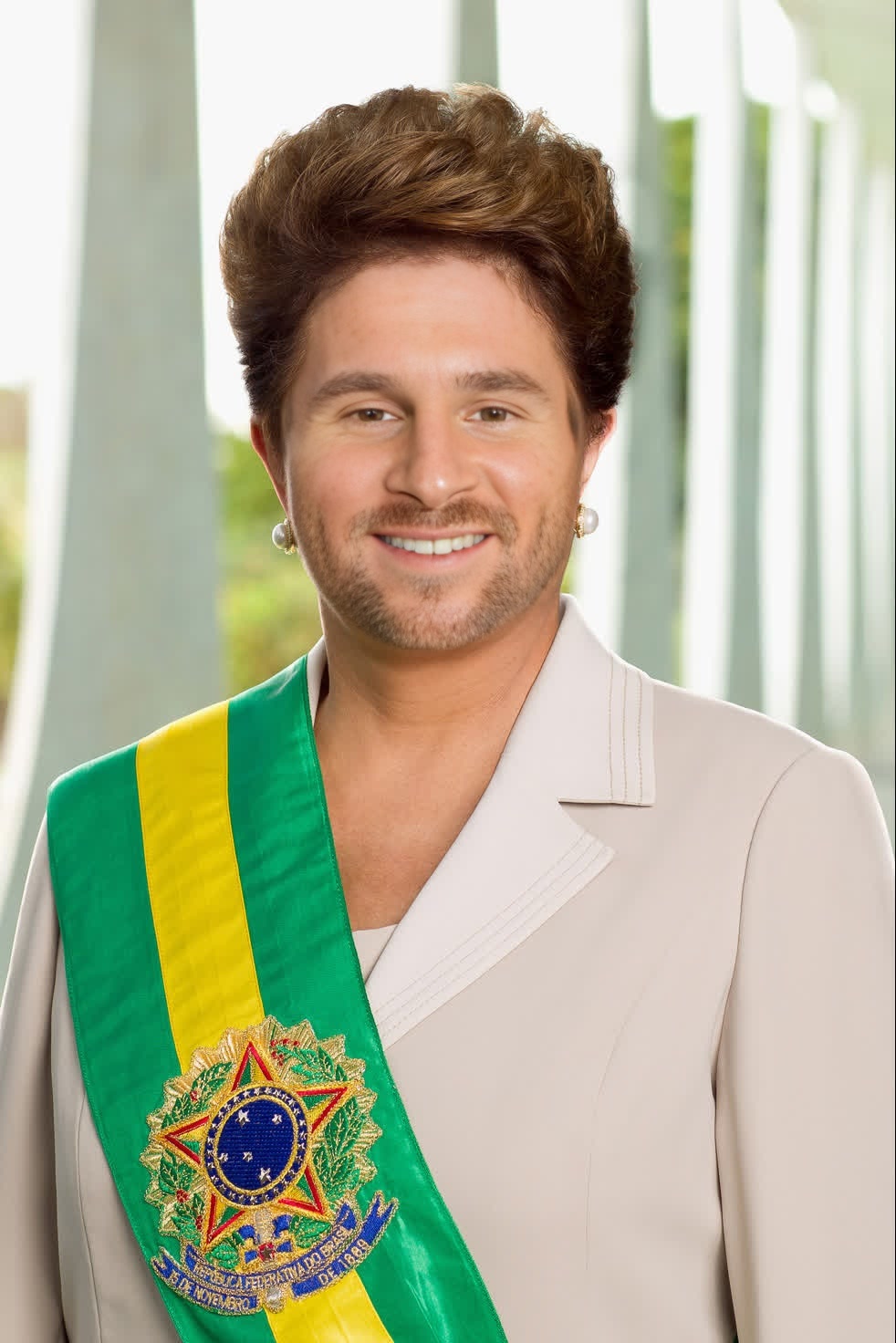
Dilma Rousseff Brazil President Press Portrait
- Image
- 982 × 1472 px
Any aspect ratio
Overview
Step into the world of politics with the Dilma Rousseff Brazil President Press Portrait template. Transform your video projects by swapping faces with a realistic rendering of Dilma Rousseff. Ideal for content that requires a professional touch with an impactful presence.
What It Does
This template enables a video face swap, allowing you to integrate Dilma Rousseff's likeness into your videos. Leverage our advanced Video Face Swap capabilities to achieve a seamless effect. The process is quick and requires minimal input for maximum impact.
Who It's For
Designed for video creators, political commentators, and educators who want to create engaging content with a political slant. Whether for educational purposes, political satire, or media, this tool provides AI Video Generator features for high-quality results.
Summary
Utilize the Dilma Rousseff template to effortlessly swap faces in your videos. It's perfect for projects needing an authoritative and credible portrayal. Explore more customization options with our AI Face Editor.
How-To
Choose the Template

Customize Your Inputs

Generate Your Video

Use Cases
Political Commentary Videos
Educational Content
Social Media Content
Best Practices
Ensure Proper Lighting
For the most realistic effect, ensure that your original video has good lighting conditions.Select High-Quality Videos
Always use high-resolution videos for better output when swapping faces.Adjust Facial Alignment
Carefully adjust the alignment settings to match the facial features precisely for a more convincing effect.
Frequently asked questions
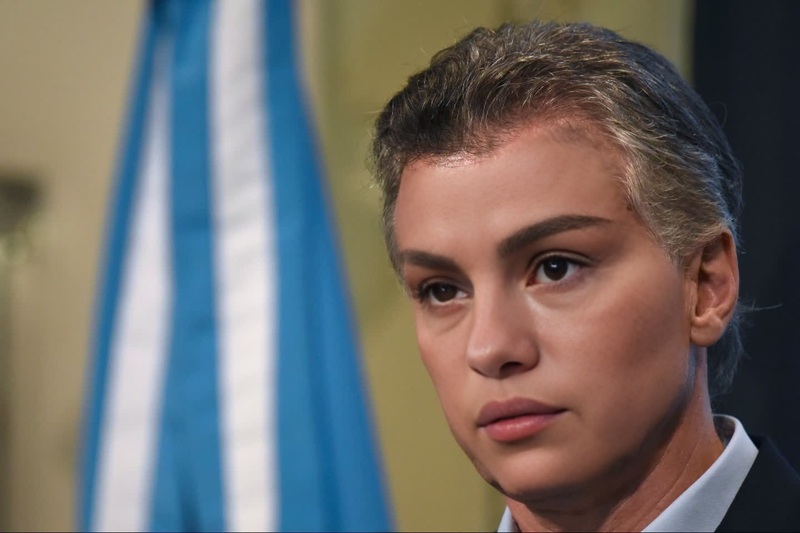
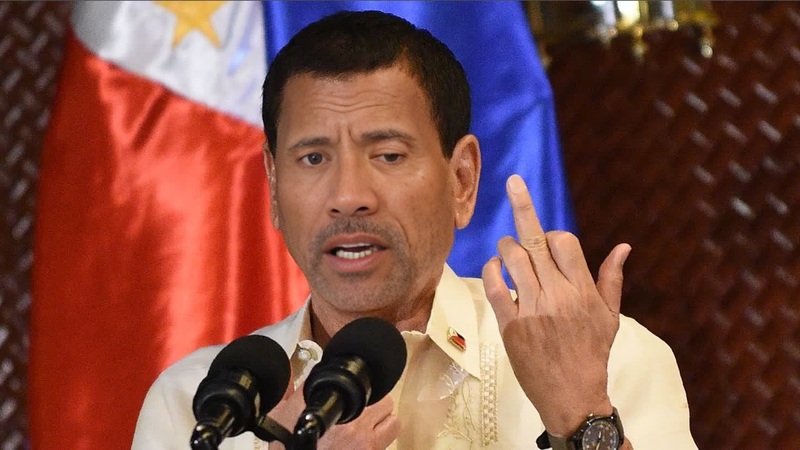
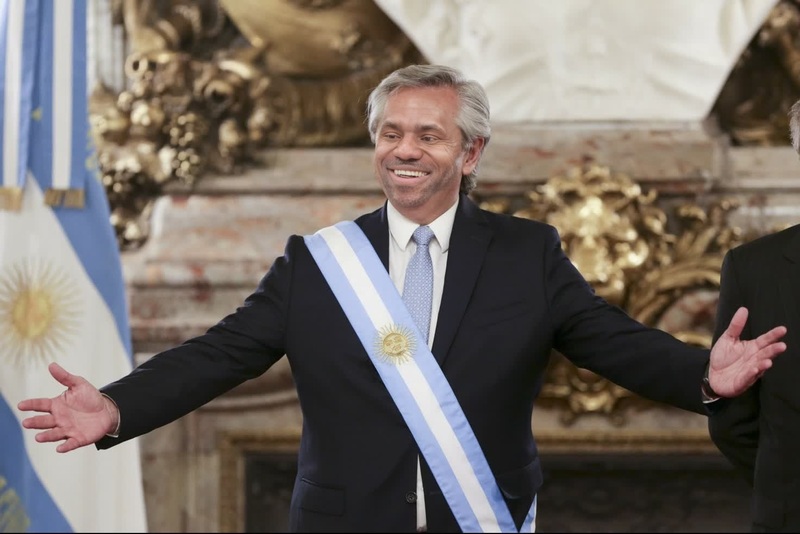
More Like This