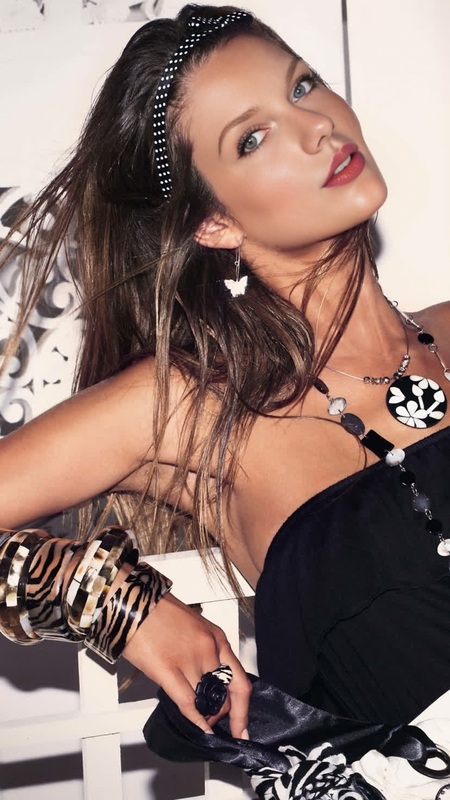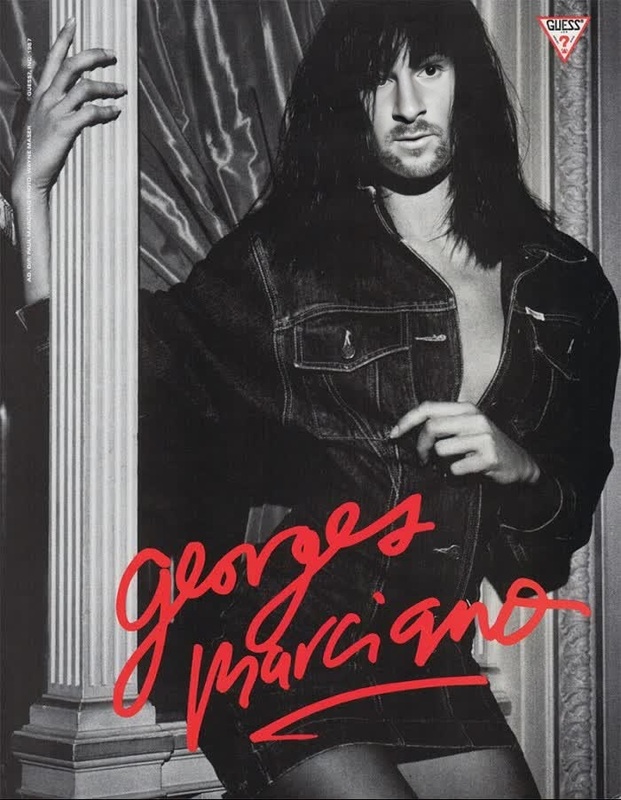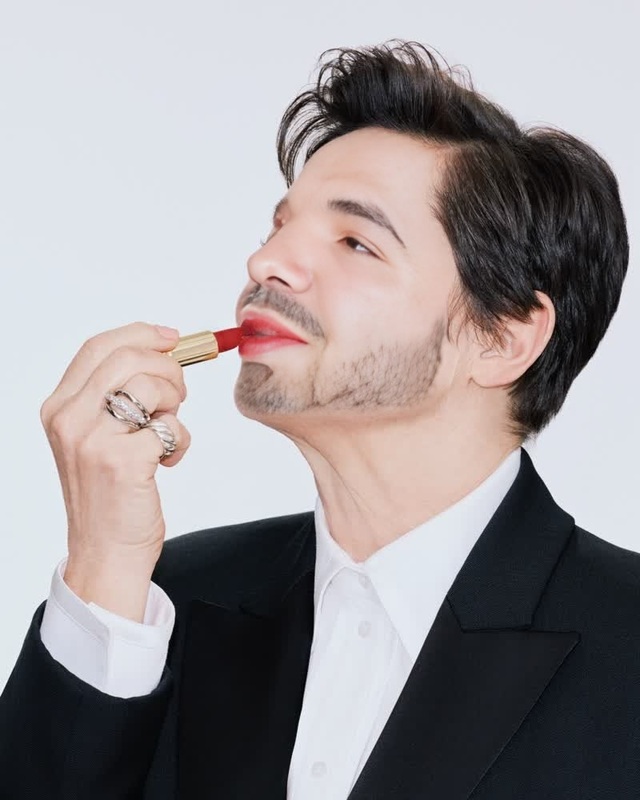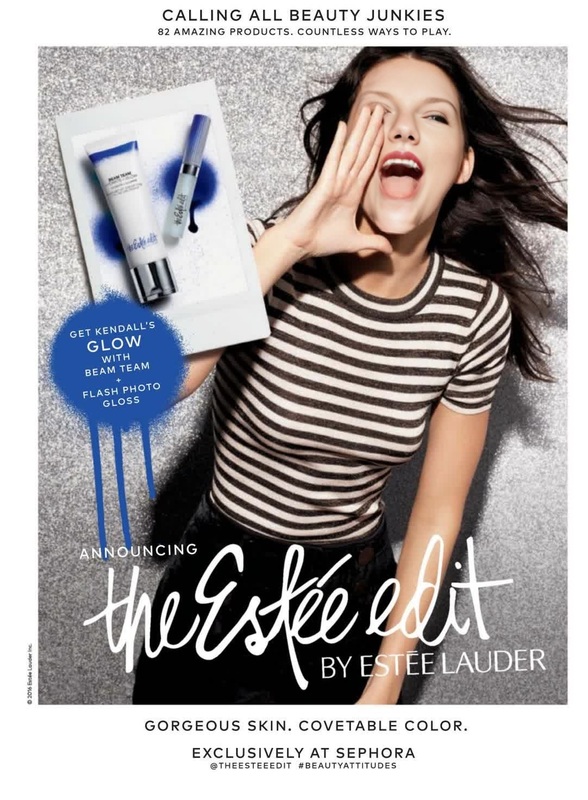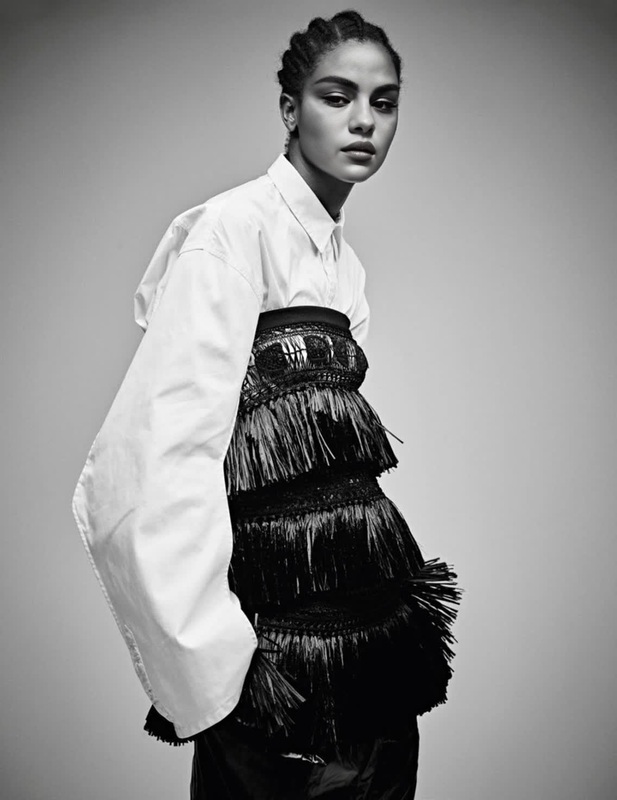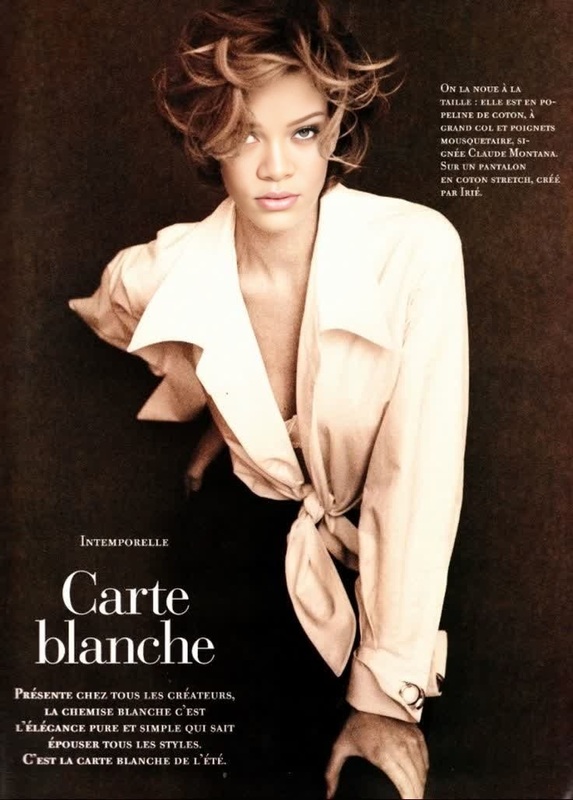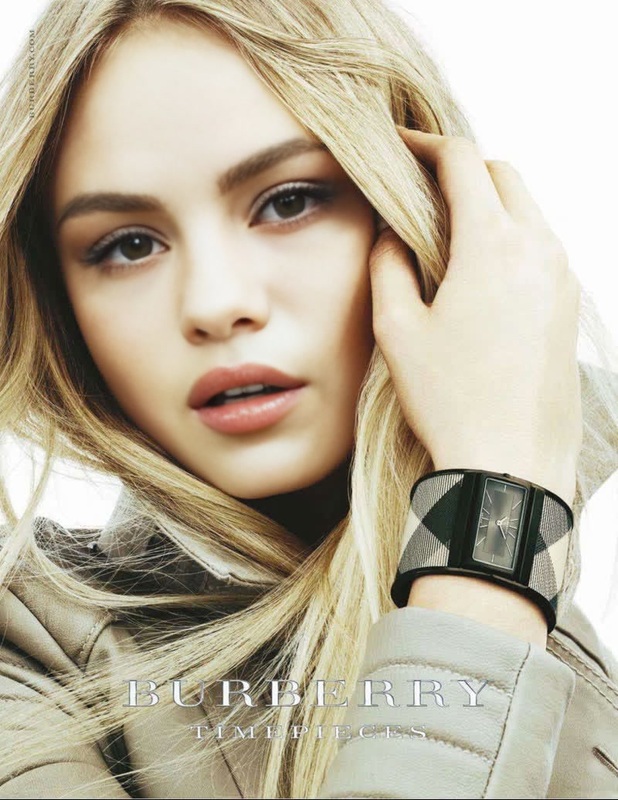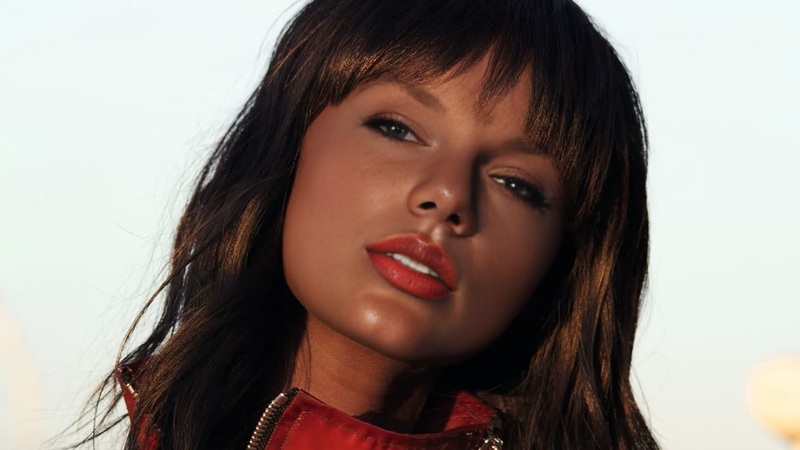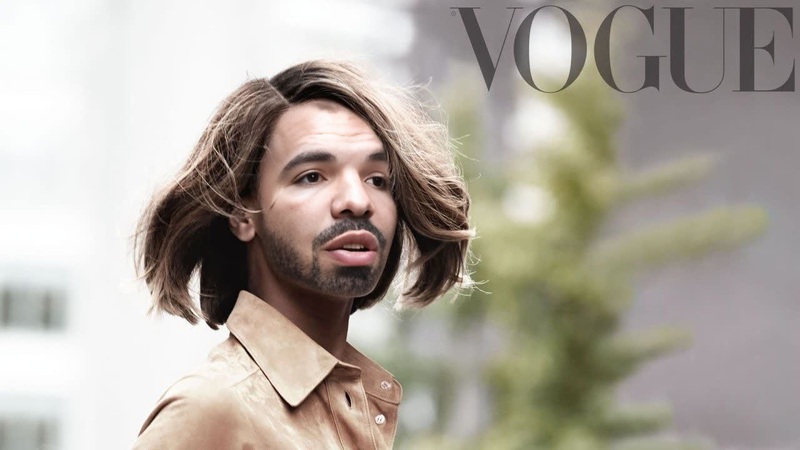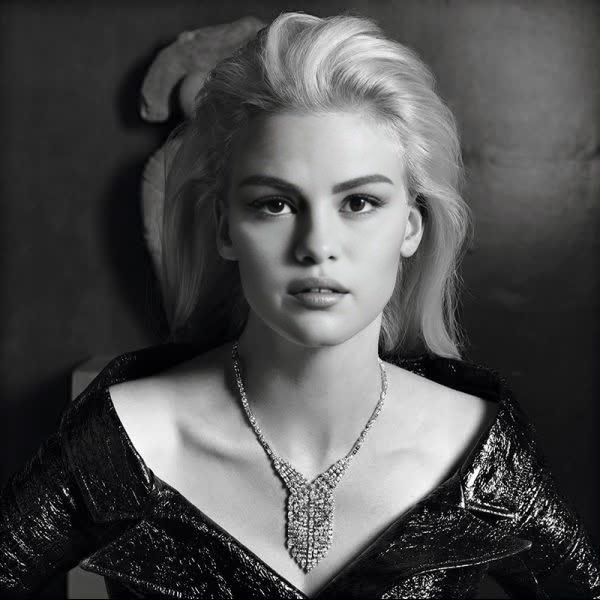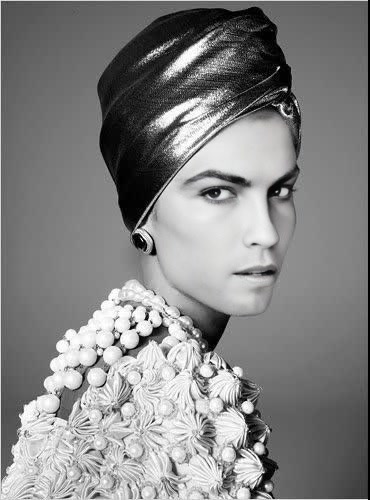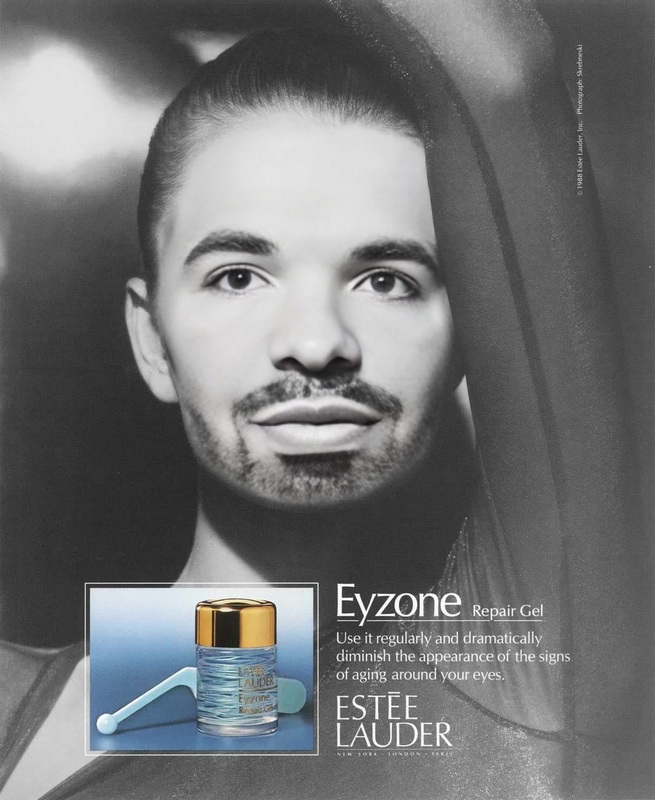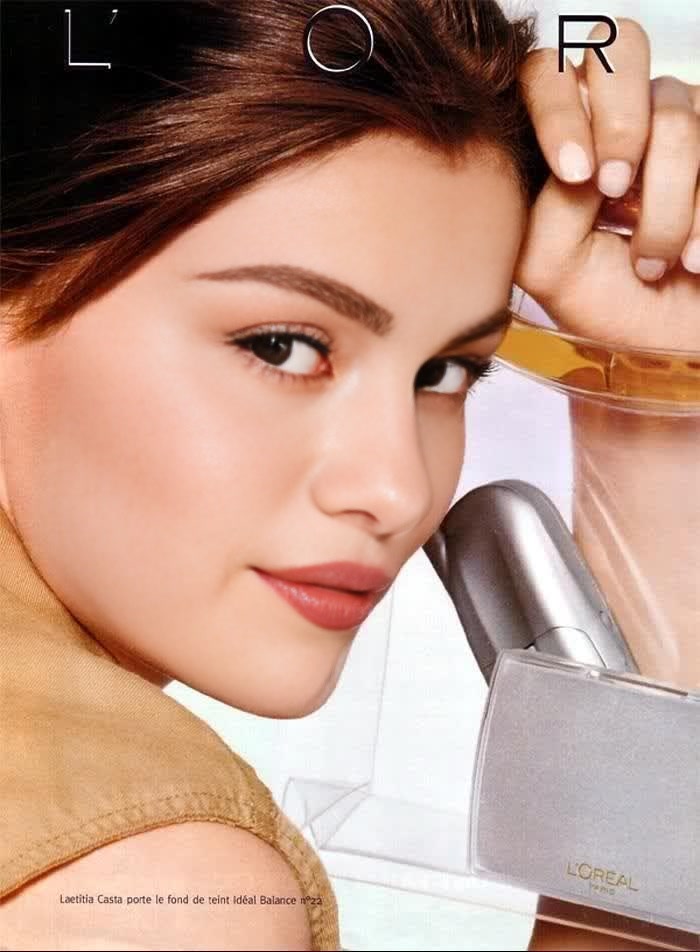
Laetitia Casta LOreal Campaign Editorial Portrait
- Image
- 700 × 952 px
Any aspect ratio
Overview
The Laetitia Casta LOreal Campaign Editorial Portrait template provides a remarkable Video Face Swap experience, designed for those who want to infuse their videos with the chic and glamorous feel of a professional editorial shoot. This template allows you to transform your footage seamlessly, giving your projects a touch of sophistication typical of a high-end beauty campaign.
What It Does
This Video Face Swap template enables users to replace faces in their videos with that of Laetitia Casta, crafting an authentic LOreal campaign editorial look. It leverages advanced AI models to ensure facial landmarks align perfectly, maintaining natural expressions and lighting conditions that match the original footage. The output files are ideal for further customization using tools like the AI Image Editor.
Who It's For
This template is tailored for content creators, advertisers, and marketers in the beauty and fashion industries who aim to produce striking video content mimicking high-end brand campaigns. It is also perfect for influencers and social media enthusiasts looking to enhance their video engagement with captivating transformations.
Summary
Whether you're creating content for Instagram, YouTube, or brand advertisements, the Laetitia Casta LOreal Campaign Editorial Portrait template is your go-to for achieving a polished, professional look. This tool stands out for its ease of use, integrating seamlessly with other Magic Hour products like the Image-to-Video converter and the AI Video Generator.
How To
Choose the Template

Customize Your Inputs

Generate and Download

Use Cases
Beauty Brand Promotions
- Promotional videos
- Social media campaigns
- Launch announcements
Influencer Content
- Vlogs and tutorials
- Product reviews
- Content series
Fashion Video Shoots
- Runway presentations
- Collection launches
- Model showcases
Best Practices
Choose High-Quality Source Videos
The quality of your source video significantly impacts the final output. Use high-resolution clips for the best results.Optimize Lighting and Angles
Ensure the lighting and angles of your source video match the template for a more natural look.Experiment with Different Scenes
Try using scenes with diverse backgrounds to understand how the face swap adapts to different environments.
FAQs
More Like This