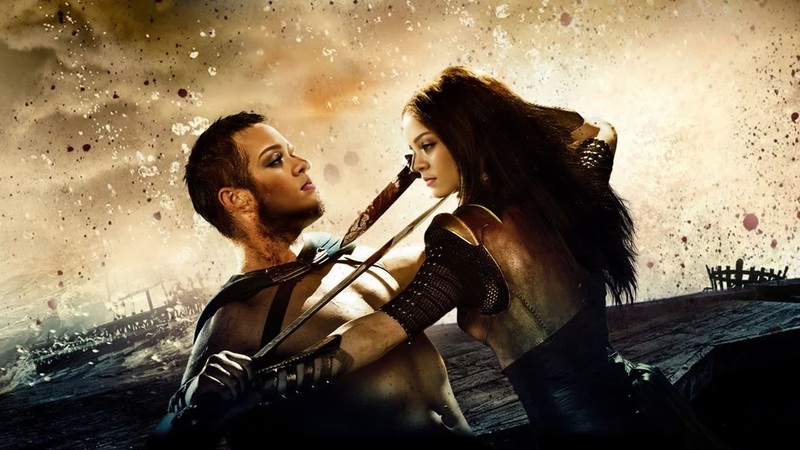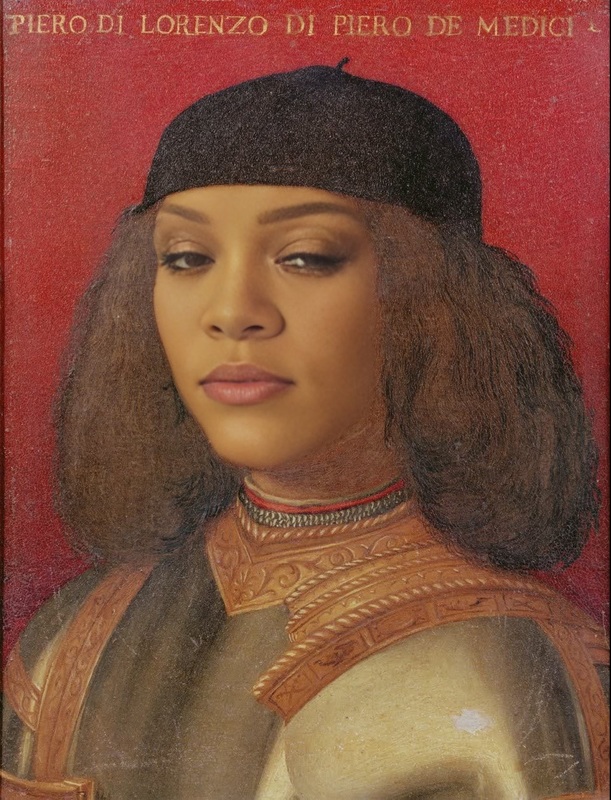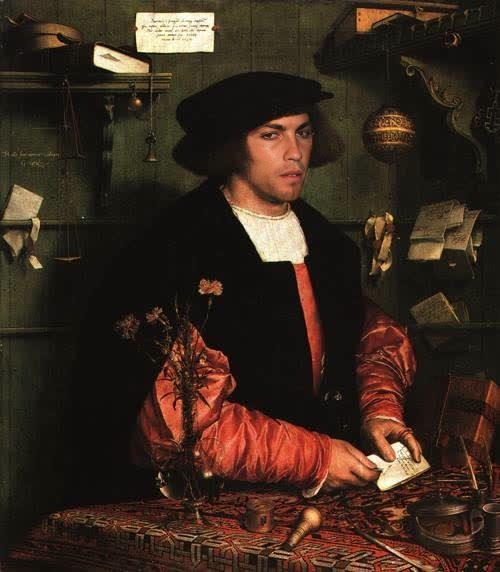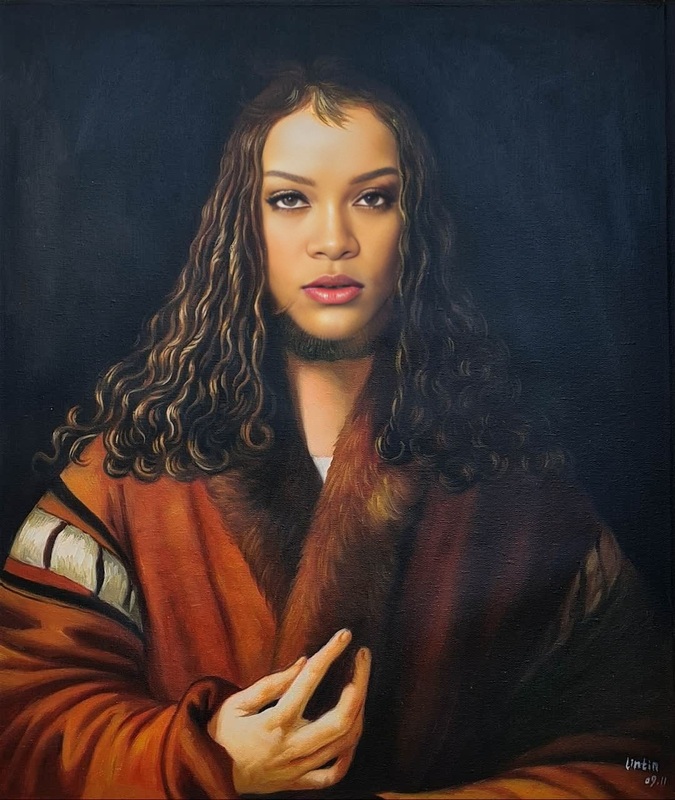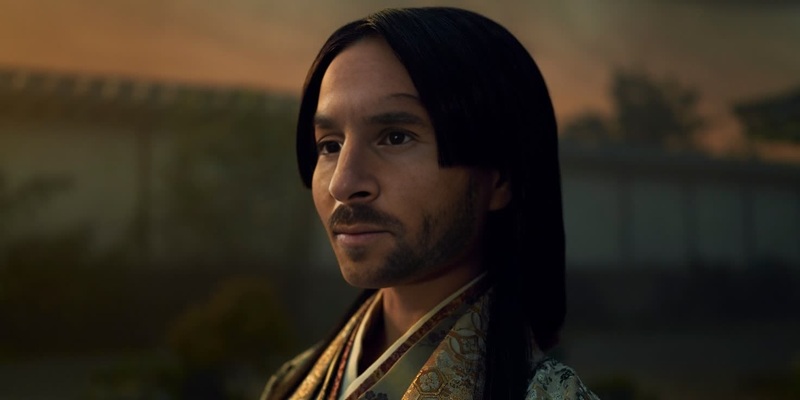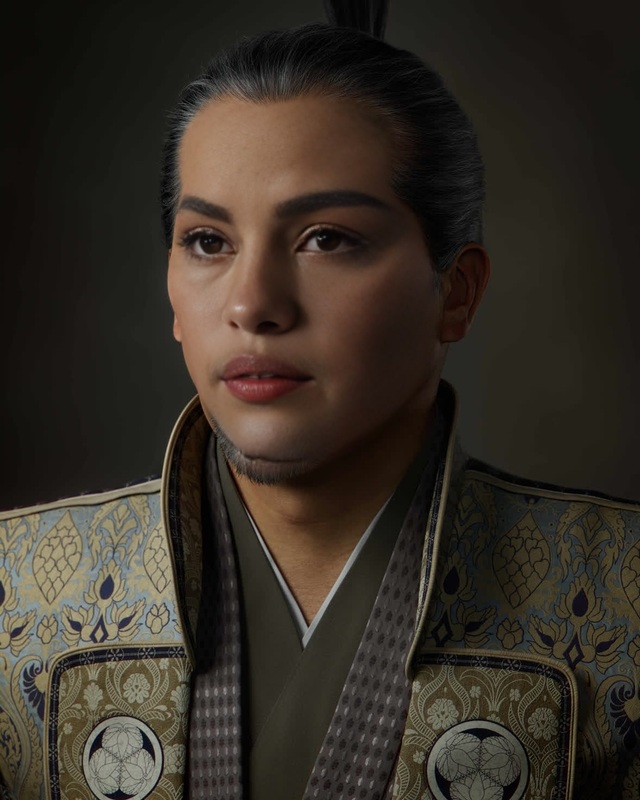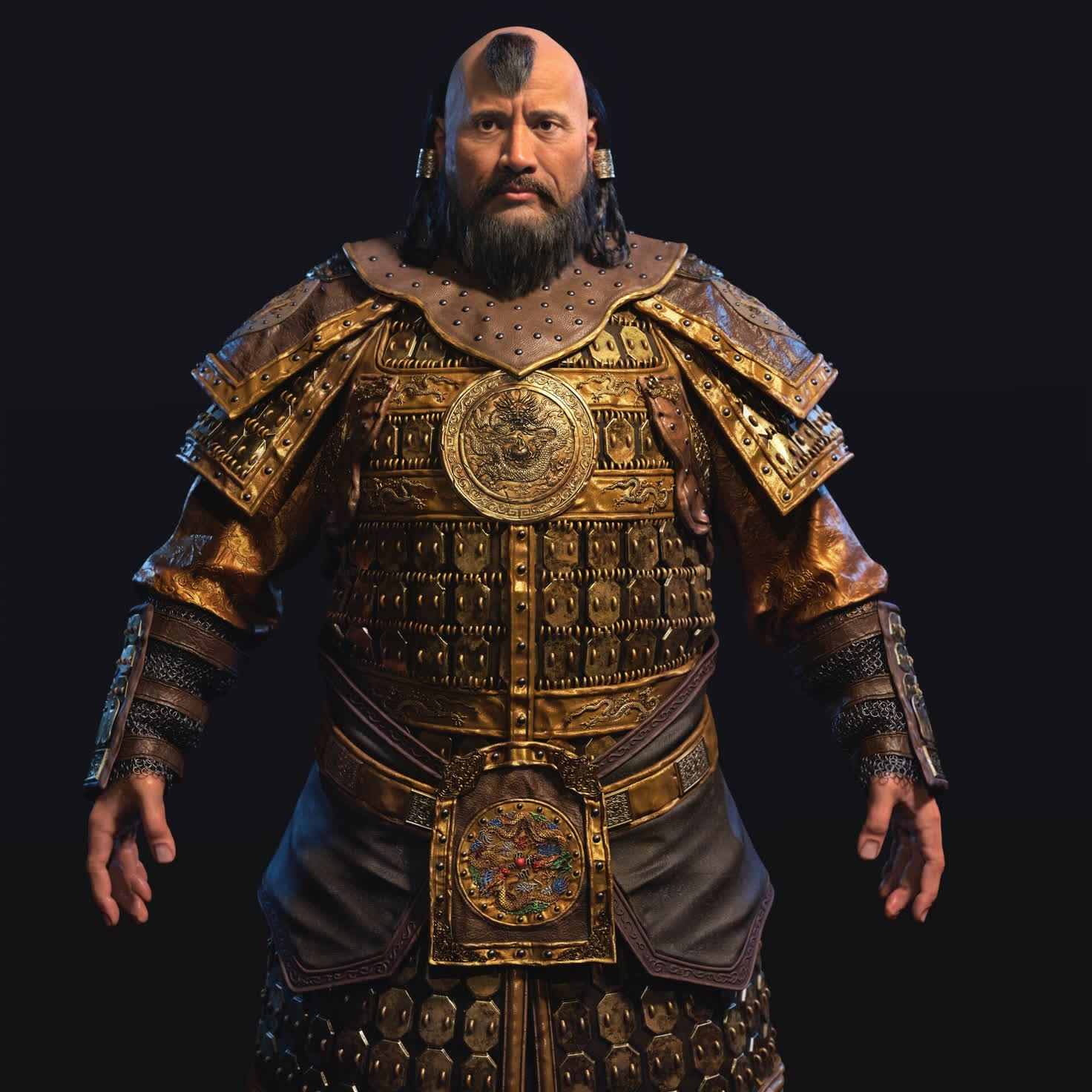
Kublai Khan Marco Polo Series Portrait
- Image
- 1472 × 1472 px
Any aspect ratio
Overview
Step into the shoes of a historical figure with the Kublai Khan Marco Polo Series Portrait. This Video Face Swap template allows you to merge your likeness with one of the most intriguing characters from the Marco Polo series. Ideal for bringing historical narratives to life in your videos.
What It Does
This template enables you to exchange faces with Kublai Khan, immersing your avatar into epic historical settings from the Marco Polo series. Leverage our advanced face swapping technology to keep expressions and movements fluid and realistic.
Who It's For
Perfect for history enthusiasts, content creators focusing on historical reenactments, and educators looking to add a dynamic touch to presentations. Enhance your projects by creating engaging and relatable content that transports viewers to the past.
Summary
Embrace your inner historian with the Kublai Khan Video Face Swap template. With links to AI Video Generator and AI Image Editor, you're equipped to create mesmerizing visual stories set in rich historical contexts.
How To
Choose Your Template

Customize Your Inputs

Generate and Download

Use Cases
Historical Reenactments
Educational Content
Entertainment
Best Practices
High-Quality Inputs
For optimal results, ensure your video inputs are high resolution to improve face swap accuracy.Consistent Lighting
Make sure the lighting in your video is consistent; this helps maintain believable facial transformations.Utilize Editing Tools
Post-process your swapped video using an AI Image Editor to adjust colors and details, ensuring a seamless integration.
Frequently asked questions
More Like This