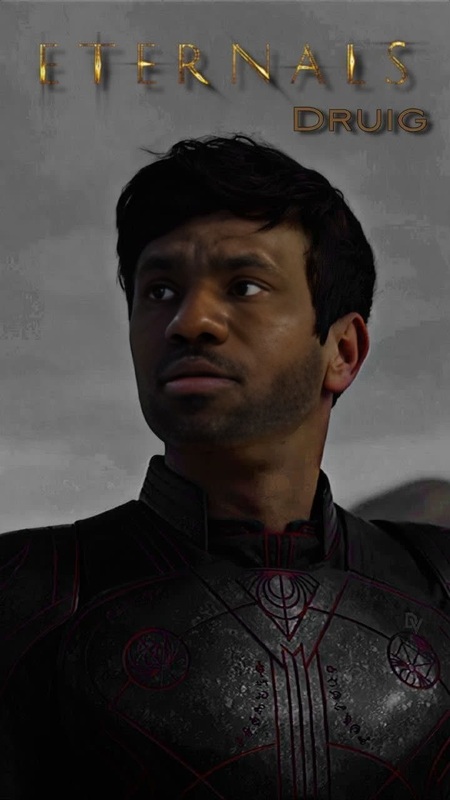
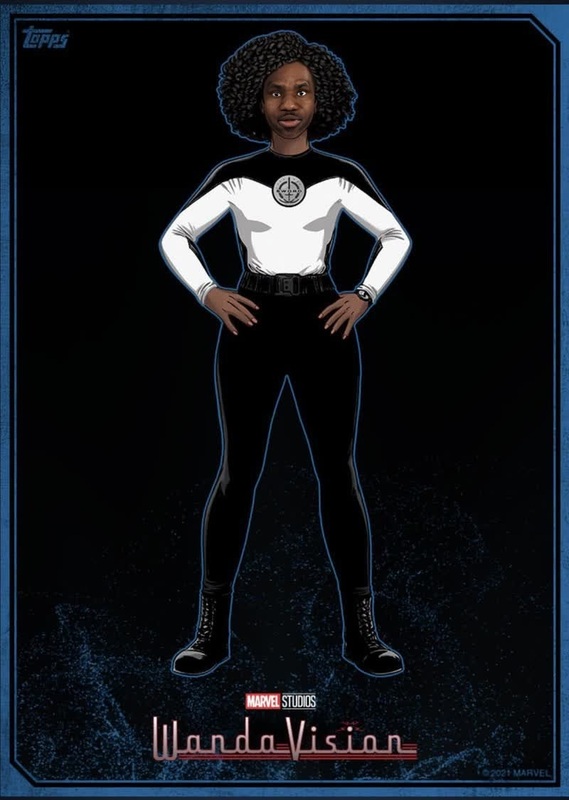
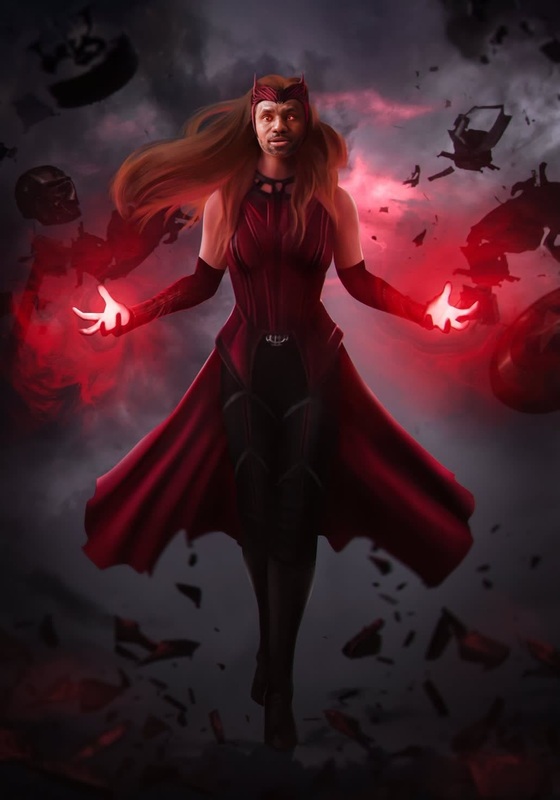
Experience the thrill of turning yourself into Jimmy Woo from the Wandavision series with our Video Face Swap template. This template allows you to step into the Marvel Cinematic Universe, making it a must-try for MCU enthusiasts. With just a few clicks, transport your likeness into iconic scenes, and savor the excitement of becoming a Marvel character.
What It Does
The Jimmy Woo Wandavision Face Swap template transforms any video by replacing a subject's face with Jimmy Woo's from the Marvel Cinematic Universe. Utilizing advanced Face Swap technology, it ensures a realistic and smooth transition, preserving original quality. Whether it's for social media content or personal fun, this template delivers seamless results.
Who It's For
This template is ideal for meme creators, MCU fans, and content creators wanting to add a fun twist to their videos. Whether you're creating content for social sharing, fan edits, or personal enjoyment, this tool offers a unique and engaging experience.
Summary
In summary, our Jimmy Woo Video Face Swap template lets you infuse your personal or professional videos with Marvel magic. Ideal for social media transformations and creative projects, this tool brings cinematic flair to your content reliably and efficiently.
How To
Quick steps to swap faces using the Jimmy Woo Wandavision template.
01
Choose the Template
Select the Jimmy Woo Wandavision template from the Face Swap library on Magic Hour.
02
Customize Your Inputs
Upload your video and adjust the face swap settings to match your desired transformation.
03
Generate Your Video
Click 'Generate' to process your video. Your newly transformed video will be ready for download shortly.
Use Cases
Explore the fun and creative possibilities with this template.
🎬
Fan Edits
Enhance fan videos by inserting yourself into MCU scenes.
📱
Social Media Content
Create engaging social media posts that intrigue and entertain.
😊
Personal Entertainment
Enjoy hours of fun making humorous or themed content.
Best Practices
Tips for making the most of your Video Face Swap creations.
Select High-Quality Source Material
For the best results, use high-resolution videos to maintain clarity and realism.
Optimize Lighting
Ensure that your source video has consistent lighting to facilitate a more believable face swap.
Check Facial Expressions
Match facial expressions between your original subject and Jimmy Woo to enhance the natural look of the swap.
Related Tools
Discover tools that complement your face swap projects.